
Design concepting
AI Tattoo Design Generator
A tattoo is one of the few purchases you can't return, and "I'll know it when I see it" is an expensive strategy at the consultation. Generating your idea as flash-style artwork first lets you find out whether the raven-and-pocket-watch concept actually looks good, and whether it looks good in fine line or American traditional, before anyone opens an ink cap.
Try it now
Free to try, no account needed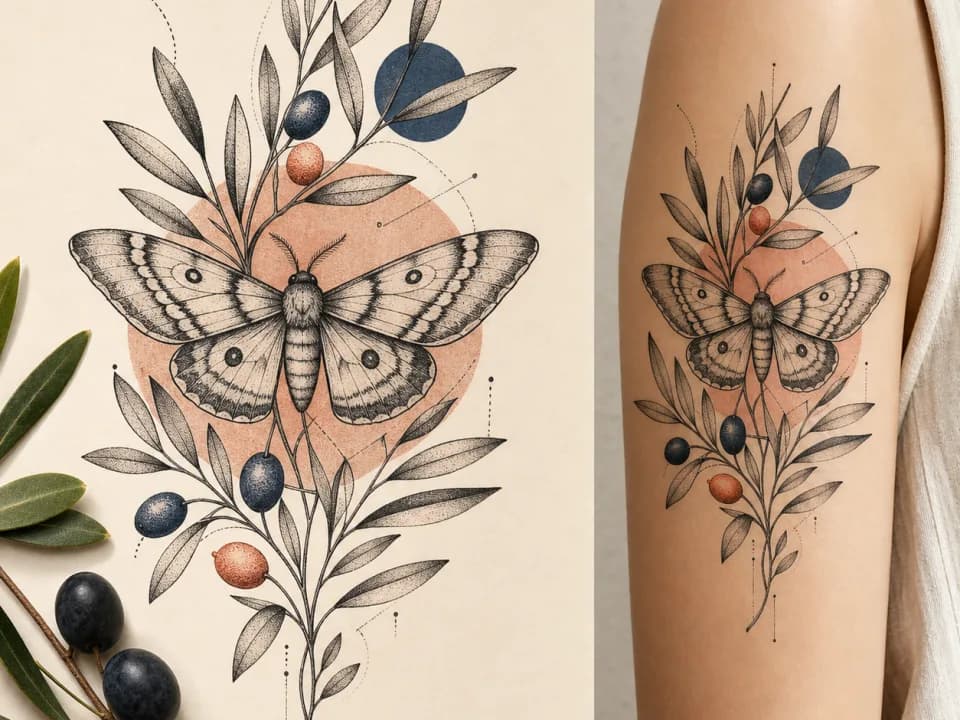 Example output
Your generated image will replace this example.
About this tool
Describe the piece, pick a style, and choose a placement. The placement matters more than people expect: a design that reads beautifully as a back piece turns into mush at wrist scale, so the generator shapes the composition to the body part you pick: elongated for a forearm, wrapping for a shoulder, compact for an ankle.
Bring the results to your artist as references, not gospel. A good artist will tighten line weights that would blur as the tattoo ages, adapt the flow to your actual anatomy, and tell you honestly which elements won't survive at the size you want. What you're buying with a few credits is a shared visual language for that conversation, instead of describing a raven with your hands.
Frequently asked questions
Practical answers about inputs, output formats, credits, and using this tool in a real creative workflow.
Can my tattoo artist work from an AI-generated design?
- Yes, treat the generated design as a detailed reference, not a final stencil. Artists routinely work from reference art: they'll adjust line weights that would blur as the tattoo ages, rescale elements for your placement, and redraw the stencil themselves. Bringing a concrete image to a consultation is far more productive than describing an idea in words.
Which tattoo styles can it generate?
- Six styles are built in: American traditional (bold outlines, limited classic palette), fine line, Japanese irezumi, blackwork, black & grey realism, and watercolor. Each option maps to the visual conventions of that style, so "American traditional raven" comes out looking like flash, not a generic illustration.
Why preview a tattoo with AI before booking?
- Because iterating on paper is free and iterating on skin is not. Ten variations of your concept cost a few credits and a couple of minutes; discovering at the shop that you wanted blackwork instead of realism costs a deposit, a rebooking, or a cover-up. Most people also find their idea changes once they actually see it.
Will the design work as a tattoo stencil?
- Line-based styles translate best: fine line, blackwork, and American traditional designs are close to stencil-ready, and your artist will trace and adjust them. Watercolor and black & grey realism outputs work as color and shading references: those styles depend on the artist's technique more than on the linework.
Related tools
Design concepting
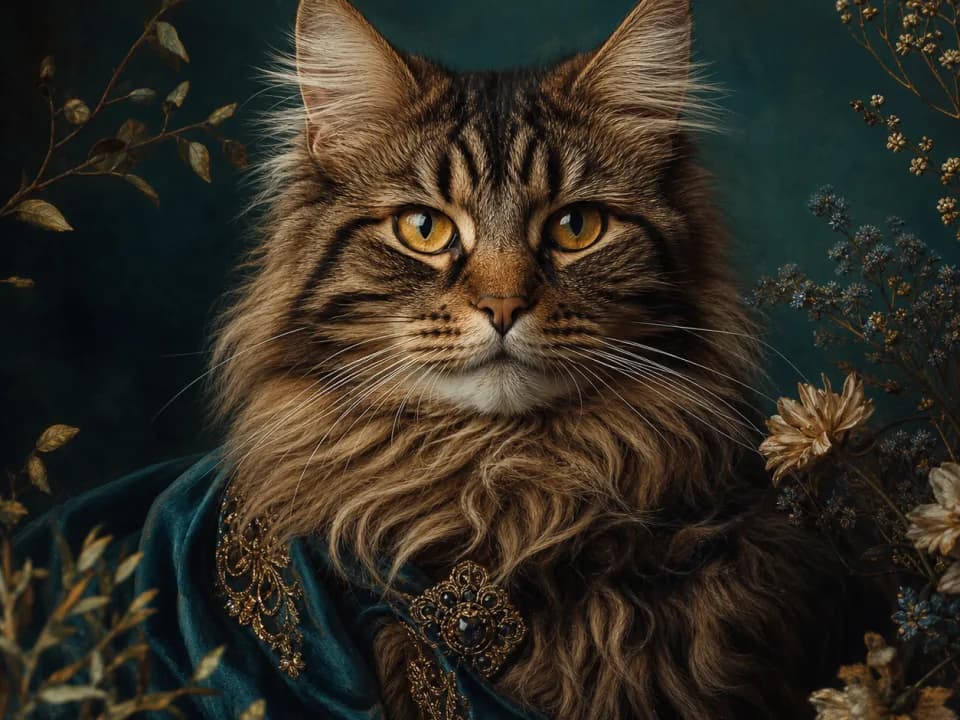
AI Pet Portrait Generator
Turn a photo or description of your dog or cat into a stylized portrait: royal oil painting, watercolor, pop art, and more. Free to try.
Design concepting
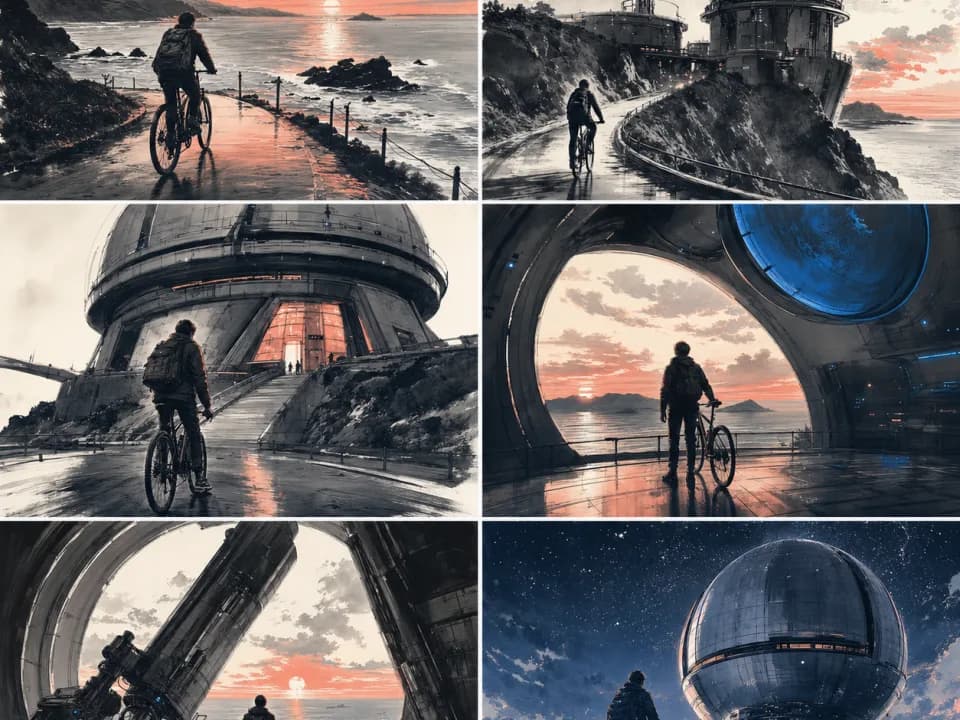
AI Storyboard Generator
Turn scene descriptions into storyboard frames with real camera language: establishing shots, close-ups, OTS. Board a sequence in minutes. Free to try.
Design concepting
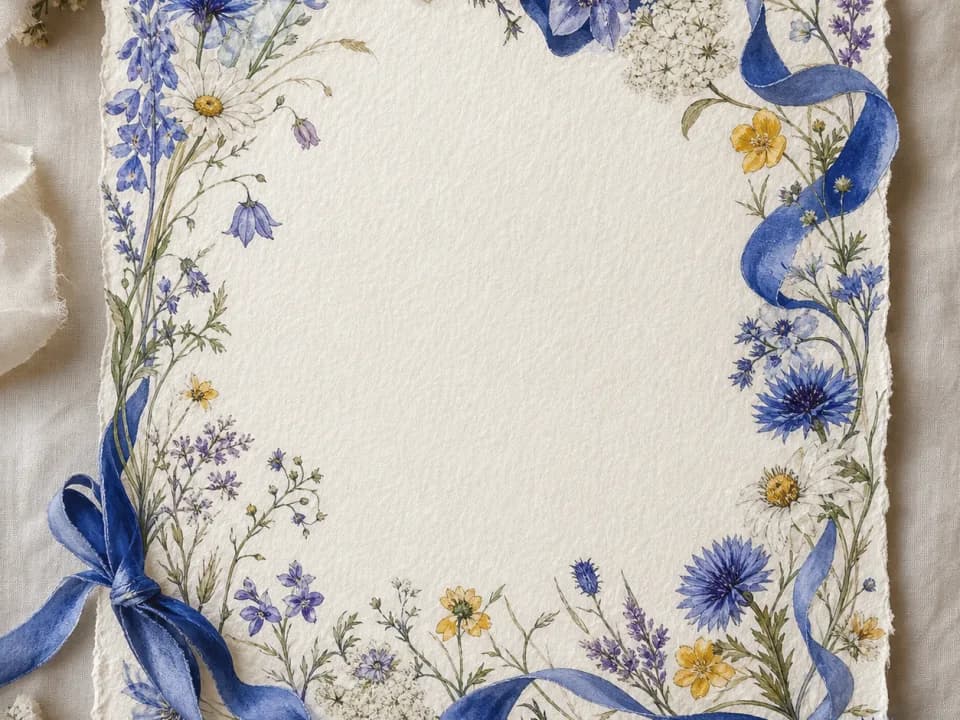
AI Invitation Maker
Generate invitation backgrounds for weddings, birthdays, and parties: styled borders with clear space for your event details. Free to try.

Design concepting
AI Interior Design Generator
Upload a room photo or describe your space and get interior design concepts in Scandinavian, Japandi, industrial and more. Free to try.