
Products & merch
AI Sticker Design Generator
Sticker shops run on volume: the Etsy and Redbubble sellers who do well list dozens of designs and let the market pick winners. The bottleneck has always been production: commissioning art per design, or spending an evening in Procreate for each one. Describing a design and getting print-styled art back in seconds changes that math.
Try it now
Free to try, no account needed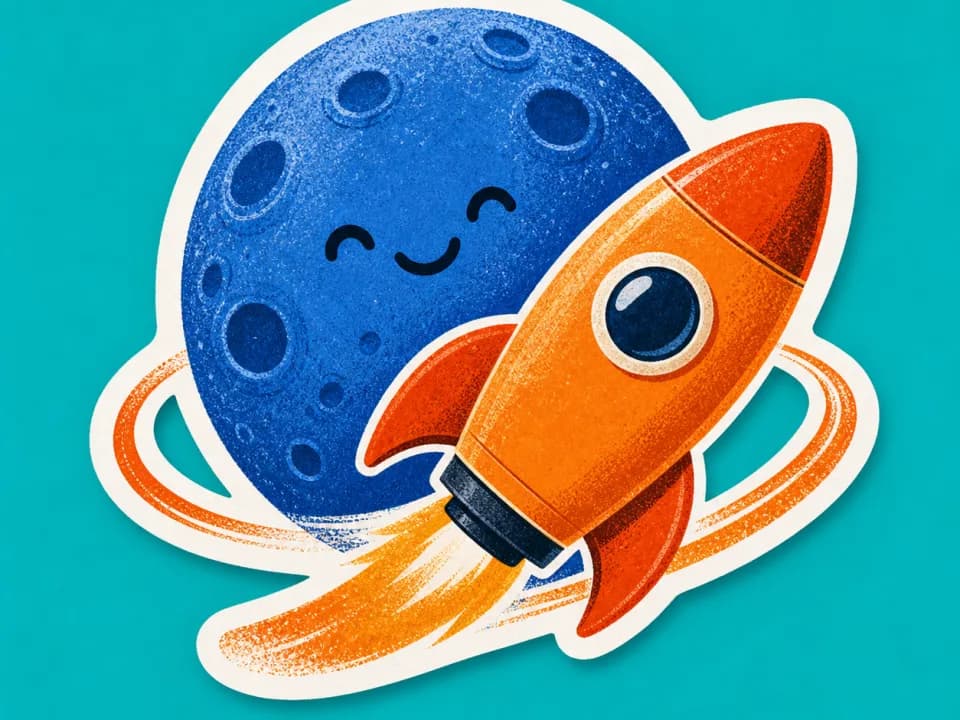 Example output
Your generated image will replace this example.
About this tool
Every generation comes out in die-cut form: a bold white border traced around the artwork's silhouette, clean saturated color, and a plain white background: the format print-on-demand services and cutting machines expect. Pick a style like kawaii cartoon, retro 70s, or botanical line art, and the whole batch stays visually consistent, which is what makes a shop page look like a brand instead of a grab bag.
Use it for shop listings, laptop and water-bottle stickers for your community, conference giveaways, or packaging seals. Generate a few directions, keep the ones that make you grin, and send them to your printer.
Frequently asked questions
Practical answers about inputs, output formats, credits, and using this tool in a real creative workflow.
Can I sell stickers made with this generator?
- Yes, the designs you generate are yours to use commercially, including on Etsy, Redbubble, and other print-on-demand marketplaces, subject to the model provider's usage policy. Avoid prompts that reference trademarked characters or logos; marketplaces take those down regardless of how the art was made.
What size can I print the stickers?
- Designs generate at 1024×1024 pixels, which prints a 3-inch sticker at roughly 340 DPI, above the 300 DPI print standard. For stickers larger than about 3.5 inches, upscale the image first so the edges stay crisp.
Does it create the white die-cut border?
- Yes. Every design generates with a bold white border traced around the artwork's silhouette: the outline a die-cut service or a Cricut/Silhouette machine cuts along. You can also ask for a plain edge-to-edge design in your description if you're making square kiss-cut sheets.
How do I get a transparent background?
- Designs generate on a plain white background, not a transparent one. White is what die-cut printers actually want, since the cut path is traced from the silhouette. If you need true transparency, say, for a digital sticker pack, remove the white background in Photoshop, GIMP, or a one-click tool like remove.bg.
Related tools
Products & merch
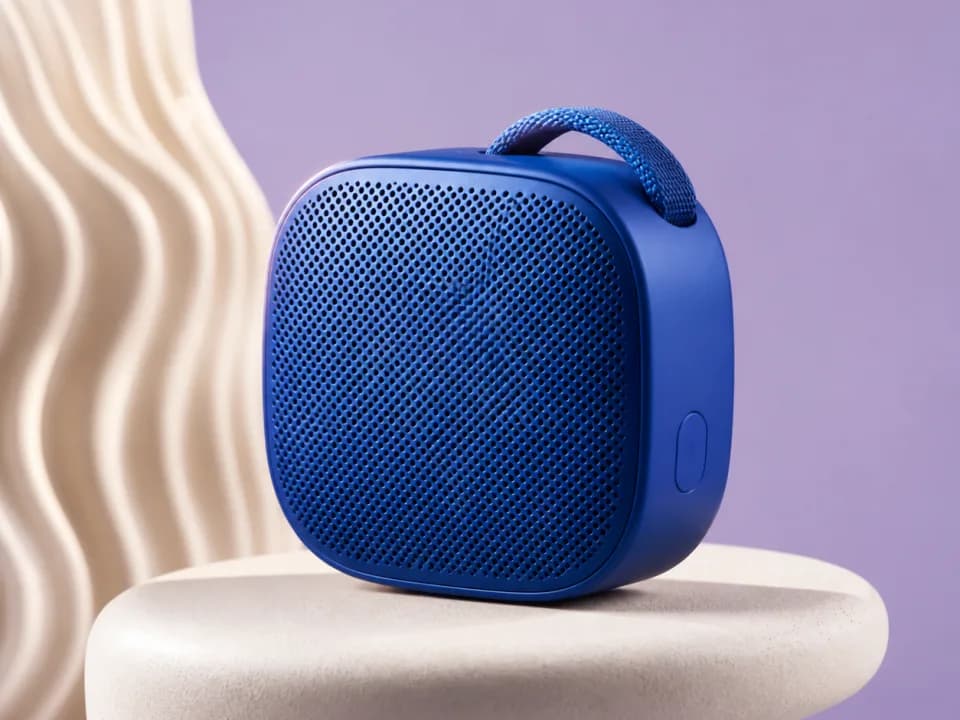
AI Product Mockup Generator
Turn your artwork into realistic product mockups, t-shirts, mugs, framed prints, totes, packaging, shot for Etsy and Shopify listings. Free to try.
Products & merch
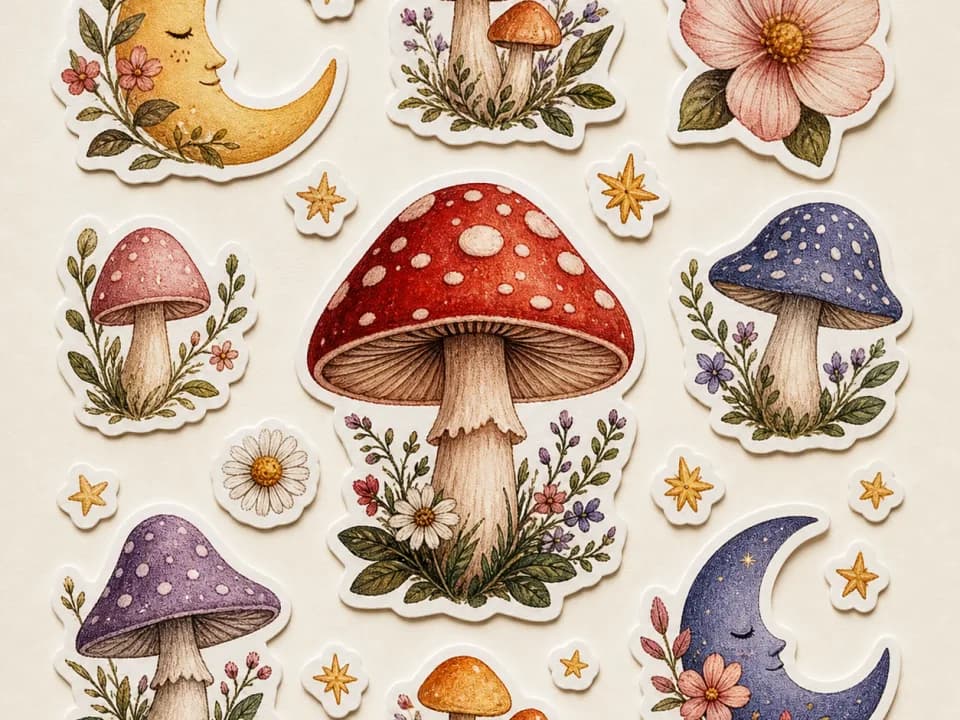
AI Sticker Sheet Generator for Etsy
Generate Etsy-ready sticker sheets: 6-12 matched designs with white die-cut borders, one shared palette, one pass. Pick a theme and style. Free to try.
Products & merch
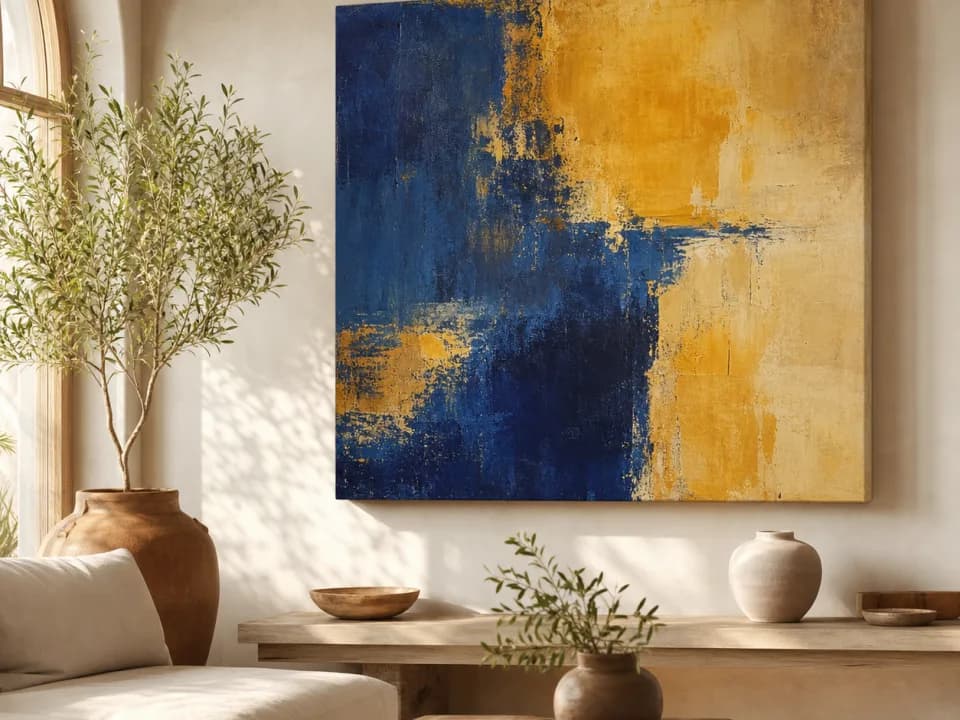
Canvas Mockup Generator
Make canvas mockups from your art: upload the file, pick a room and canvas format, and get a styled interior photo with realistic scale and light. Free to try.
Products & merch
Poster Mockup Generator
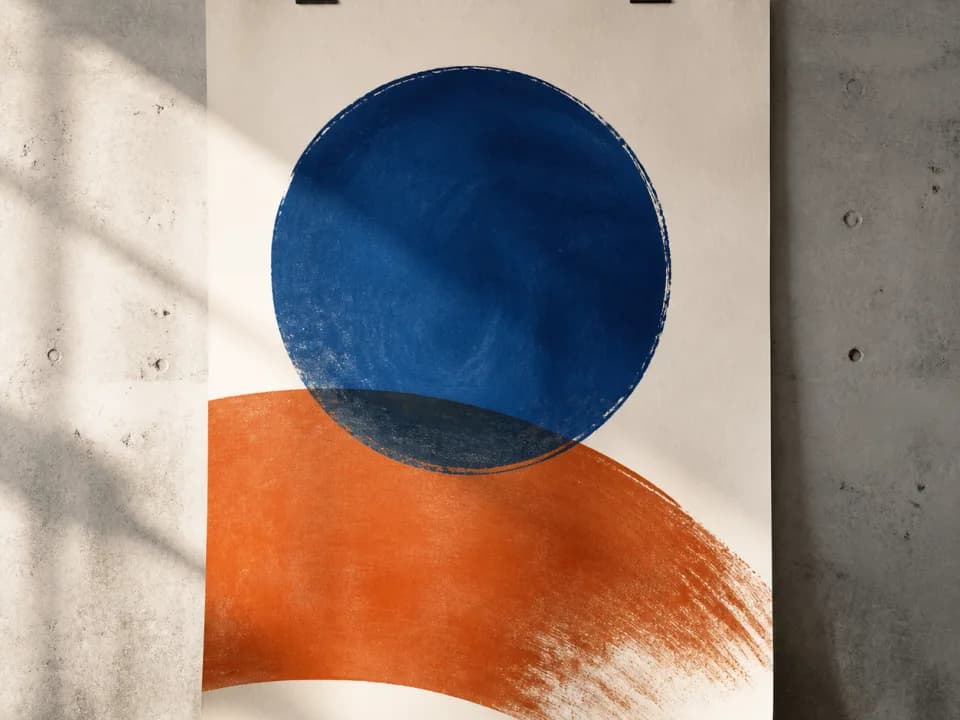
Make poster mockups from your art: upload the file, pick a frame style and room, and get a styled interior photo with realistic scale and glass. Free to try.