01 · Capture
Start with one clear product record.
Keep the complete piece visible, use soft light, stabilize the camera, and leave clean margin around every edge.
AI jewelry photography
Upload the piece you actually sell. Create clean catalog, on-model, and campaign images while the exact stone, setting, metal, and proportions remain the reference.
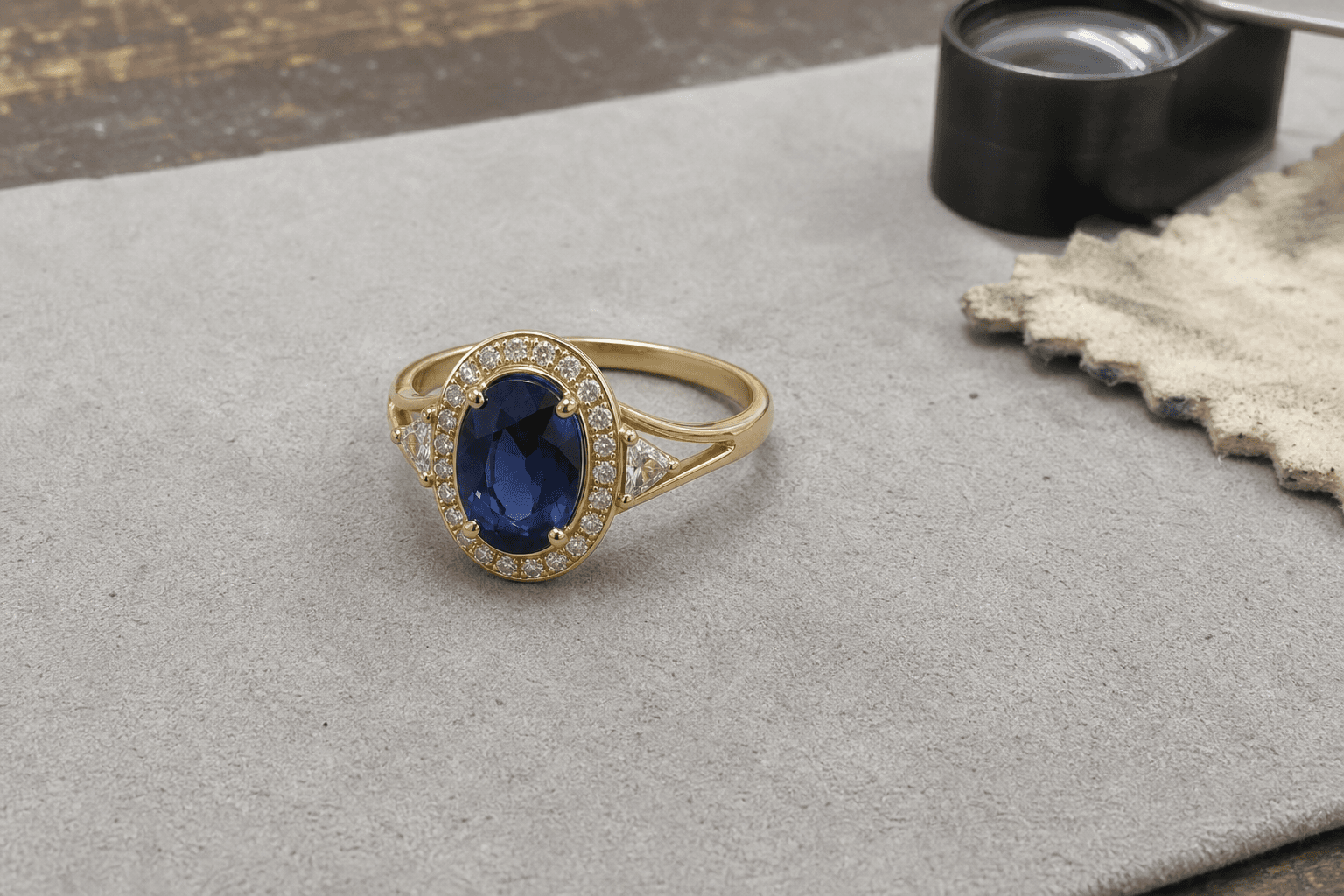 Original photo
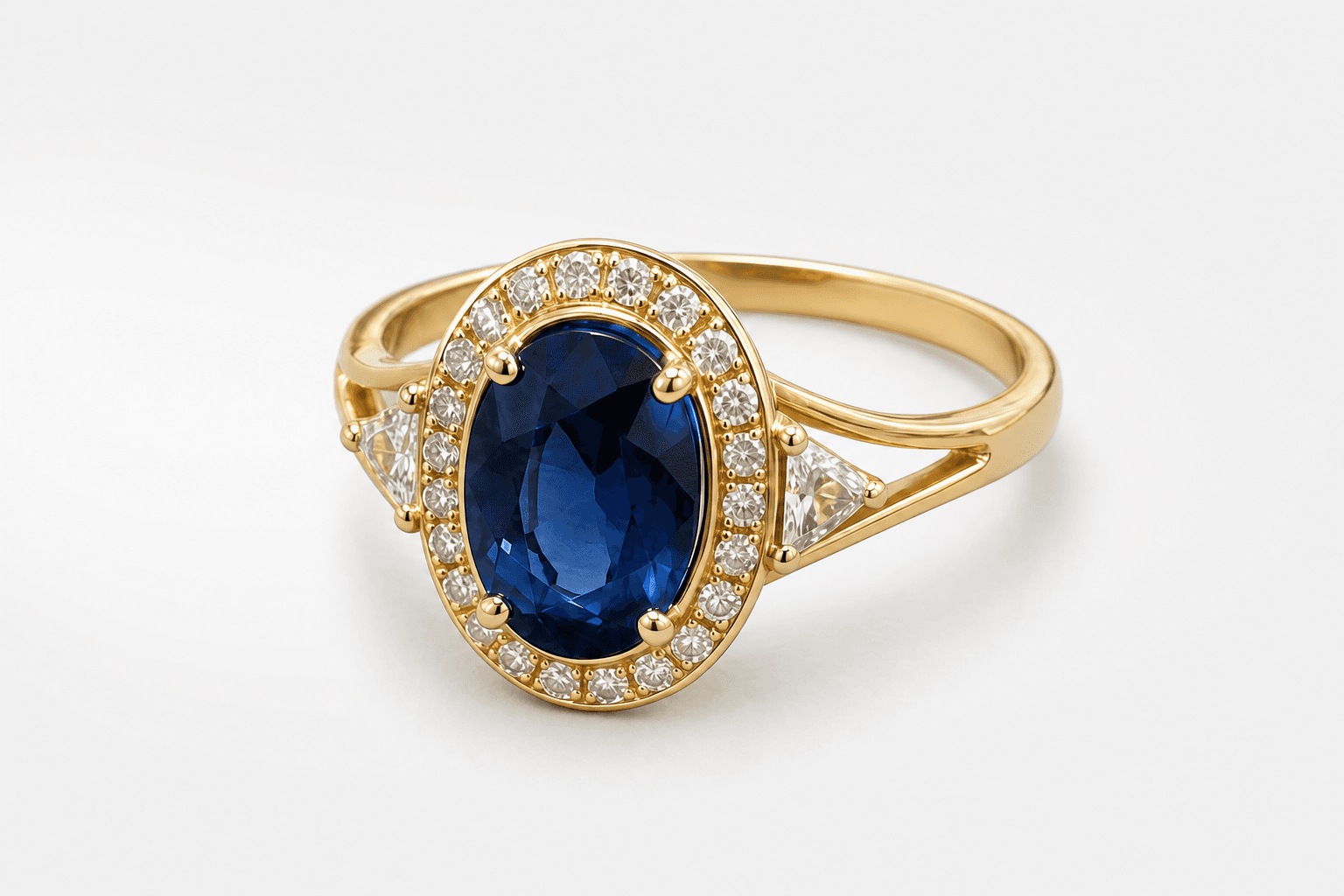 Clean catalog
3 trial credits · no account needed
One piece · three placements
Build the accurate catalog image first. Add human context or a luxury story only when the placement calls for it.
01Controlled reflections and immediate material clarity.
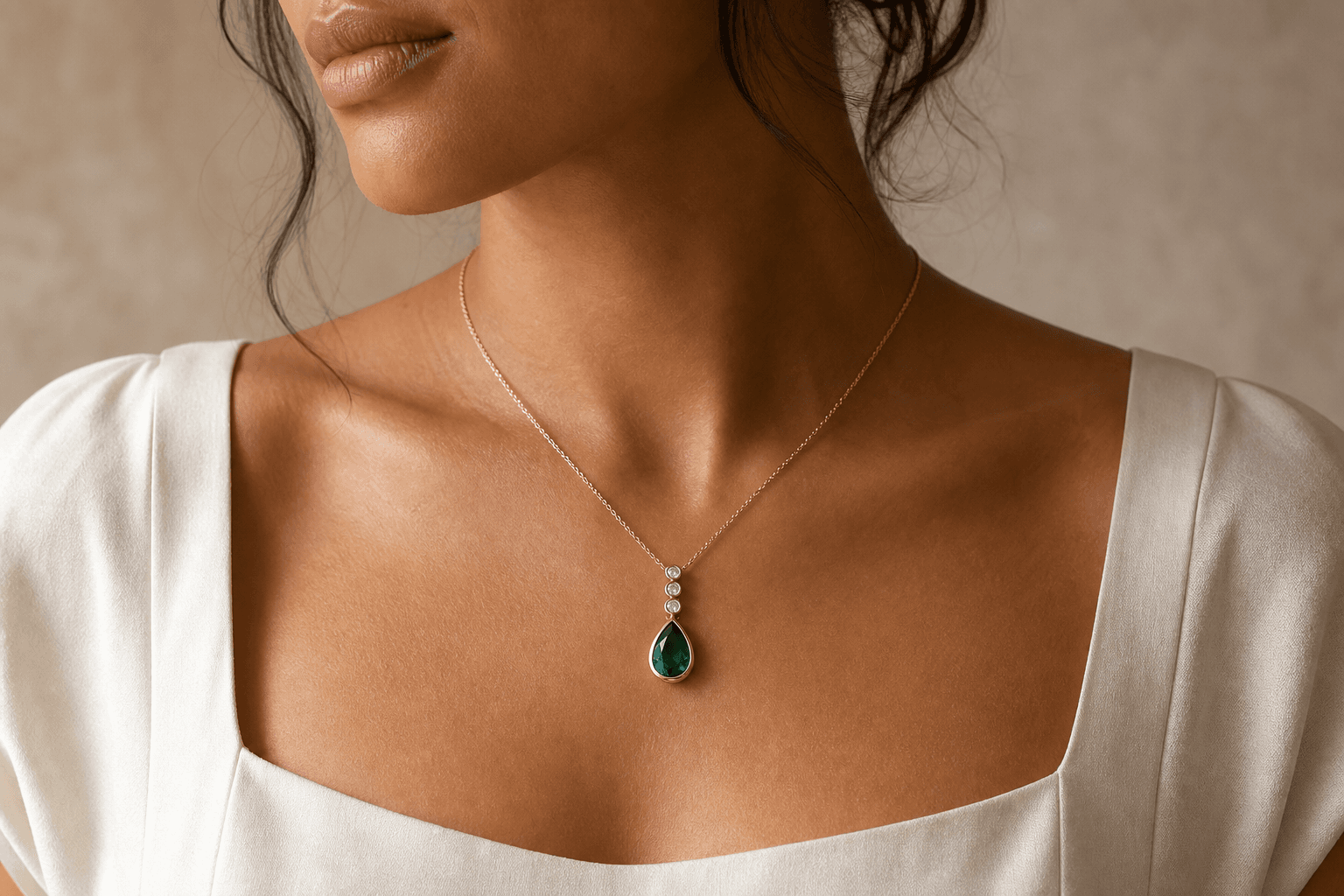 02
02Believable scale and placement without another model shoot.
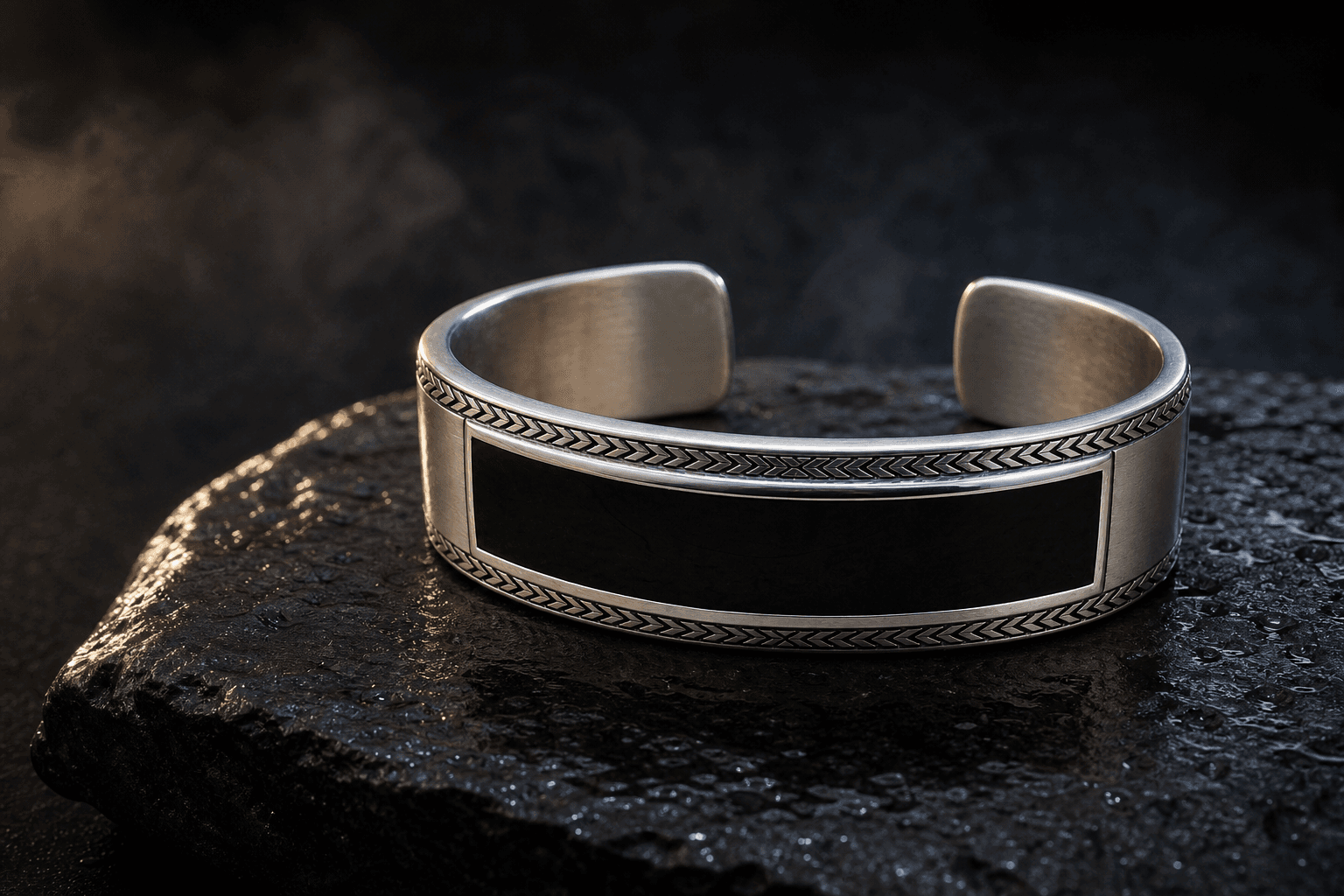 03
03Sculptural art direction with the real piece still in charge.
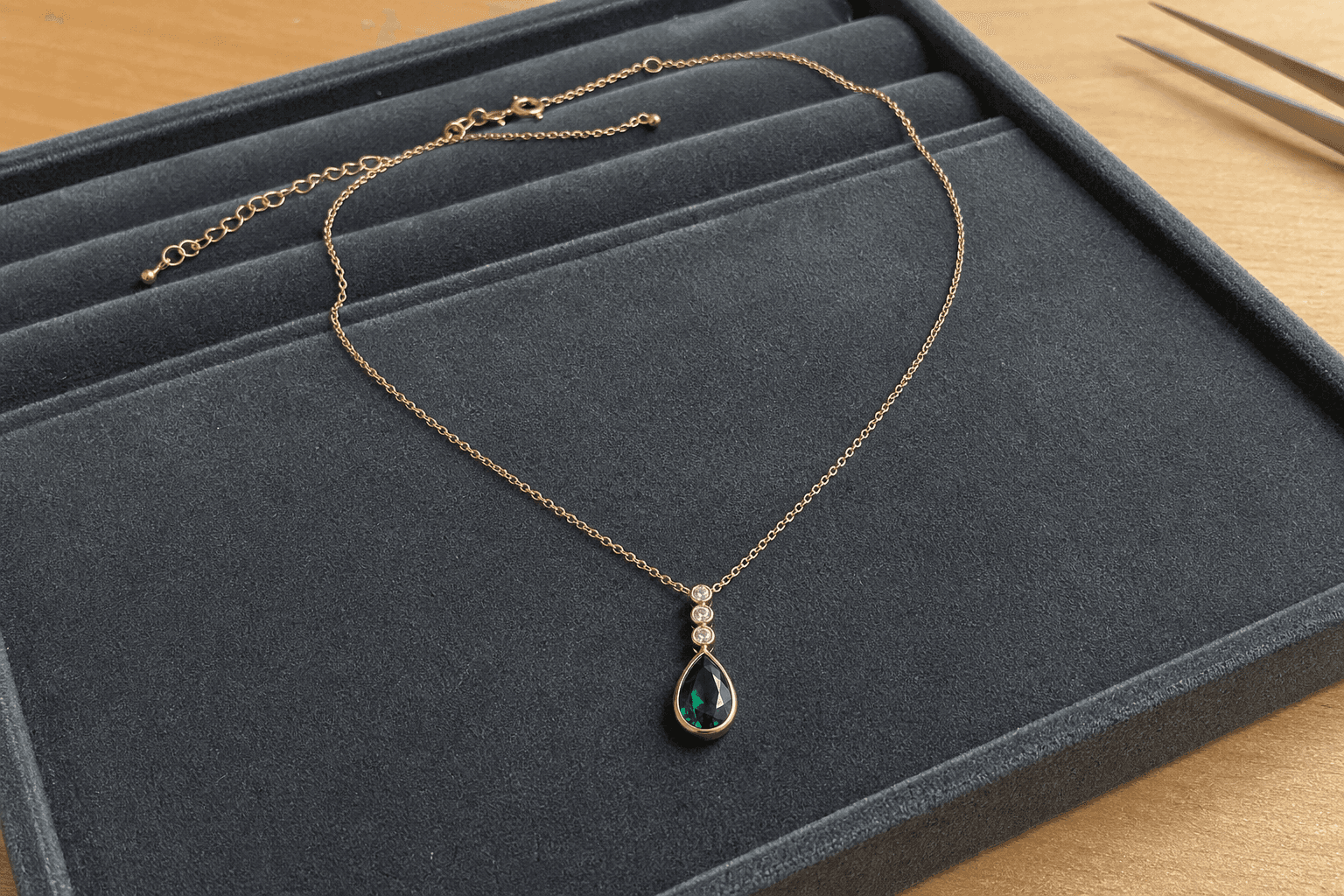 The actual piece
Art direction, not redesign
The uploaded photo remains the source for stone cut and count, setting, prongs, metal color, engraving, construction, proportions, and silhouette. The generation changes the context and light around it.
01 · Capture
Keep the complete piece visible, use soft light, stabilize the camera, and leave clean margin around every edge.
02 · Merchandise
Clean Catalog handles the product page. On-model and Luxury Campaign add context for higher-value placements.
03 · Verify
Compare stones, prongs, engraving, chain links, closures, metal color, and proportions against the source at full size.
Practical answers
Your piece, your product story
Upload one real piece, choose the placement, and generate the first photography direction without leaving this page.
Upload jewelry