
Talking-head selfie
The classic UGC ad: arm's-length selfie framing, handheld movement, direct eye contact, everyday light. Give it the exact line you want said and the tone to say it in, and the persona delivers it to camera.
AI UGC generator
AI UGC is creator-style ad footage generated instead of filmed: talking-head selfies, product demos, lifestyle b-roll. Here you author one persona, lock its face to an approved character sheet, and every clip after that is the same creator.

AI UGC is user-generated-content-style advertising created with generative models rather than filmed with a creator: the same handheld selfie framing, everyday lighting, and casual delivery that performs on TikTok, Reels, and Shorts, produced from a brief.
The reason brands want it is arithmetic. Paid UGC costs money per deliverable and days per revision, so testing ten hooks is a budget decision. Generated clips cost credits, so it stops being one. The catch is identity. Most tools in this category hand you an avatar from a shared library that every other advertiser can pick too, and a spokesperson whose face shifts between clips reads as fake immediately.
That is the problem this page is about. Dream Pixel Forge treats the persona as the asset: you author it, an approved character sheet locks the identity, and every clip, photo, and caption after that comes from the same creator. Not an avatar you rent.
These are the shipped presets in the persona studio. Each one carries the framing, pacing, and camera language for its format, so your brief only has to say what happens.
The classic UGC ad: arm's-length selfie framing, handheld movement, direct eye contact, everyday light. Give it the exact line you want said and the tone to say it in, and the persona delivers it to camera.
The persona holds and shows the product, cutting between a friendly explanation and close detail shots. Bring your own product photo as the source frame so the item stays exactly as it looks on the shelf.
Candid movement, tactile close-ups, natural environmental light. The cutaway footage that makes an ad feel filmed rather than rendered, and the cheapest thing to generate in volume.
Every clip below is the same persona, generated in Dream Pixel Forge and animated from an approved still. Six different scenes, one creator.
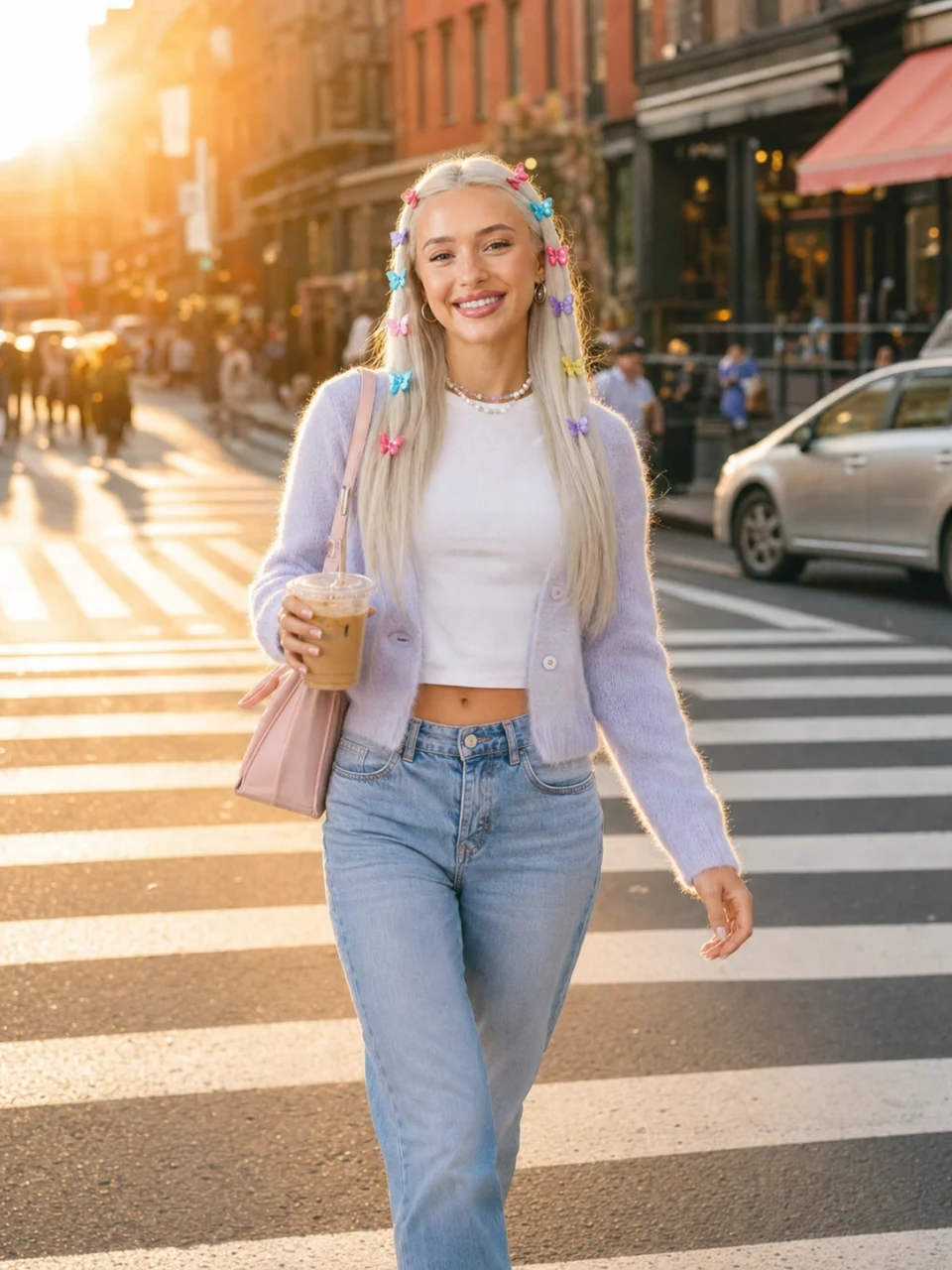
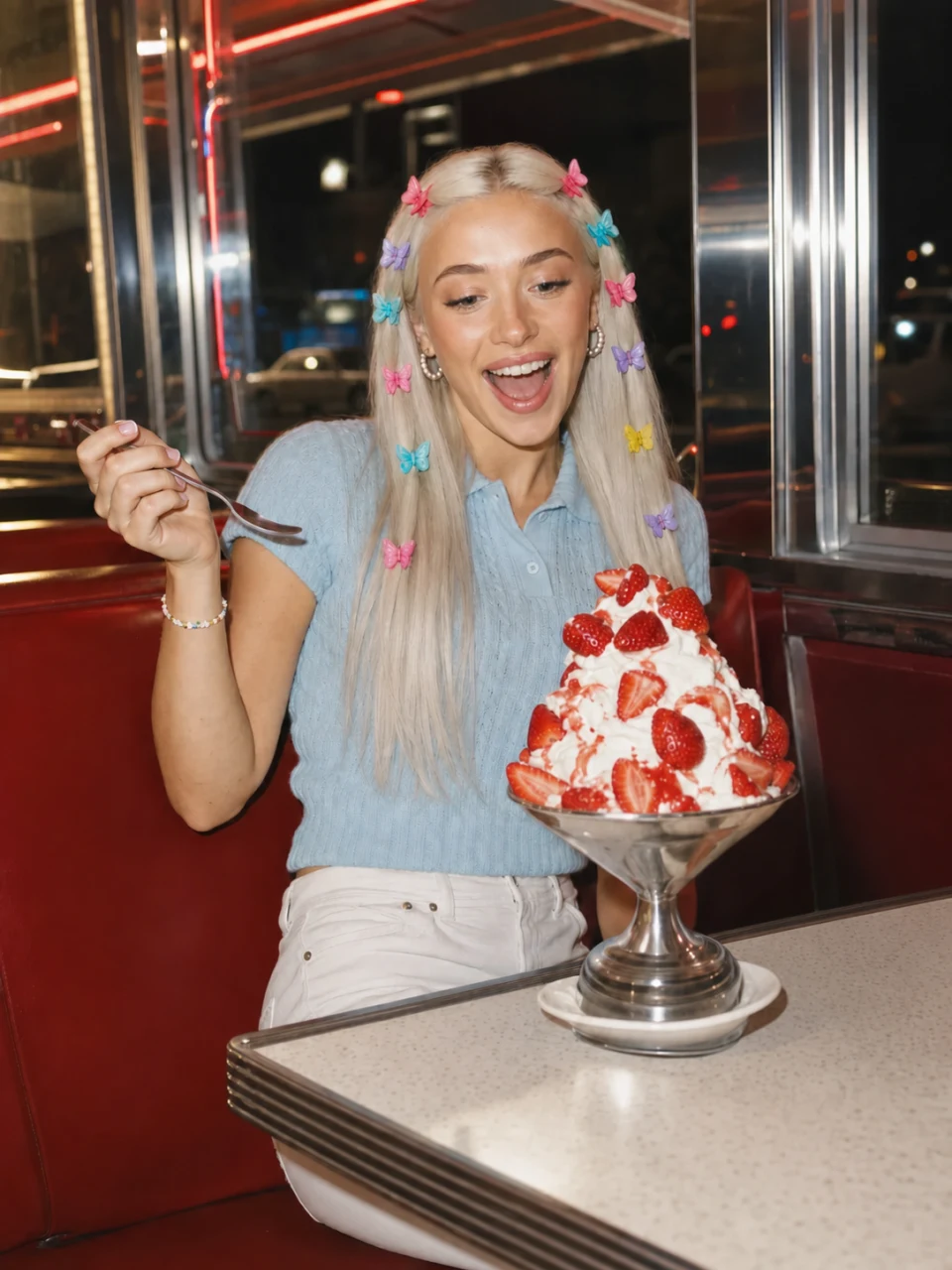
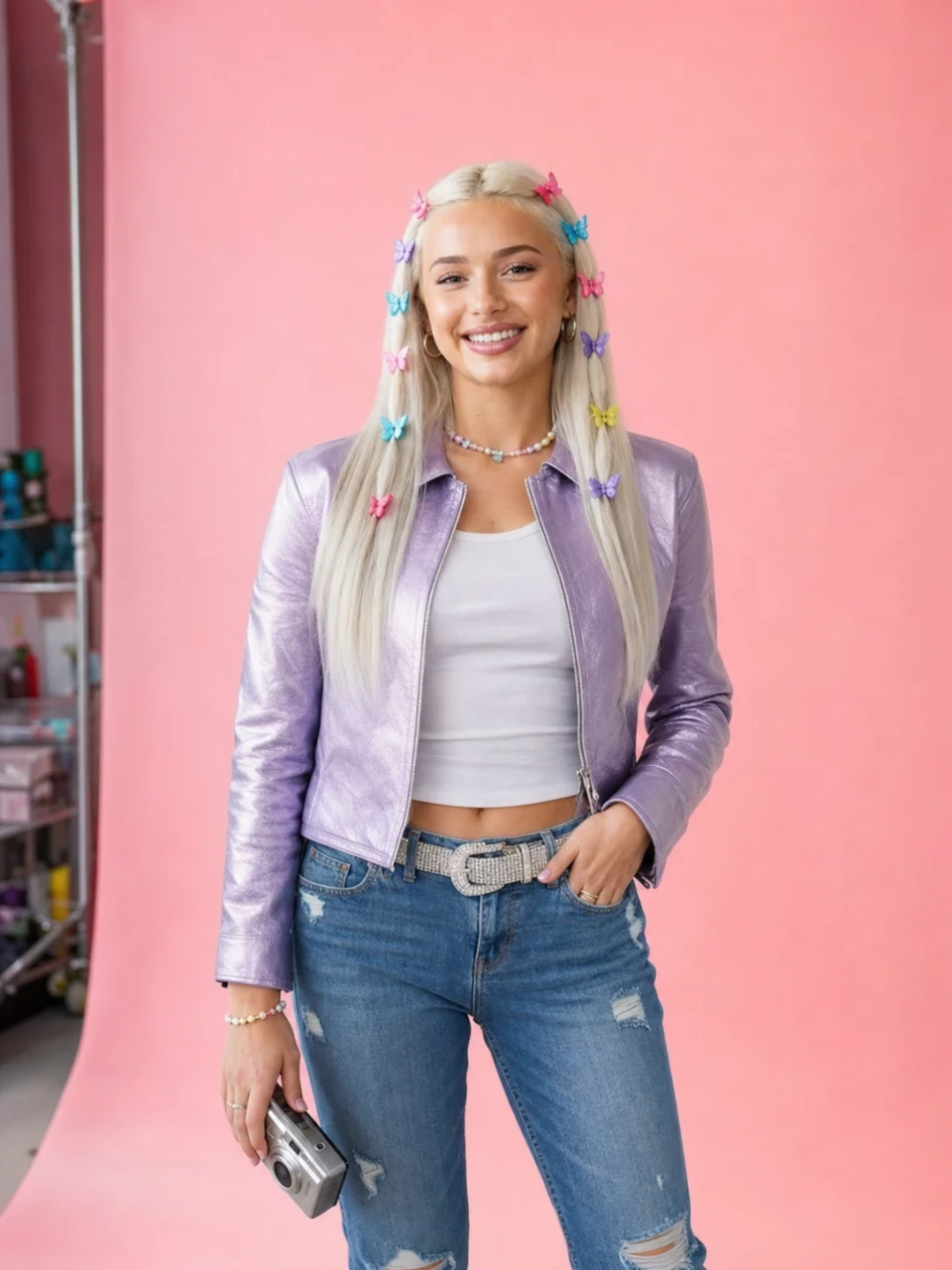
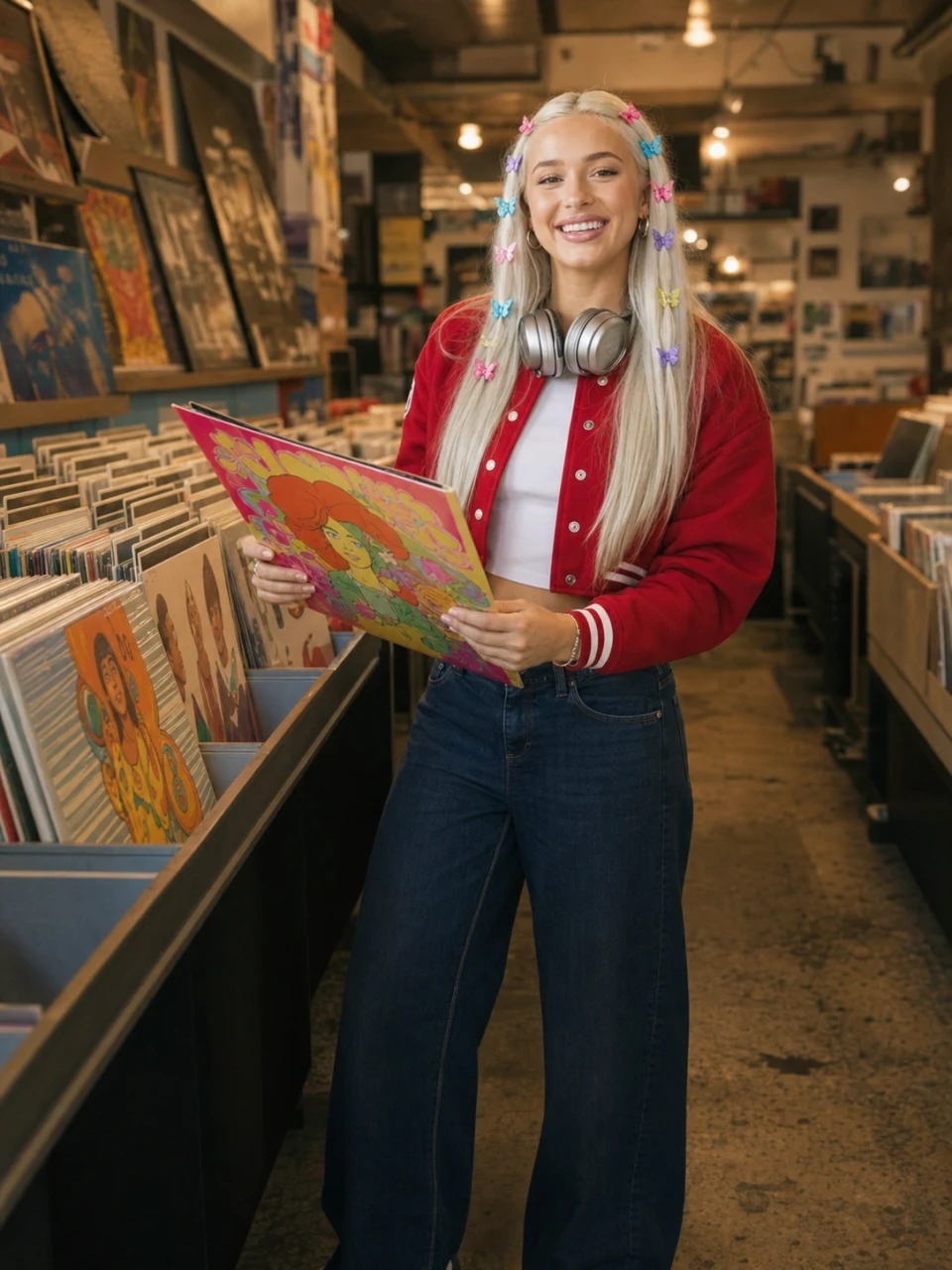

Four steps, and only the first two are setup. Once the persona is approved, making the next ad is a one-line brief.
Step 1
Name it, describe the look, or start from one of 17 editable presets. Import up to five of your own photos if you want the persona to be you. You declare a likeness basis at this point: your own likeness, an authorized person's, or fully synthetic.
Step 2
The generator renders a multi-angle sheet of the persona. You approve it, and that sheet becomes the identity reference every later image and clip is built against. This approval step is what stops the face from drifting between posts.
Step 3
Pick a format, say what happens in one line, and pick the aspect ratio (9:16 is the default for Reels, TikTok, and Shorts). Dialogue is an exact quoted line, so the persona says your words rather than improvising around a topic.
Step 4
The persona carries a written voice: tone, niche, backstory, catchphrases, topics to avoid. It drafts captions in that voice for Instagram, TikTok, or X, so the copy under the clip sounds like the same person who is in it.
You choose the engine on every render, because a hook test and a hero cut do not deserve the same budget. Three models, matched to three jobs.
Identity lock
Takes up to nine reference images with per-image prompt tags, which is the strongest identity conditioning available. Reach for it when a stylized persona has to be recognizably the same across a whole content calendar.
Photoreal animate
The low-credit lane for testing hooks before you spend, and currently the reliable path for animating an approved still of a photoreal person into motion.
The hero clip
Highest fidelity with native synced audio. Save it for the one cut that carries the campaign, once cheaper takes have told you which hook works. Pro and Studio plans.
Video is priced per second of output. A standard clip at default settings is 20 credits; the premium ceiling, an 8-second Veo 3.1 clip with audio, is 208. The exact number is on the generate button before you commit, and a failed or filtered generation is refunded. Video generation needs a paid plan: Starter includes the standard models, Pro and Studio add Veo 3.1.
From the blog
Guides
UGC Creator: What It Is, How to Become One, What It Pays
A UGC creator is paid for customer-style footage, not followers. What the job is, how to become one, what marketplaces actually pay, and how AI UGC changes it.
Guides
AI UGC Video: Make AI Influencer Ads With One Persona (2026)
AI UGC video is AI-generated creator-style ad footage: talking-head selfies, product demos, and b-roll. Make it with one consistent AI persona across every clip.