Toggle navigation
AI virtual try-on
Put the garment on the model. Before the shoot.
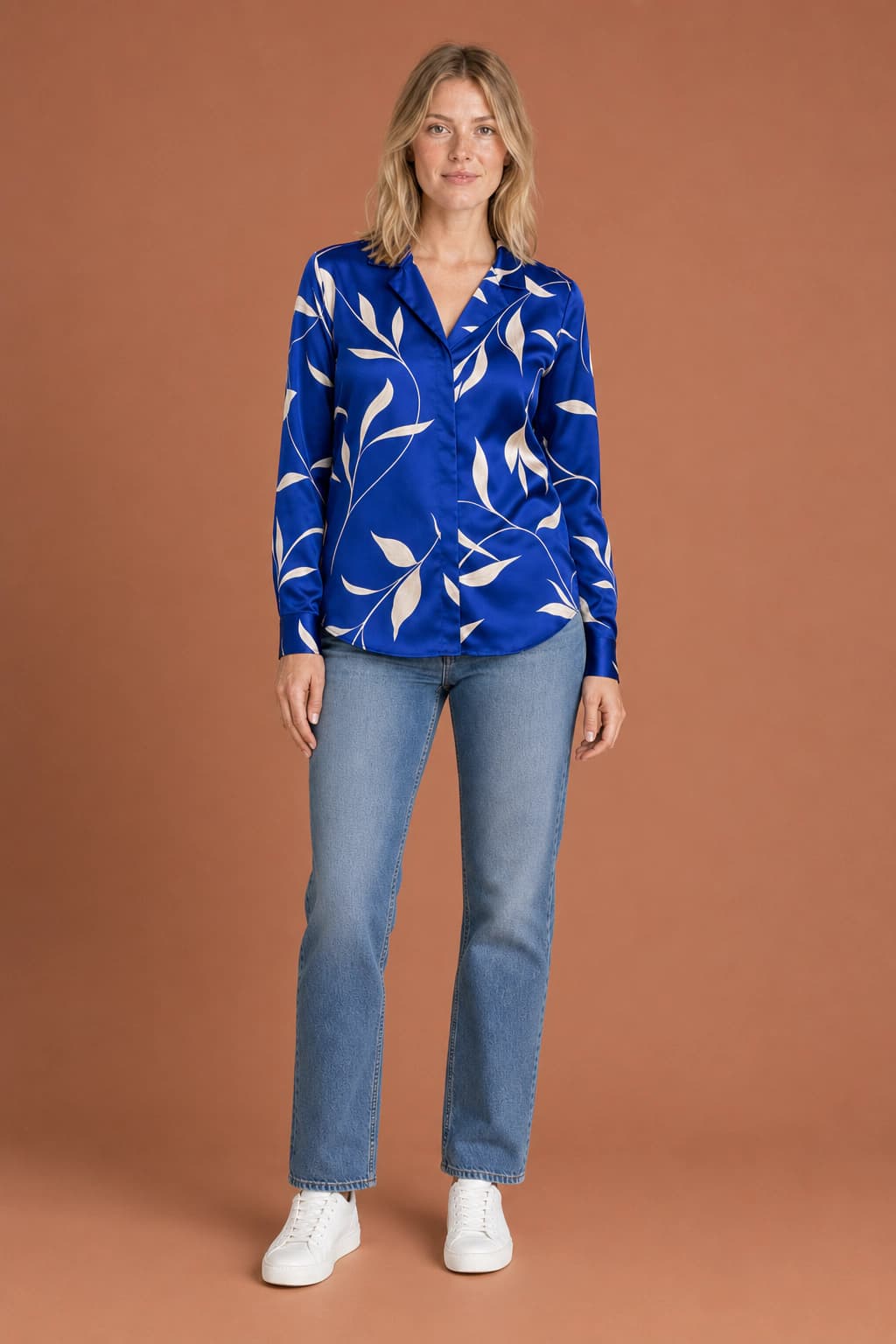
Start with our blonde model or upload your own adult person. Add the garment, choose the direction, and generate the on-model frame here.
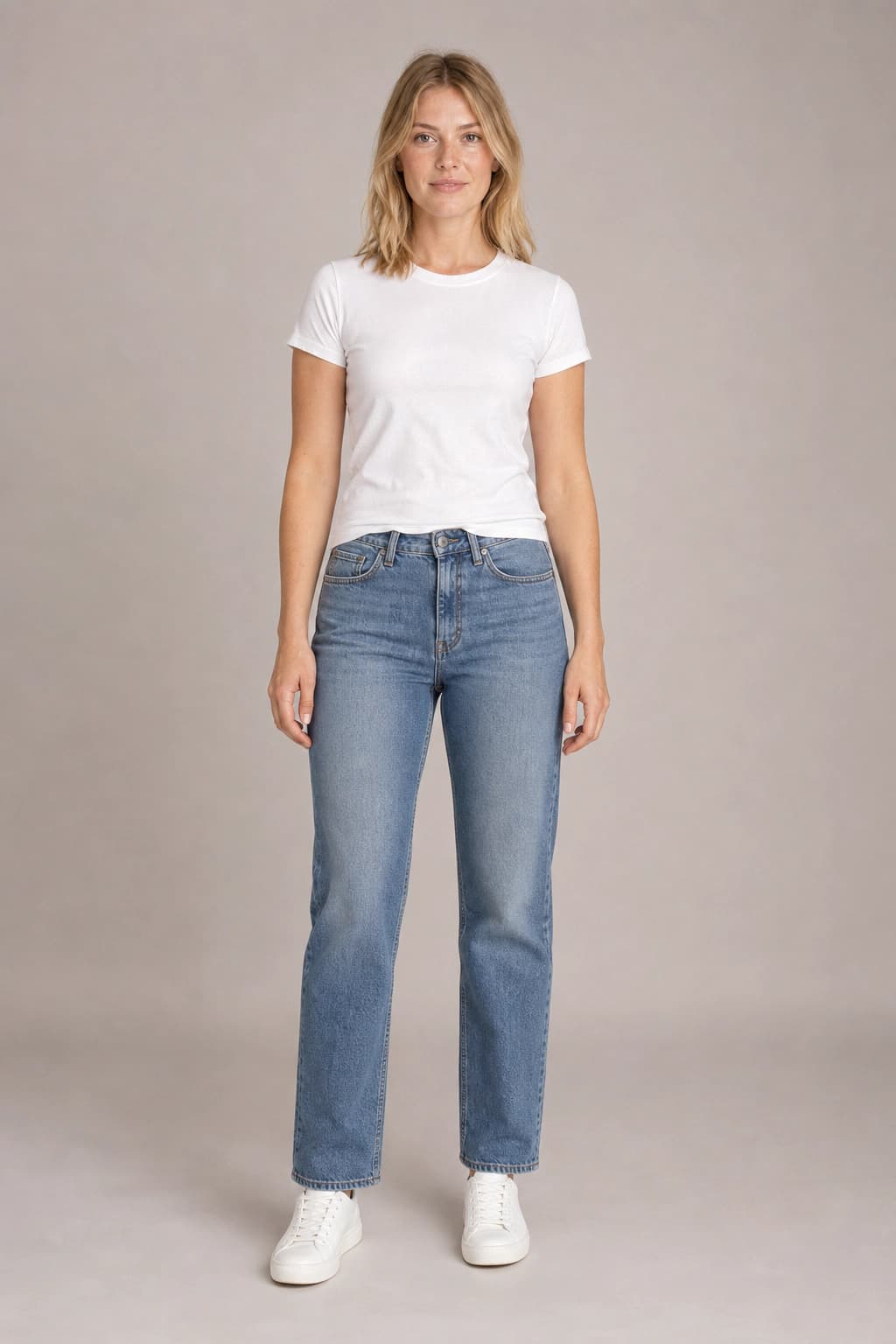
Default · age 26
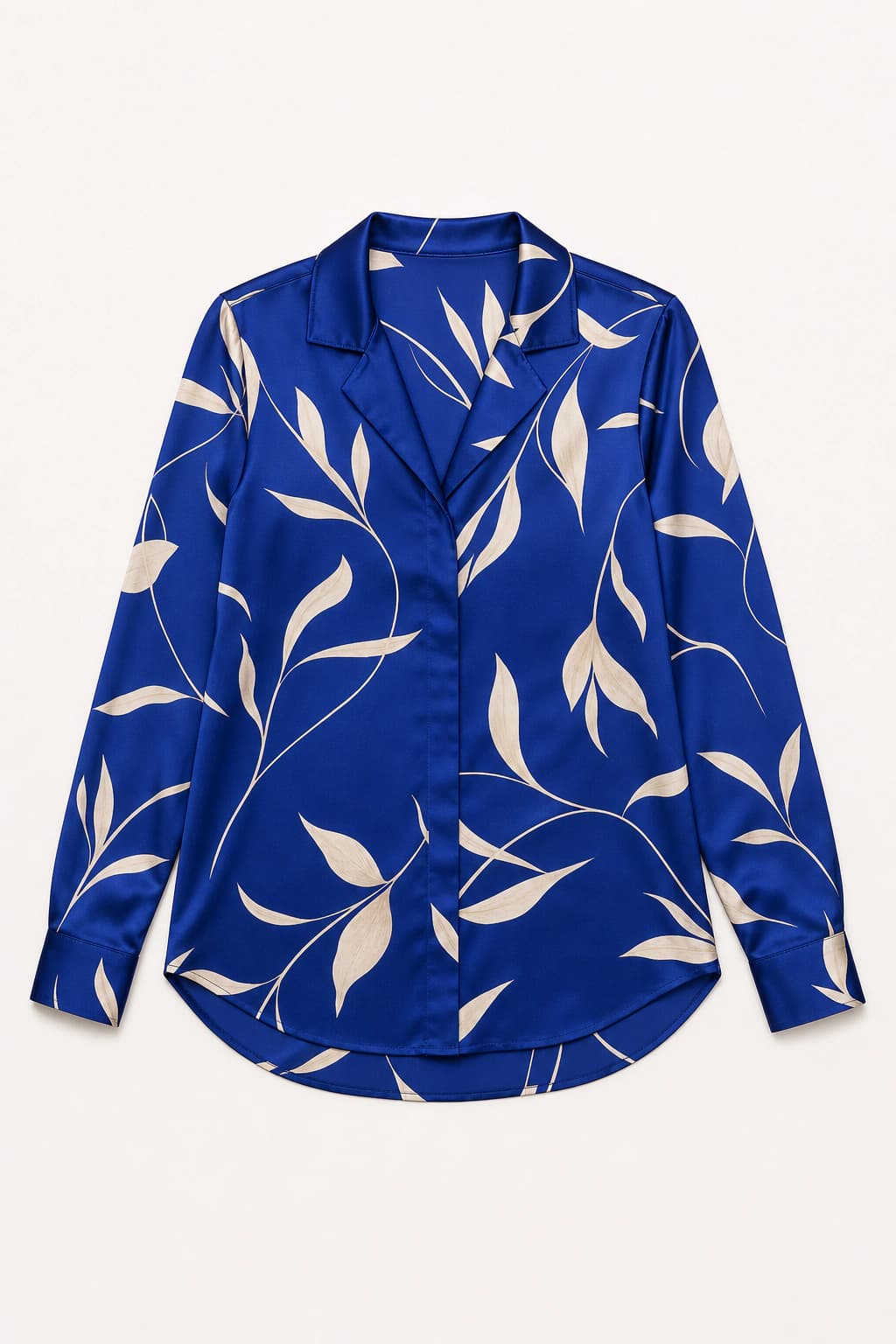
Default · cobalt blouse
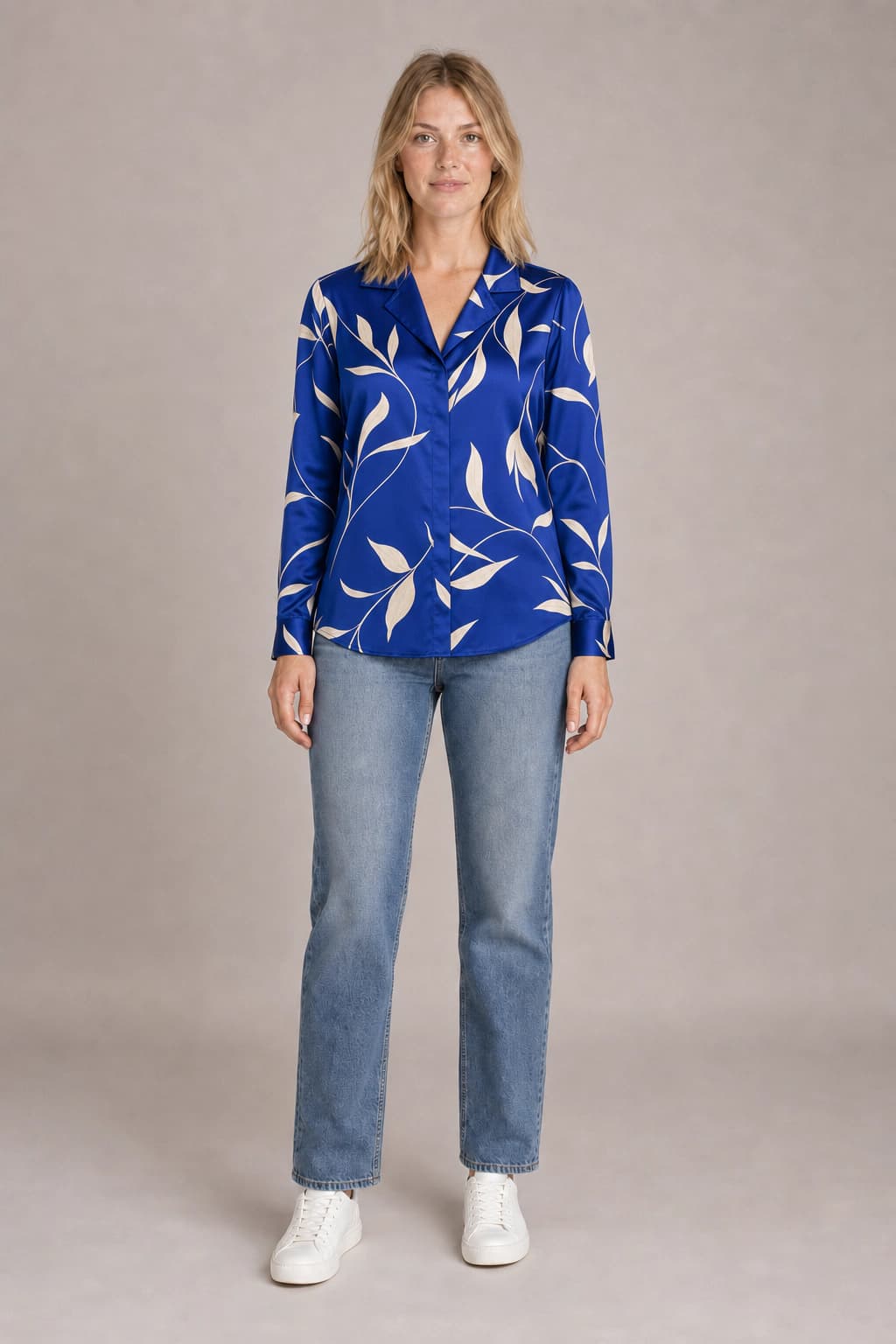
3 trial credits · no account needed
One garment · three jobs
The same piece, ready for the product page and the campaign.
The direction changes. The garment reference and model identity stay in charge.
Studio
A clean, neutral product-page frame.
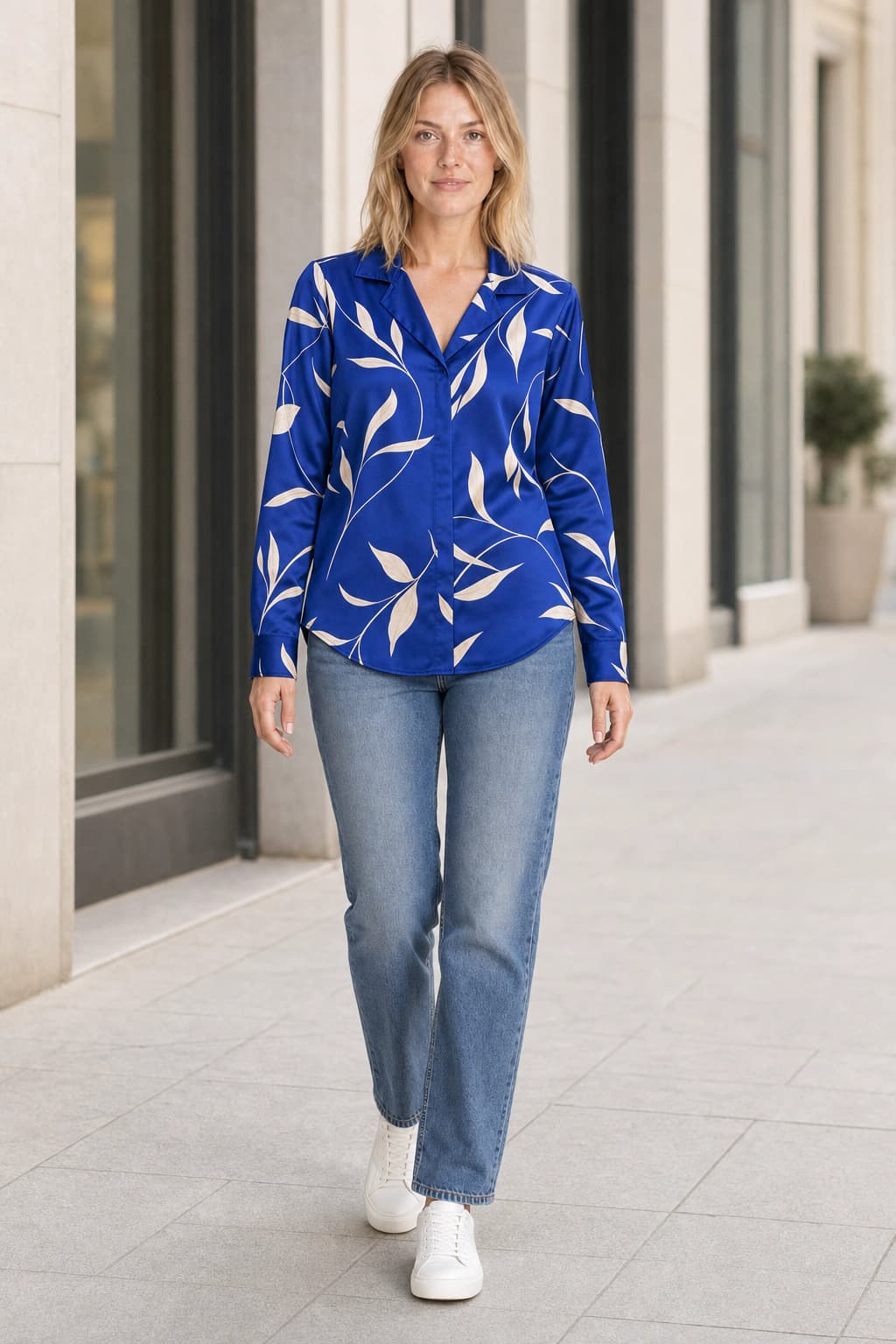
Street
A natural lookbook image with context.
Editorial
A stronger campaign direction without a reshoot.
Two references, one controlled change
Keep the person. Change the clothing.
The person image anchors identity, proportions, and hair. The garment image anchors color, print, silhouette, and construction. The generation assembles the two into a new photograph.
- A real garment reference, not a text-only approximation
- A default adult model when you do not have a person photo
- Separate settings for catalog, lookbook, and campaign frames
PersonGarmentResultThe honest boundary
A visual try-on is not a fitting room.
What it can show
Visual drape, print placement, proportion, styling direction, framing, and how a garment reads on a body.
What it cannot know
Body measurements, garment measurements, elasticity, physical comfort, or whether a particular size will fit.
The workflow
Flat lay in. On-model direction out.
- 01
Upload the garment
Use the clearest product image you have. Keep every edge, closure, and pattern visible.
- 02
Choose the person
Keep the default blonde model or upload an adult person whose likeness you have permission to use.
- 03
Pick the direction
Generate the catalog frame first, then explore street and editorial variants from the same inputs.
Practical answers
Before you put it on the product page.
- What is AI virtual try-on?
- AI virtual try-on places a garment from one reference image onto a person from another image. It is useful for visualizing clothing and producing on-model concepts, but it does not simulate measurements, stretch, or whether a specific size will physically fit.
- Do I need to upload a person?
- No. The default reference is a clearly adult blonde woman in her twenties, photographed in a neutral catalog pose. Upload another adult person when you have permission to use their likeness and want the result anchored to them instead.
- What garment photos work best?
- Use a sharp flat-lay, hanger, mannequin, or product photo with the entire garment visible. Even lighting and a clear view of the collar, sleeves, closures, hem, print, and fabric give the model the strongest reference.
- Will every garment detail stay exact?
- Large colors, patterns, silhouettes, and construction details usually carry well from a clear reference. Small logos, care-label text, hardware engraving, stitch counts, and subtle texture can drift, so compare every result against the real product before publishing.
- Can I use the images on a product page?
- Commercial usage rights start with paid Dream Pixel Forge plans, subject to the selected model provider’s terms. Only publish an image when it accurately represents the garment a buyer will receive, and keep a real product photo in the gallery.
- Can this tell me which size to buy?
- No. This is a visual try-on and on-model photography tool, not a sizing engine. It cannot infer body measurements, garment measurements, elasticity, or physical comfort. Use the retailer’s size chart and return policy for fit decisions.
Bring the garment