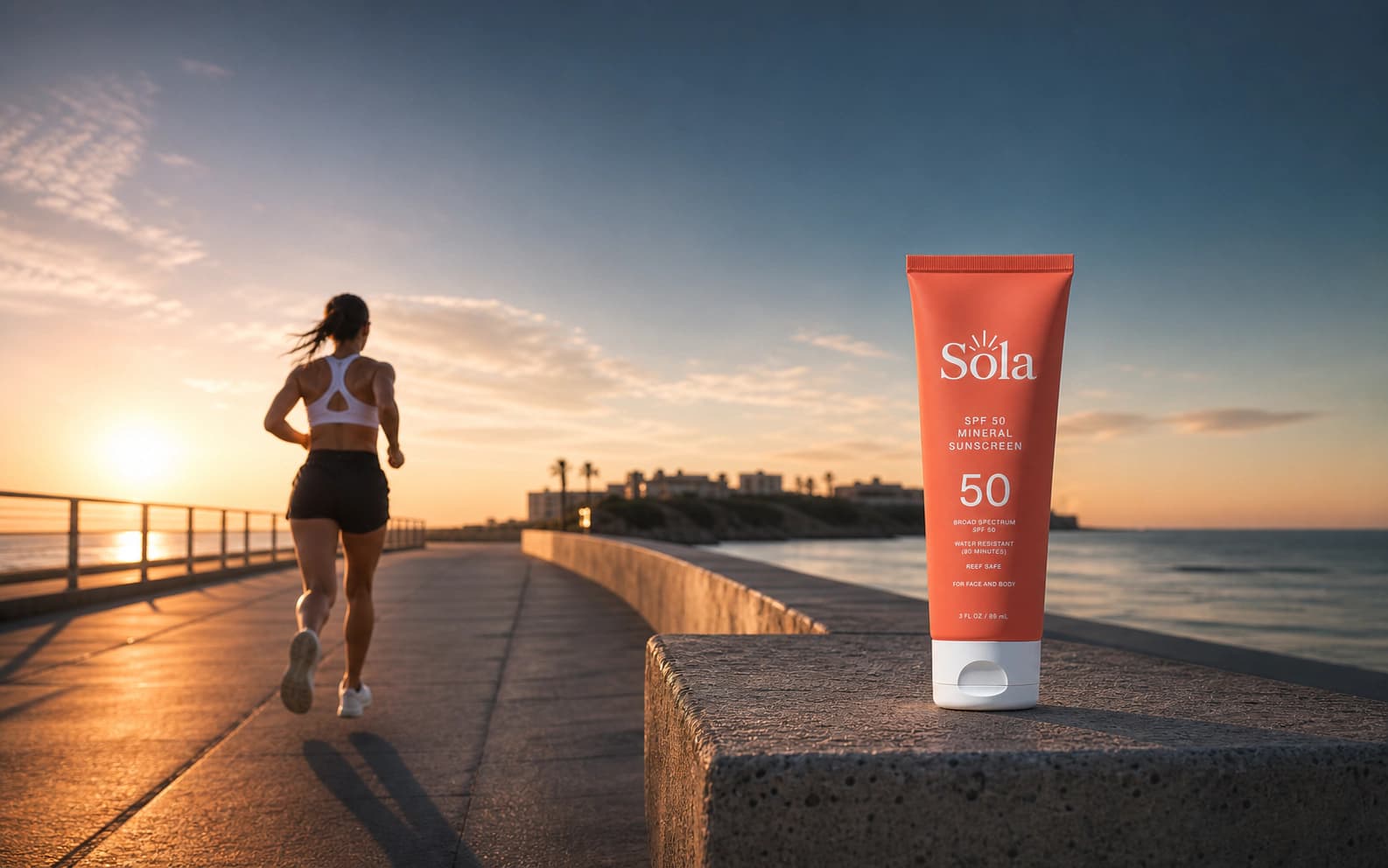
01 / Paid social
Test more angles before creative fatigue wins.
Generate square, portrait, and story concepts around one offer. Keep the palette and tone consistent while the visual angle changes.
Make creative variationsAI ad generator
Turn a one-sentence campaign brief into a full set of on-brand ads, instantly.
One brief → four ready formats
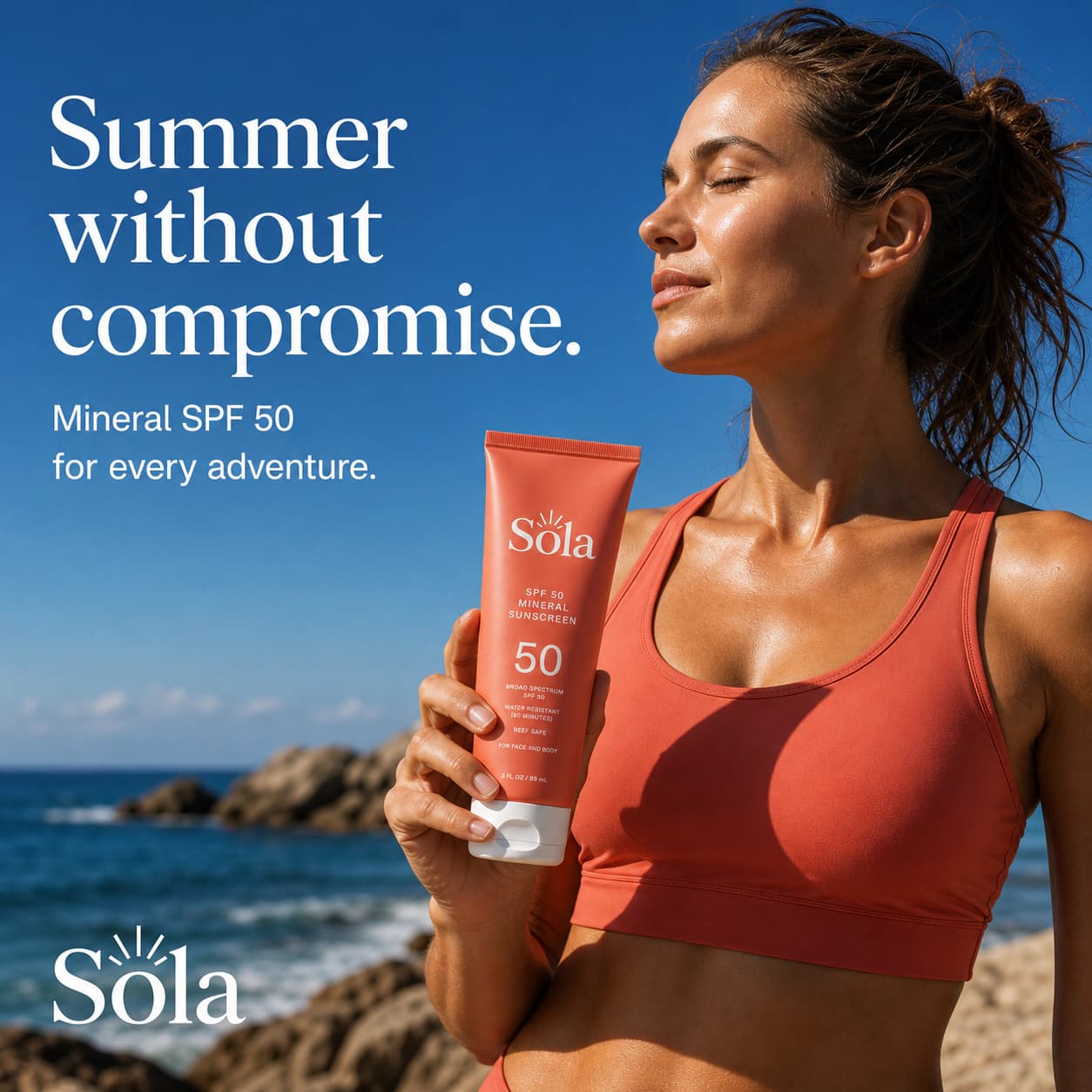
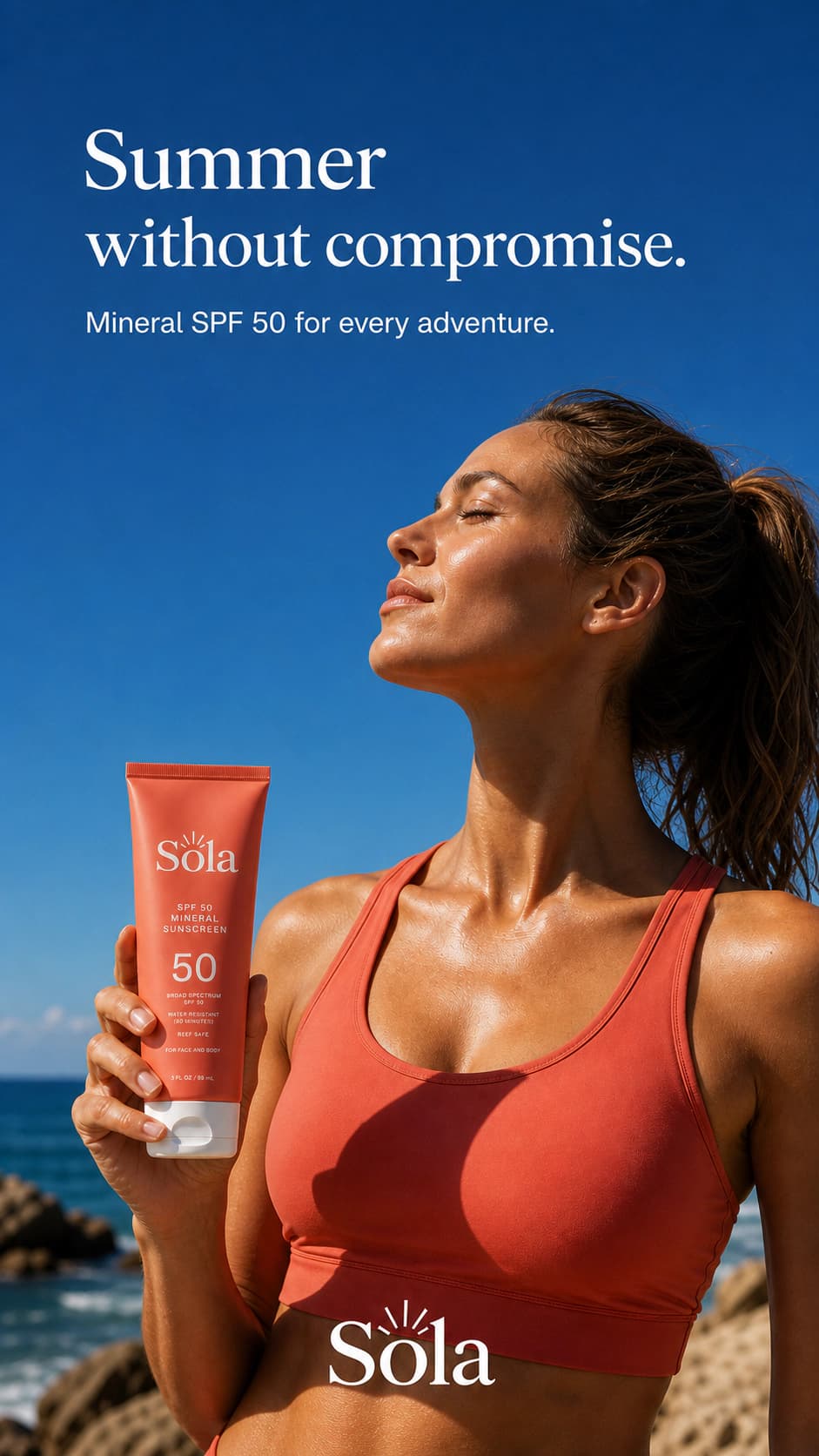
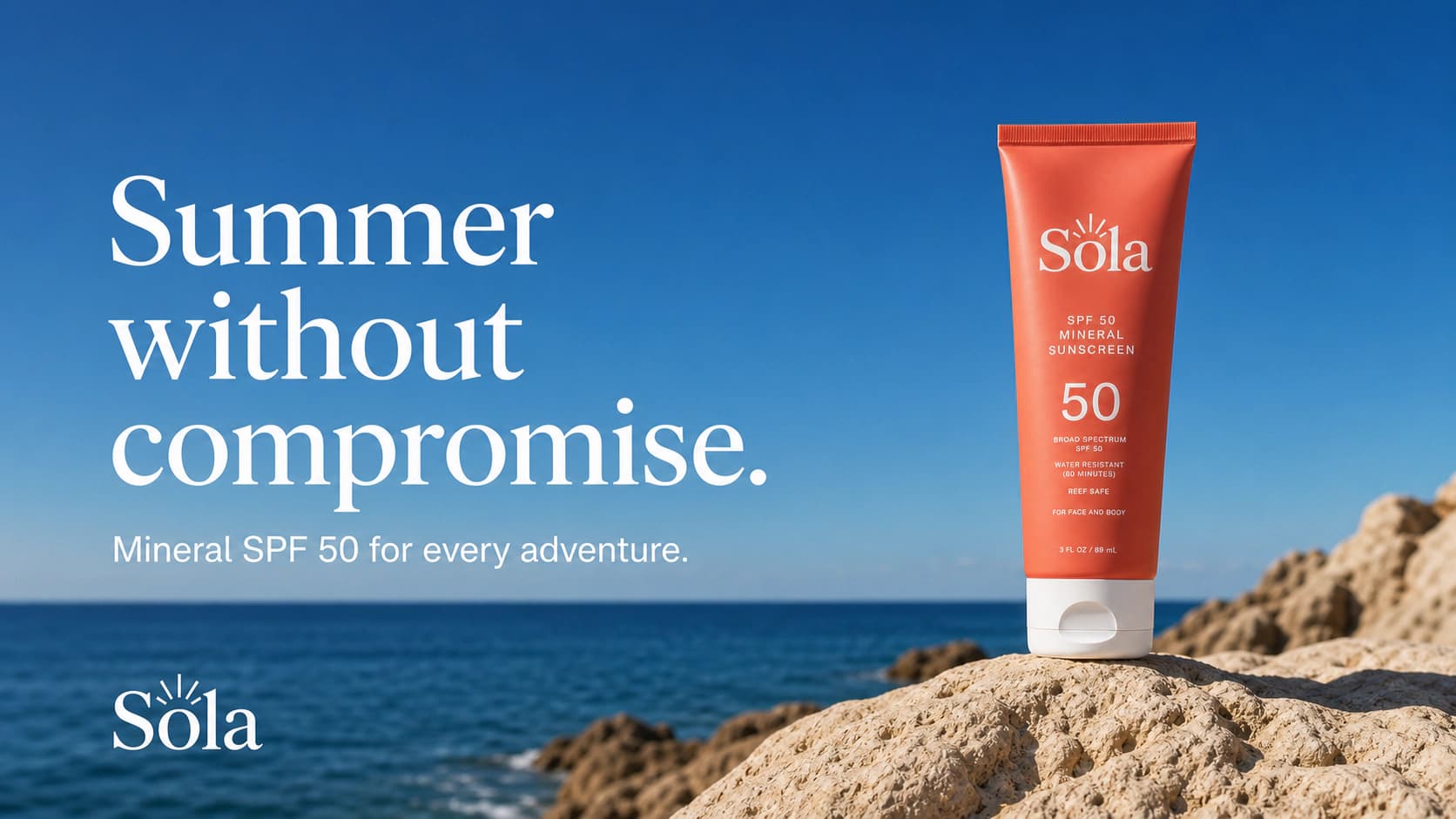
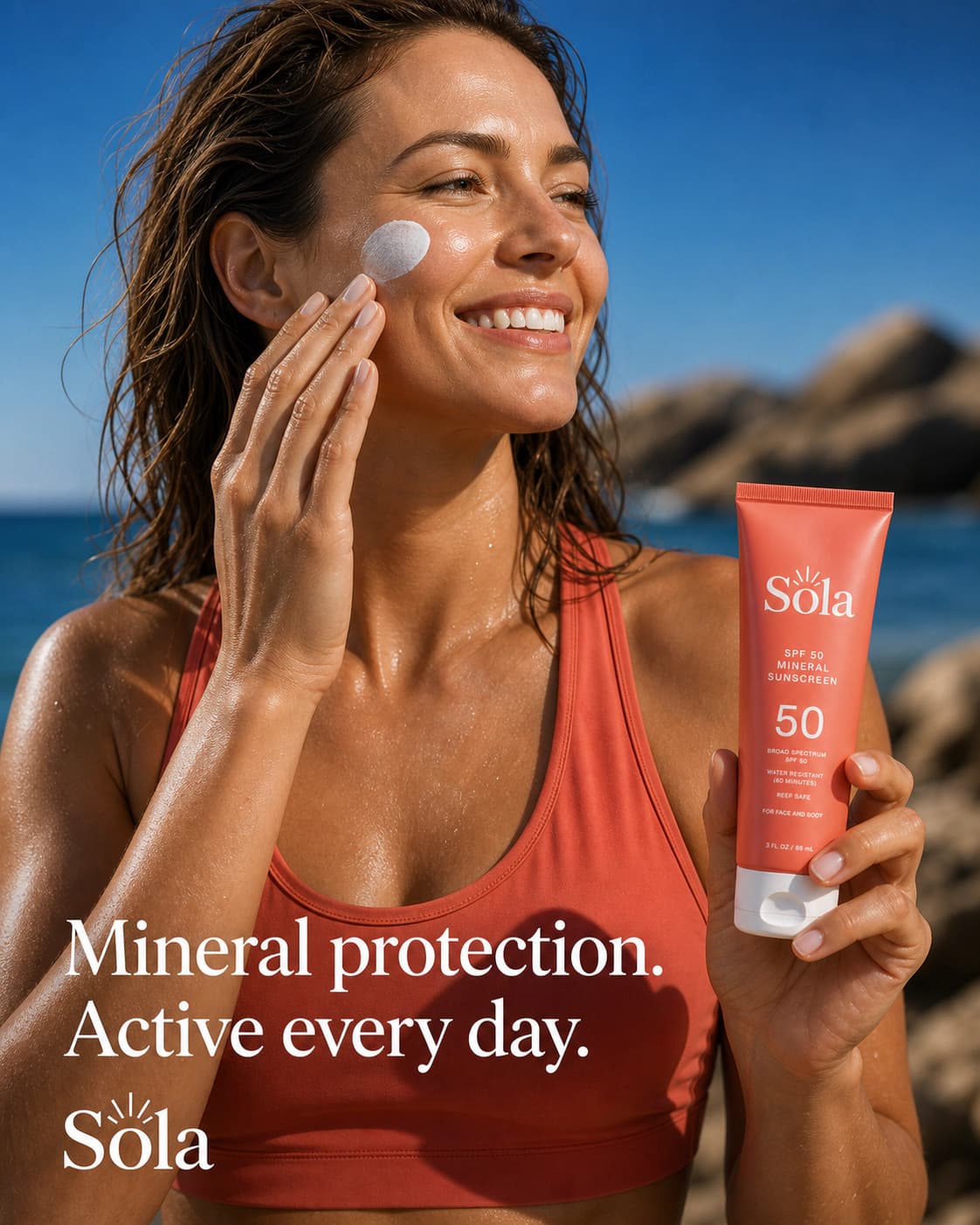
On-brand. On-message. Ready to test.
Creative testing needs real differences, not one image cropped four ways. Change the angle, setting, and composition while the palette, product, and message keep the set recognizable.
Start with a campaign brief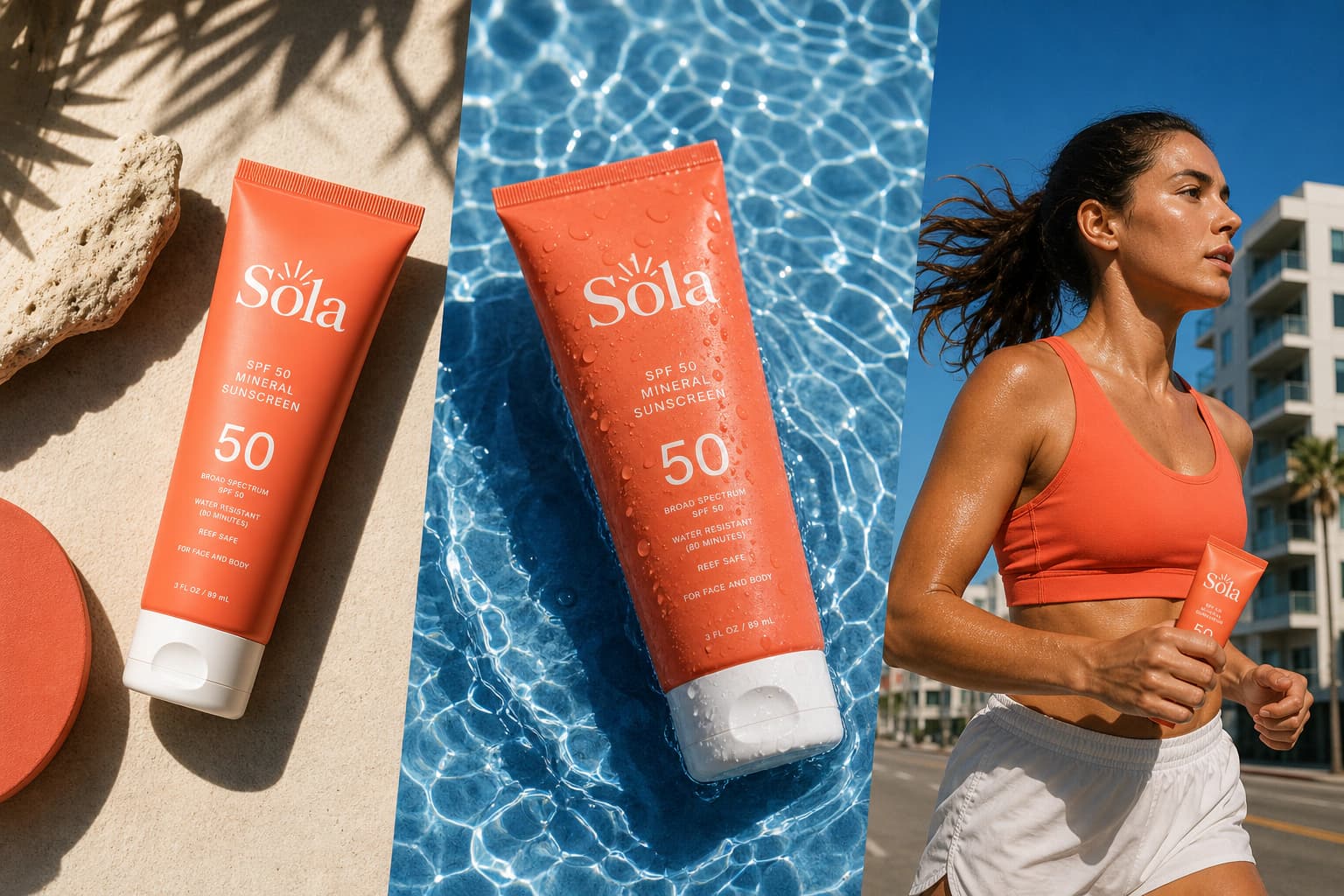
How it works
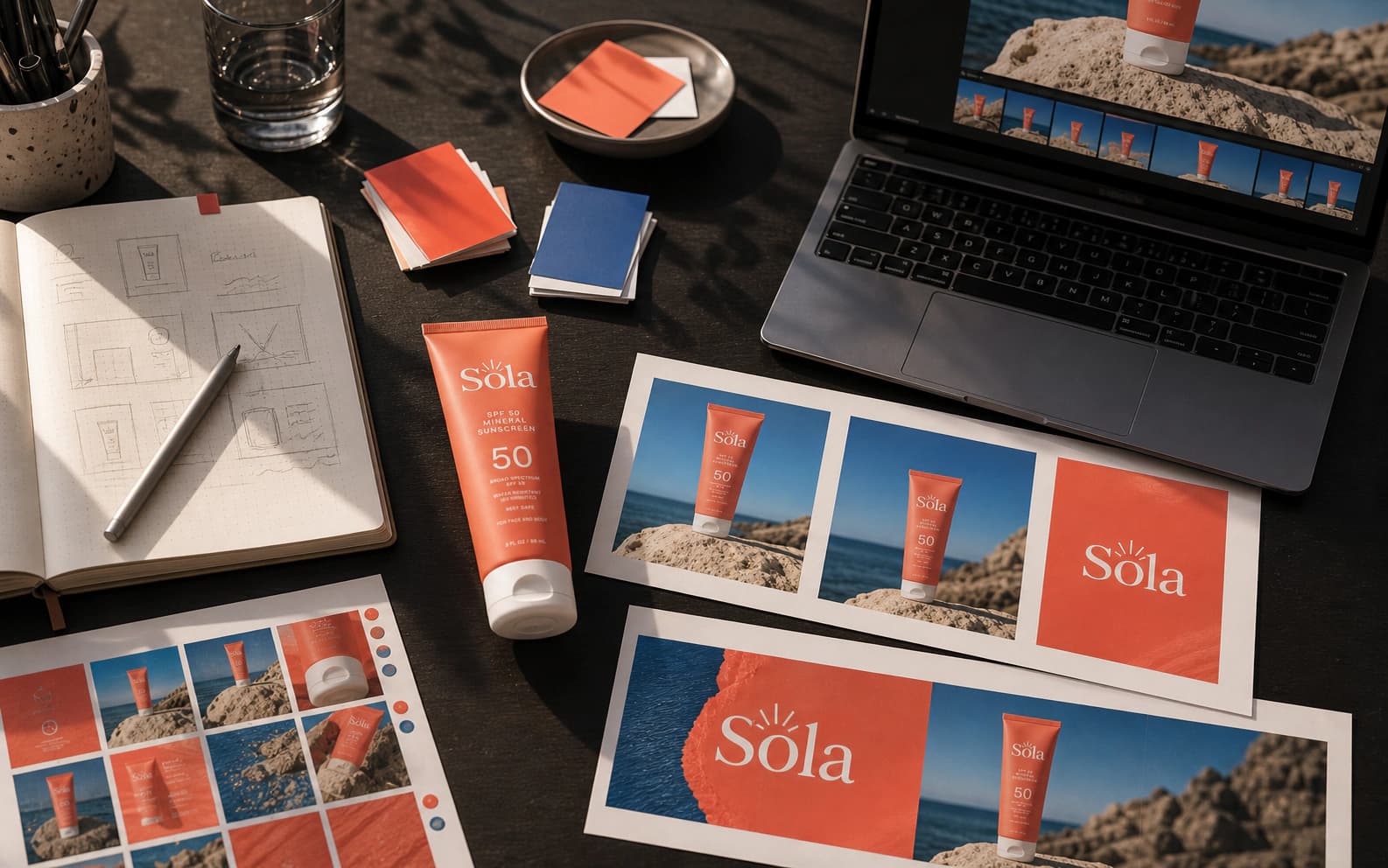
Describe the product, audience, offer, brand colors, and tone in plain language. You state the intent; the generator supplies the advertising composition.
Explore product heroes, lifestyle scenes, bold graphics, premium minimal layouts, and UGC-style concepts without losing the campaign thread.
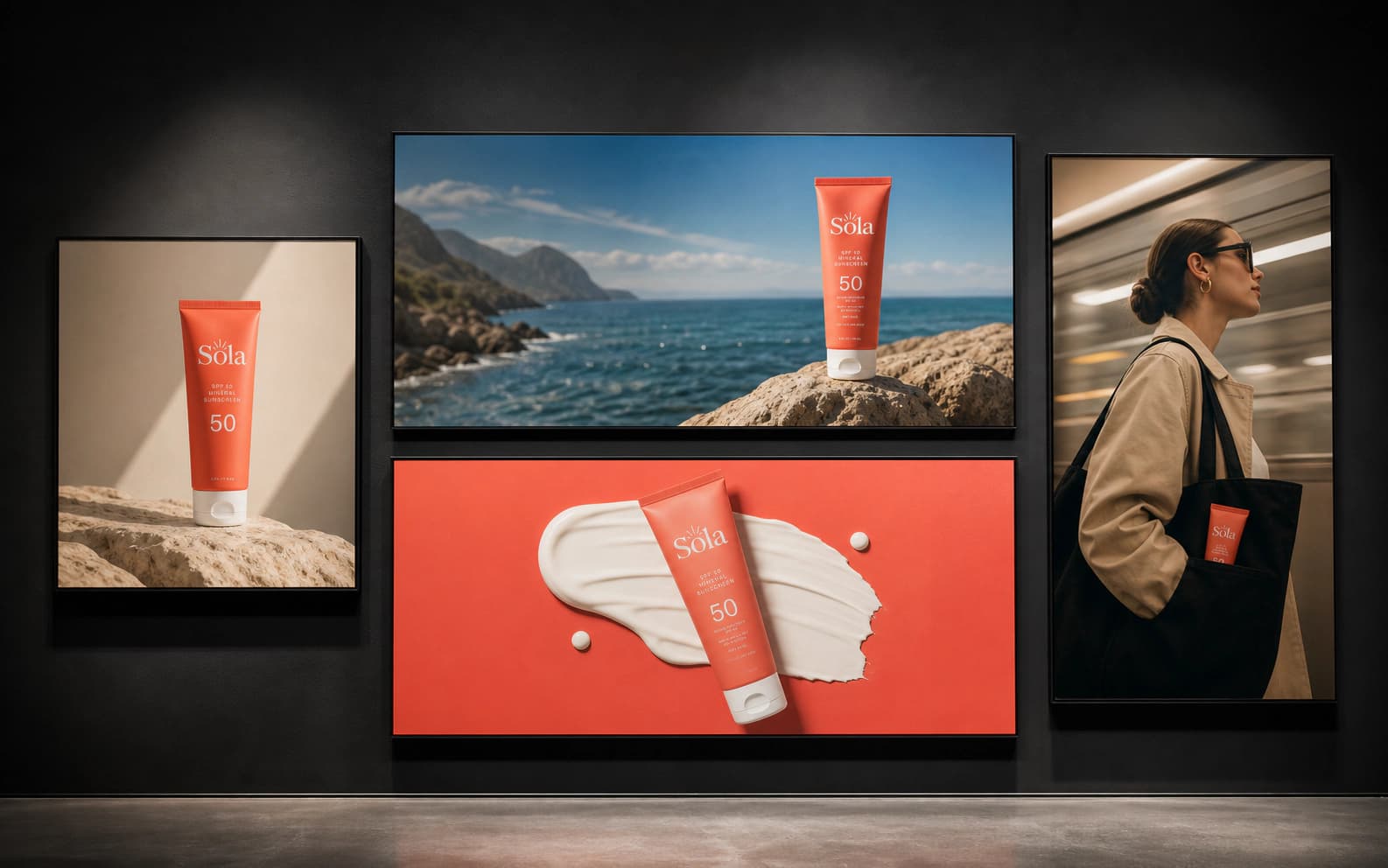
Render the direction at 1:1, 4:5, 9:16, or 16:9, then add your real logo, headline, and CTA in the editor or ad platform where they stay crisp.
Choose the next production lane
01 / Paid social
Generate square, portrait, and story concepts around one offer. Keep the palette and tone consistent while the visual angle changes.
Make creative variations02 / Display
Build wide, square, and vertical banner artwork with a clear focal point and deliberate space for your final headline and CTA.
Generate ad banners03 / Product campaigns
Upload a product photo, replace its background, or place it in a lifestyle scene after the campaign concept has earned the next round.
Create product scenes04 / Seasonal promotions
Carry one promotional idea through feed, story, email, and web formats for launches, holidays, and limited-time offers.
Build a seasonal campaign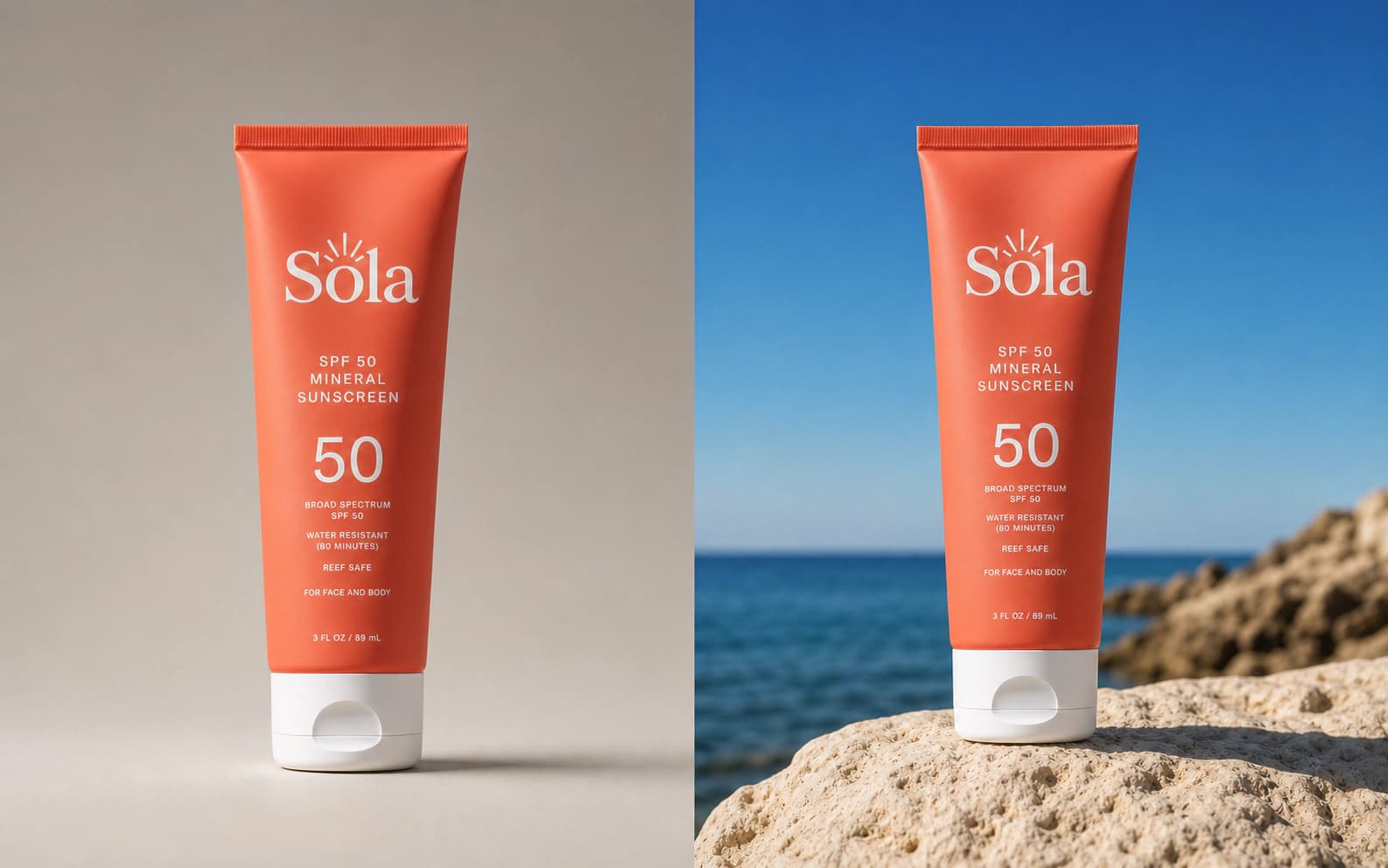
What it does, honestly
Dream Pixel Forge generates the campaign art: product heroes, lifestyle scenes, graphic directions, and placement-shaped variations. It deliberately leaves room for the parts that must be exact.
Add your final logo, offer, price, legal line, and CTA afterward. Live text stays sharp, remains editable, and avoids the spelling failures common to text rendered inside generated images.
When the exact physical product matters, move the winning direction into Product Background Replacement or Product Lifestyle Scene. Your upload anchors the result to the product you actually sell.
AI ad generator FAQ
The image workflow supports 1:1 square, 4:5 portrait, 9:16 story, and 16:9 wide creative. Those cover the core shapes for Meta, Instagram, TikTok, LinkedIn, YouTube, and web campaigns. The dedicated banner tool also supports a 21:9 wide format.
Yes, when the campaign needs the exact product. Use Product Lifestyle Scene or Product Background Replacement to upload the real packshot and generate around it. The Ad Creative Variations tool is text-to-image, so it is better for fast concept exploration before the exact-product pass.
The generator uses the brand colors, visual style, and tone you provide to hold the campaign together. A saved Dream Pixel Forge brand profile gives the Studio agent more persistent context across future runs, references, and feedback.
No. AI image models can misspell words and cannot reproduce a real logo reliably, so the production tools deliberately reserve clean space for those elements. Add the final logo, headline, legal copy, price, and CTA afterward in Figma, Canva, or the ad platform.
Commercial usage rights start on paid Dream Pixel Forge plans. Your final campaign must also follow the selected model provider's terms and each ad network's rules for claims, restricted products, endorsements, and disclosure.
Yes. The linked image tools include free credits to start. A free account saves generated work to your library; paid plans add commercial rights, larger monthly credit balances, and broader model access.
From the blog
Guides
GPT Image 2.5: What's New, Prompts, and Examples
GPT Image 2.5: what changed, Flare vs. Sunburst, and seven prompts with images covering portraits, fashion, comics, infographics, product photos, and edits.
Guides
Ideogram 4 Prompts: Posters, Logos, Typography, and Layouts
Six Ideogram 4 prompt examples for posters, logos, packaging, merchandise, and social graphics, plus a complete JSON layout prompt.
Guides
Midjourney V8.2 Editing: Prompts, References, and Examples
Use Midjourney V8.2 editing with six practical prompts, reference-image roles, preservation checklists, and the latest alpha editor changes.
Guides
Seedream 5.0 Pro: Prompting Guide and Design Examples
Explore Seedream 5.0 Pro with six copyable design prompts, official editing examples, and a practical checklist for layouts, product photos, and localization.
Guides
Grok Image Editing: How to Edit Images with Grok
How to edit images with Grok Imagine 2.0: magic wand, segmentation, background removal, multi-reference edits, smart resize, free limits, and Dream Pixel Forge.
News
Grok Imagine 2.0 Is Live: What Image 2.0 Actually Changes
Grok Imagine 2.0 is live in Dream Pixel Forge. What Image 2.0 changes, where it ranks, and the grok-imagine-image-2.0 API model ID and pricing.
Guides
AI Generated Ads: Real Examples and How to Make Them
AI generated ads in 2026: real campaign examples, what AI ad creative is good at, the new disclosure rules, and how to make a campaign set from one brief.
Guides
Banner Ad Sizes (2026): Standard IAB and Google Formats
Standard banner ad sizes for 2026: Google's full display list, IAB units and file-weight limits, plus the five formats to build first.
Guides
Facebook Ad Size: Every Meta Placement Spec
The 2026 Facebook ad size for every Meta placement: Feed, Stories, Reels, carousel, right column, and Marketplace, verified against Meta's official Ads Guide.
Guides
Static Ads: What They Are and How to Make Them
Static ads are single still images: what they are, how they differ from dynamic and video ads, static ad examples by placement, and the published specs.
Guides
UGC Ads: What They Are and How to Make Them
UGC ads are customer-style creative a brand runs as paid media. What they are, the formats that convert, what they cost, and how to make them with AI creators.