The living character dossier
Design a character.Lock it.Generate it anywhere.
One striking render is easy. Getting the same character back tomorrow is the hard part. Approve one visual identity, then keep the face, costume, silhouette, and signature details consistent across every new scene.
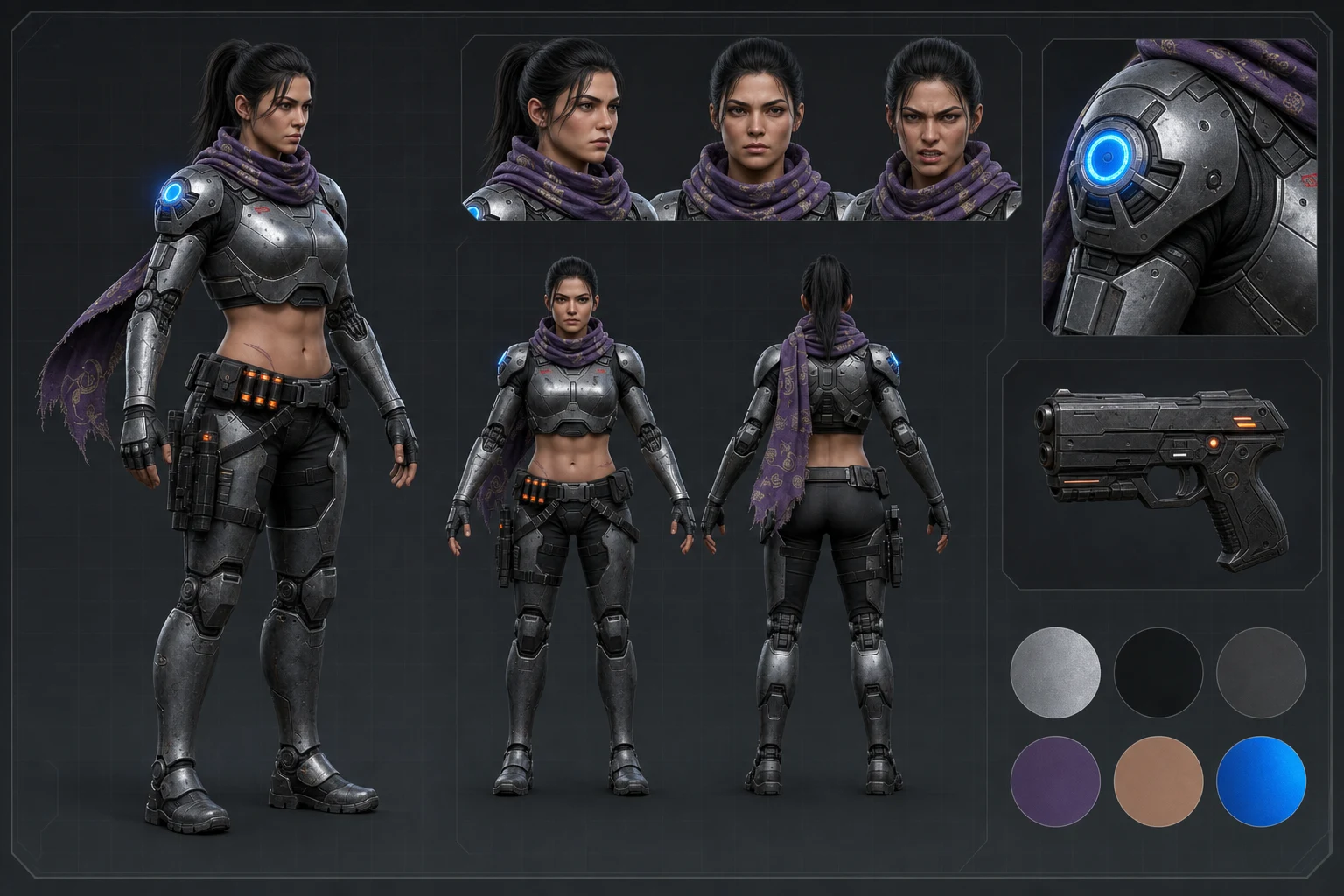
Define
Define the character.
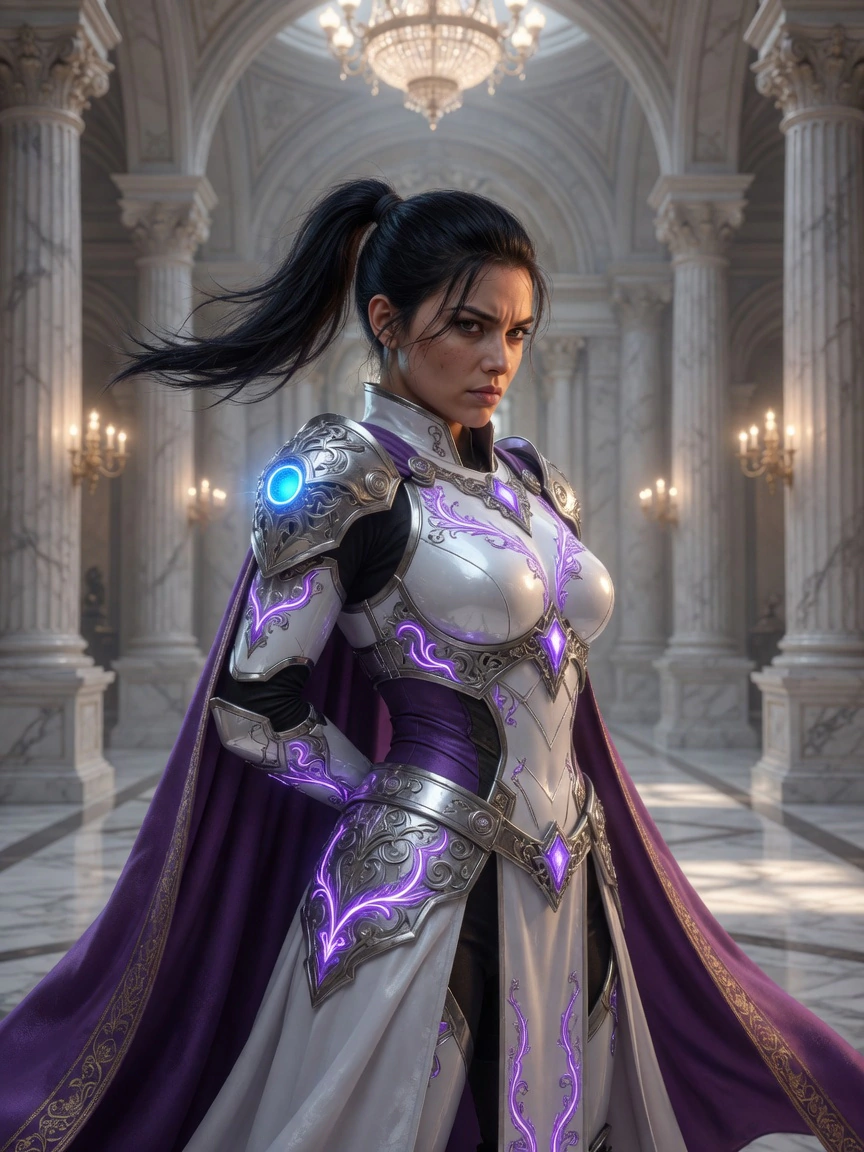
Start with a clear concept. Explore silhouette, costume construction, palette, signature props, materials, age, and wear.Concept directions
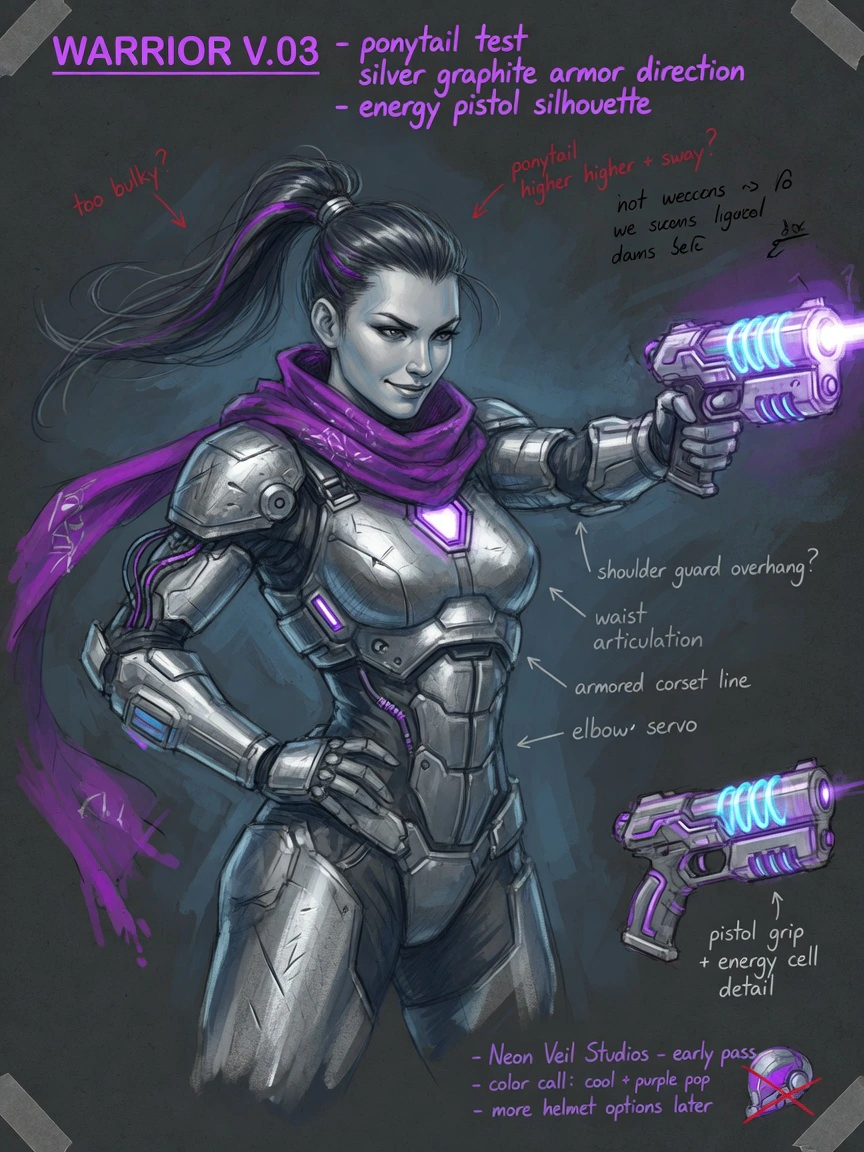
Inspect
Inspect every angle.
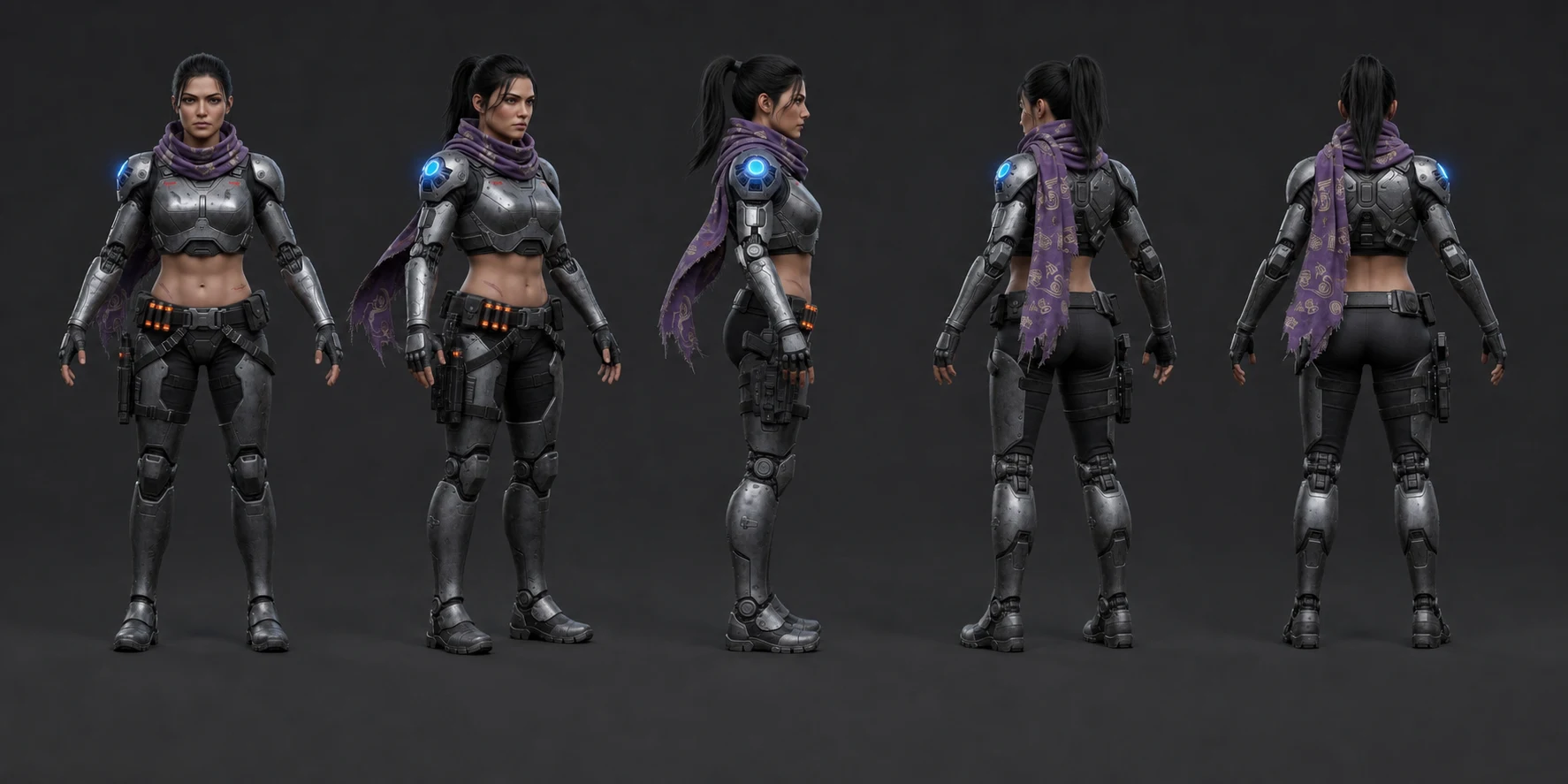
Review the full turnaround and micro-details. Validate proportion, material, gear, expression, and silhouette before locking.Approved turnaround
Generate
Put them into the world.
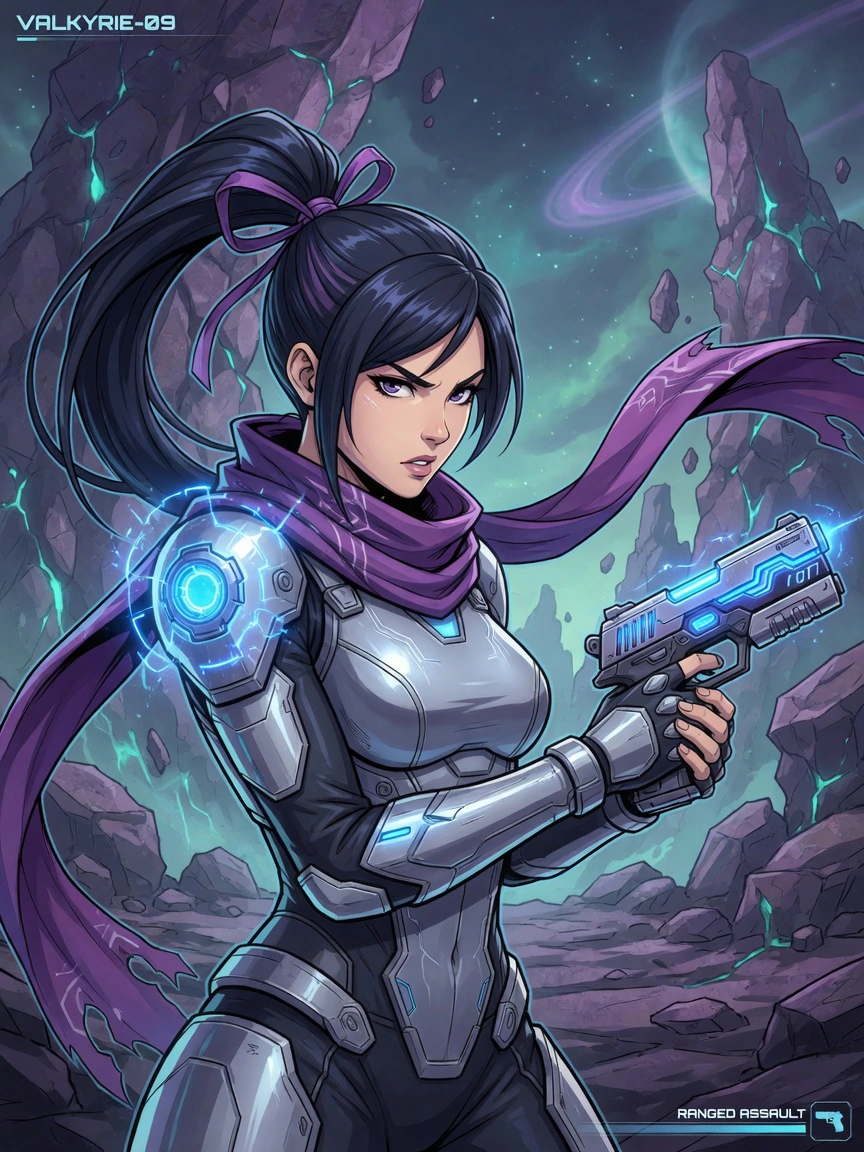
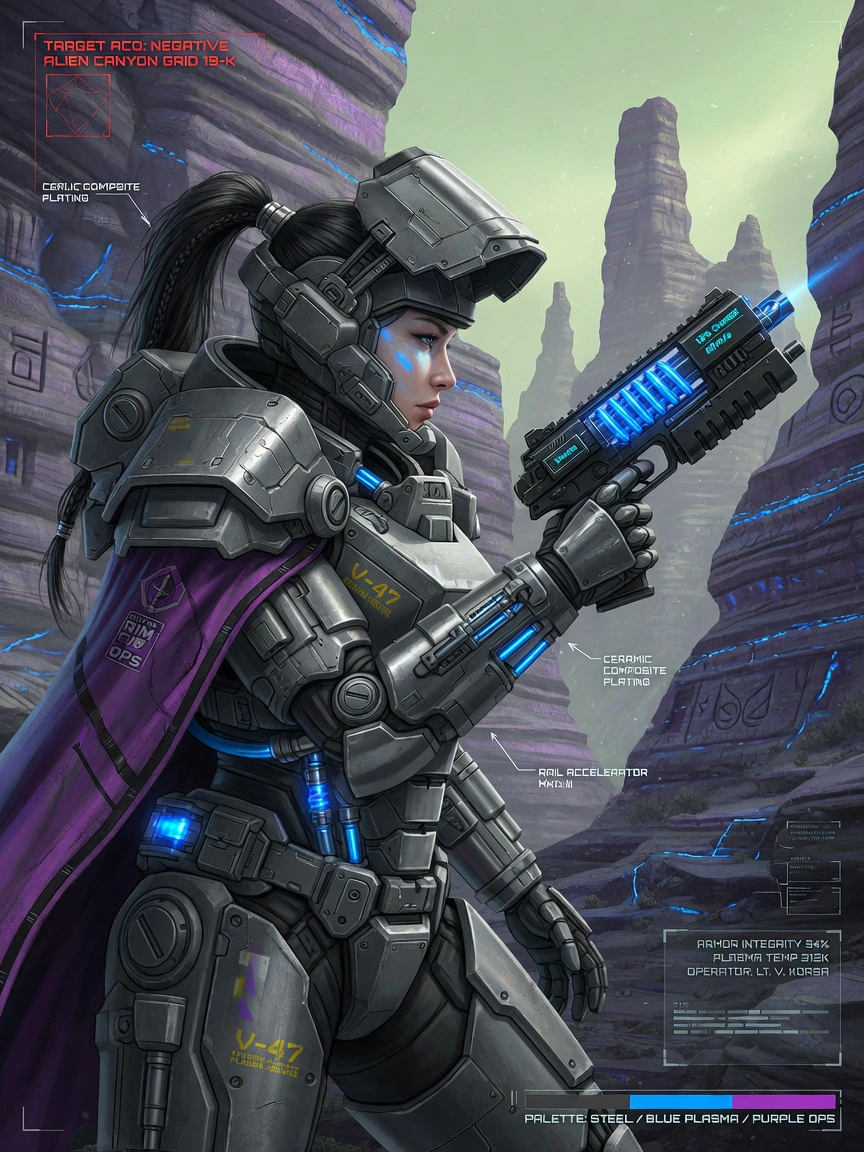
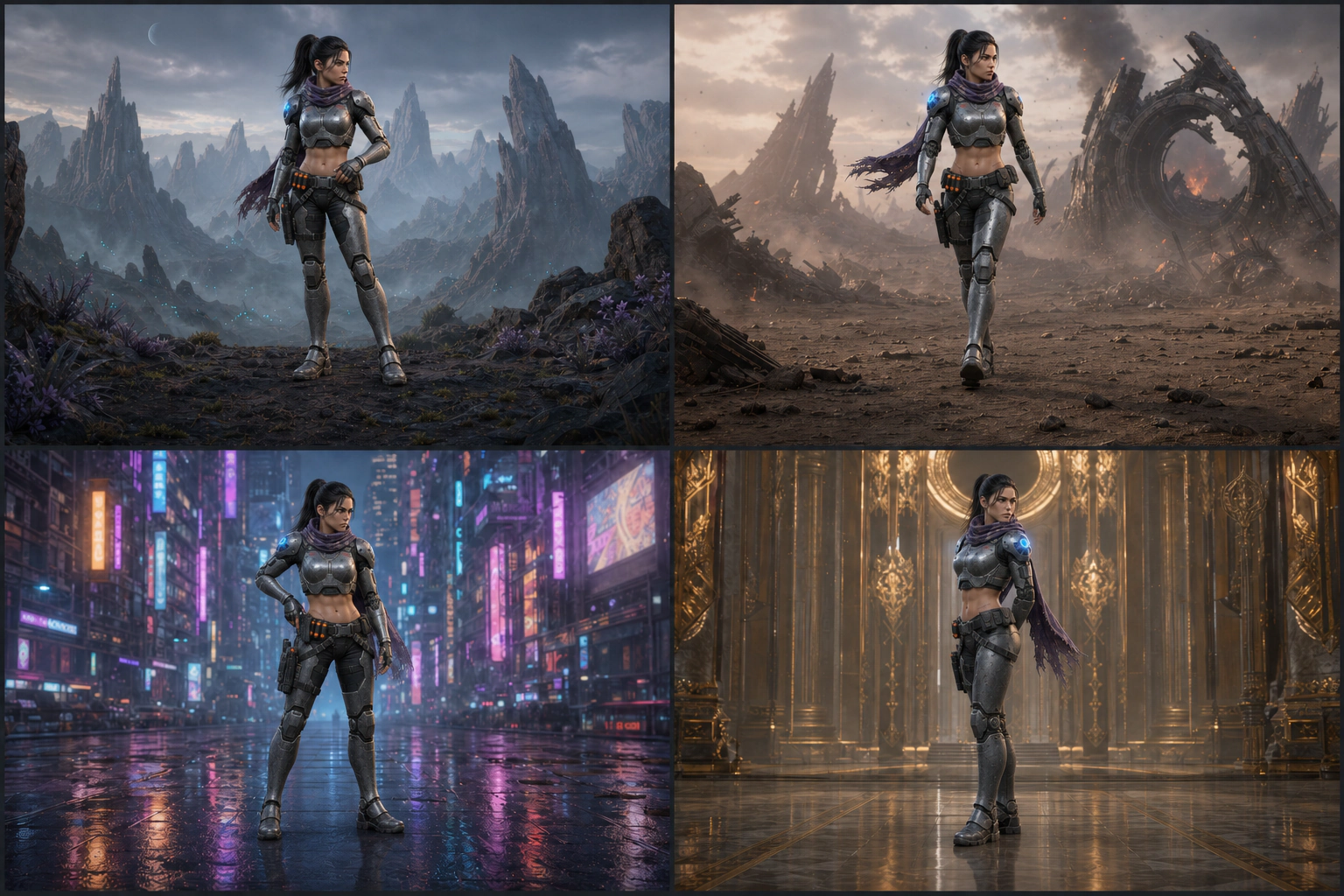
Describe the scene, pose, lighting, or wardrobe. The approved identity stays attached automatically.Consistent scene system
Production index
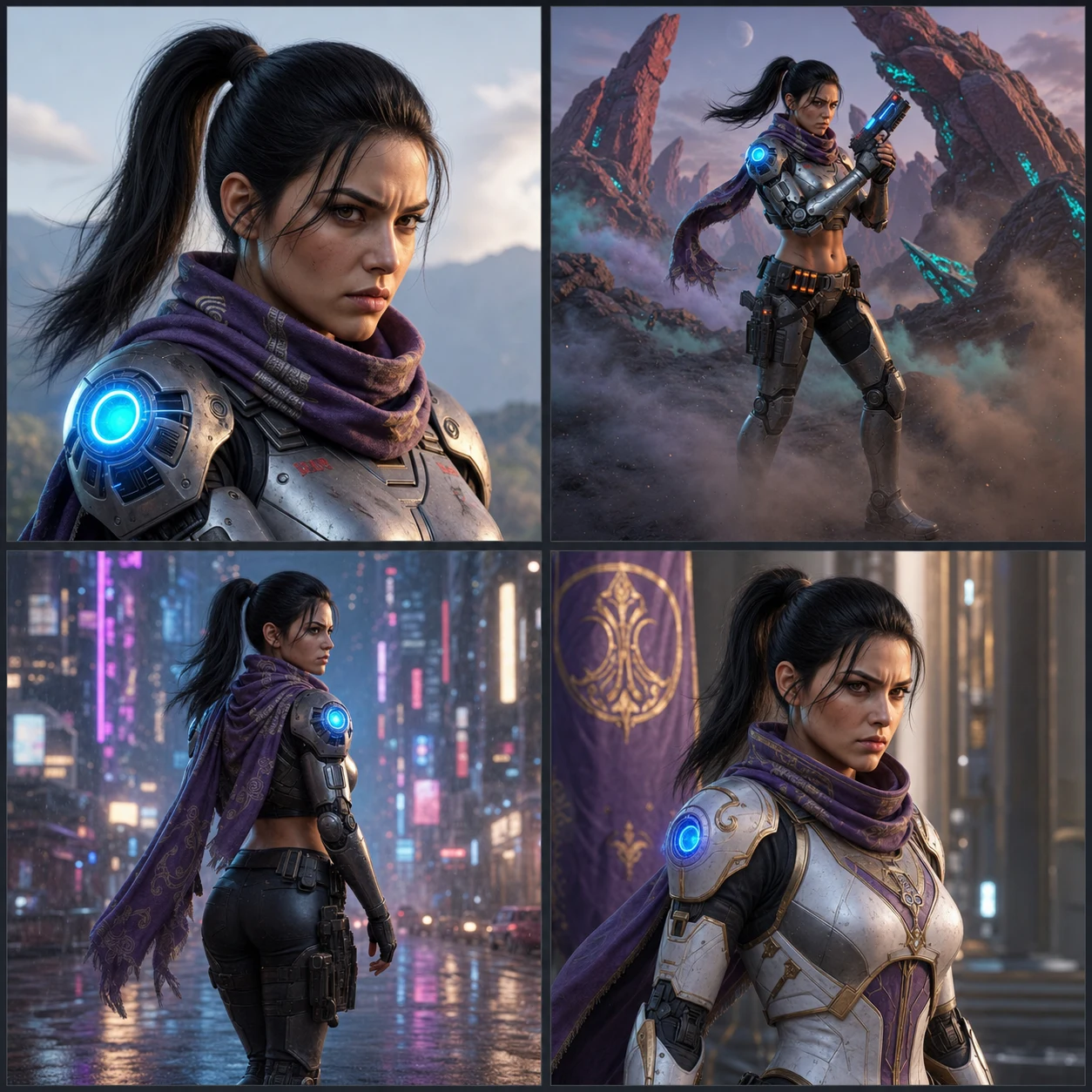
One character asset for the whole project.
Built to hold
- Identity lock
- Turnaround consistency
- Detail preservation
- Style and lighting control
- Character video
Made for
- Concept art
- Game development
- Film and animation
- Tabletop and comics
- Original worldbuilding
FAQ
Questions, answered.
Can an AI character generator make the same character twice?
Yes, if the character is stored rather than re-described. Dream Pixel Forge asks you to approve a turnaround sheet once, then conditions every later image on that approved sheet. You write the shot, not the face, so the character stays the same person across outfits, poses, and scenes.
What is a character sheet and why does it matter?
A character sheet is one landscape reference image holding four full-body views, front, three-quarter front, side profile, and back, plus a compact expression strip and two callouts for the signature prop, material, or costume motif. It matters because it becomes the fixed reference attached to every later generation, which is what stops the face and costume drifting.
Can I use a character I already have?
Yes. Attach up to five design references, such as sketches, mood-board images, costume references, or an existing render, and the sheet is built from them. If you already have a finished character sheet, upload it directly instead of generating one.
What kinds of characters can I design?
The brief covers six media, including video games, film and television, animation, comics, tabletop role-playing games, and original worldbuilding, across seven art directions from cinematic concept art and painterly realism to stylized 3D, anime, comic, hard-surface sci-fi, and dark fantasy.
Can I change the design after locking it?
Yes. Start a revision and change one design variable at a time, for example widening the silhouette or simplifying a prop, while the rest of the design holds. Approve the revised sheet to make it the new reference, or cancel to keep the original.
Do I need to write image prompts?
No. Pick a starting direction and rewrite it into a plain-language design brief, or describe the character in your own words. Model routing, composition, and consistency are handled for you, so you review results instead of engineering prompts.
How much does it cost to generate a character?
New accounts start with 15 free credits, and a turnaround sheet costs 2 credits on the free plan, so the first character is covered with credits to spare. Sheets are routed to the best identity-fidelity model your plan allows rather than the cheapest one, so paid plans spend more per sheet. If a sheet fails to render, the credits are refunded automatically. See the pricing page for packs and plan limits.
From the blog
Consistency guides: reference sheets, turnarounds, and a locked identity.
Research
AI Image Generators Refuse Copyrighted Characters Most of All
We ran 848 generations through four AI image generators. Copyrighted characters drew 42 to 92 percent refusals. Brands, weapons and political satire drew zero.
Guides
Character Reference Sheet: What to Include and How to Make One
Learn what a character reference sheet should include, how to build one traditionally, and how AI changes the workflow without changing its purpose.
Guides
Character Turnaround: How to Make a Turnaround Sheet
Learn what a character turnaround is, how many views it needs, how to build a clear rotation sheet, and how AI can keep each angle on-model.
Guides
Consistent Character AI: Keep the Same Character in Every Image
Keep one character consistent across images with reference sheets, image-to-image generation, and careful seed reuse, including the limits of each method.
One character.Infinite stories.Zero inconsistencies.
Lock your character once. New accounts start with 15 free credits, and an approved sheet costs 2.