
Image-to-video
Animate any still: a product photo, a generated frame, a character render. The composition is already settled, so the model spends everything on camera move and motion. The most predictable way to get video.
AI video generator
Animate a still into motion, or generate a clip from a one-line brief. Pick Veo 3.1 for cinematic quality, Seedance 2.0 for multi-reference non-person scenes, or Grok Video for one photoreal persona still — choose a model and a short brief, with provider input rules enforced before you are charged.

Beyond the single clip
A voice, a presenter, and motion graphics. One finished story.
From a photo you already have to a shot that does not exist yet. Every path renders a short clip built for one clean beat of motion.
Animate any still: a product photo, a generated frame, a character render. The composition is already settled, so the model spends everything on camera move and motion. The most predictable way to get video.
No footage yet? Describe the scene in one brief and the model builds the whole shot: subject, setting, camera, and mood. One clean action per clip is what holds up on short-form.
Brief a vertical talking-head or product demo like a creator would. A locked photoreal persona uses Grok Video's supported single-image path so the same approved identity can anchor each short clip.
Turn a hero product shot into a looping 16:9 or vertical 9:16 clip for a landing page, ad, or store. Same brand look as your image generations, now in motion.
Every clip below was generated in Dream Pixel Forge and animated from an approved still, keeping one consistent face across scenes.


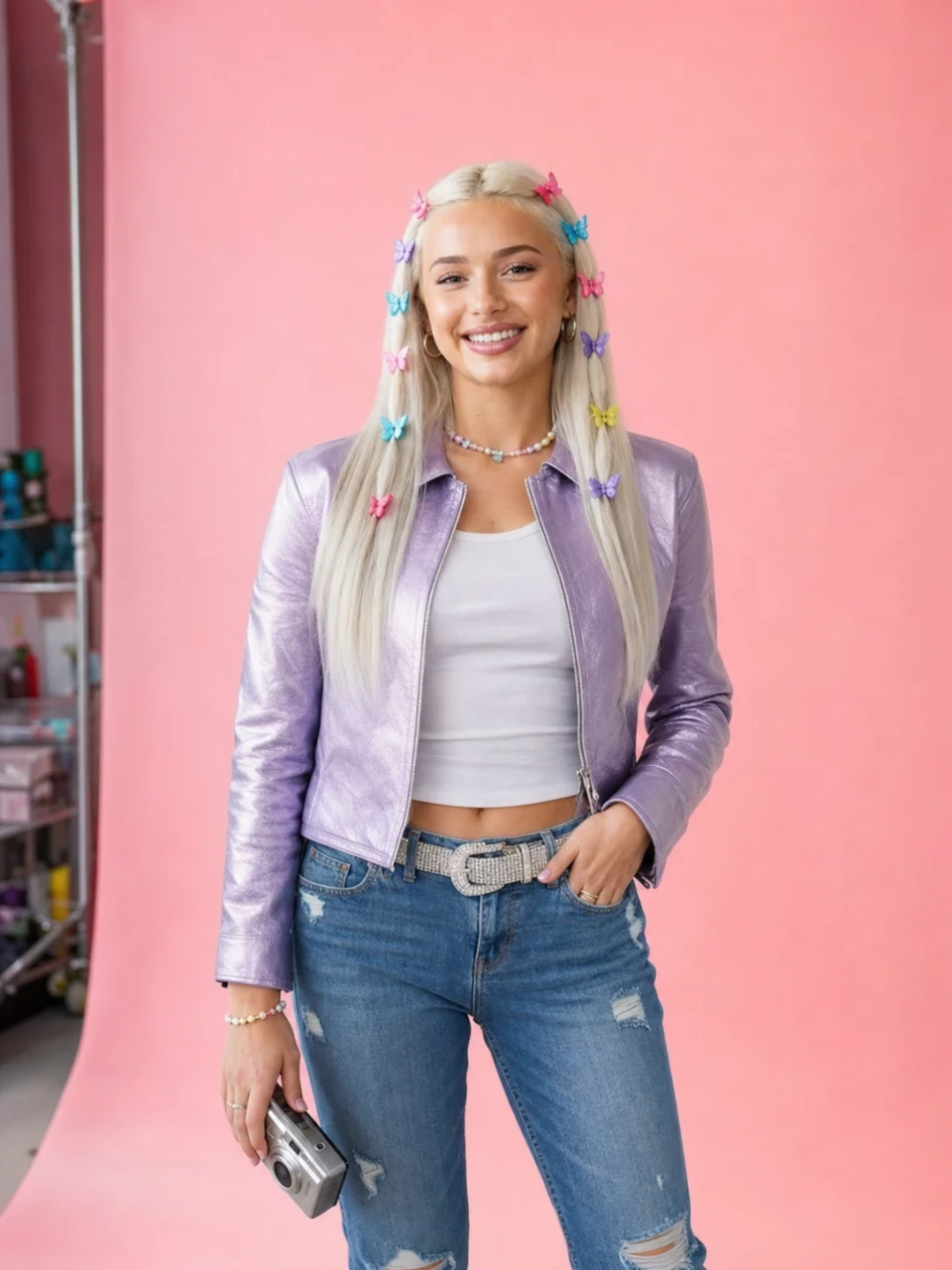


You choose the model on every render. Each engine is tuned for a different job, so match it to the shot: cinematic hero, persona UGC, or fast cheap iteration.
The cinematic hero clip
Highest fidelity with native, synced audio. Reach for it when the shot is the centerpiece: the hero ad, the launch trailer, the campaign opener. Premium plans.
Multi-reference scene control
Takes up to nine references for products, environments, grade, and stylized characters. Its provider blocks photoreal-person source and reference images.
Fast, cheap iteration
The low-credit option for testing hooks before you spend, and the reliable single-image path for animating a photoreal person.
Video costs credits by the second of output, and the exact cost is shown before you generate. If a clip fails or a frame is filtered, the credits go straight back. Video generation is on paid plans: Starter includes the standard models, Pro and Studio include Veo 3.1.
From the blog
Guides
AI Product Video Generator Guide: Photos to Video Ads
Turn product photos into AI video ads with six motion prompts, a three-shot plan, and checks for labels, product details, and usable footage.
Guides
How to Make an AI Storyboard: A Six-Shot Guide
Plan an AI storyboard from script to approved frames, with a six-shot example, copyable prompts, camera notes, and a continuity checklist.
Guides
Gemini Omni Flash: What Google's Video Model Actually Does
Gemini Omni Flash generates and conversationally edits video at $0.10 per second. Verified specs, pricing, free access, and how it compares to Veo 3.1.
News
LTX 2.5: Open Weights, Specs, and How to Run It
LTX 2.5 ships open weights, free under $10M in revenue. The specs, the license, API cost per second, the hardware it needs, and how it stacks up against MiniMax H3.
Guides
LTX-2.5 Prompt Guide: Prompts, Tips, and Workflows
Learn how to write LTX-2.5 prompts for text-to-video, image-to-video, multishot scenes, dialogue, and ComfyUI workflows, with copyable examples.
Guides
Open Source AI Video Generators: What Runs in 2026
Every open source AI video generator worth downloading in 2026: LTX-2.5, MiniMax H3, Wan 2.2, HunyuanVideo 1.5. Licenses, VRAM floors, honest trade-offs.
Guides
MiniMax H3 Prompts: The Official Format, With Examples
MiniMax H3 prompts are three labeled fields, not a sentence. The official format explained, with five copy-ready prompts for text, image, and keyframe video.
Guides
Best AI Video Models in 2026: Sora Is Gone, China Won the Race
Sora shut down, Google shipped Gemini Omni Flash instead of Veo 4, and the best AI video models of 2026 are Chinese. Verified specs, prices, and rankings.
Guides
FLUX 3: Video With Audio Now, Open Weights Coming in 2026
FLUX 3 launched July 23, 2026: 20-second video with native audio, early access only. Open weights are promised later this year. What is real and what is not.
Guides
MiniMax H3 (Hailuo 3.0): 2K Video, Native Audio, and Open Weights
MiniMax H3 makes 15 second 2K clips with native stereo audio at $0.13 a second. Model IDs MiniMax-H3 and minimax/minimax-h3, pricing, and where the open weights are.
News
Seedance 2.5: AI Video Generator Specs, Access, and API Status
Seedance 2.5 is ByteDance's 30-second AI video model. See how to try it, its 50-reference limit, pricing, and current API status.
Guides
Seedance Prompts: A Working Guide to Seedance 2.0 and 2.5 (2026)
Seedance prompts are shot descriptions, not picture descriptions. The six-slot formula, copy-paste prompts, @Image reference tags, and what Seedance 2.5 changes.
Guides
Veo 3 Prompts: A Working Guide to Veo 3.1 (2026)
Veo 3 prompts that work: one camera move, one action, audio written out loud. Plus which Veo version you are running, real per-second costs, and where Veo refuses.
Guides
Image to Video AI: How to Animate an AI Image (2026)
Image to video AI turns a still into a short clip. Here is why generating the image first, then animating it, beats straight text to video, and how to do it.