News
Seedance 2.5: AI Video Generator Specs, Access, and API Status
Seedance 2.5 is ByteDance's 30-second AI video model. See how to try it, its 50-reference limit, pricing, and current API status.
Seedance 2.5 is ByteDance's new video model, and the headline number is 30 seconds in a single generation. Not 30 seconds stitched from four clips with a transition hiding each seam: 30 seconds out of one pass, with the same character, the same lighting, and the same audio bed running end to end. The previous model, Seedance 2.0, was hard-capped at 15.
It went live on July 31, 2026, and here is the part most coverage buries: there is no API for it yet, anywhere. Not on Replicate, not on fal, not on Vercel's AI Gateway. Today the only way to touch Seedance 2.5 is ByteDance's own consumer apps. This guide covers what actually changed, how to try it right now, and what to ignore in the launch-week noise.
Seedance 2.5 model ID and pricing: doubao-seedance-2-5-260628 and dreamina-seedance-2-5-260628
Both platform listings went up ahead of access, so the model IDs and the rate cards are public while the endpoints are not. If you came here for the literal strings and the price, they are:
| Platform | Model ID | With video input | Without video input | Callable |
|---|---|---|---|---|
| Volcano Engine Ark (China) | doubao-seedance-2-5-260628 | ¥42 per million tokens | ¥70 per million tokens | Listed, not open |
| BytePlus ModelArk (international) | dreamina-seedance-2-5-260628 | $6.40 per million tokens | $10.70 per million tokens | Listed, not open |
Three things to read off that table before you plan a budget around it.
- Billing is per token, not per second. That is how ByteDance has priced the whole Seedance line. Seedance 2.0 listed at ¥28 and ¥46 per million tokens on the same two cases, so 2.5 is roughly a 50% step up per token on the domestic card.
- A request carrying a reference video is the cheaper row, not the dearer one. It reads backwards until you notice that Seedance 2.0 prices the same way. A video input constrains the generation instead of leaving the model to invent the motion.
- The trailing
260628is a version stamp, not the launch date. It is ByteDance's usual YYMMDD convention, June 28 2026, the same shape as Seedance 2.0'sdreamina-seedance-2-0-260128. The public release was a month later, on July 31.
On specs, be careful about what is actually published. ByteDance states up to 30 seconds per generation and a reference budget of 30 images, 10 videos, and 10 audio clips. It has published no resolution or aspect-ratio list for 2.5 at all, so any 4K or 2K figure you see attached to this model is someone else's inference. The comparison table further down breaks the capability set out against Seedance 2.0.
Neither model ID resolves to a callable endpoint as of this writing. The rate cards are up, the announcement says API access is coming soon, and no first-party endpoint has opened. The provider-by-provider state, including what returns a 404 today, is in the API access section below.
The Seedance 2.5 release: what shipped on July 31
ByteDance previewed the model on June 23, 2026 at the Volcano Engine FORCE conference in Beijing, where it went into a global enterprise beta. The public release followed on July 31, rolling out through Jimeng AI and Doubao Pro.
ByteDance describes it as building on “the unified multimodal audio-video joint-generation architecture of Seedance 2.0”, with the work concentrated in three places: longer single-pass generation, far bigger reference budgets, and real editing controls. Everything below comes from that announcement or from live provider schemas checked on the day of writing.
How long can Seedance 2.5 videos be?
The official wording is “up to 30 seconds per generation, with multi-round extensions.” Two separate things are packed in there and they get conflated constantly.
- 30 seconds is the single-pass ceiling. One prompt, one generation, one continuous take. This is the number that matters, because everything inside a single pass shares one set of decisions about the subject, the light, and the sound.
- Multi-round extension goes past that. You extend a clip you already have, repeatedly, into something minutes long. That is a different capability with different failure modes, and it is the source of the “180 second” figures floating around consumer marketing. Those are stitched, not one take.
Why does one take matter so much? Because the alternative is drift. Generate four 8-second clips of the same character and you get four slightly different faces, four slightly different color grades, and four background music beds that do not agree with each other. Every AI video workflow that produces anything longer than a hook has been fighting that problem with reference images, locked seeds, and color correction in the edit. A 30-second single pass makes an entire class of that work unnecessary for anything that fits inside 30 seconds, which is most ads, most product explainers, and most social spots.
For context on the jump: Replicate's live schema for bytedance/seedance-2.0 caps duration at 15 seconds. That is the real previous ceiling, verified against the running model rather than a spec sheet. Seedance 2.5 doubles it.
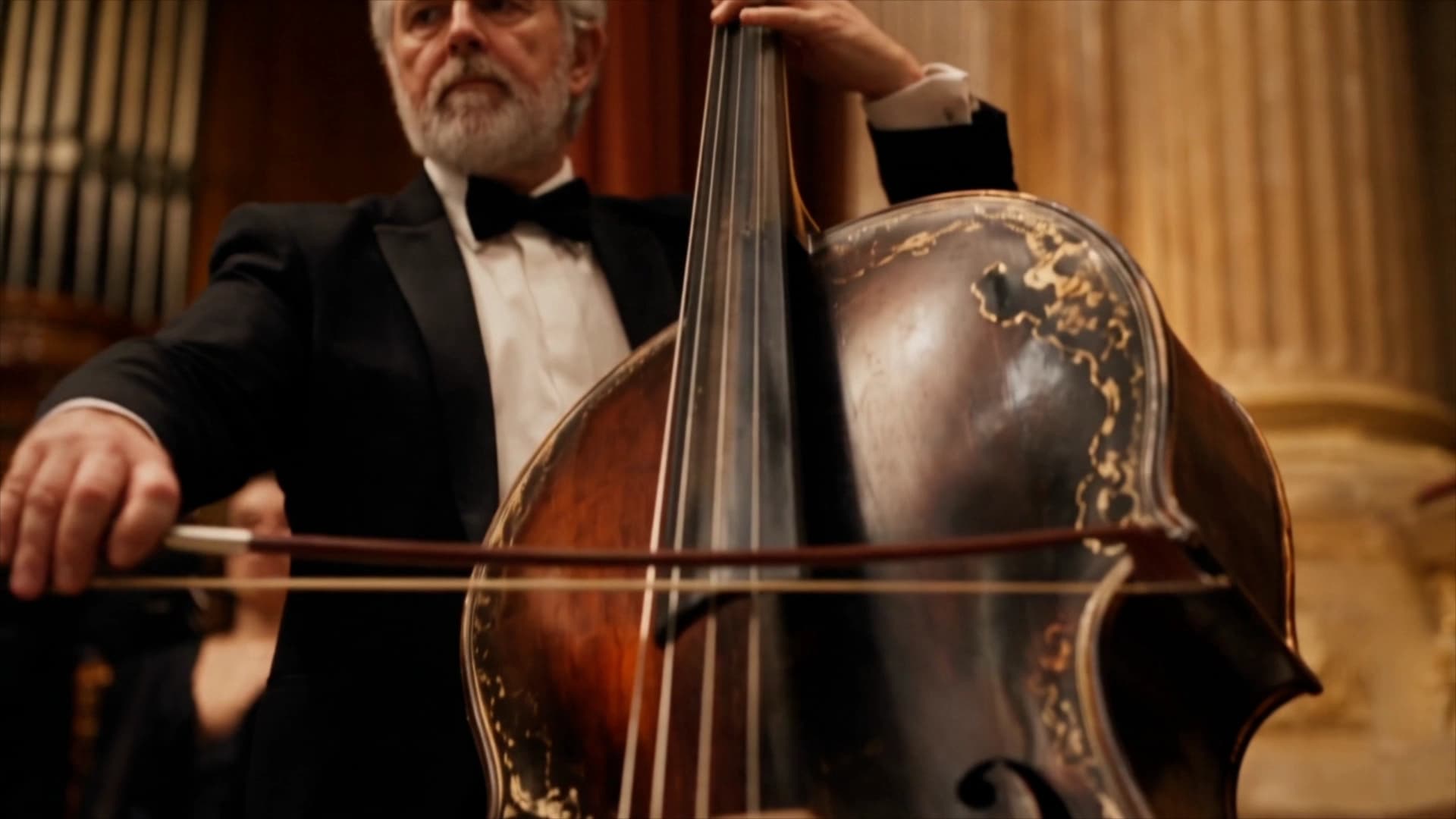
50 references in one pass: 30 images, 10 videos, 10 audio clips
The second headline is the reference budget. ByteDance says users “can now input up to 30 images, 10 video clips, and 10 audio clips as reference materials in a single pass”. That is 50 conditioning inputs against Seedance 2.0's 15 (9 images, 3 videos, 3 audio, again per the live 2.0 schema).
Practically, this changes what a reference set is for. On 2.0, nine images buys you a character and maybe an environment, and our own Seedance prompt guide argues that three or four focused references beat nine loose ones because the model averages what it cannot cast. Thirty images buys you something different: a character from multiple angles, a product from multiple angles, a wardrobe, a location, and a grade reference, all in the same request, each one tagged and assigned a job.
Ten reference videos is the sleeper feature. Video references carry motion and camera behavior, not just appearance, so a set of ten is enough to specify a house style for how things move rather than only how they look. Ten audio references, similarly, is enough to hand the model a voice, a music bed, and a room tone instead of one sample.
The caution from 2.0 still applies and probably applies harder: a big reference budget is an invitation to overfill it. Fifty vaguely related inputs will average into mush the same way nine did. The number is a ceiling, not a target.
Cleaner output: fewer surprise subtitles and unrequested background music
This is the quiet fix that working creators will notice first. ByteDance states that the model “minimizes uncontrolled occurrences in subtitles and background music”.
If you have generated much AI video you know exactly what that sentence is admitting. Earlier versions would decide, unprompted, that your clip needed a swelling score, or would render garbled pseudo-text captions burned into the bottom of the frame that no amount of prompting could remove. Both are the standard failure mode of models trained on captioned, scored social video: the training data has burned-in subtitles and music, so the model reproduces them. The workaround has always been to explicitly write “no music, no subtitles” into every prompt and accept that it works most of the time.
Seedance 2.5 addresses it at the generation level rather than the prompt level, which is the right place. It is a small claim next to 30-second takes, and it removes more real rework than the headline does.
The editing features are the actual story
Generation length gets the headlines; the editing controls are what changes a workflow. Seedance 2.5 adds four things worth knowing by name:
- Timestamp-level targeted editing. ByteDance describes “timestamp-level control for targeted editing of audio and video content”. You address a specific moment in the clip rather than the clip as a whole.
- Localized modification. You can “make targeted modifications to characters, actions, or plot elements within specific clips”. Change what one character does at one point without regenerating the other 28 seconds.
- Green-screen background replacement. Swap the background rather than re-rolling the shot.
- Camera-perspective editing. Change the angle on a take you have already approved.
The through-line is that a generation stops being a lottery ticket you either keep or reroll. Every video model to date has had roughly the same iteration loop: change the prompt, regenerate everything, hope the parts you liked survive. They usually do not. Addressing one timestamp, one character, or one background is the difference between generating video and editing it, and on a 30-second clip that difference compounds, because there is far more in a 30-second take you want to keep.
Jimeng, Dreamina, Seedream, Doubao: what “Dreamina Seedance” means
ByteDance's naming is genuinely confusing and it produces a lot of bad search results, so here is the map:
- Seedance is the video model. That is the thing this post is about.
- Seedream is the sibling image model. Different model, similar name, constant mix-ups.
- Jimeng is the Chinese consumer creative app that carries the models, with a Chinese-language interface.
- Dreamina (dreamina.capcut.com) is the international counterpart of Jimeng, in English, sharing sign-in with CapCut. ByteDance brought Dreamina Seedance 2.0 into CapCut in March 2026.
- Doubao is ByteDance's assistant, which also exposes video generation through Doubao Pro.
- Volcano Engine Ark (domestic) and BytePlus ModelArk (international) are the developer platforms where the APIs live.
So “Dreamina Seedance” is a platform plus a model, not a distinct product. If you searched for Dreamina Seedance 2.5, you were searching for Seedance 2.5 as it appears inside Dreamina. There is one model.
How to try Seedance 2.5 today
As of this writing there are exactly three routes, and all three are consumer apps:
- Jimeng. Jimeng Web, then Video Generation, then select Seedance 2.5. Sign-up is gated to a mainland Chinese phone number or a Douyin account.
- Doubao Pro. Doubao Pro, then Video Generation, then select Seedance 2.5.
- Dreamina. The international surface, sharing CapCut sign-in. Rollouts here have historically run behind the Chinese apps and by market, so availability depends on where you are.
All of them run on credits with a capped daily free allowance, which is enough to evaluate the model and not enough to produce with. ByteDance has not published a per-clip consumer price for 2.5.
If you are trying to ship campaign work rather than evaluate a model, that is the honest gap: the model you can use today in production is Seedance 2.0, which is what Dream Pixel Forge routes to alongside Veo 3.1 and Grok Video on one credit balance. Seedance 2.5 is not available in Dream Pixel Forge. Creating an account does not unlock it, and we do not have a release date to promise.
Following future releases? Subscribe to Dream Pixel Forge product updates for a roughly monthly email about models and features when they ship. This is a general product newsletter, with no reserved access or launch-date guarantee.
Seedance 2.5 API access: what exists and what does not
This is where launch-week coverage goes wrong, so here is the state of things, verified against live endpoints rather than announcements:
- Replicate:
bytedance/seedance-2.5returns 404, model not found.bytedance/seedance-2.0is live. Be careful here: at least one GitHub project advertises a Seedance 2.5 Replicate endpoint that does not exist. - Vercel AI Gateway: the model list carries
bytedance/seedance-2.0andseedance-2.0-fast. No 2.5 entry. - fal: Seedance 2.0 text-to-video, image-to-video, and reference-to-video endpoints are live. fal's own explainer page describes hosting 2.5 in the future tense.
- BytePlus ModelArk: ByteDance's announcement says API access is “coming soon.” Model IDs and pricing rows have appeared publicly, but the announcement itself has not called it open.
On pricing, both first-party listings surfaced ahead of access, and they are in the model ID table at the top of this post: doubao-seedance-2-5-260628 on Volcano Engine Ark and dreamina-seedance-2-5-260628 on BytePlus, each with a published per-million-token rate and no endpoint behind it. Treat those as listed, not confirmed callable. One API-aggregator tracker reports Volcano Ark opening access around August 7, 2026; ByteDance has not committed to any date publicly. Per-second dollar figures circulating for 2.5 conflict wildly across sources and none of them trace to a primary listing, so do not budget against them.
Two more claims to discount while you read launch coverage. First, “native 4K” as the 2.5 headline: ByteDance's announcement does not mention resolution at all, and the 4K upgrade announced at the same June conference was to the Seedance 2.0 series, which already exposes a 4K option in its live schema. Second, quality comparisons against Veo 3.1 or Sora: no independent evaluation of 2.5 exists yet, and the reviews claiming one are working from the same press materials you are.
Seedance 2.5 vs Seedance 2.0
The comparison that matters, with 2.0 figures taken from its live production schema:
| Seedance 2.0 | Seedance 2.5 | |
|---|---|---|
| Single-pass duration | Up to 15 seconds | Up to 30 seconds |
| Beyond that | Stitch clips yourself | Multi-round extension to several minutes |
| Reference images | 9 | 30 |
| Reference videos | 3 | 10 |
| Reference audio | 3 | 10 |
| Audio | Native, generated with the picture | Same architecture, fewer unrequested subtitles and music beds |
| Editing | Regenerate the clip | Timestamp edits, localized changes, green screen, camera perspective |
| API access | Volcano Ark, BytePlus, Replicate, fal, AI Gateway | None yet; ByteDance says coming soon |
| Where to use it | Consumer apps and third-party studios | Jimeng, Doubao Pro, Dreamina only |
Read the last two rows together and the practical conclusion is clear: 2.5 is the better model and 2.0 is the one you can build on this month. If you are producing now, keep prompting 2.0, and note that the craft rules carry over. One subject, one action, one camera move, sound written out loud. Nothing in the 2.5 announcement suggests that changes, though a 30-second window plainly holds more than one beat, so the one-beat rule that governs a 5-second clip will need rewriting once anyone outside the beta can test it.
Try it now
Free to try, no account needed Example output
Your generated image will replace this example.
It landed the same week as MiniMax H3
Seedance 2.5 did not get a clean news cycle. MiniMax released H3 within a day of it, going the opposite direction on almost every axis: 2K resolution with native stereo audio, clips up to 15 seconds, aggressive per-second pricing, and open model weights promised for early August. ByteDance is shipping the longest single take in a closed model with no API; MiniMax is shipping a shorter clip with an API, a low price, and the weights. If you need Chinese-lab video in production this quarter, H3 is the one you can actually call today, which is a strange outcome for a launch week that Seedance was supposed to own.
What to do this week
If you want to see Seedance 2.5, go to Doubao Pro or Dreamina, spend the free daily credits on one 30-second take, and pay attention to whether the subject holds across the full duration. That is the whole test. Everything else about this release follows from whether one take really stays coherent for 30 seconds.
If you want to ship video, that is a different job. Our image to video guide covers the workflow that wastes the fewest credits on any model, which is generating and approving the still first in the freeform generator and then prompting motion only, and the Veo 3 prompt guide covers the model that still wins on cinematic fidelity and audio. Both apply the day Seedance 2.5 opens up, and both work right now.