Toggle navigation
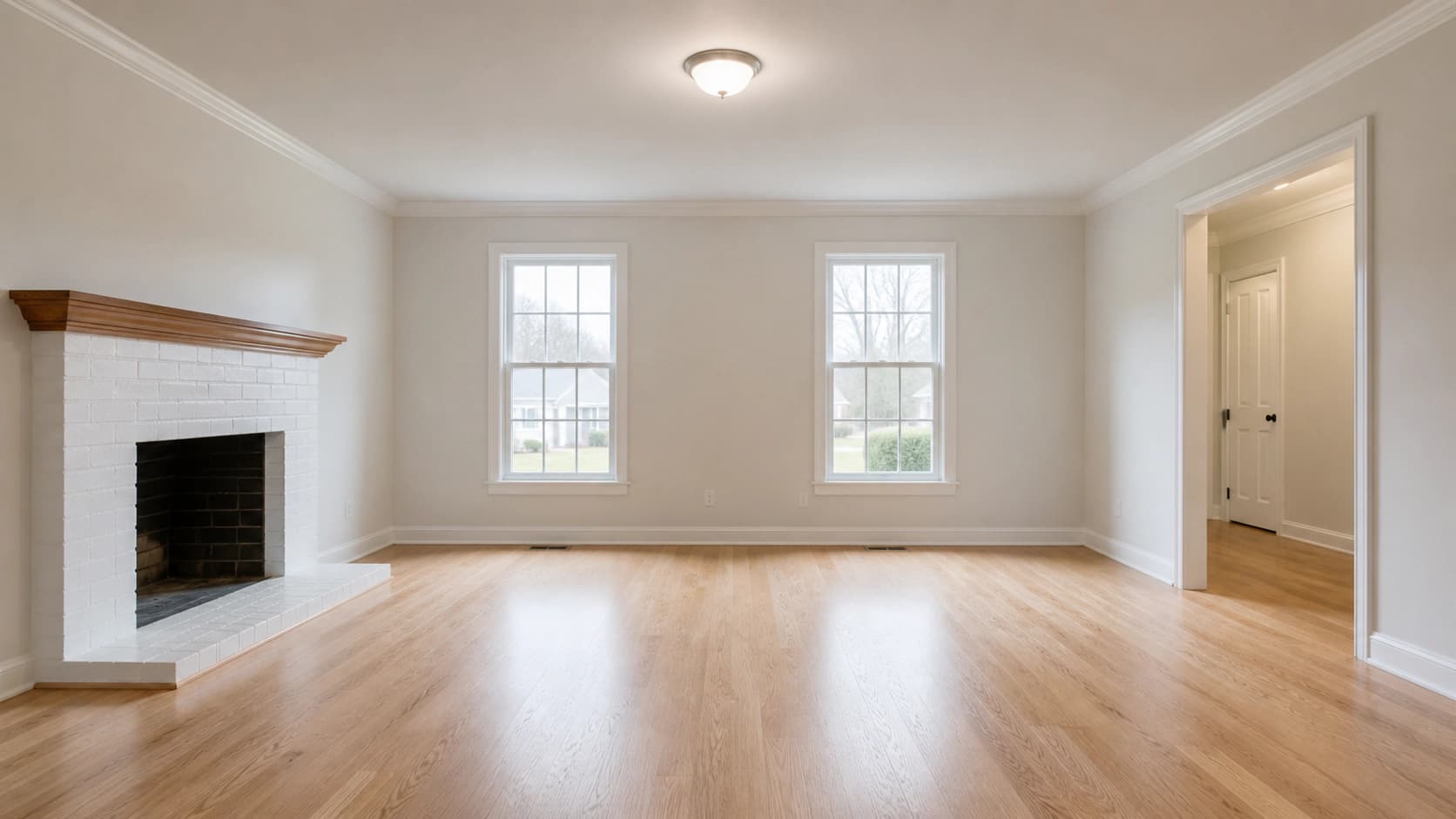
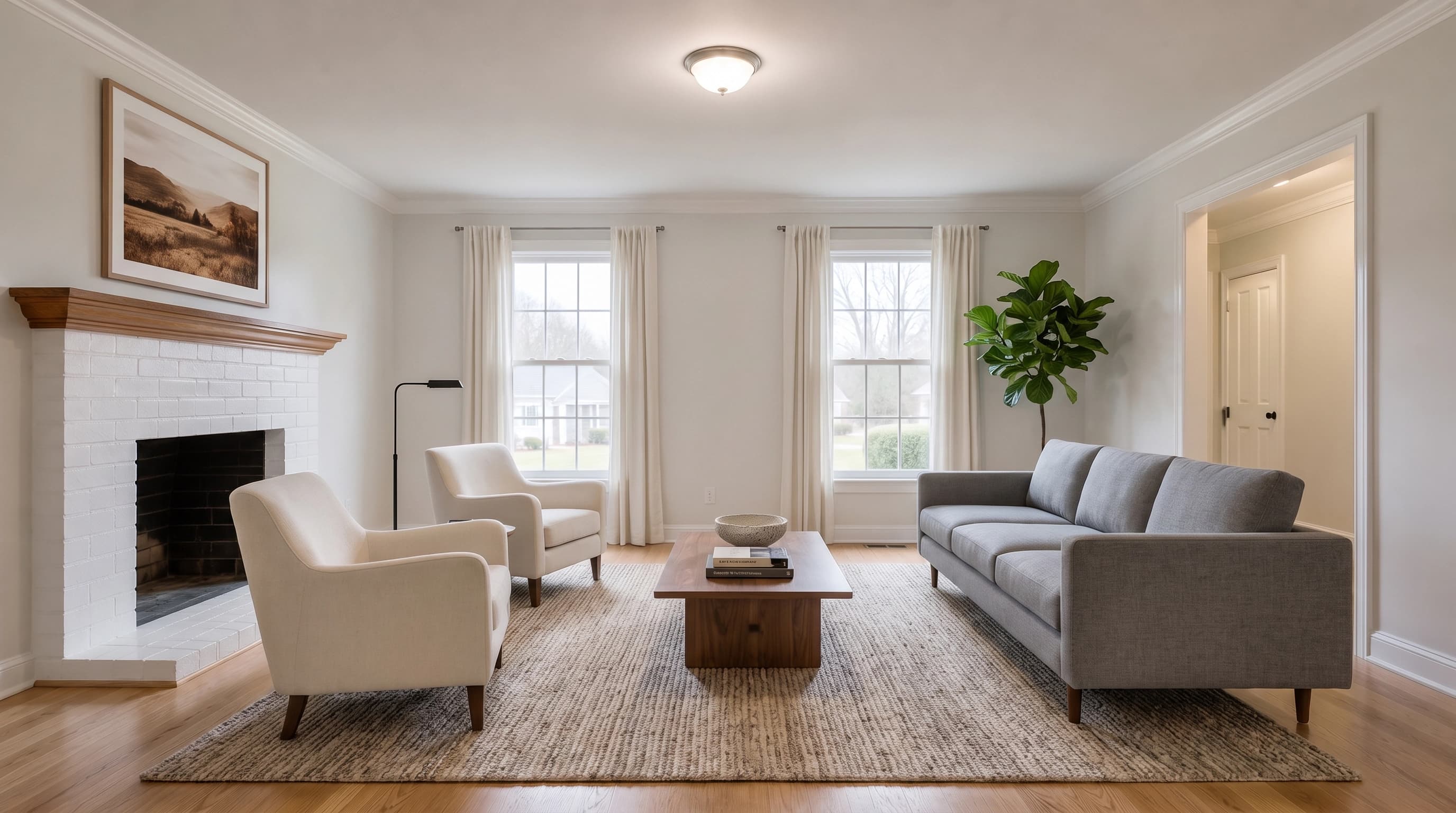
Stage the listing before the showing.
Sample run · no account needed
One room · three buyer signals
The structure stays fixed. The story changes.
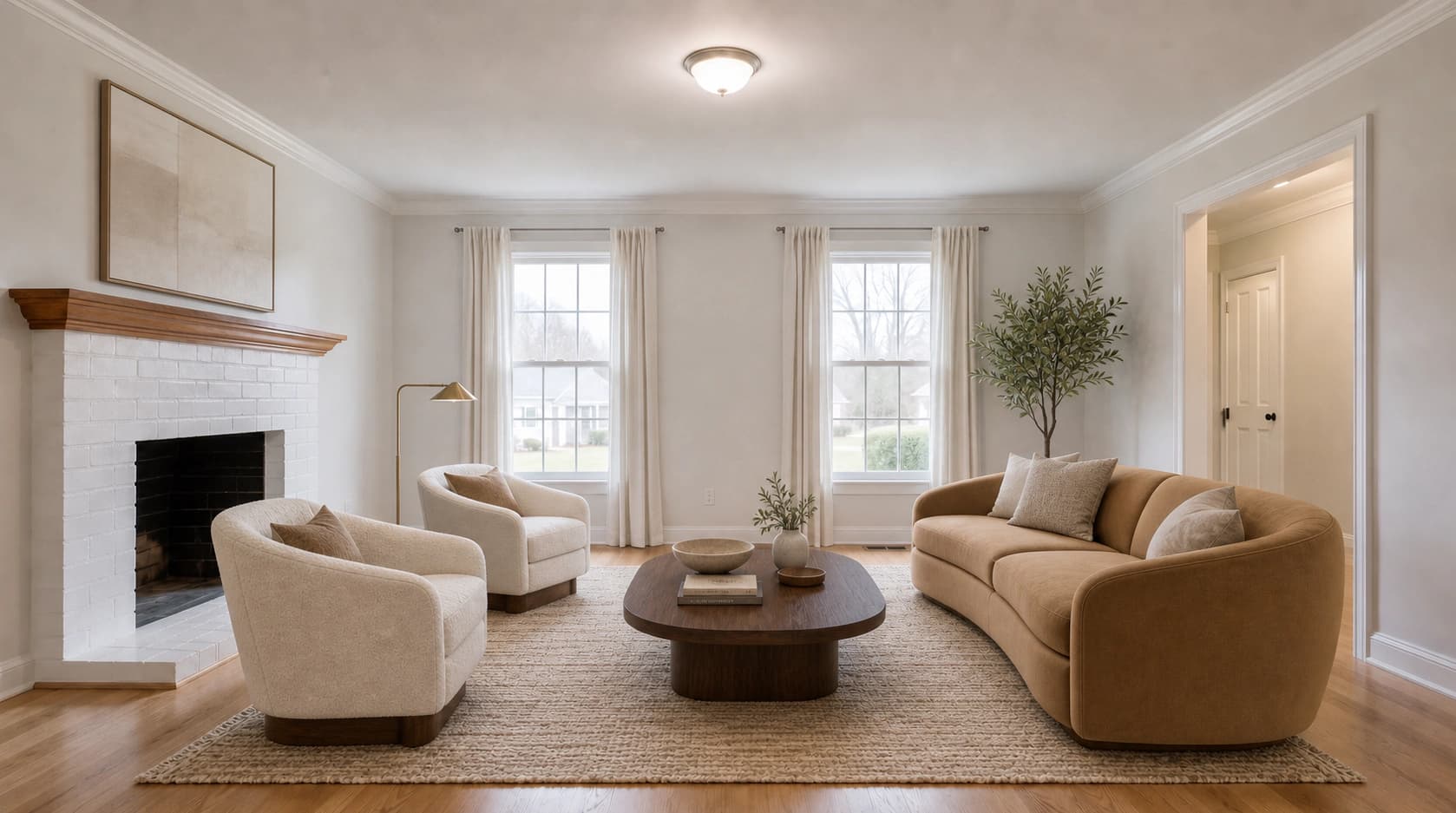
Every direction below starts from the same listing photo. Only furniture and removable decor change.
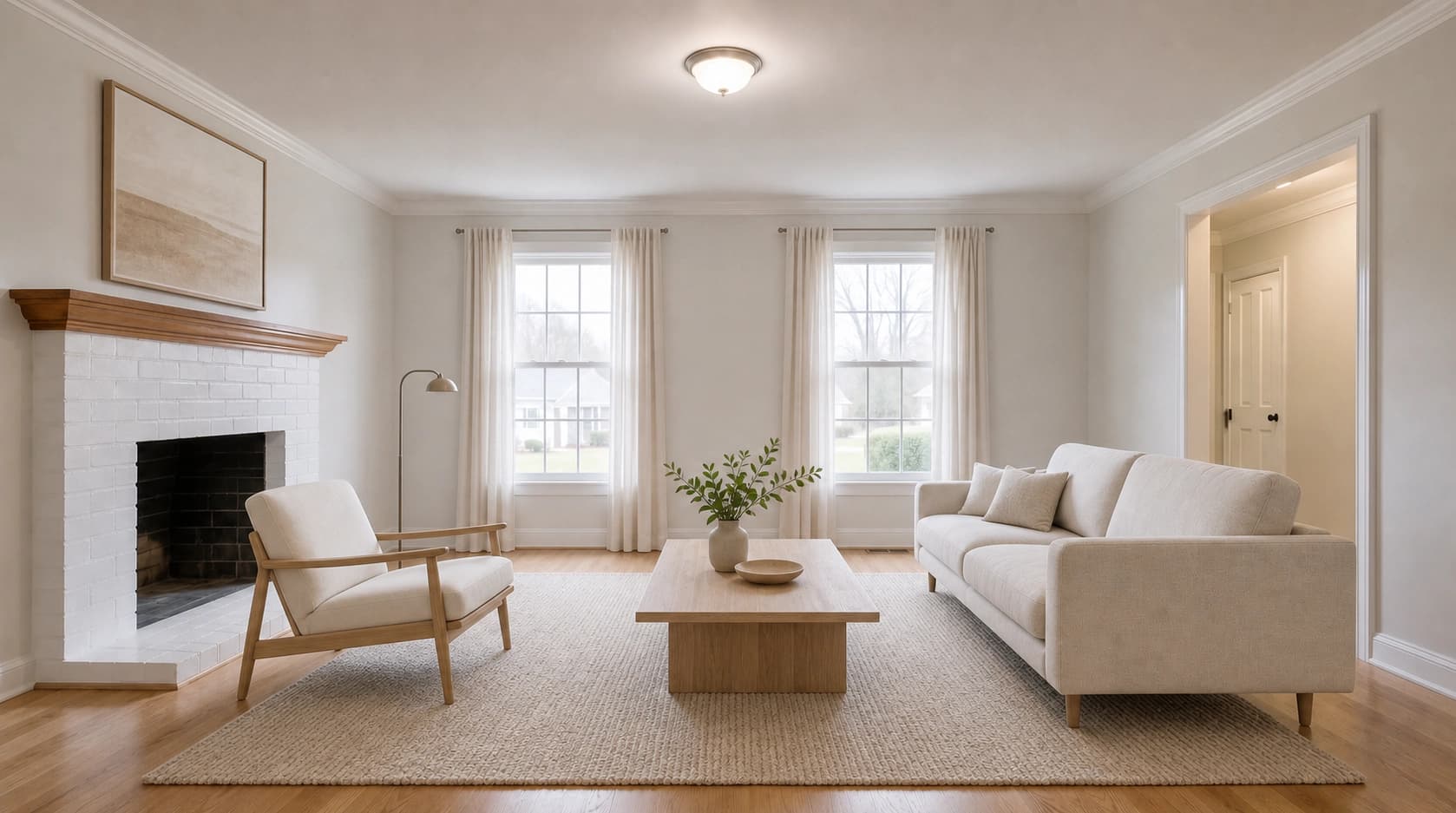
Virtual staging
Sell the space as it is.
Add removable furniture and decor to the real room. The property stays the subject, and buyers get a clearer sense of scale, function, and flow before the showing.
Interior design
Explore what it could be.
Renovation tools can change flooring, finishes, fixtures, and color. That is useful for planning. It is a different promise from a listing image that must still represent the home.
Explore interior designThe real room stays real
Furnish the photo. Do not redraw the property.
The staging brief treats the architecture as fixed. Furniture is scaled to the room, shadows follow the photographed light, and the camera view stays where the photographer put it.
- Walls, windows, doors, and trim held in place
- Flooring, ceiling, and perspective preserved
- Broker-neutral furniture arranged for the room
- Original photo kept for side-by-side disclosure
Between the shoot and the listing
Stage every vacant room without a furniture truck.
- 01
Start with the listing photo
Use the wide, level room shot your photographer already delivered.
- 02
Choose room and buyer fit
Select the room function and a furniture direction that supports the listing.
- 03
Compare before publishing
Check windows, trim, flooring, and scale against the original at full size.
Practical questions
Before it goes live.
Treat generated staging like any other listing asset: compare it with the source, label it clearly, and follow your local rules.
- What does virtual staging mean?
- Virtual staging digitally furnishes a photo of an empty room instead of renting and installing physical furniture. The property stays vacant while the listing images show a realistic furnished version of the same space.
- Does AI virtual staging change the room itself?
- The staging prompt explicitly holds the photographed walls, windows, doors, flooring, ceiling, trim, lighting direction, and camera angle in place while adding furniture and decor. Image models can still drift on a small detail, so compare every result with the original before publishing.
- What kind of room photo works best?
- Use a wide, level, well-lit photo of an empty or nearly empty room. Chest-height real-estate photography with clear corners and correctly exposed windows gives the model the strongest geometry to preserve.
- Can I try virtual staging for free?
- Yes. Upload your own room photo or use the sample on this page with anonymous trial credits and no account. Create a free account when you want to save results and reuse references.
- Do I need to disclose a virtually staged listing photo?
- MLS and local advertising rules vary, but labeling a generated image as virtually staged and publishing the original room photo alongside it is the safest standard practice. Check the rules for the market where the listing will appear.
- How is this different from an AI interior design tool?
- Virtual staging sells the property that exists today: it adds removable furniture and decor while preserving the structure. Interior design tools are for exploring renovation ideas and may intentionally change surfaces, fixtures, colors, or layout.
One empty room is enough to start
Show the potential before buyers walk through the door.
Upload a listing photo above, choose the room and furniture direction, then compare the result against the original.
Upload your room