Toggle navigation
AI product photography
The shoot starts with the photo you already have.
Keep the real product. Change everything around it.
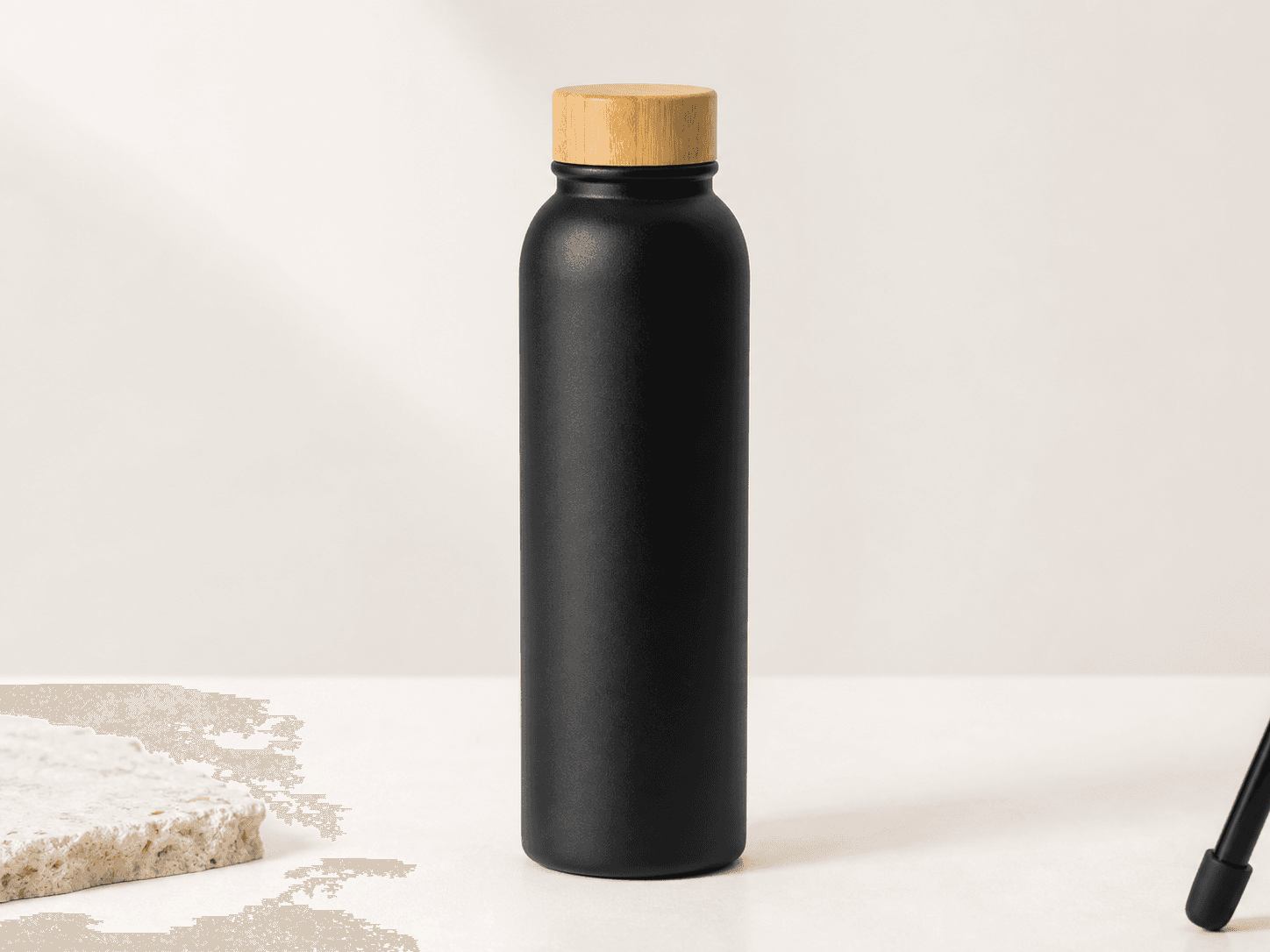 Source
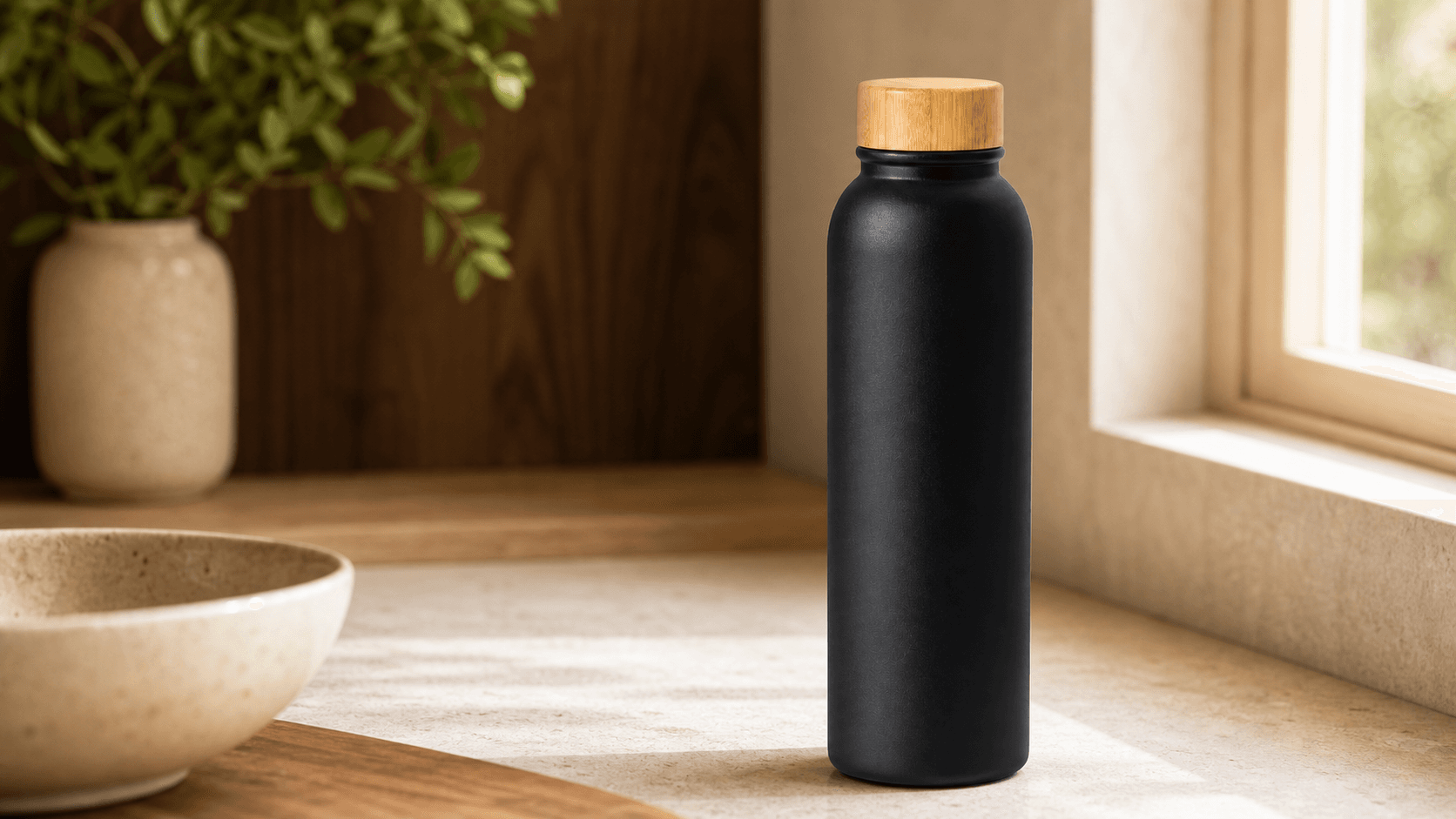 Generated
3 trial credits · no account needed
The reference stays in charge
Your product stays recognizable.
The scene changes around the source image. Your product’s shape, material, proportions, and dominant colors remain the visual anchor for every result.
- Shopify product pages
- Amazon gallery images
- Paid social creative
- Launch emails and banners
Shape · finish · color
One packshot, a full campaign
Skip the set build. Keep the art direction.
Choose the context and light in plain language. Dream Pixel Forge handles the product-photography composition and gives you a direction worth refining.
- 01
Start with one clean photo
Use the packshot you already have. Sharp edges and even light give the model a reliable product reference.
- 02
Choose scene and lighting
Move from kitchen to café to outdoor without rebuilding props, surfaces, or a physical set.
- 03
Review before publishing
Compare labels and fine details at full size, then download the strongest direction for your campaign.
Practical answers
Before you replace the shoot.
- Does the generator use my actual product photo?
- Yes. Reference-image runs carry the supplied packshot into the new scene instead of inventing a product from text alone. Shape, finish, and larger label details hold best when the source photo is sharp, evenly lit, and unobstructed.
- What can I make from one packshot?
- You can create kitchen, café, bathroom, desk, outdoor, and seasonal lifestyle scenes, then render the same direction in square, portrait, or wide formats for Shopify, Amazon galleries, ads, email, and social.
- Will small label text stay perfect?
- Not always. Image models can subtly change very small type and intricate logos. Keep your original packshot for the main listing image, compare generated scenes at 100 percent, and use the lifestyle results where context matters more than fine-print legibility.
- Is this free to try?
- Yes. Upload your own product photo or use the sample with anonymous trial credits and no account. Create a free account when you want to save results and reuse product references.
- Can I use the images commercially?
- Commercial usage rights start with paid Dream Pixel Forge plans, subject to the selected model provider’s terms. Free outputs are for personal and evaluation use.
Bring your own product
Turn the packshot into the campaign.
Upload a product photo above, choose the scene and lighting, and generate the first campaign direction without leaving the page.
Upload your product