Toggle navigation
AI fashion photography
One model. A whole directed fashion shoot.
Keep the same blonde model or upload your own adult reference. Write the wardrobe brief, choose the job, and create the image here.
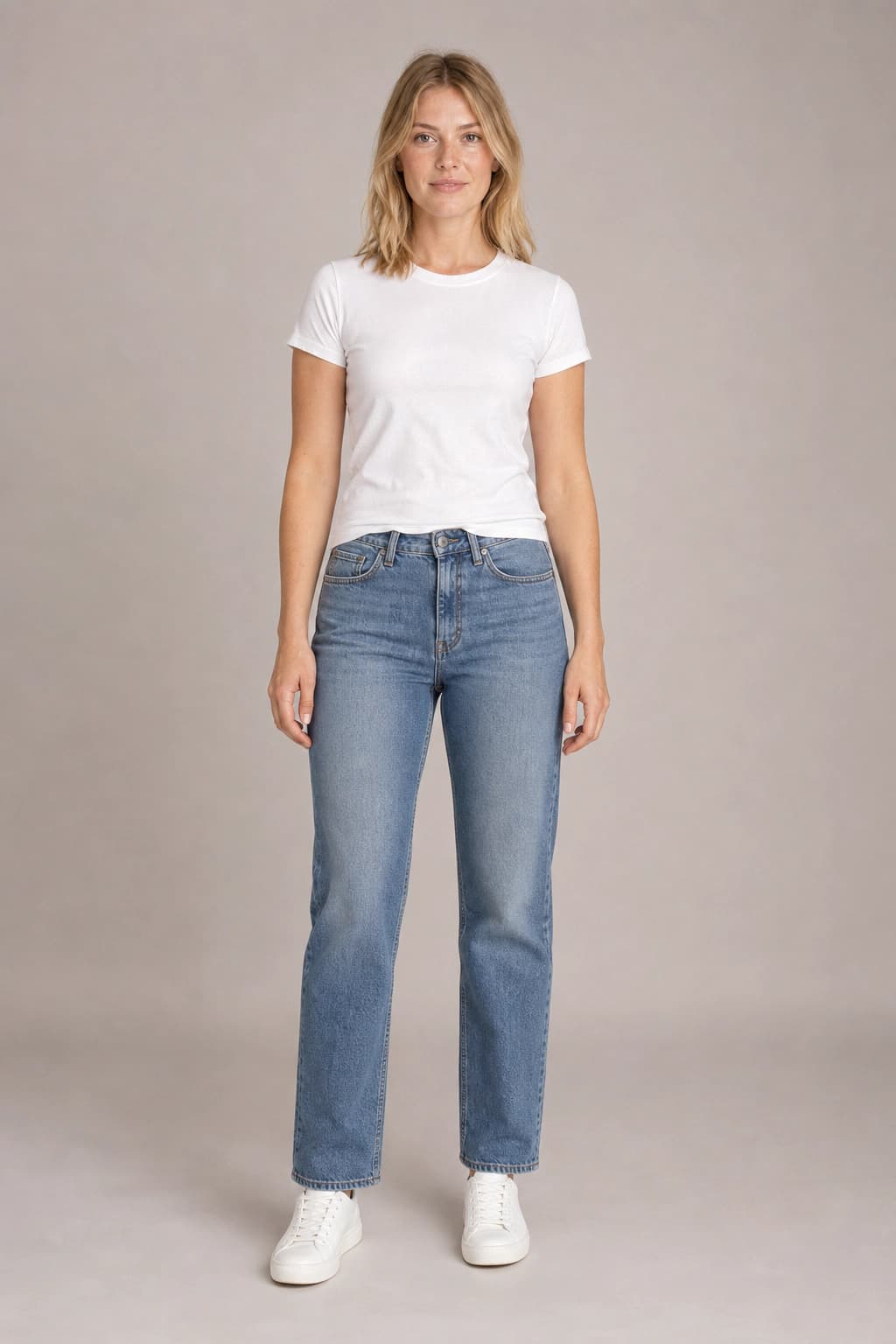 Model reference
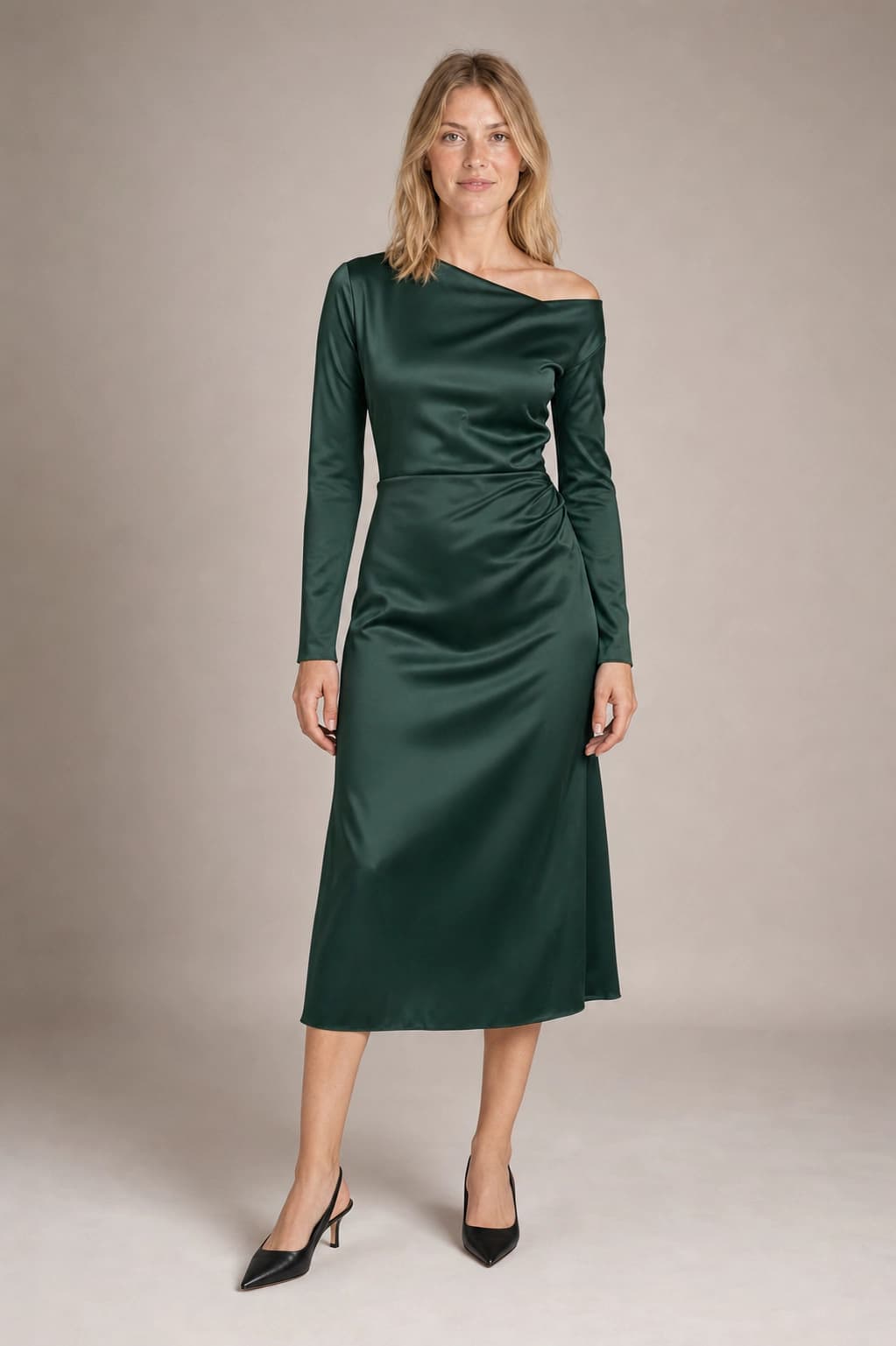 Catalog preview
3 trial credits · no account needed
One identity · three shoot briefs
Build the shot list, not just one lucky image.
Every preset starts from the same adult blonde model and the same forest-green dress. Only the photography direction changes.
Catalog
A clean full-length frame that lets the silhouette and fabric read.
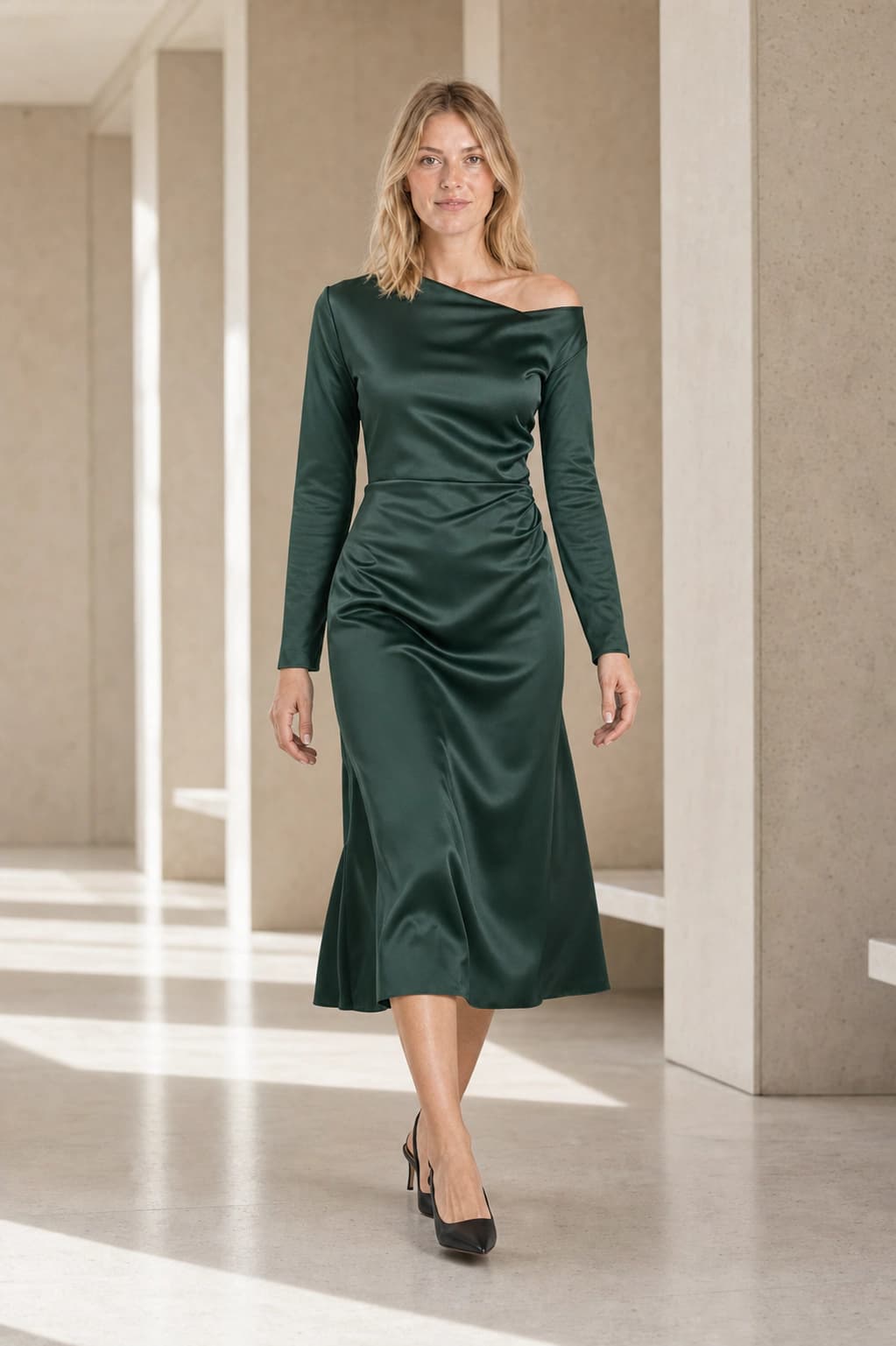
Lookbook
Natural movement and context for a collection story.
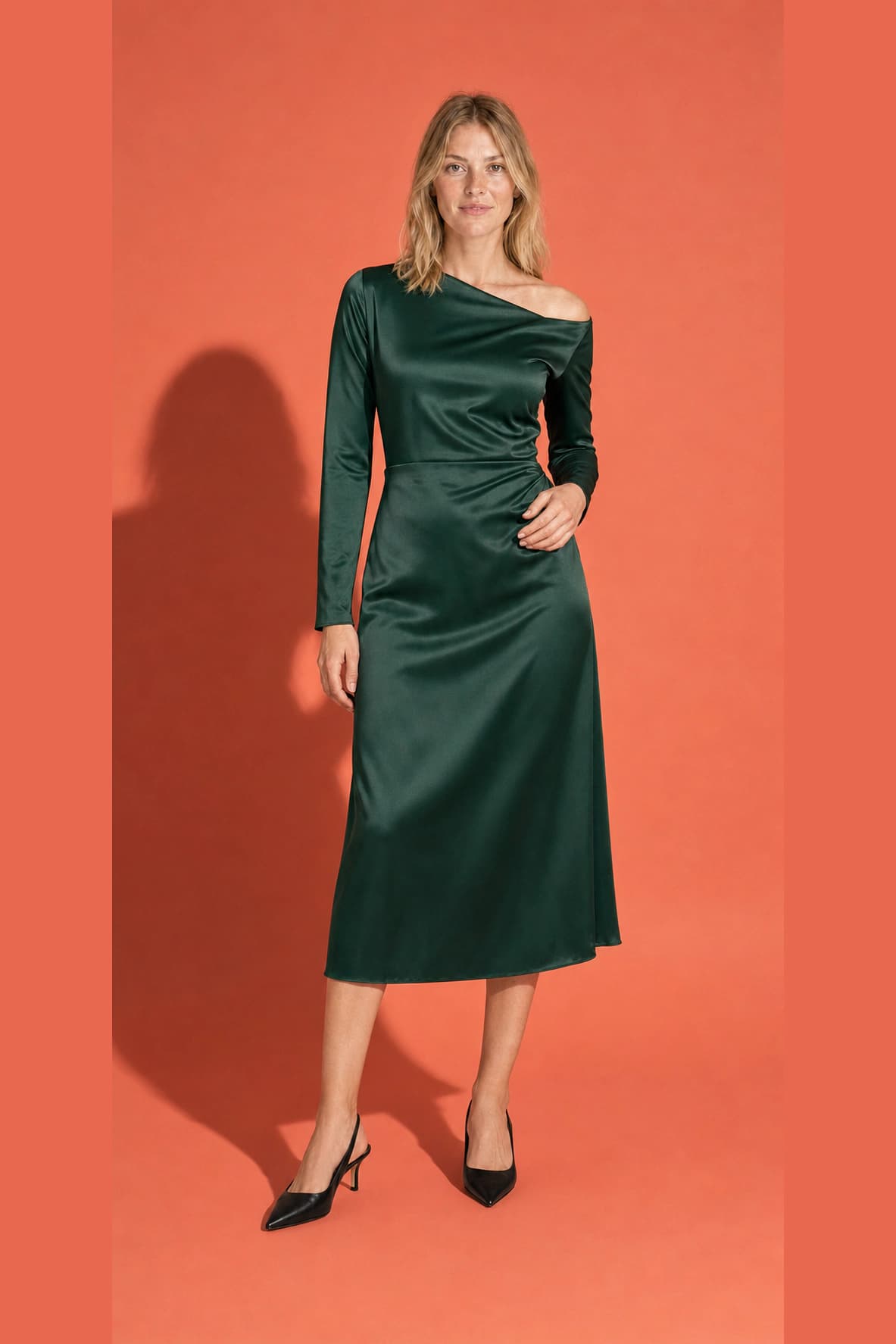
Campaign
Stronger color, light, and art direction for the launch.
Identity first
Keep the model. Direct everything around her.
The model reference anchors the person. Your brief directs the wardrobe, pose, environment, crop, and light. That makes this a campaign-production surface, not a fitting-room simulation.
- A real identity reference, with the same default model as Virtual Try-On
- Different pre-rendered images for every shoot direction
- A live upload and generation path on the landing page
Identity anchorDirected campaignThe clean boundary
Campaign direction here. Exact garment transfer there.
Fashion Photography
Start with a model identity. Explore wardrobe, pose, location, crop, lighting, and campaign direction across a coordinated shoot.
Virtual Try-On
Start with the real garment. Preserve its colorway, print, and construction while placing it on a specific model.
Use Virtual Try-OnThe workflow
Brief the shoot in three moves.
- 01
Choose the model
Keep the default blonde model or upload an adult model whose likeness you have permission to use.
- 02
Write the wardrobe brief
Describe the silhouette, fabrics, palette, accessories, and styling direction you want to explore.
- 03
Build the shot list
Start clean with Catalog, add movement with Lookbook, then push the art direction with Campaign.
Practical answers
Before the images go live.
- What is AI fashion photography?
- AI fashion photography generates directed catalog, lookbook, editorial, and campaign images from a model reference and a creative brief. It is designed for building a coordinated shoot around an identity and visual direction, rather than simply transferring one exact garment onto a person.
- Is this the same as virtual try-on?
- No. Fashion Photography is persona-first: it keeps a model identity consistent while exploring wardrobe, pose, location, light, and campaign direction. Virtual Try-On is product-first: it uses a real garment reference when exact colorway, print placement, and construction are the priority.
- Can I upload my own model?
- Yes. Upload a clear photograph of a clearly adult person whose likeness you have permission to use. A neutral front-facing image with the face unobstructed gives the generation the strongest identity reference. You can also keep the default adult blonde model.
- Will the same model appear in every shot?
- The uploaded or default reference anchors face, hair, skin tone, age, and body proportions across the shoot. Identity consistency is strongest when the reference is sharp and the face is clearly visible, but every generated image should still be reviewed before a campaign is published.
- Can I use an exact garment from my collection?
- Use the Virtual Try-On page when the exact garment is the source of truth. This Fashion Photography workflow takes a wardrobe brief and may interpret fine construction details. It is best for creative direction, lookbooks, social content, and campaigns where a coherent model and visual language matter most.
- Can I use the images commercially?
- Paid Dream Pixel Forge plans include commercial usage rights subject to the selected model provider’s terms. You are responsible for model releases and permissions for any real person you upload, and for checking that published images accurately represent any products being sold.
Direct the first frame