
Generated images and clips
Every image the agent renders lands on the board as a tile. Video clips land the same way and play inline on the tile. Each one carries the model that made it and the exact prompt behind it.
Moodboard generator
A moodboard generator builds a visual reference board for a creative direction. Most of them arrange pictures you already have. This one makes the pictures: describe the direction, and an agent plans the shots, renders them, and lays them out on an infinite canvas.
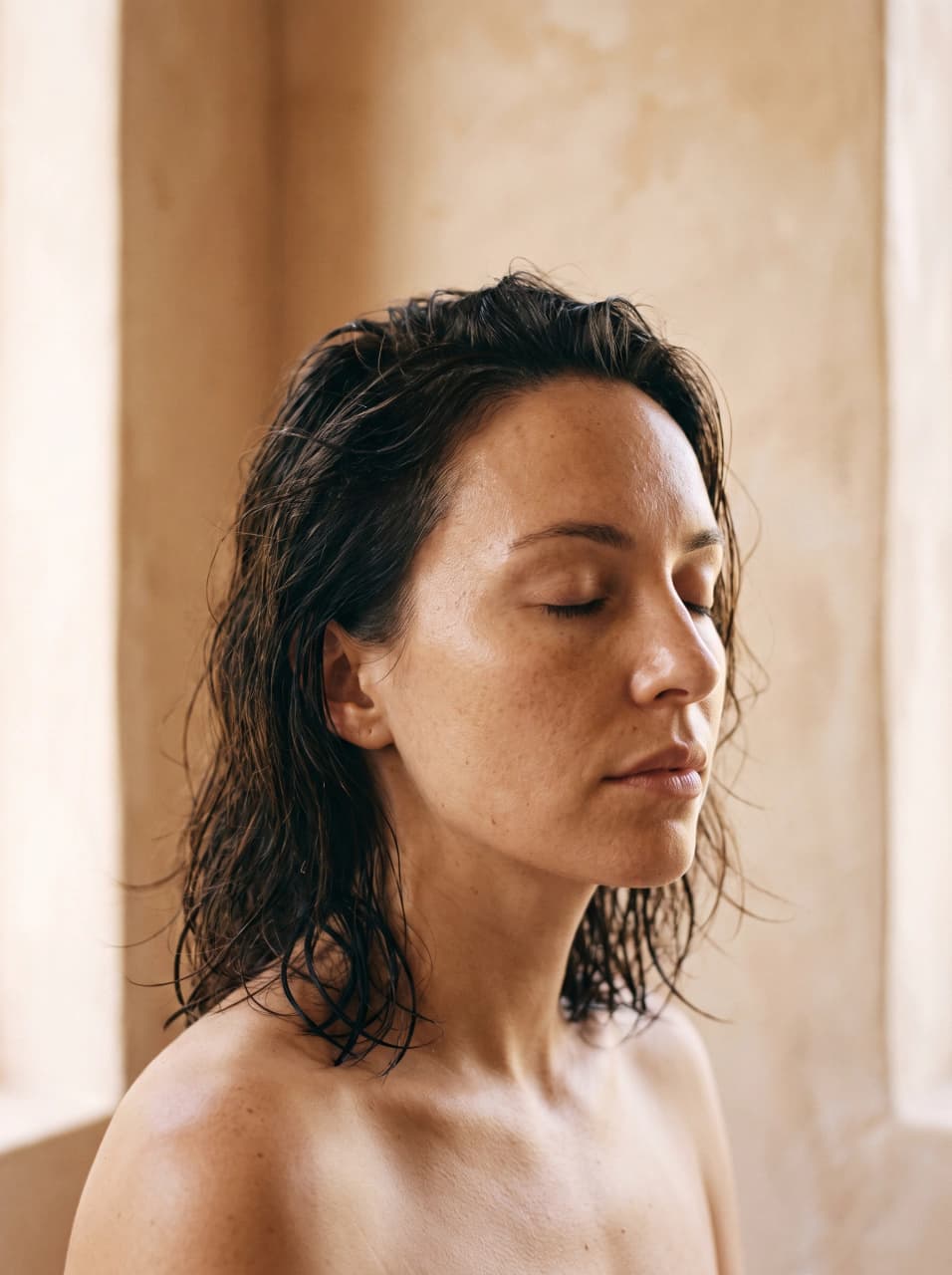
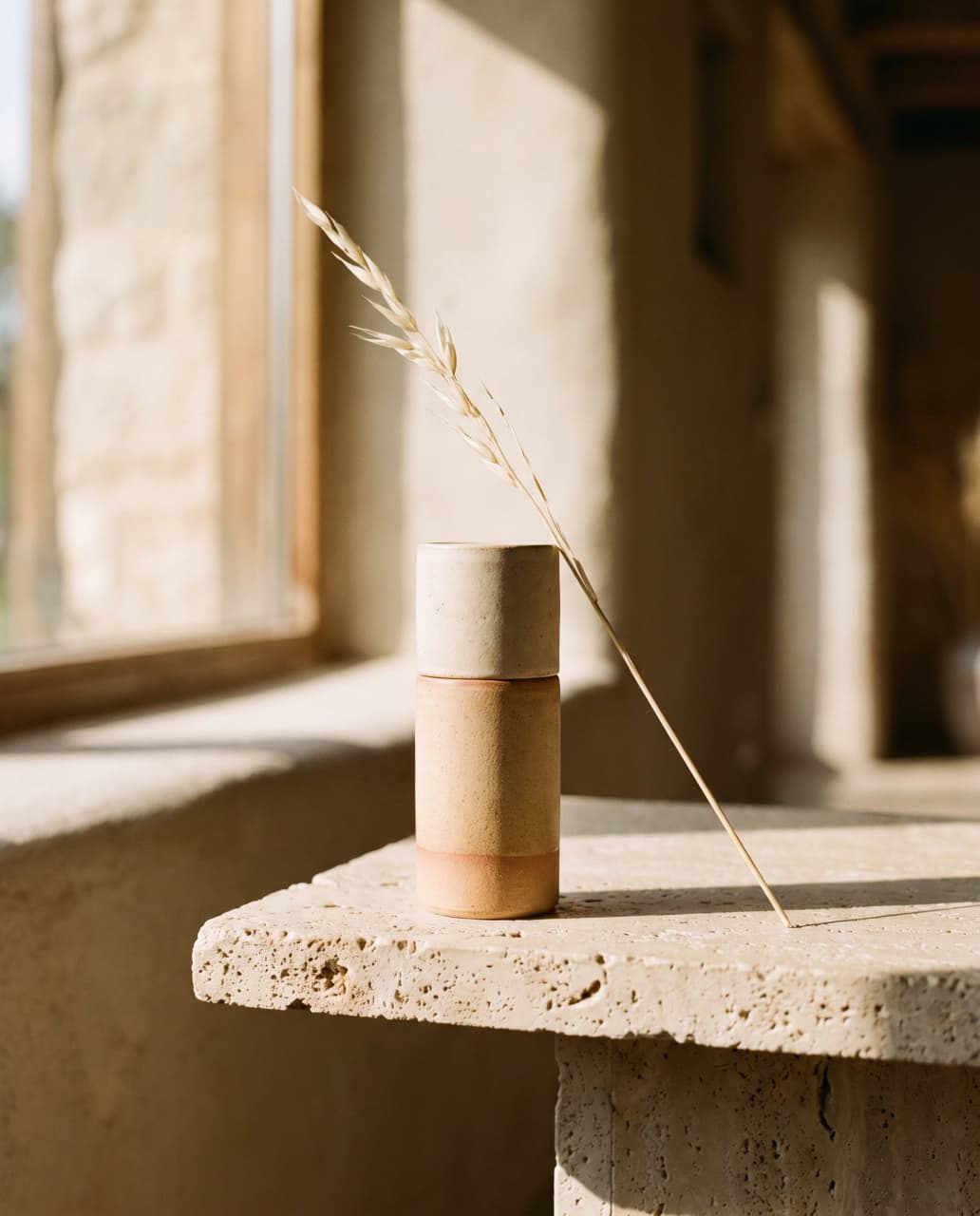
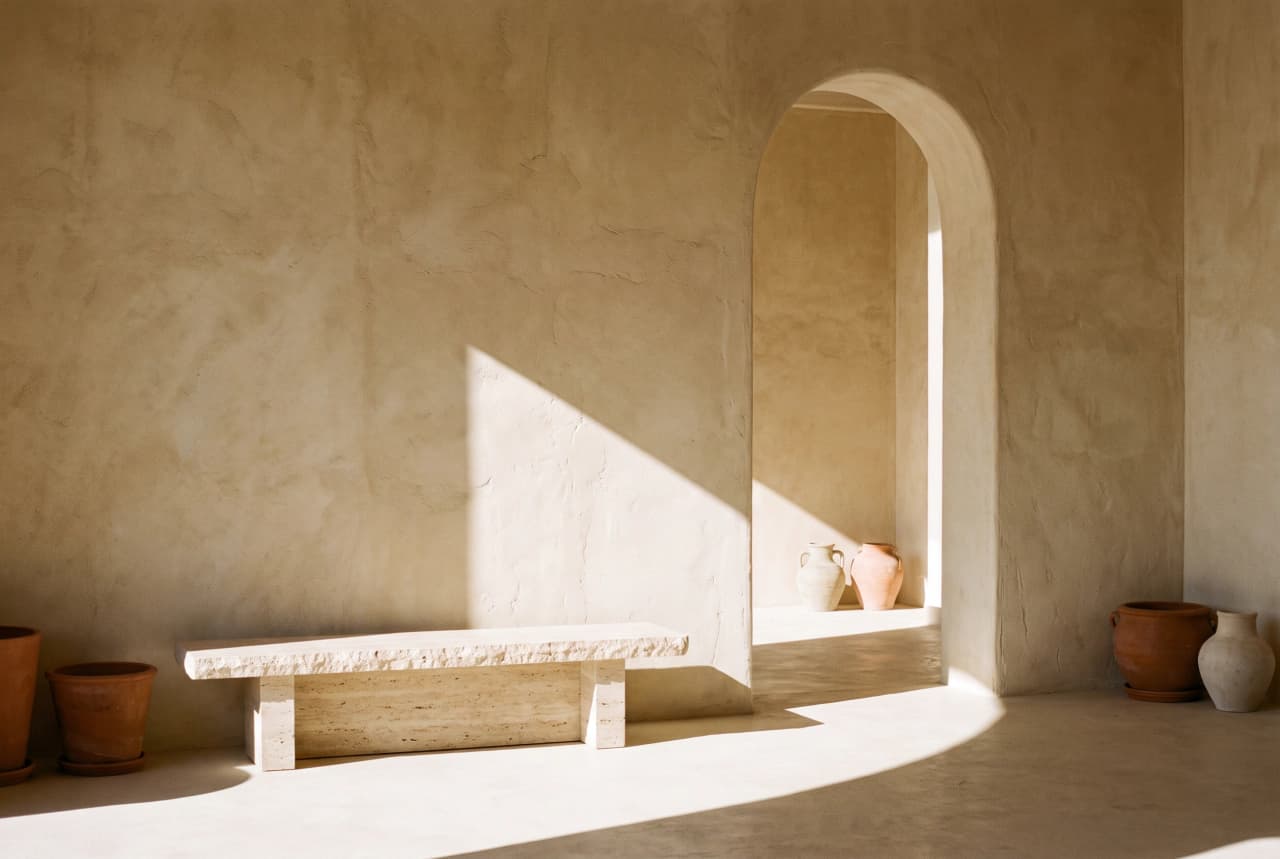

A moodboard is the reference board a team agrees on before anyone makes the real thing: the light, the palette, the materials, the way people are framed. A moodboard generator is the tool that gets you to that board without a week of collecting.
The category splits in two. Canvas and design tools give you a surface and expect you to bring the images, which means the slow part of the job is still yours. Aesthetic generators hand you colours and adjectives, which is a vibe rather than a board. Both stop exactly where the work starts.
Dream Pixel Forge closes that gap by generating the imagery to a brief. Because one direction drives the whole set, the tiles agree with each other on light, palette, and treatment instead of being six good pictures from six unrelated shoots. Then you edit it by hand, because taste is still the part you are not outsourcing.
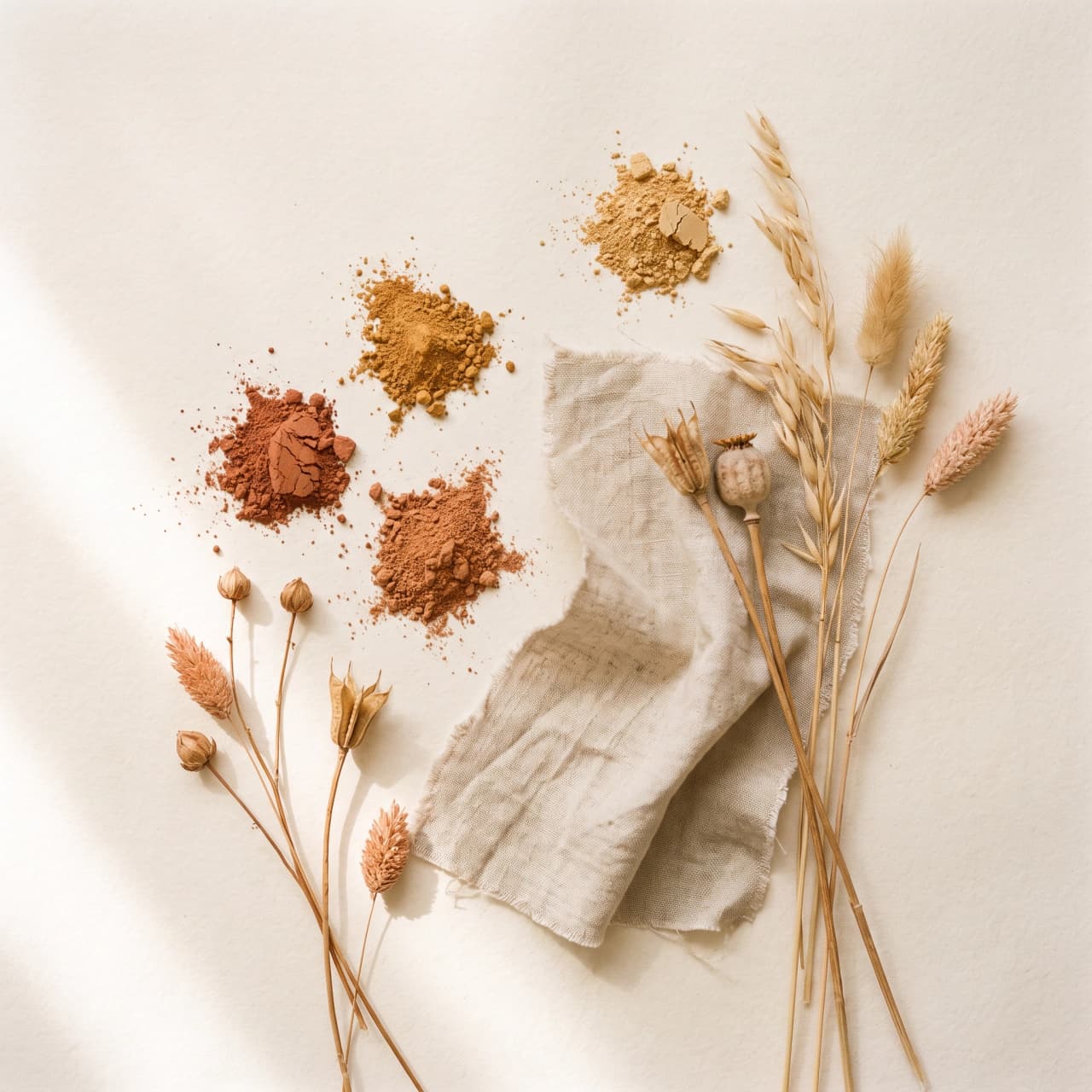
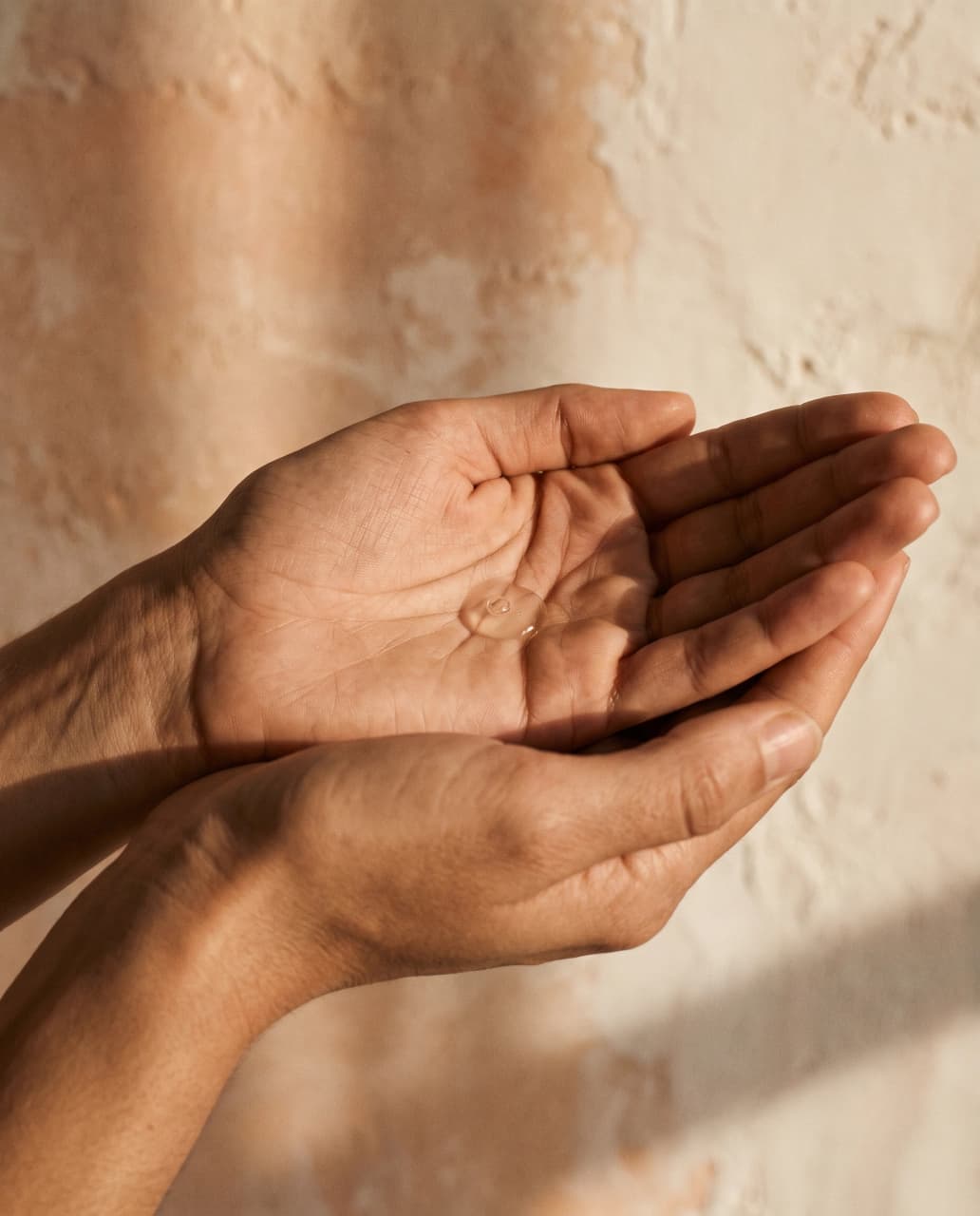
Six tiles from a single direction: a mineral skincare brand, warm sand and terracotta, hard afternoon light on plaster. Nothing here was collected. Every frame was generated for this board.
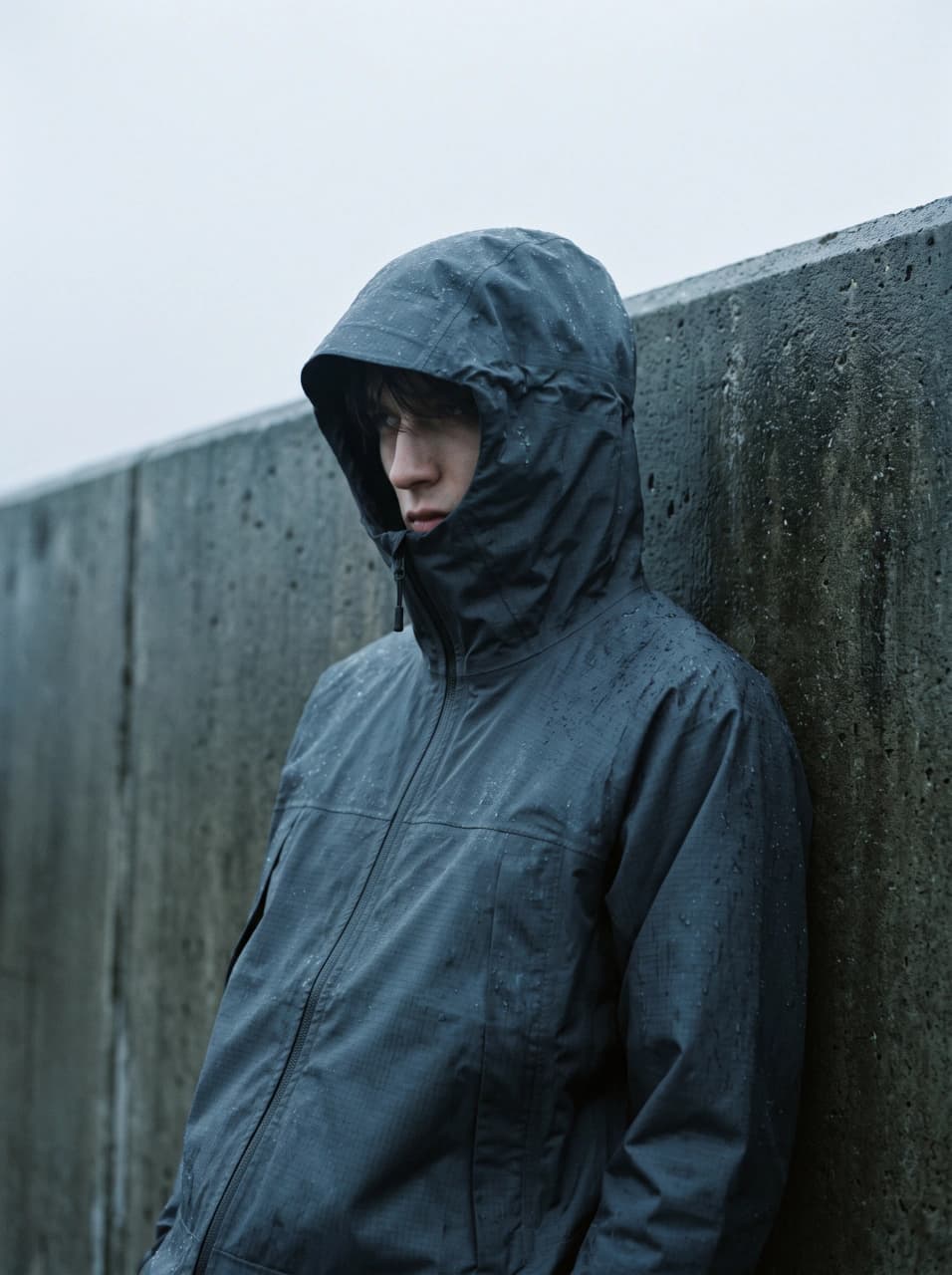
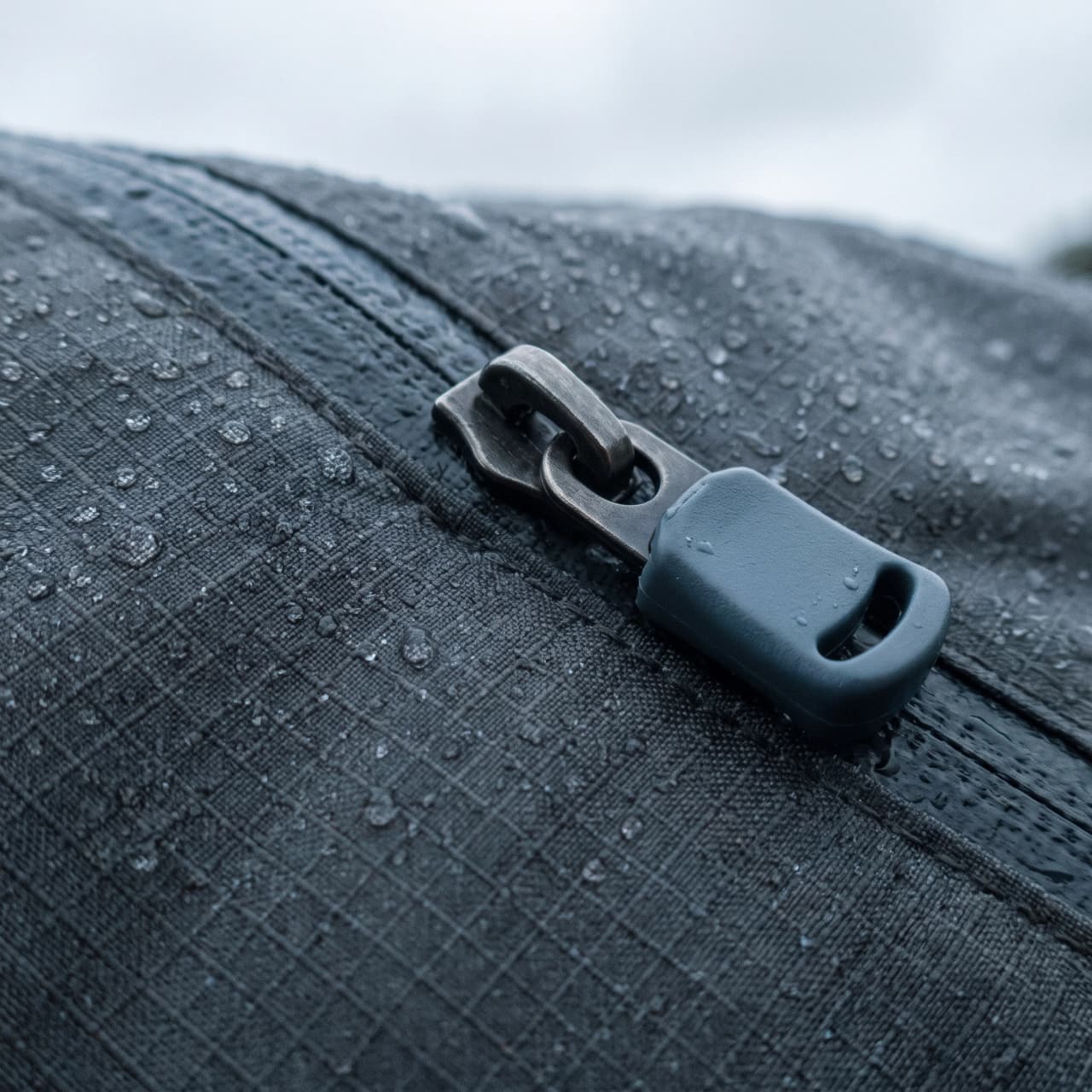
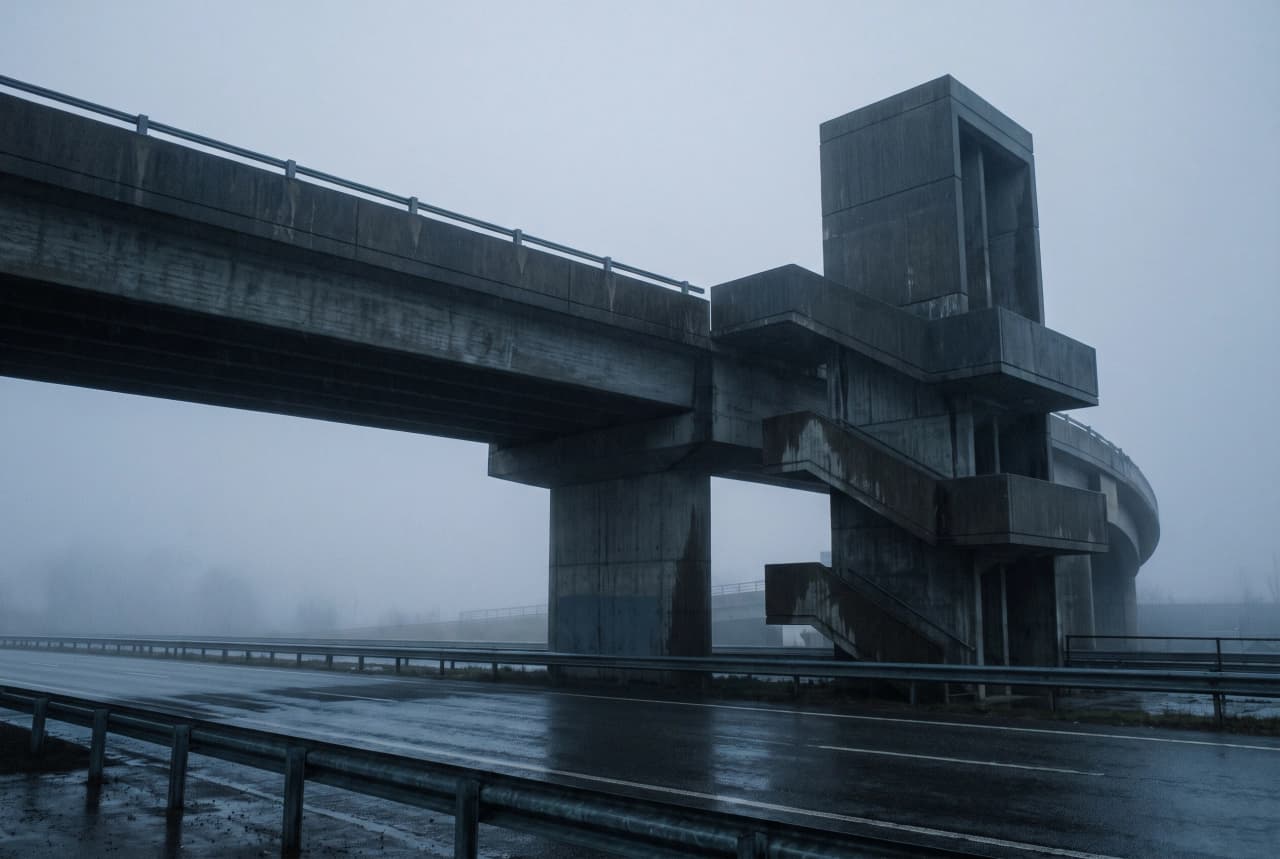
The same three roles under a different direction: technical outerwear, graphite and wet concrete, flat overcast light. The coherence comes from the brief, not from you hand-picking tiles that happen to match.
Three kinds of thing, placed anywhere you want them on an infinite canvas.
Every image the agent renders lands on the board as a tile. Video clips land the same way and play inline on the tile. Each one carries the model that made it and the exact prompt behind it.
Drag image files straight onto the canvas, or pick from the uploads library you have already built. References sit alongside generated work, which is the point: the board should hold the swipe you started from.
Sticky notes for the things a picture cannot say: the season, the constraint, the word the client keeps using. Double-click to edit one in place. Notes are read as taste, never as instructions to follow.
Four steps, and only the first is typing. The rest is watching the board arrive and then moving things around.
Step 1
One or two sentences in the chat rail beside the canvas. A product, a feeling, a season, a palette. Not a prompt: you are briefing a creative director, so say what the work is for rather than how to render it.
Step 2
The agent plans a set of shots before spending anything, and each planned shot drops onto the canvas as an outlined placeholder with its description. You can see the shape of the board before a single image exists.
Step 3
Each tile resolves into a finished image as it renders, reshaping to the picture's real aspect ratio. The agent checks results against your brief and regenerates the ones that miss, so weak frames get replaced without you asking.
Step 4
Drag, resize, box-select, zoom out to see the whole thing. Add notes, drop in your own references, delete what is not working. Everything saves itself a couple of seconds after you stop moving, and one board holds up to 500 objects.
A moodboard is worth something when it changes the next piece of work. Here the canvas sits next to the agent that makes it, so pointing at what you like is the whole handover.
Select the six tiles that are working and hand them to the agent as context. The next round is built against what you picked, which is a far more honest brief than any sentence you could write about it.
A tick and a cross on every image. Rejections stick, so the board stops being a pile and starts being a decision. Tiles the agent flagged as off-brief are marked for your eye rather than silently kept.
Open any tile and read the exact prompt sent to the provider, with the model that rendered it. Copy it out if you want it elsewhere. Nothing about how a frame was made is hidden from you.
When an image gets regenerated or retouched, the attempts stack on the same tile with arrows to flip between them. The board stays one tile per idea instead of sprawling into every attempt you made.
A free account gets the agent, the canvas, and one saved brand: 15 credits to start, and 2 more each day once your balance falls below 6. Every generation shows its credit cost before you commit, and a failed or filtered one is refunded. Free output is licensed for personal and evaluation use; commercial rights come with a paid plan.
How concept art gets made, start to finish
Read the guideArt styles worth naming in a direction brief
Browse the stylesTake a direction into character design
See the concept art studioTurning a direction into finished key art
Read the guideCompose a board from your own agent or the CLI
See the CLI and MCP serverPlans, credits, and commercial rights
See pricingDream Pixel Forge ·