Guides
How to Make Concept Art: From Brief to Finished Piece
Learn the complete concept art workflow: brief, thumbnails, iteration, and finish, with practical paths for digital painting and AI-assisted exploration.
Concept art is not a drawing you decorate. It is a problem you solve on paper before anyone spends real money building the thing. The process is the same whether you paint every pixel by hand or lean on AI to move faster: start from a brief, throw dozens of rough ideas at the wall as thumbnails, narrow to the strongest directions, then refine one into a finished piece the team can build from. This guide walks that full loop, brief to final, for both a traditional digital painting workflow and an AI-assisted one, and it answers the question a lot of artists are actually asking in 2026: does using AI here still count, and does it put concept artists out of work.
What is concept art?
Concept art is the visual development done early in a production to figure out how something looks and feels before it is built. It exists for films, games, animation, and product design, and its job is communication, not decoration: it shows a director, a client, or a build team what a character, environment, creature, prop, or mood should be, so everyone downstream is working toward the same picture. A single finished frame usually stands on the shoulders of dozens of discarded explorations.
The distinction that trips people up is concept art versus illustration. An illustration is the final artifact, meant to be looked at. Concept art is a working document, meant to be built from and then often thrown away. That is why concept art prizes speed, variety, and clarity of idea over polish. A rough sketch that nails the silhouette of a villain is worth more to a production than a gorgeous painting of a design nobody chose.
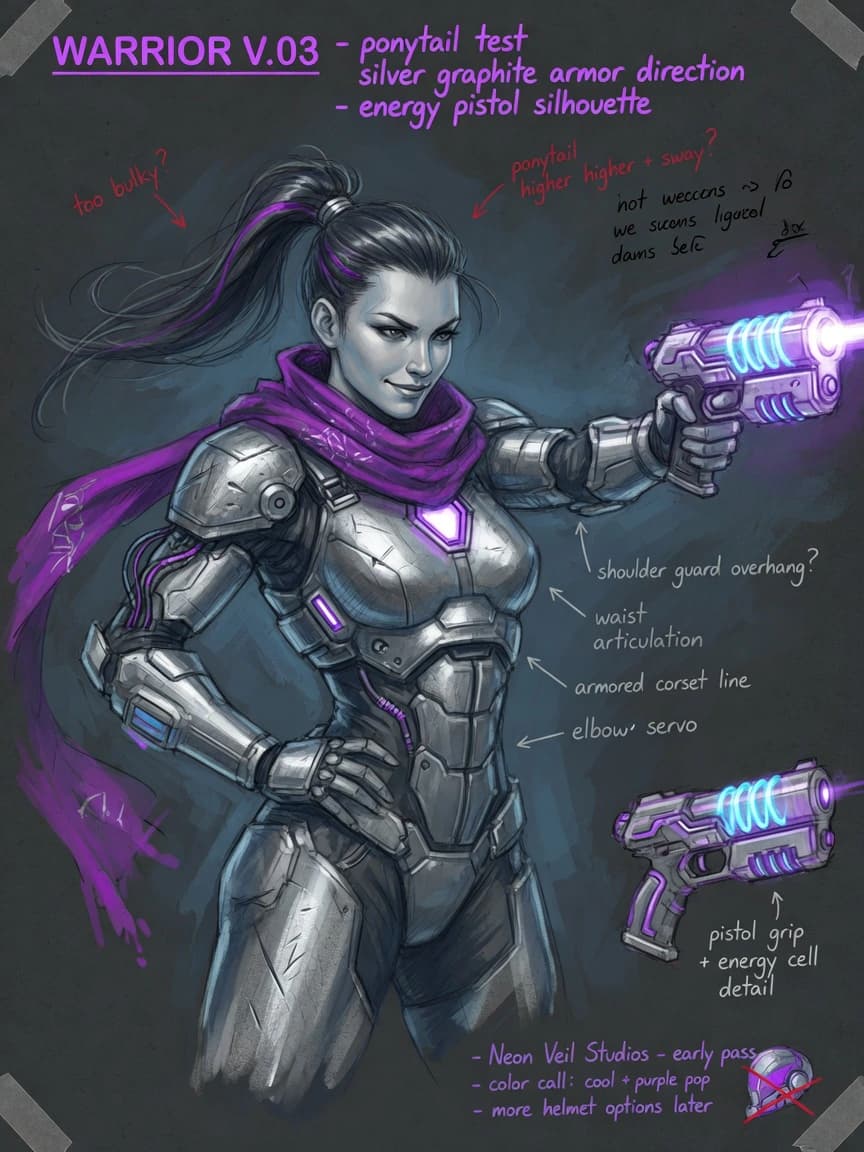
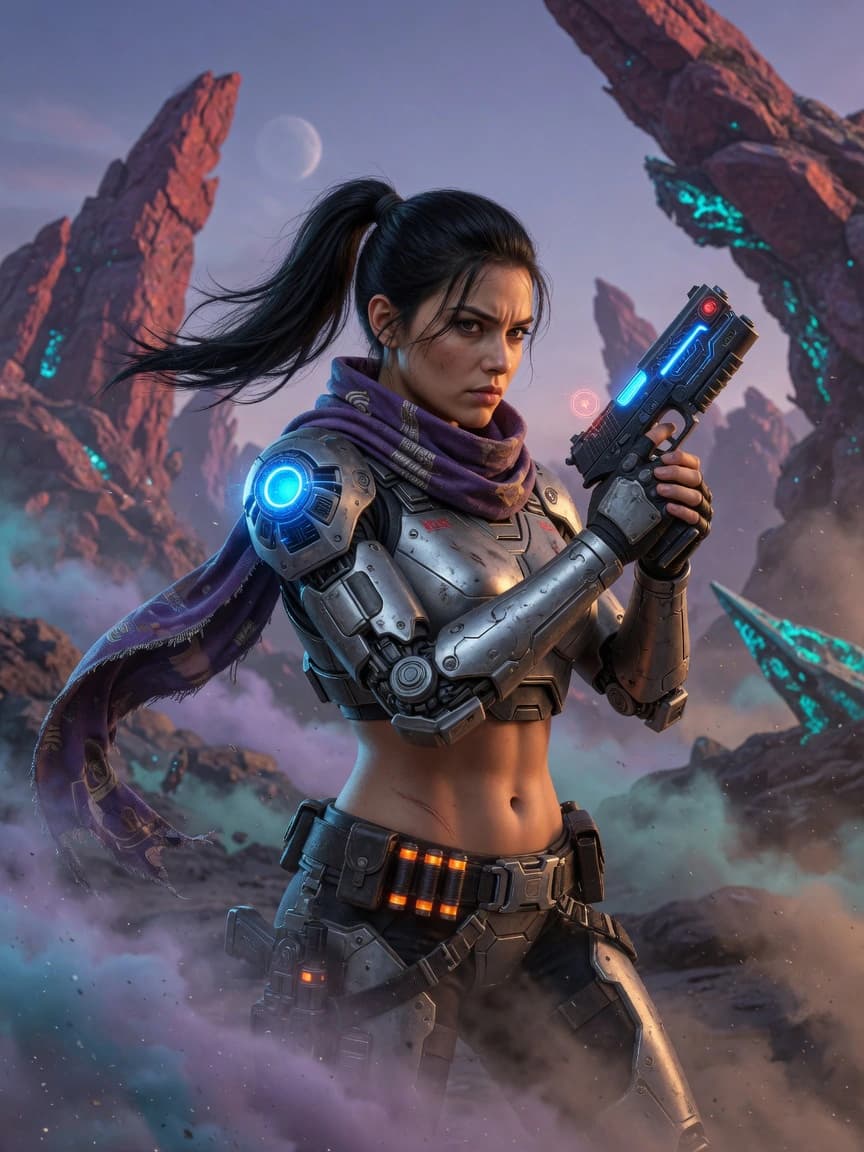
What is an example of concept art?
The clearest examples are the pieces that shaped films you already know. Ralph McQuarrie was the first person George Lucas hired to help envision Star Wars, commissioned in 1975 to paint scenes from the script. Those production paintings helped Lucas convince 20th Century Fox to fund the film, and McQuarrie went on to design the look of Darth Vader, C-3PO, R2-D2, the Stormtroopers, and the Death Star. Decades later Lucasfilm still mines his unused 1970s sketches for new productions.
Syd Mead is the other canonical name. Billed as a "visual futurist," a title he coined himself for the Blade Runner end credits, he designed the vehicles and worlds of Blade Runner, Aliens, and Tron before he died in 2019. Beyond film, concept art includes the character turnarounds and environment paintings behind almost every major video game, the creature designs in animation, and the early mood boards for theme-park rides and cars. If it was designed before it was made, someone made concept art of it first.
The concept art process, step by step
Every studio has its own vocabulary, but the pipeline is remarkably consistent. It moves from the widest, cheapest exploration to the narrowest, most expensive polish, and it loops through feedback at every stage.
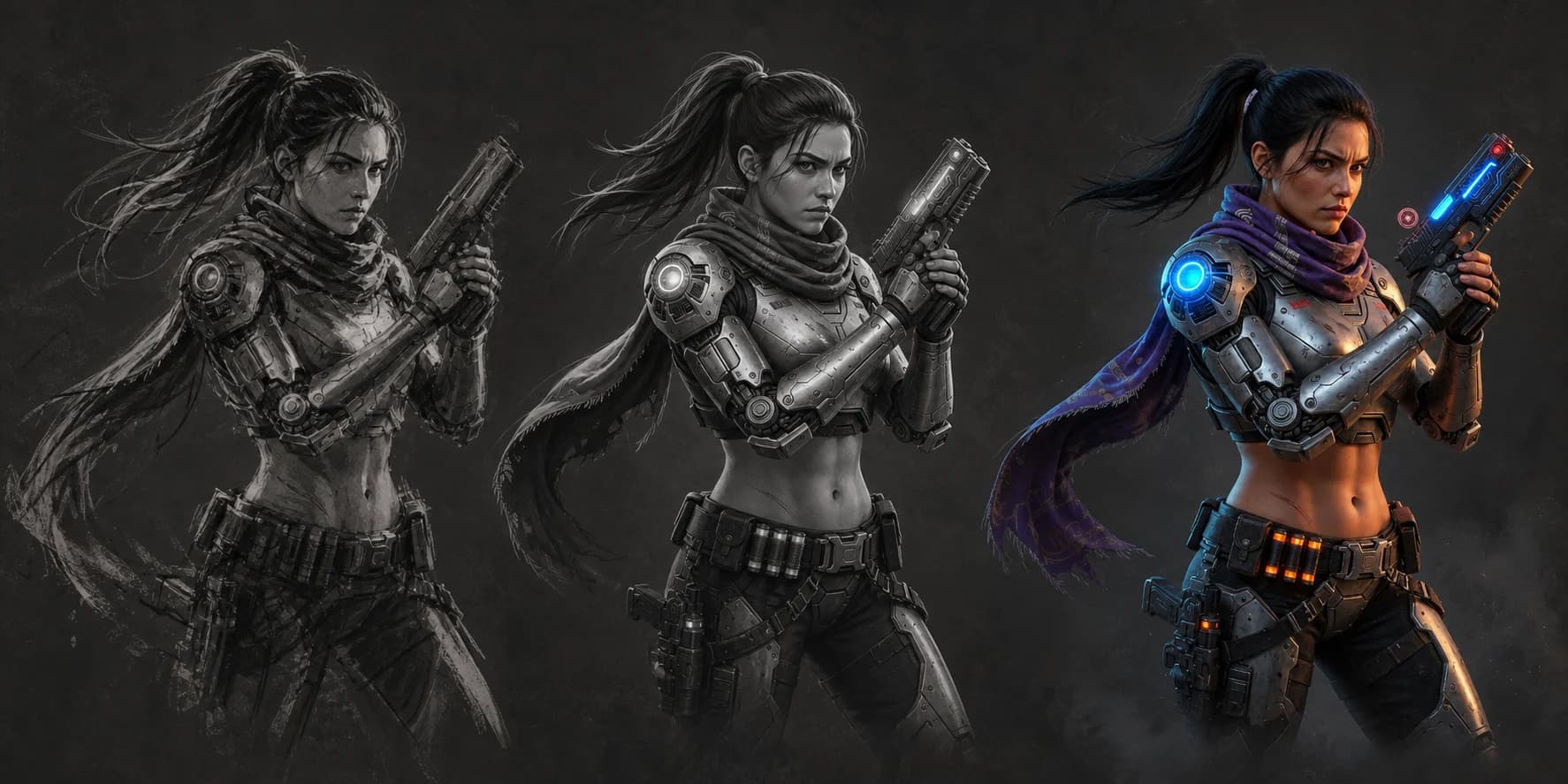
- The brief. Before a single line, you need the constraints: what is this thing, what job does it do in the story, what mood, what era, what limits. A weak brief produces weak art. If you are working for yourself, write the brief anyway. "A scavenger's desert outpost, hostile, sun-bleached, built from salvaged ship parts" gives you something to solve. "A cool building" does not.
- Research and reference. Gather real-world material that answers the brief: photos, textures, architecture, historical costume, animal anatomy. Concept artists do not invent from nothing; they recombine reference. This step is what keeps a design believable instead of generic. A moodboard generator shortens it when the reference you need does not exist to be collected.
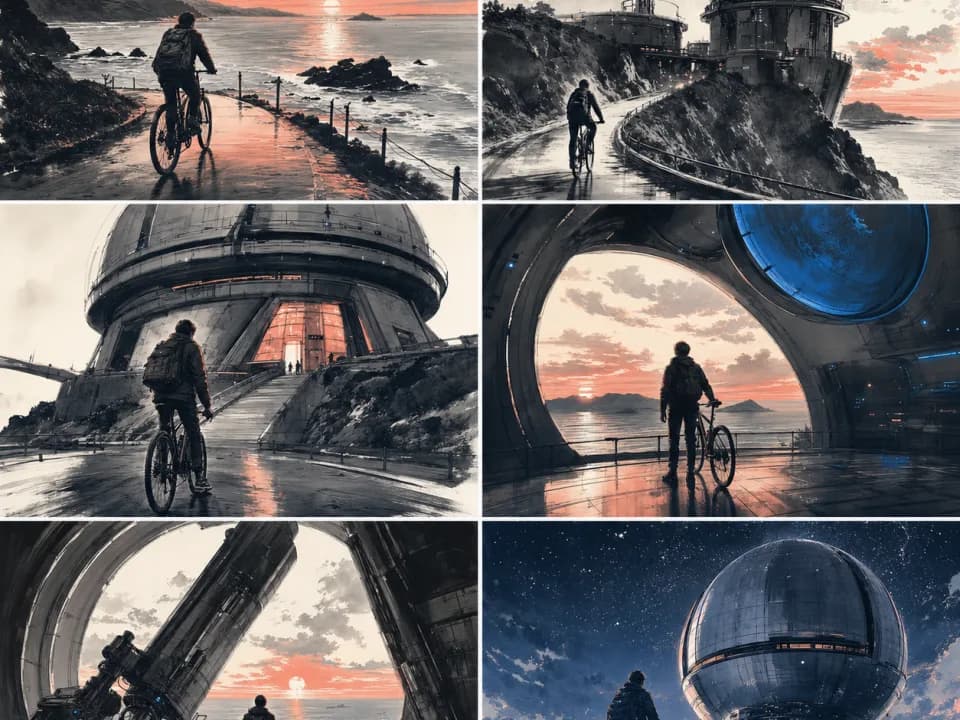
- Thumbnails. Small, fast, loose sketches, often just silhouettes or black-and-white value blocks, made to explore as many directions as possible. Artists typically spend three to ten minutes on each and produce many of them. The goal is quantity and range, not accuracy. You are looking for the shape that reads instantly, because a design that fails as a silhouette will fail on screen.
- The feedback loop. Show the thumbnails to the art director, the team, or just a critical eye, and pick the two or three that solve the brief best. This is where most ideas die, and that is the point.
- Refinement. Take the chosen thumbnails to a more defined stage: cleaner drawing, proper proportions, blocked-in values, then color. You are answering the questions the thumbnail was too rough to answer, and you may loop back for another round of notes.
- Final render and polish. Bring the winner to a finished, presentable piece with lighting, material detail, and mood. For production, this often ships alongside a callout sheet, a turnaround, or a color script so the build team has everything it needs.
Notice that painting skill only becomes decisive in the last two steps. The first four are thinking, curating, and directing. That division matters a lot when we get to AI.
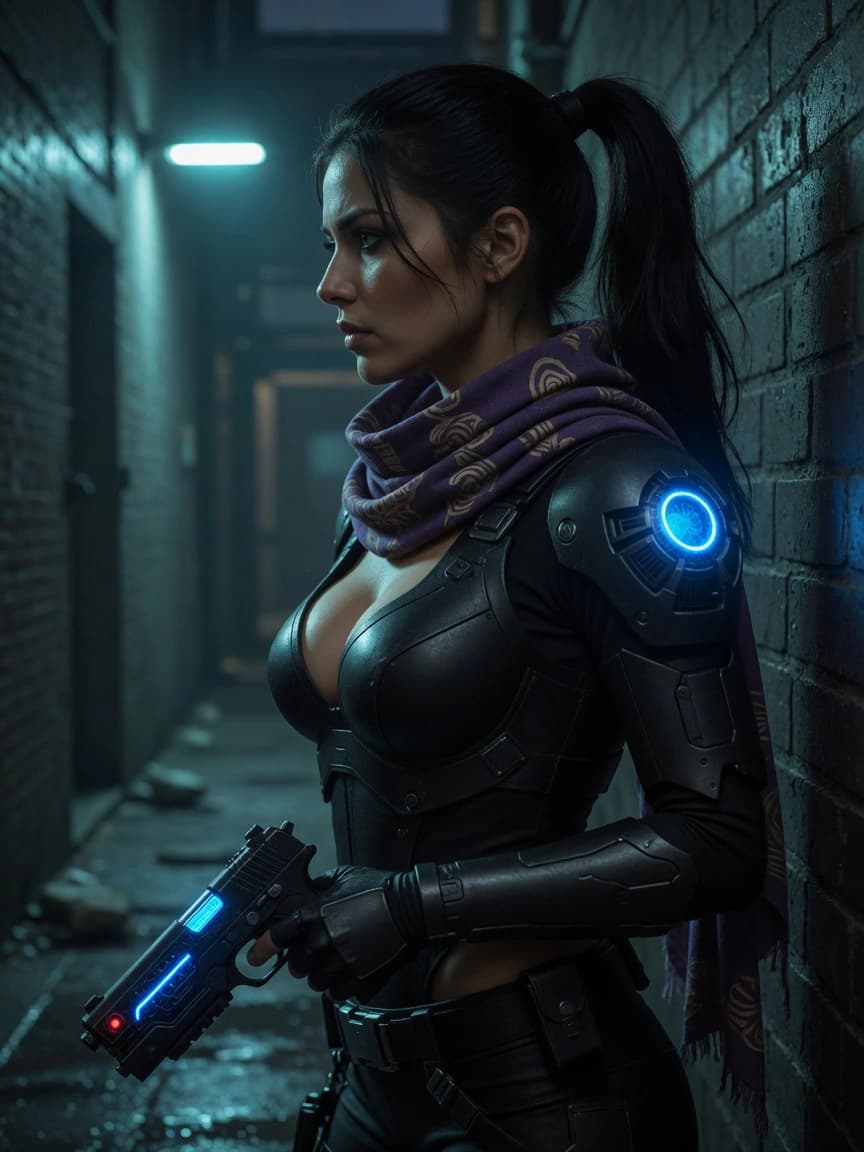
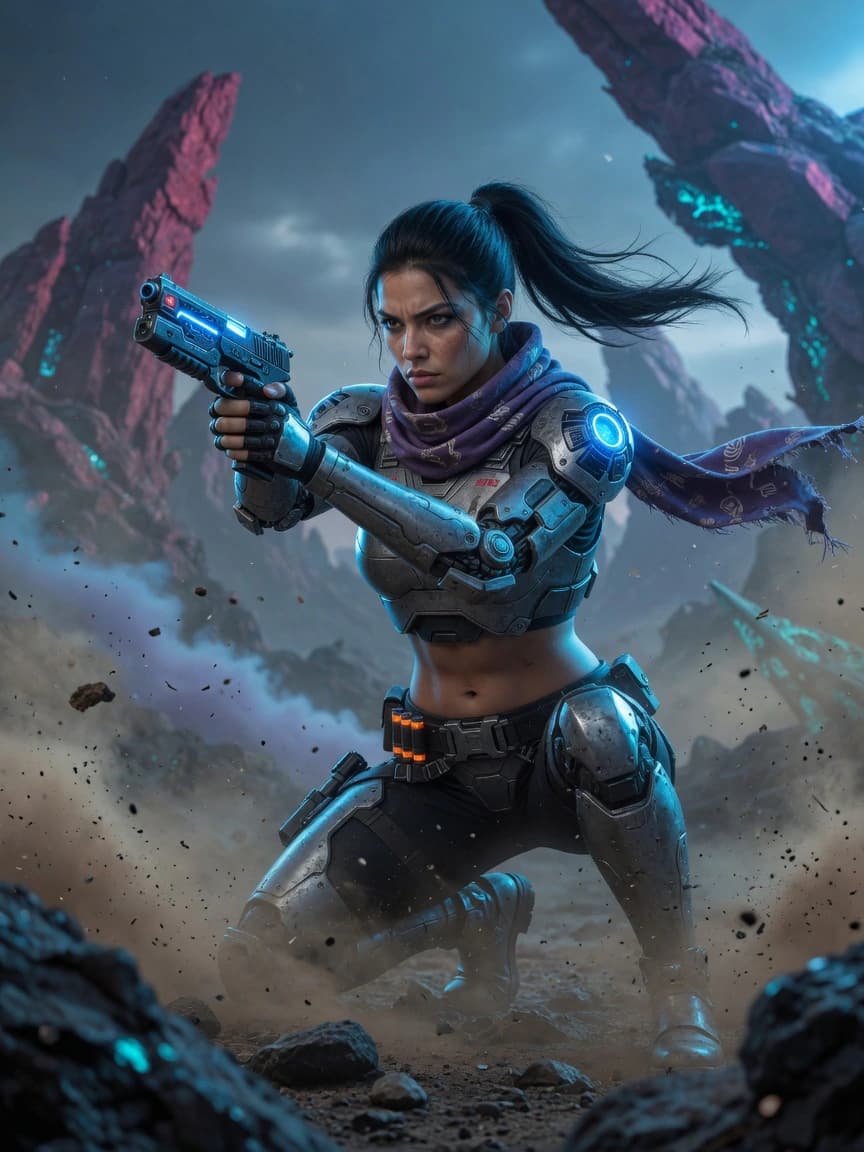
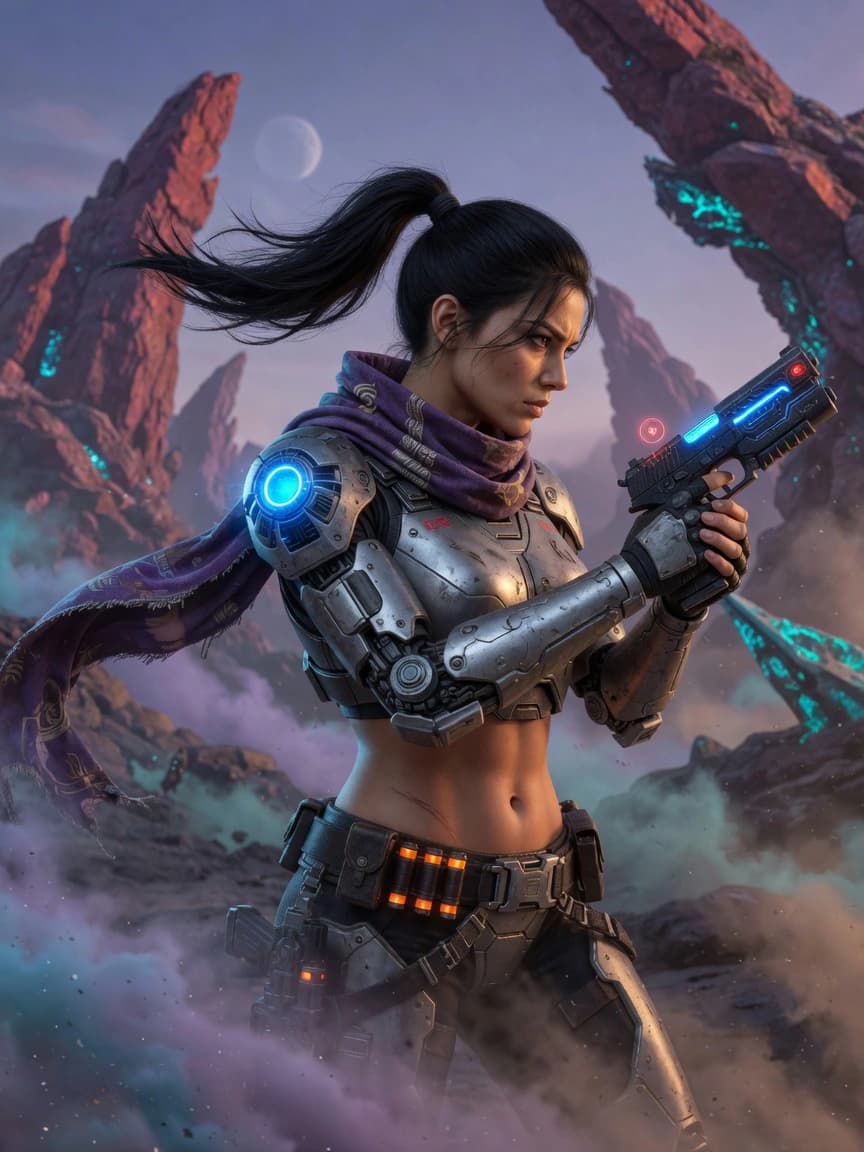
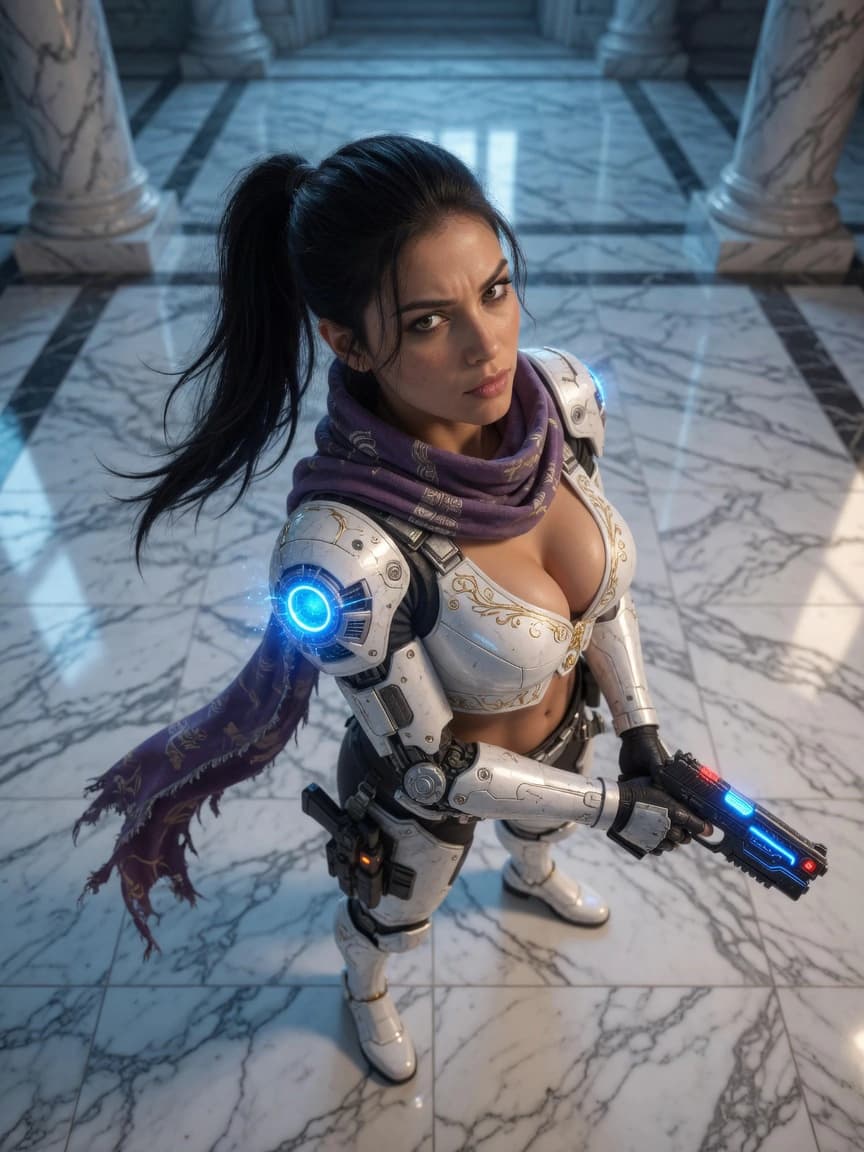
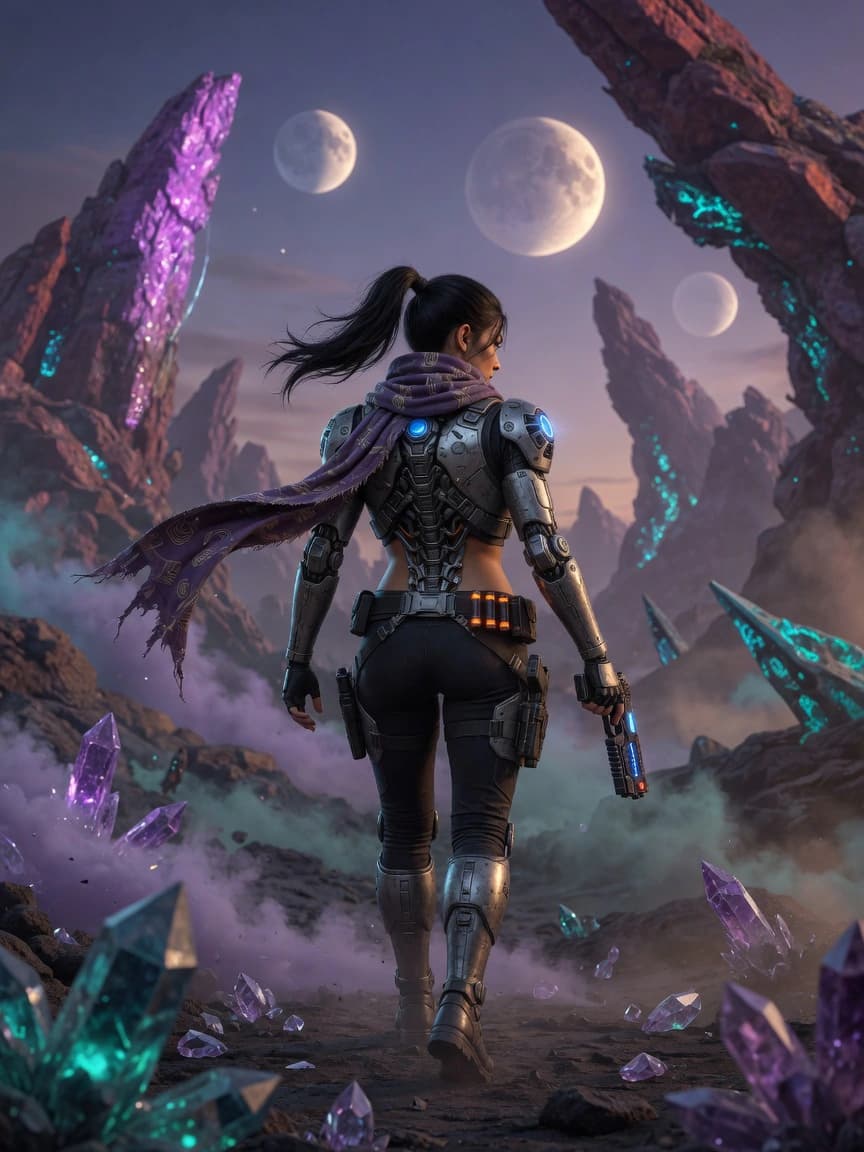
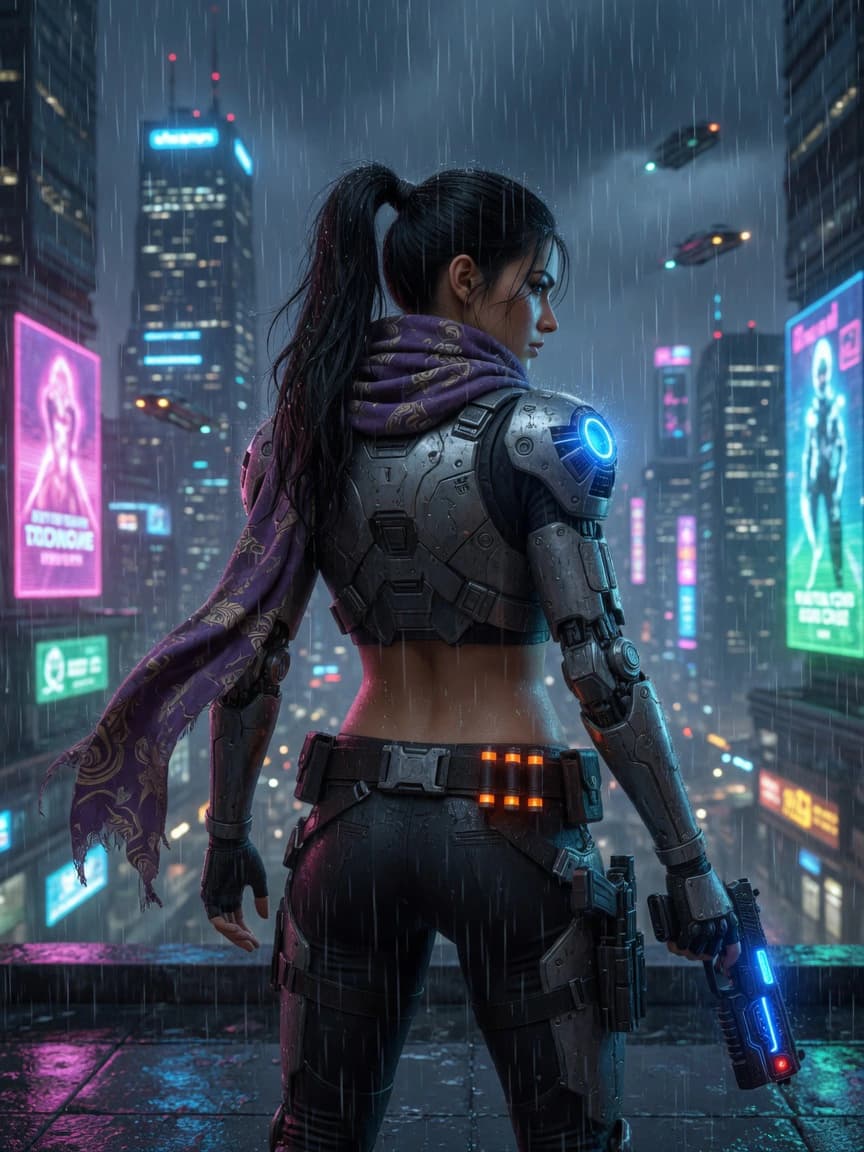
How to make your own concept art (the digital painting path)
If you want to make concept art the traditional way, here is the honest starting point. You need three things: a drawing tool, a grasp of fundamentals, and a habit of working from reference.
The tools. A pen display or drawing tablet plus painting software (Photoshop, Clip Studio Paint, Krita, or Procreate on an iPad) is the standard kit. The software matters far less than the reps. A cheap tablet and Krita, which is free, will take you a long way.
The fundamentals that actually move the needle:
- Value before color. Readable light and dark is what makes an image work. Most beginners reach for color too early; pros block the whole thing in grayscale first.
- Silhouette and shape design. If the outline does not read, no amount of rendering saves it. This is why thumbnails are drawn as silhouettes.
- Perspective and composition. Concept art has to sit believably in space and lead the eye.
- Photobashing and 3D blockouts. Professionals routinely composite photo textures or rough 3D scenes into a painting to hit deadlines. It is a normal part of the craft, not cheating.
The practical path: pick one subject you care about (characters, environments, creatures, or props), work the six-step process above on it repeatedly, and study the work of artists in that niche. Progress in concept art comes from finishing many rough explorations, not from polishing one image forever.
The AI-assisted concept art workflow
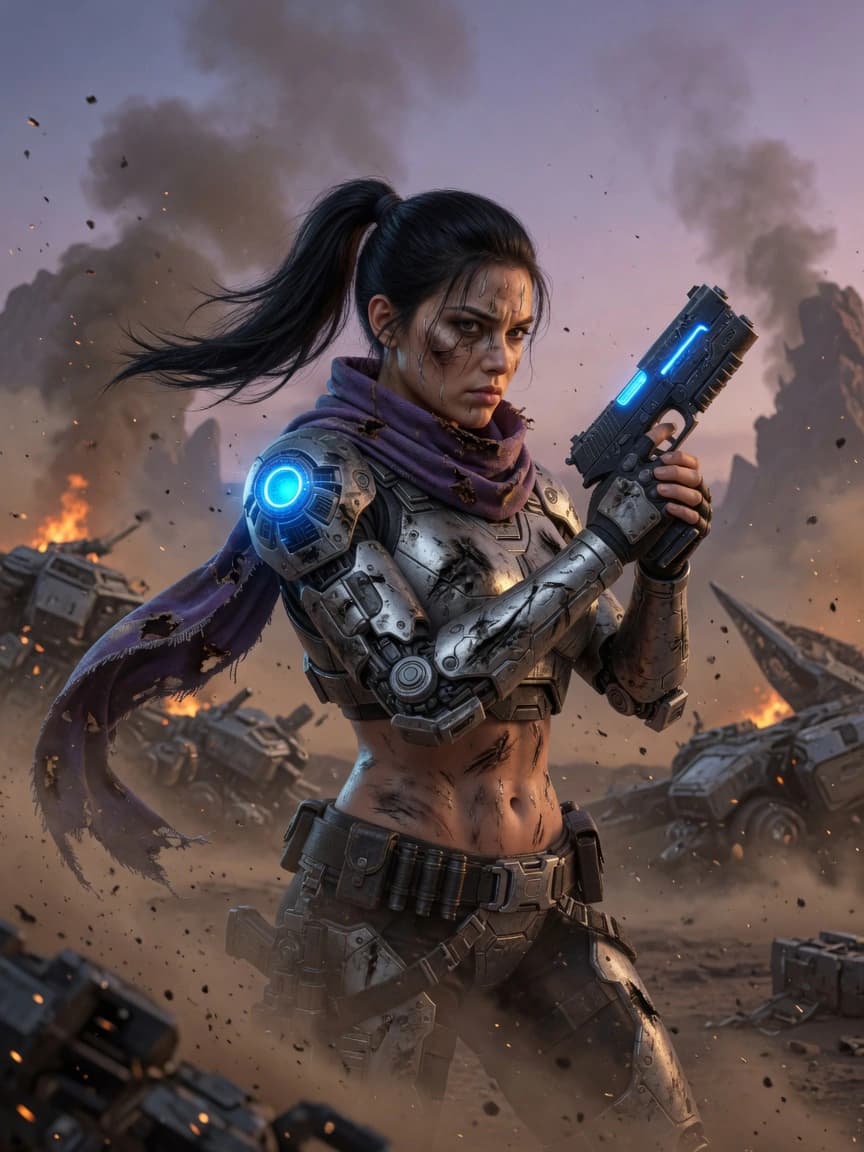
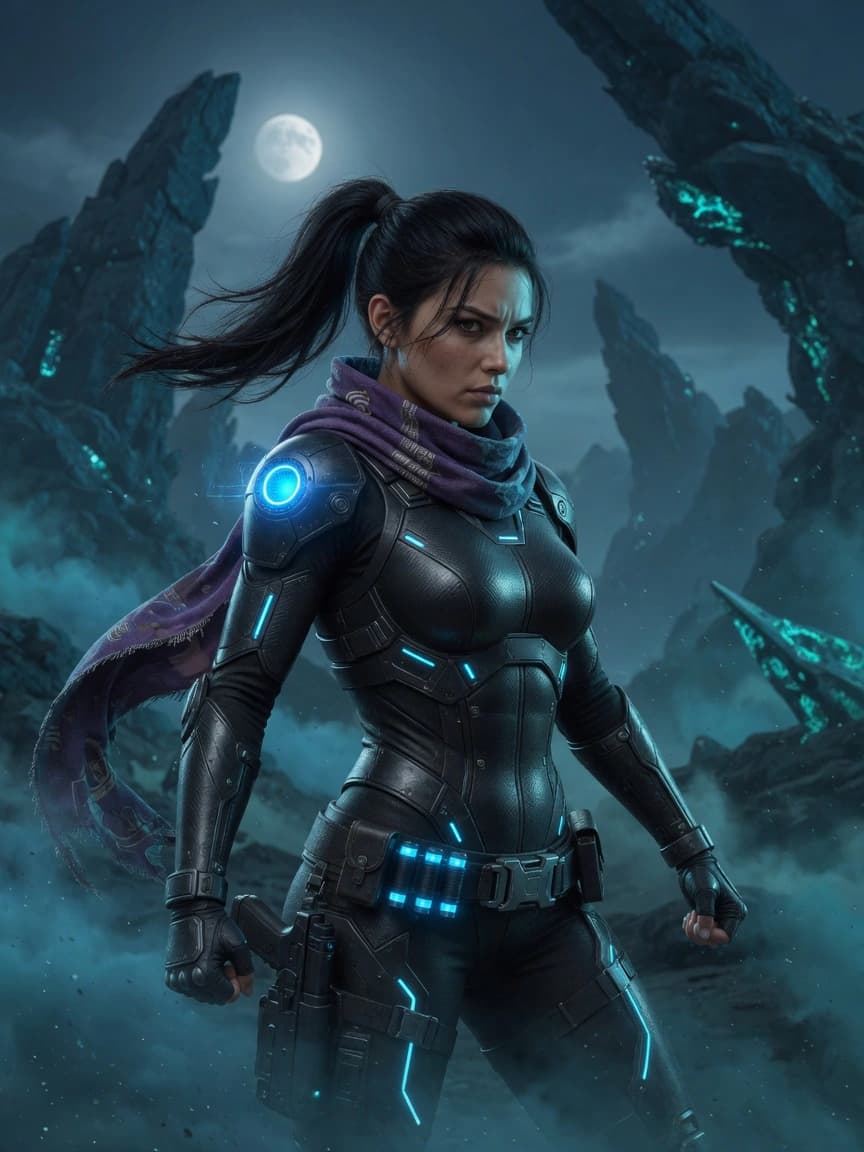
AI slots into the front of the pipeline, the exploration end, not the back. The most productive way to use it is as a thumbnail and ideation engine: generate a wide spread of directions from your brief in minutes, use them to find the shape and mood you are chasing, then take the winner into refinement yourself. It compresses the slowest, most divergent part of the process, the part where you are hunting for the idea.
A concrete loop looks like this. Feed your brief into an image generator, produce a grid of variations, and treat the output exactly like thumbnails: most are wrong, a few spark something, and one silhouette or color scheme points the way. Pull that into your painting software as a base to overpaint, or use it as reference while you draw. The AI concept art generator in Dream Pixel Forge is built for this front-end work: you describe the character, creature, or environment, get a spread of directions fast, and iterate on the ones worth keeping instead of starting from a blank canvas.
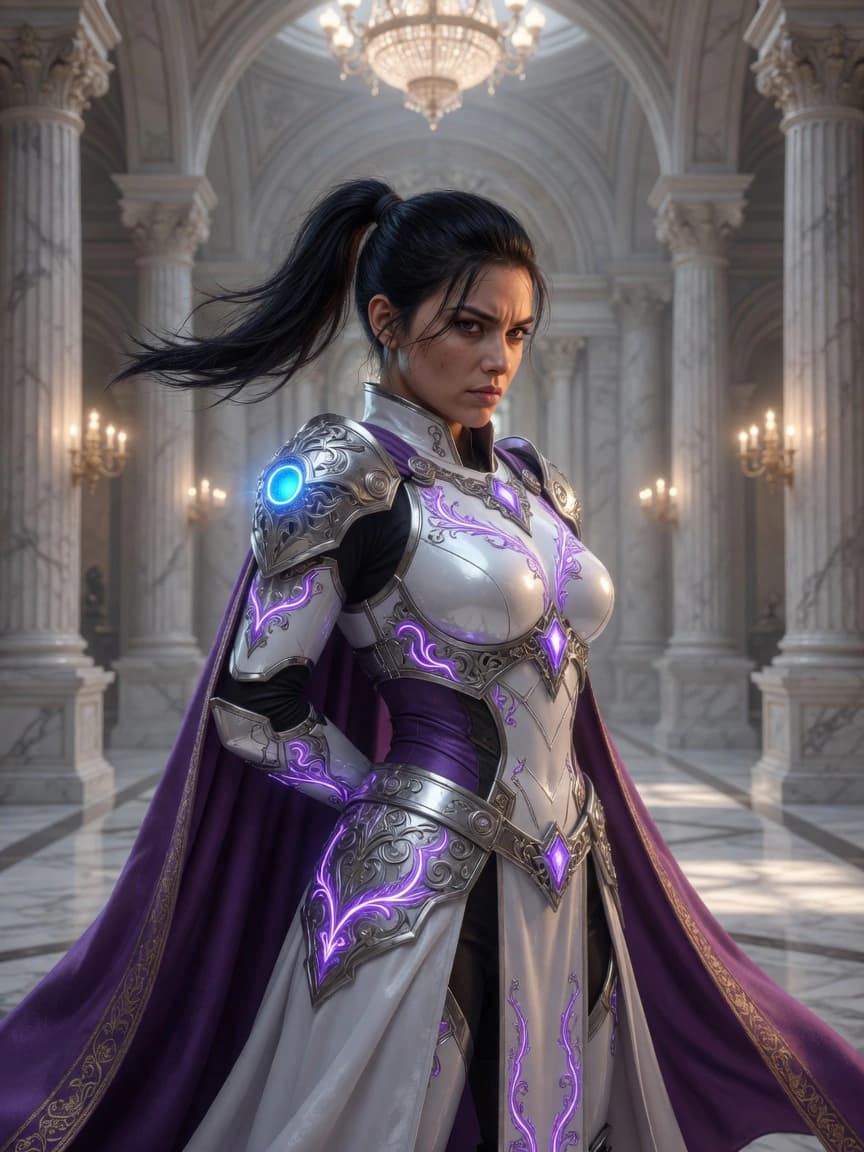
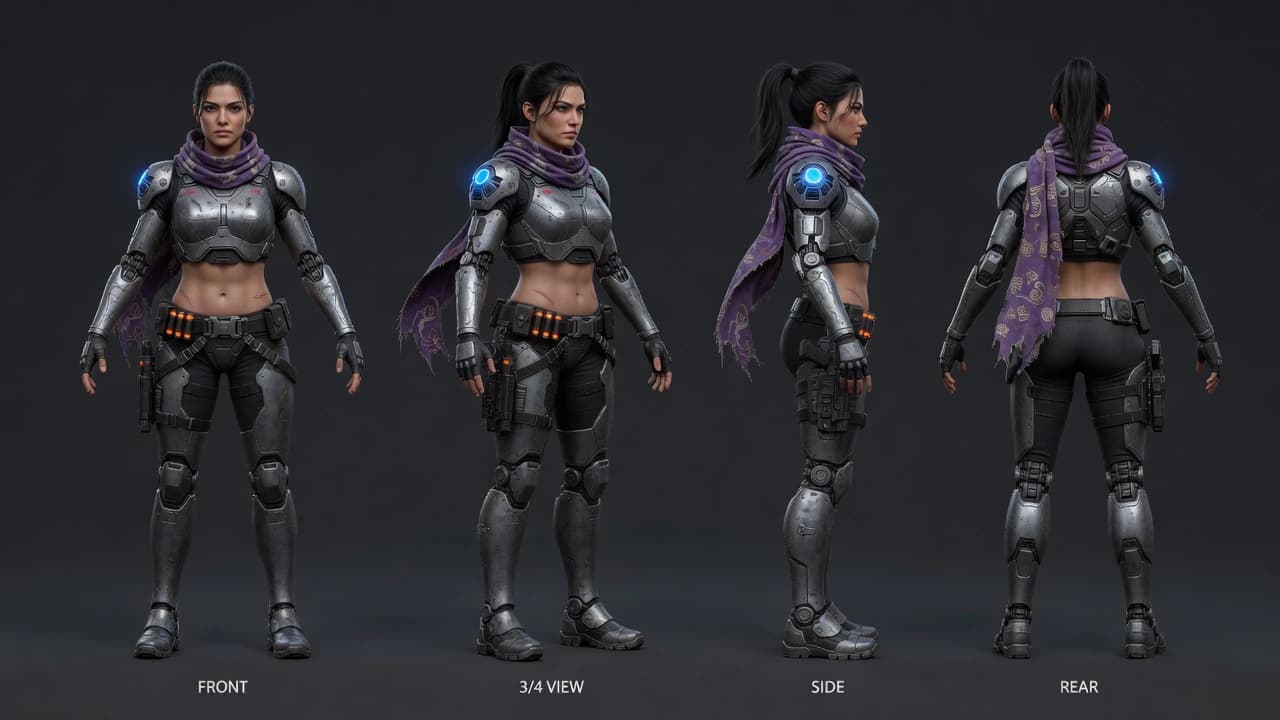
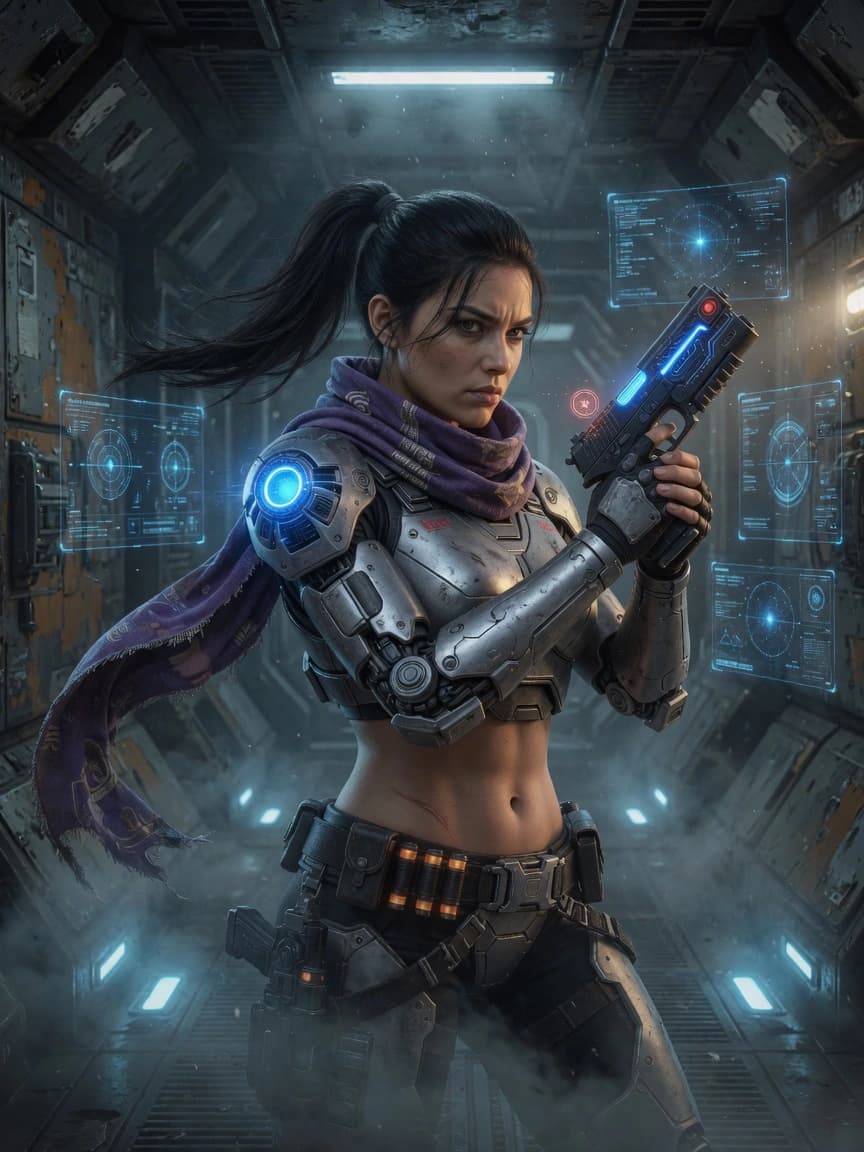
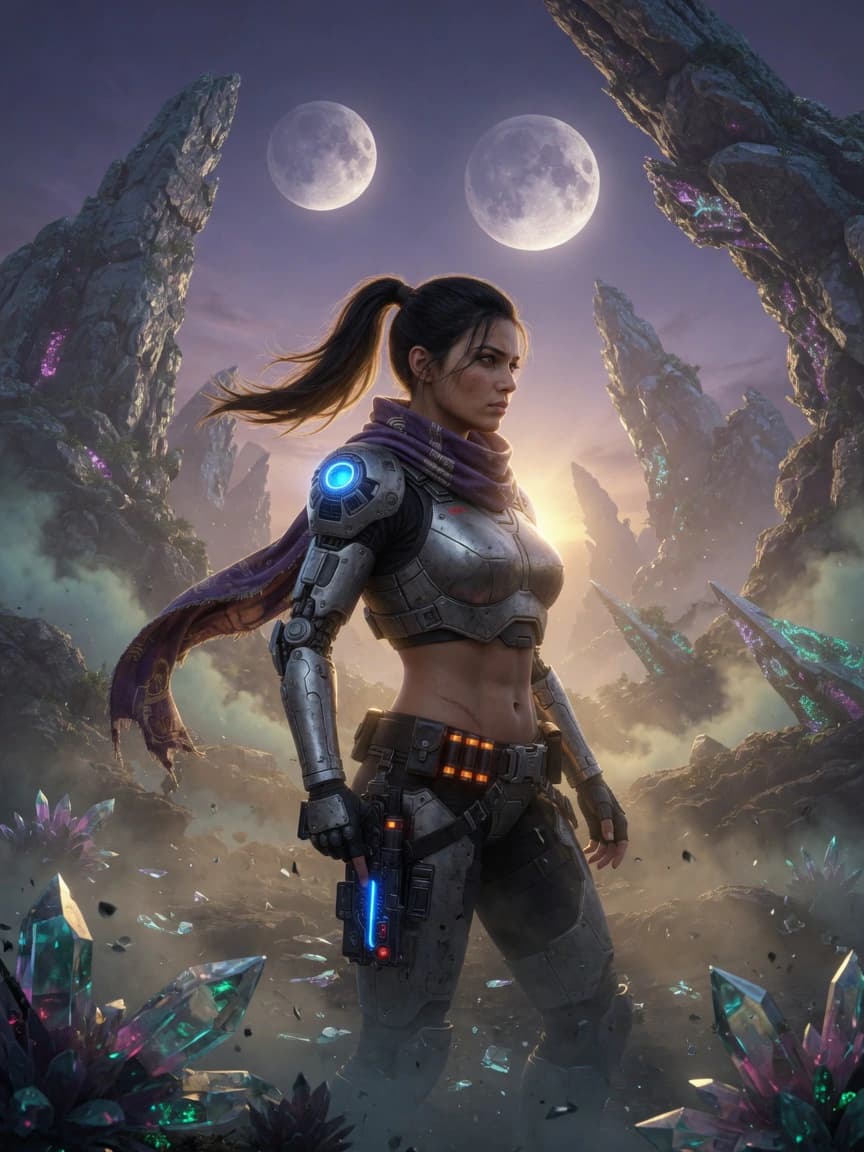
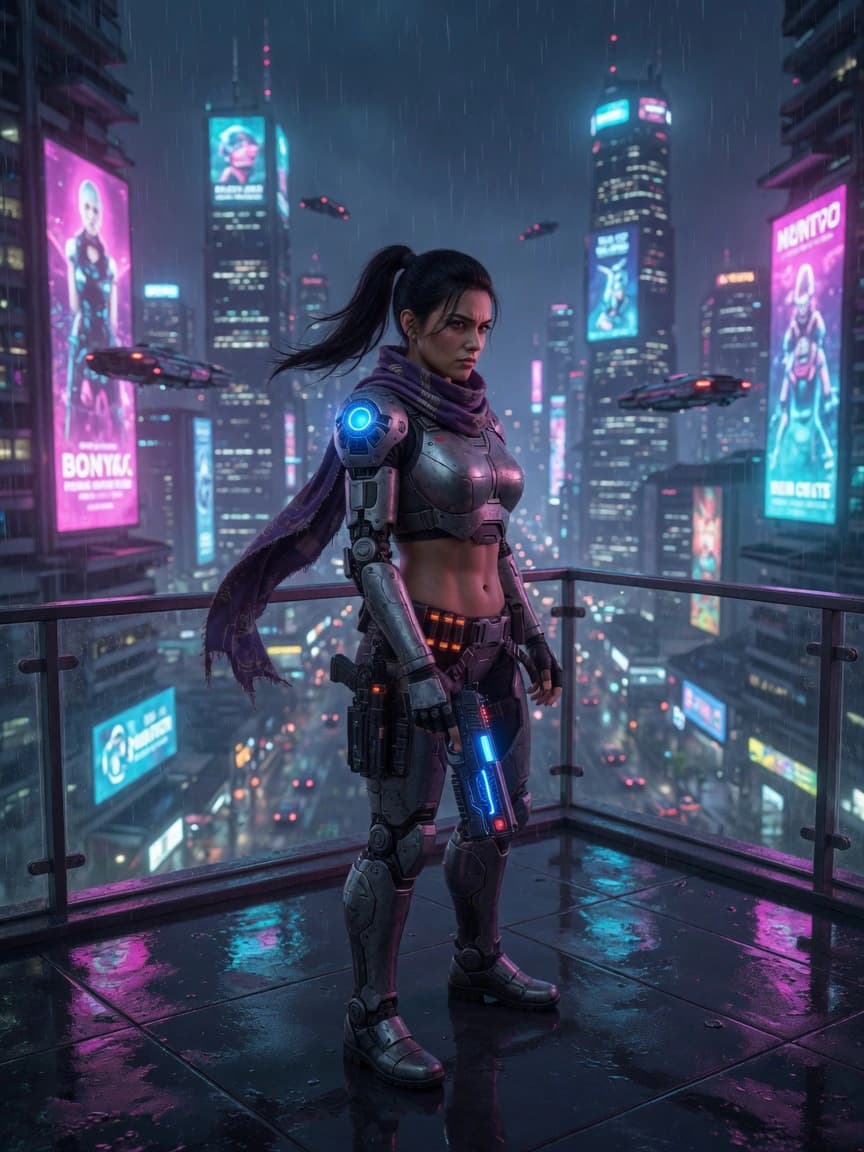
The one thing generic AI is bad at is continuity. If your concept is a single hero image, a one-shot generation is fine. But real concept work needs the same character across a turnaround, several outfits, and multiple scenes, and a plain prompt gives you a slightly different face every time. The fix is to lock the design first, then generate against it. That is the job of a character reference sheet, and it is the difference between a folder of pretty unrelated images and a usable, consistent design. When your concept has to graduate into finished promotional art (a poster, a splash image, a marketing frame), that step is key art, a related but distinct discipline. And if you are still finding the visual language of a project, working through AI art styles is a fast way to audition looks before you commit.
Two honest caveats. First, AI output is a starting point, not a deliverable: it hallucinates anatomy, invents impossible mechanics, and ignores brief constraints it was not told about, so a human still has to judge, fix, and direct. Second, treat provenance and licensing seriously if the work is commercial. AI accelerates the ideation; it does not replace the judgment that makes a concept solve the actual problem.
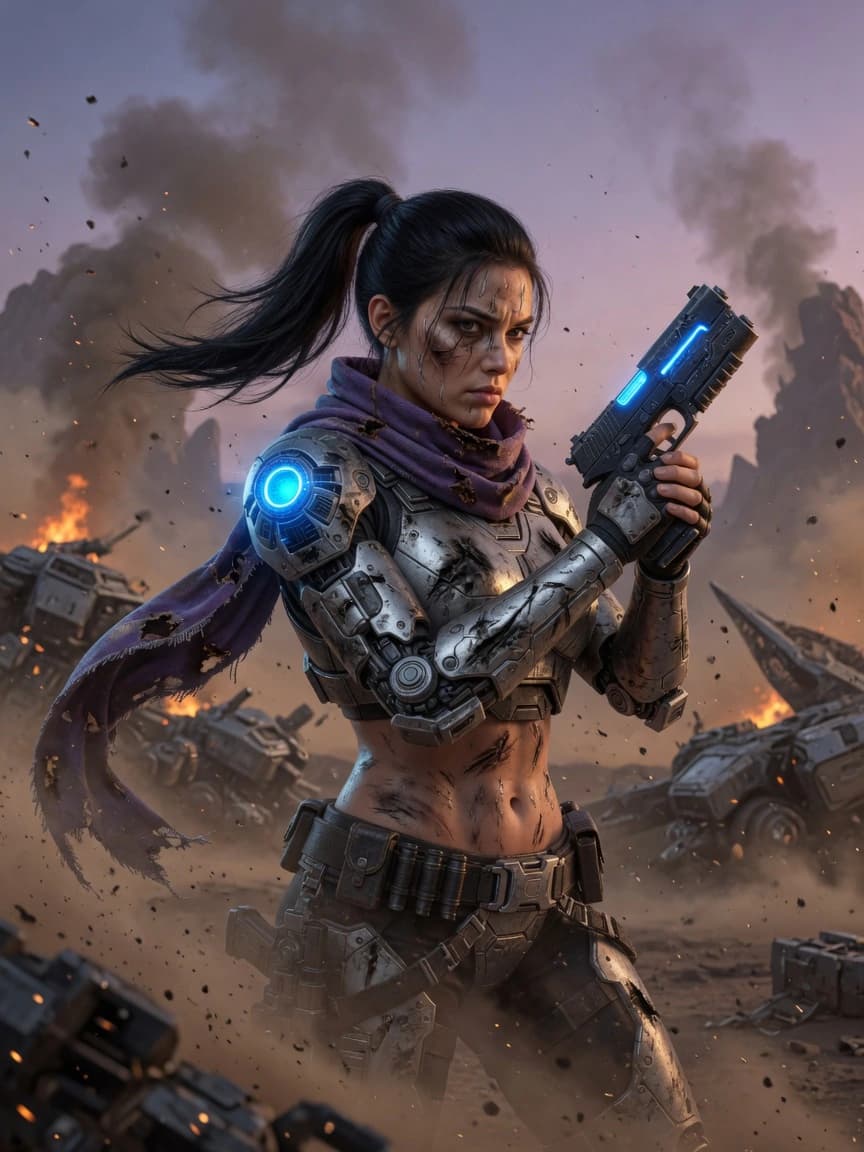
Is concept art being replaced by AI?
This deserves a straight answer rather than a comforting one. The honest position: AI is a real tool in the concept phase and a real disruption to concept art jobs, and both of those are true at once.
The disruption is not hypothetical. Some game studios have already reduced or laid off concept art teams after adopting AI, and remaining artists report being asked to use the tools to cover the gap. Surveys of working concept artists have found few who say generative AI actually made their jobs easier, and industry-wide the debate over labor, authorship, and consent is genuinely heated. Pretending none of that is happening would be dishonest.
But "replaced" overstates it. What AI does well is generate options; what it cannot do is decide which option serves the story, hold a design consistent across a production, take direction and iterate toward a specific note, or take responsibility for the result. Those are the jobs of an art director and a concept artist, and they are the four steps of the process where painting skill was never the point. The likeliest near-term shape is not zero concept artists but fewer people producing more, with AI as the ideation layer and human judgment as the thing that ships. The artists who treat it as a faster thumbnail tool, and who keep their fundamentals sharp enough to fix what it gets wrong, are the ones staying in the room.
The bottom line
Concept art is a process, not a talent: brief, reference, thumbnails, feedback, refinement, final. Learn that loop and you can run it with a tablet, with AI, or with both. Use AI to widen the exploration at the front, lock your designs so they stay consistent, and keep the human judgment that decides what actually solves the brief. If you want to start at the exploration step right now, the concept art generator will give you a spread of directions to react to in the time it would take to sketch your first thumbnail.