
Books & publishing
AI Children's Book Illustration Generator
For most self-published picture books, illustration is the whole budget. A 32-page book commissioned at typical freelance rates runs into the thousands of dollars, which is why so many finished manuscripts never make it to KDP. Generating your own illustrations changes that, but only if page 14 looks like it belongs in the same book as page 2. One-off image tools give you a different art style every generation; a picture book needs one style, held for the entire set.
Try it now
Free to try, no account needed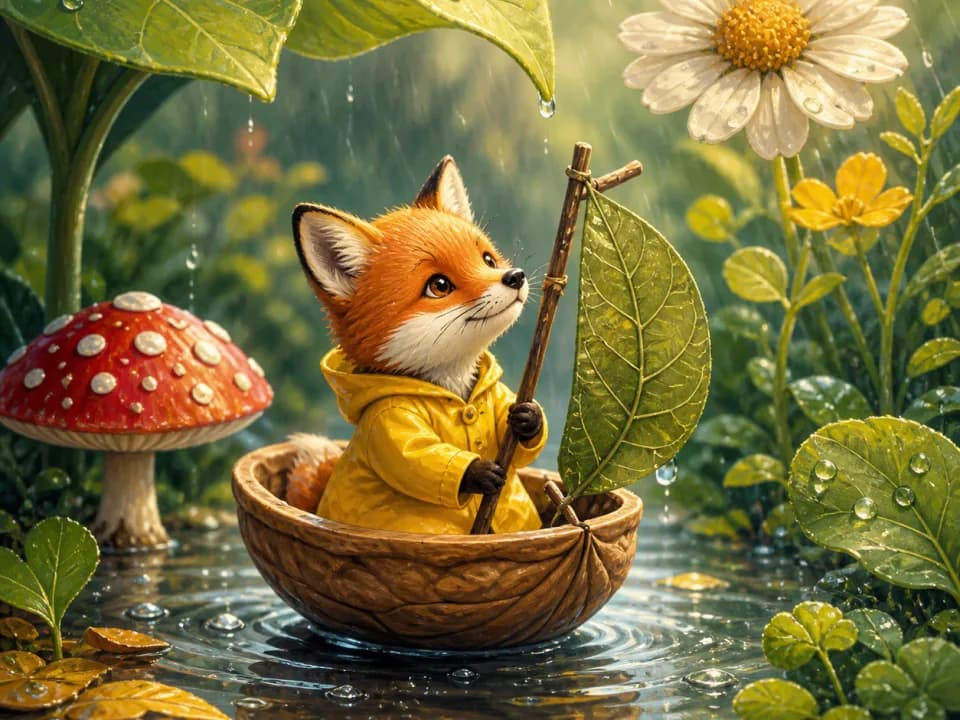 Example output
Your generated image will replace this example.
About this tool
That consistency is what this tool is built around. Pick an illustration style once, soft watercolor, classic storybook, cut-paper collage, then describe each scene of your story and generate it in turn. The scaffold holds the style, palette, mood, and page composition steady across every generation, so your whole book reads as one illustrator's work. For your characters, write one detailed description ("a small red fox in a yellow raincoat") and reuse it word-for-word in every scene; the fixed style does the rest of the matching.
Each page generates as a single clear focal scene with an uncluttered background and open space near the top, so you have room to place your story text in layout. Use it to illustrate a KDP picture book, mock up a dummy to pitch agents and art directors, make a bedtime story starring your own kid, or build read-aloud slides for a classroom.
Frequently asked questions
Practical answers about inputs, output formats, credits, and using this tool in a real creative workflow.
How do I keep my character looking the same on every page?
- Write one detailed character description and paste it word-for-word into every scene: "a small red fox with a white-tipped tail wearing a yellow raincoat" beats "the fox" every time. Combined with a fixed illustration style, that keeps the character recognizably the same across the book. Expect some drift in small details between pages; generate two or three versions of a scene and keep the closest match.
Is it free to use?
- Yes, free accounts include credits to generate illustrations at draft quality, enough to illustrate several pages and test whether a style holds across your story. Paid plans add more credits and higher-quality models for final print-ready pages.
Can I publish and sell a book made with these illustrations on Amazon KDP?
- Yes, the illustrations you generate are yours to use commercially, subject to the model provider's usage policy. Note that KDP's publishing setup asks whether your book contains AI-generated content; answer honestly, as it currently does not block AI-illustrated books but does require the disclosure. Avoid prompts that imitate a named living illustrator's style or use trademarked characters.
What resolution do I get, and is it enough for print?
- Illustrations generate at roughly 1,000 pixels on the long edge: plenty for ebooks and manuscript dummies, but below print resolution for a full page. A standard 8.5×8.5-inch KDP page at 300 DPI needs 2,550 pixels, so upscale your final picks 2-3x with an upscaling tool before building your print PDF.
Can it put my story text on the page?
- No, and you shouldn't want it to: AI models render words unreliably, with misspellings and warped letters. Instead, every illustration generates with open space near the top of the page for text. Add your story text in a layout tool like Canva, Affinity Publisher, or InDesign, where you control the font and can fix typos without regenerating art.
Which aspect ratio should I use for picture book pages?
- Match your trim: 1:1 square fits the common 8.5×8.5-inch picture book trim, 3:4 or 4:5 portrait suits 8×10-inch trims, and 4:3 landscape works for wide single-page scenes or art you plan to crop into a spread. Pick one ratio at the start and keep it for the whole book so your pages line up in layout.
Related tools
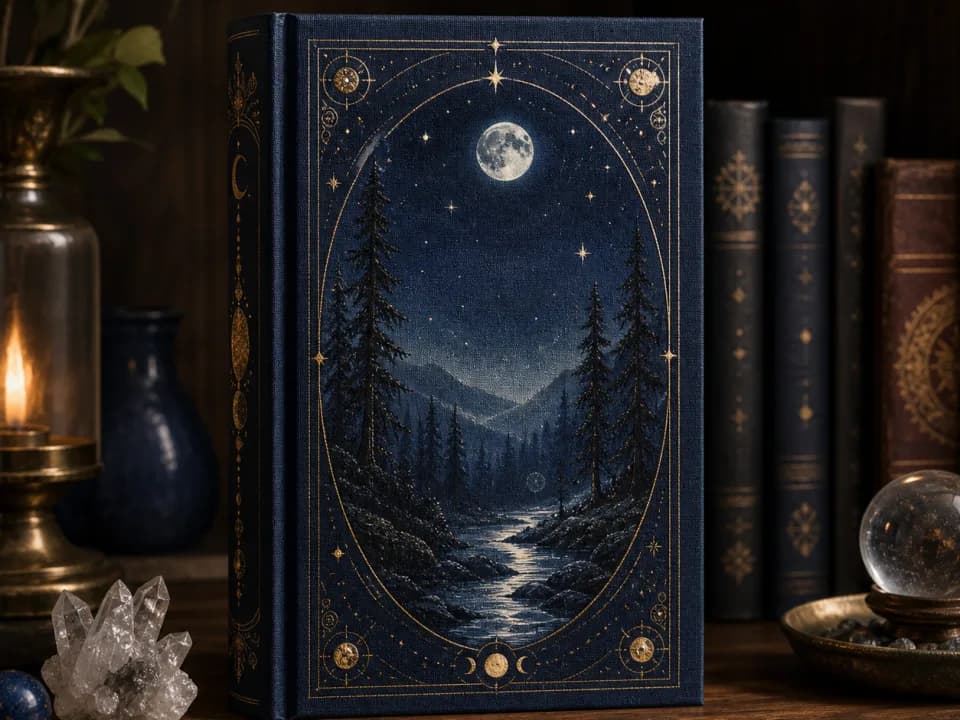
Books & publishing
AI Book Cover Generator
Generate book cover art in your genre's visual language, fantasy, thriller, romance and more, at KDP's 2:3 ratio, with space reserved for your title.
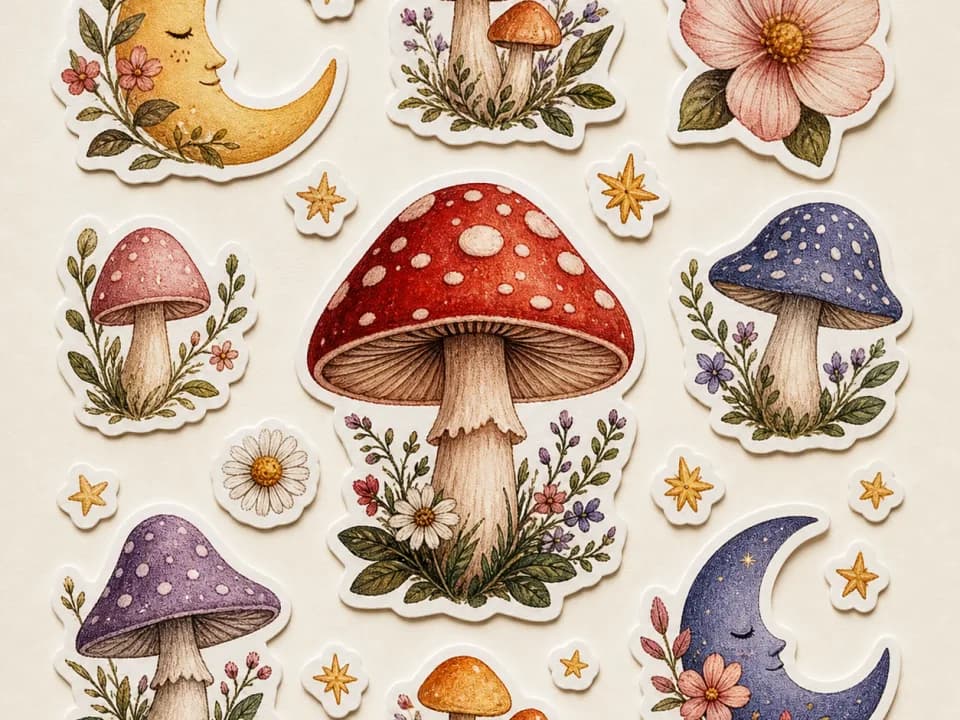
Products & merch
AI Sticker Sheet Generator for Etsy
Generate Etsy-ready sticker sheets: 6-12 matched designs with white die-cut borders, one shared palette, one pass. Pick a theme and style. Free to try.
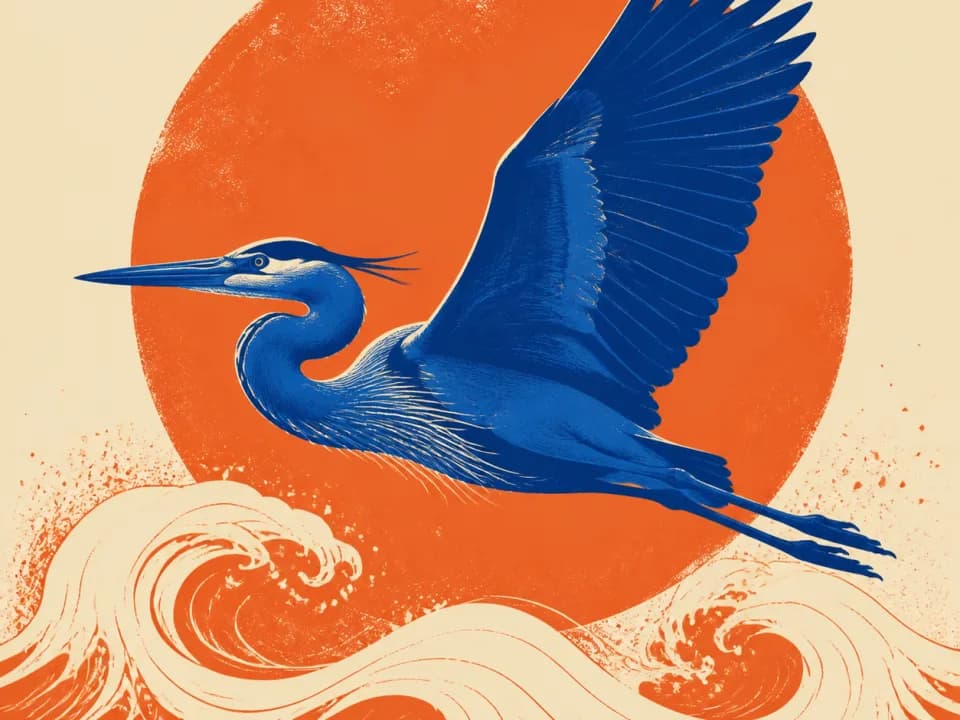
Products & merch
AI T-Shirt Design Generator
Generate print-ready t-shirt graphics for print-on-demand: bold designs, limited color palettes, plain backgrounds built for DTG and screen print. Free to try.
Products & merch
Poster Mockup Generator
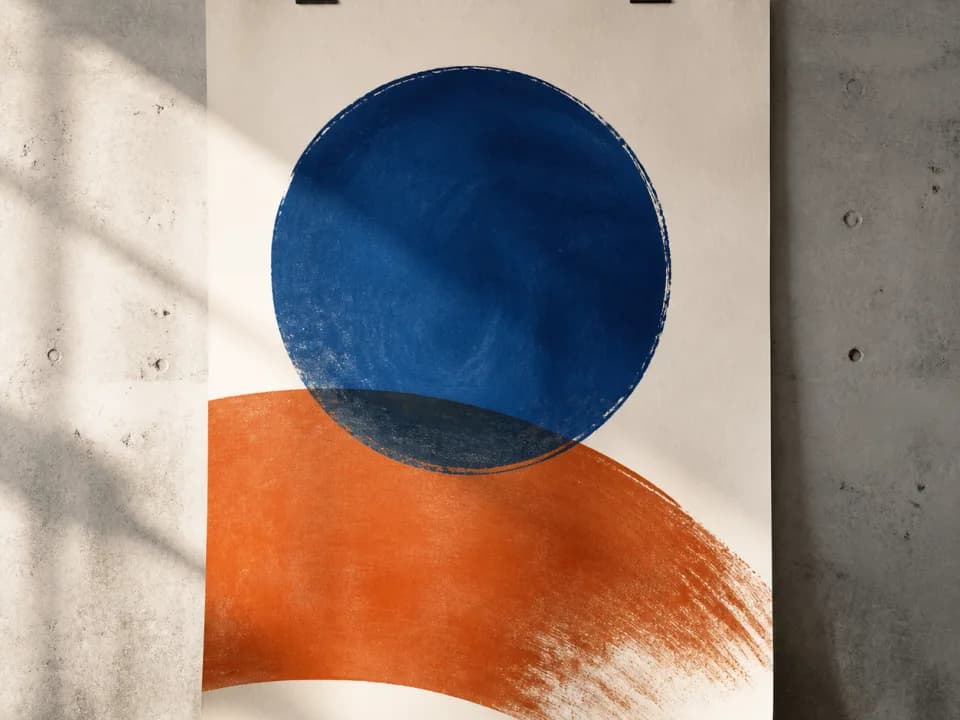
Make poster mockups from your art: upload the file, pick a frame style and room, and get a styled interior photo with realistic scale and glass. Free to try.