
Products & merch
AI Sticker Sheet Generator for Etsy
Sticker sheets are the workhorse listing of an Etsy sticker shop: buyers get more per purchase, sellers get a higher average order value than singles, and one strong themed sheet can carry a listing for years. The hard part was never drawing one good sticker: it's making six or twelve of them read as a set. Mismatched linework, drifting palettes, and inconsistent rendering are what make a sheet look assembled from clip art instead of designed.
Try it now
Free to try, no account needed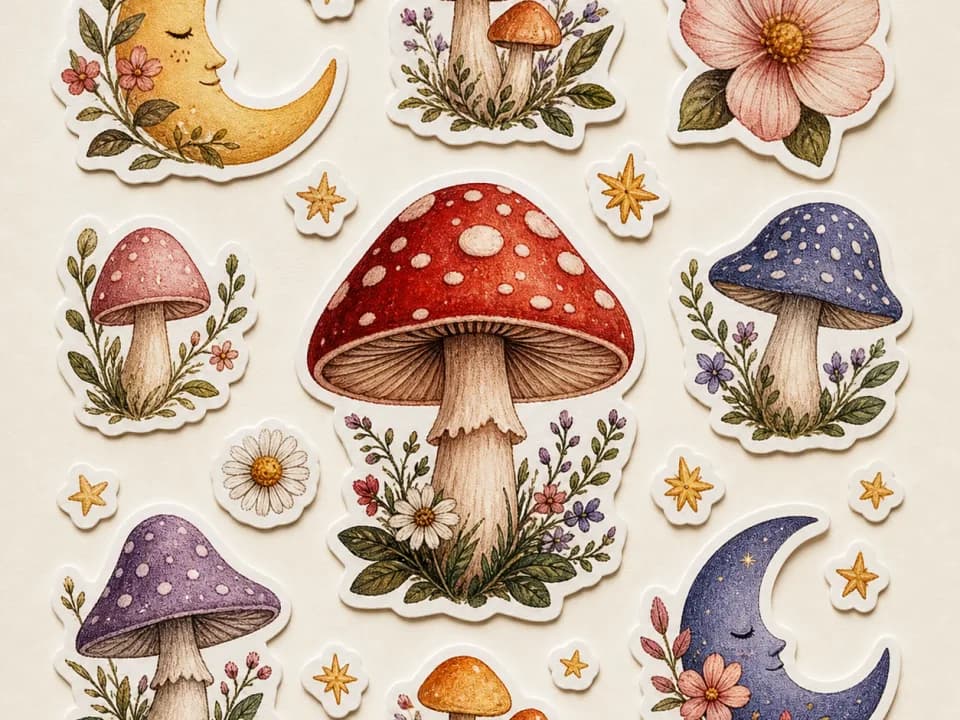 Example output
Your generated image will replace this example.
About this tool
This generator produces the whole sheet in one pass, which is exactly why the designs match. Describe the theme: frogs drinking tea, moths and moons, mushroom cottages, pick an art style and a sticker count, and every design on the sheet comes out with the same linework weight, the same rendering, and one shared palette. Each sticker gets a bold white die-cut border traced around its silhouette, spaced out on a plain white background, which is the layout kiss-cut printers and print-on-demand services expect.
The scaffold encodes the craft that separates bestselling sheets from grab bags: a limited repeated palette, uniform outline weight across every design, even gaps between stickers so cut paths don't collide, and print-friendly flat lighting. Use it for physical kiss-cut sheets, printable digital-download listings, planner and journaling stickers, or a themed freebie sheet to drop in outgoing orders. Generate a few themes, list the winners, and let your shop data pick the next sheet.
Frequently asked questions
Practical answers about inputs, output formats, credits, and using this tool in a real creative workflow.
Can I sell sticker sheets made with this generator on Etsy?
- Yes, the sheets you generate are yours to sell, on Etsy and other marketplaces, subject to the model provider's usage policy. Steer clear of trademarked characters, band logos, and brand names in your theme; Etsy removes those listings regardless of how the art was made.
Do all the stickers on the sheet actually match?
- Yes, that's the point of generating the sheet as one image instead of assembling singles. Every design comes out with the same linework weight, the same rendering style, and one shared palette, because the prompt scaffold locks those across the whole sheet. It's the difference between a set that looks designed and a grab bag.
How many stickers are on a sheet?
- You choose 6, 9, or 12 stickers when you generate. Treat the number as a target, not a guarantee: image models follow layout guidance loosely, so a sheet can come out one or two designs over or under. If the count matters for your listing, generate a couple of variants and pick the sheet that landed on it.
What size can I print the sheets?
- Sheets generate at roughly one megapixel: about 832×1248 pixels at the default 2:3 ratio, which prints a 4×6 inch sheet at around 200 DPI. That's fine for casual home printing; for the 300 DPI print standard or larger A5/A6 sheets, upscale the image 2× before sending it to your printer.
Does it create the kiss-cut lines for printing?
- No, you get the artwork, not a cut file. Each sticker generates with a white border around its silhouette, which is what cut paths are traced from. Print-on-demand sticker services trace cut lines automatically from the borders, and for home cutting you trace them yourself in Cricut Design Space or Silhouette Studio.
Can it put words or names on the stickers?
- Not reliably: AI image models still garble text, so a sticker that needs a readable word will often come out misspelled. Generate the artwork text-free, then add lettering in Canva, Photoshop, or your editor of choice before printing. Purely decorative squiggle-text usually survives fine.
Can I sell the sheets as digital downloads?
- Yes, printable sticker sheets are one of Etsy's strongest digital-download categories, and the generated files work for that directly. Export the image, note the print size and DPI in your listing, and buyers print and cut at home. Upscale before listing so the file holds up at A5 and letter sizes.
Is it free?
- Yes, free to try: the free plan includes credits that generate sheets on the fast draft-quality model, enough to test a few themes before you list anything. Paid plans add more credits and unlock higher-quality models for the sheets you actually take to print.
Related tools
Products & merch
Sticker Mockup Generator
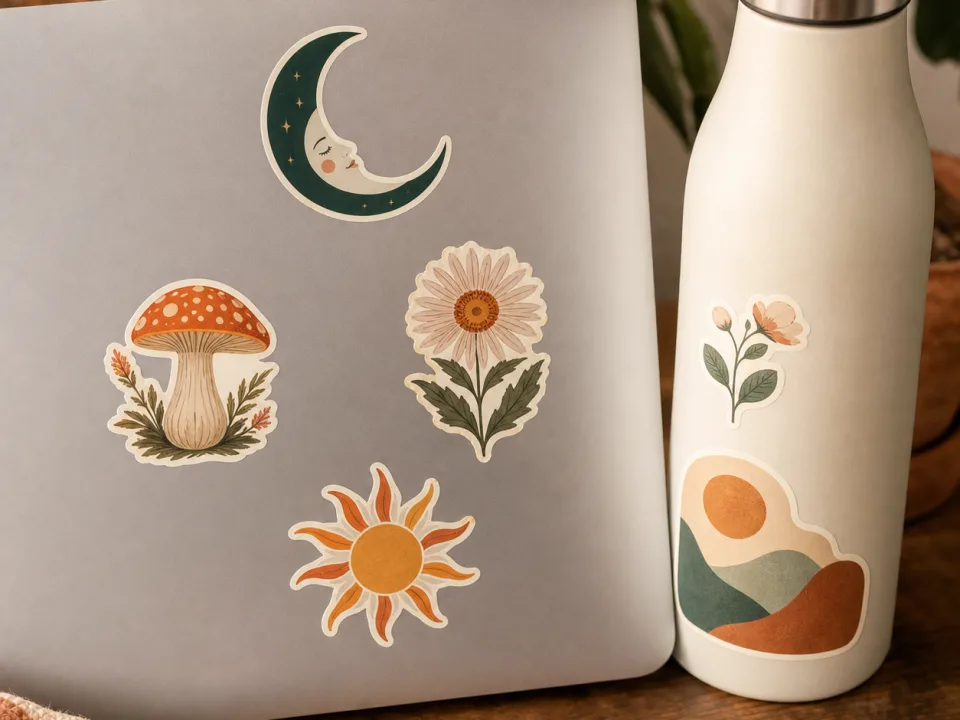
Make sticker mockups from your design: pick die-cut, kiss-cut, or holographic, place it on a laptop, bottle, or journal, and get a listing photo. Free to try.
Products & merch
Poster Mockup Generator
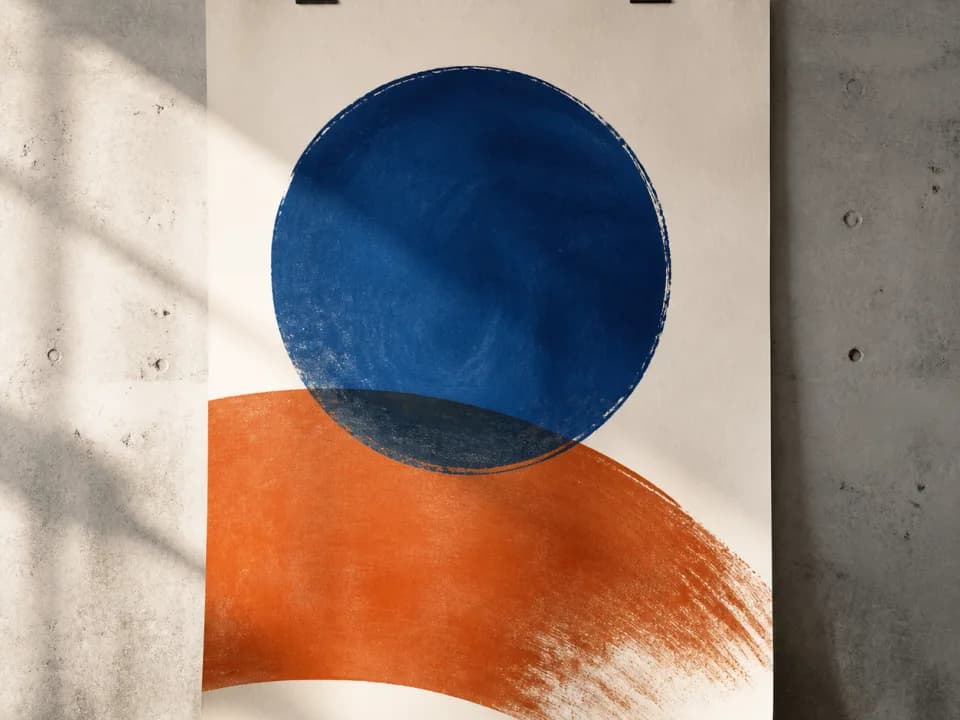
Make poster mockups from your art: upload the file, pick a frame style and room, and get a styled interior photo with realistic scale and glass. Free to try.
Products & merch
Canvas Mockup Generator
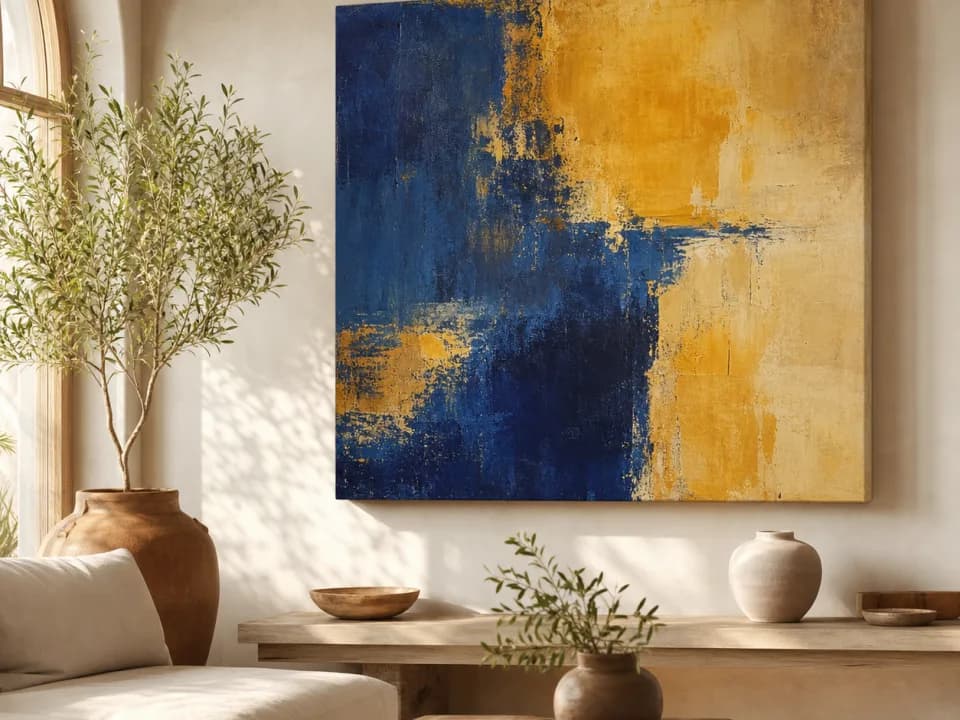
Make canvas mockups from your art: upload the file, pick a room and canvas format, and get a styled interior photo with realistic scale and light. Free to try.
Products & merch
Mug Mockup Generator
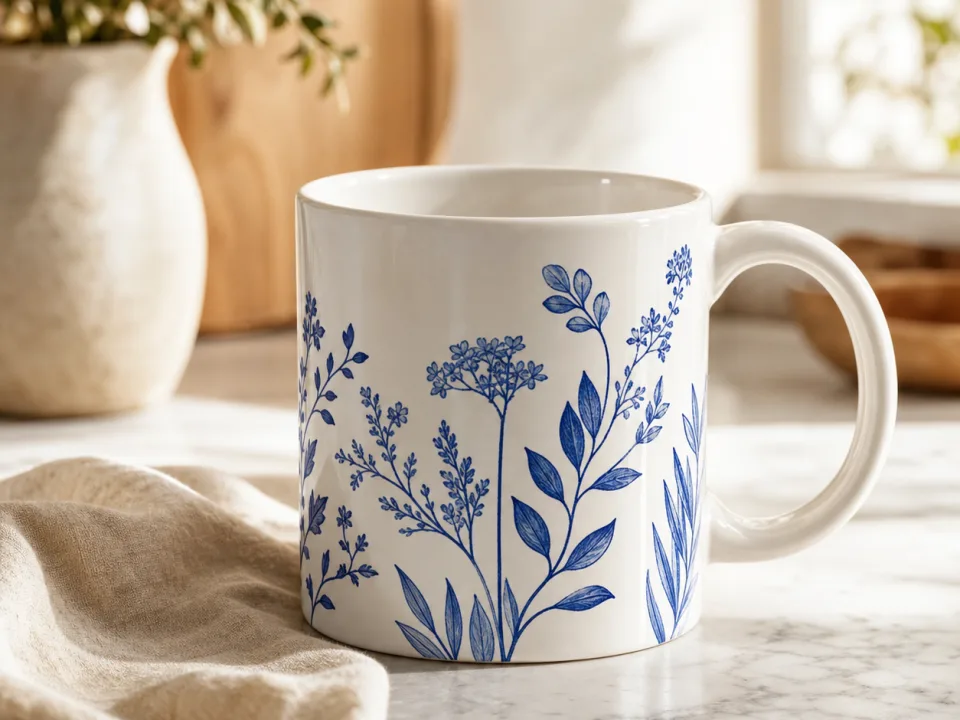
Make mug mockups from your design: upload the art, pick a mug style and scene, and get a listing-ready photo with the print wrapped to the curve. Free to try.