
Products & merch
Sticker Mockup Generator
This sticker mockup generator photographs your design as a real sticker: upload the artwork or describe it, pick a sticker type, die-cut, kiss-cut on backing, holographic, or matte, and a surface, and get back a photorealistic shot with clean cut edges, vinyl thickness, and honest lighting.
Try it now
Free to try, no account needed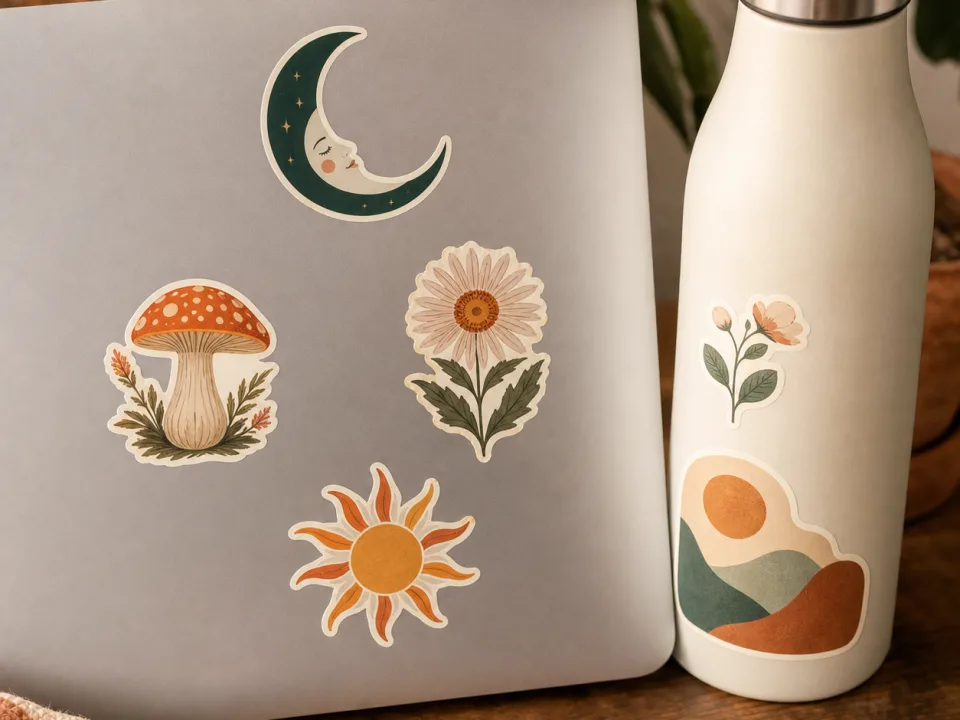 Example output
Your generated image will replace this example.
About this tool
Sticker listings sell on believability at small scale. Buyers scrolling Etsy judge whether the vinyl looks thick, whether the white border reads as die-cut or clip-art, and whether the thing would actually survive a water bottle. A flat PNG can't answer any of that, and pasting the design onto a stock laptop photo produces the floating-sticker look every buyer has learned to skip. Generating the sticker and surface together gets the physics right: the vinyl catches a highlight, curves with the bottle, and casts the hairline shadow that makes it look stuck rather than pasted.
The surfaces are where stickers actually live, laptop lid, water bottle, journal cover, phone case, plus a collection flat-lay that frames your design among a scattered sticker pile, the standard shop-vibe gallery shot. The holographic option renders the iridescent sheen that's genuinely hard to fake in an editor, and kiss-cut-on-backing shows the peel, which is what sticker buyers zoom in on to judge quality.
This template photographs finished designs; its sibling handles creation. The full Etsy sticker workflow runs: generate the artwork with the sticker design template, run the built-in background remover to get the clean die-cut file, mock it up here across surfaces for the listing gallery, and upload the cut-ready file to your print partner or shop. Design, production file, and listing photos, all inside one tool.
Frequently asked questions
Practical answers about inputs, output formats, credits, and using this tool in a real creative workflow.
How do I make a sticker mockup with my own design?
- Upload the design as the reference image, pick a sticker type (die-cut, kiss-cut, holographic, or matte) and a surface, and generate. The image-input model renders it as a physical vinyl sticker with cut edges, thickness, and a seating shadow on the surface you chose. The output is a finished listing photo.
What's the difference between die-cut and kiss-cut in the mockups?
- Die-cut renders the sticker cut to the design's outline with a thin white border, applied to a surface. Kiss-cut renders it still on its square backing paper with the edges slightly lifted, the shot buyers look for to judge peel quality and cut precision. Most sticker listings convert best with one of each in the gallery.
Can it do holographic stickers?
- Yes, the holographic option renders the iridescent rainbow sheen across the vinyl, angled into the light, which is one of the hardest effects to fake with a flat mockup template. Holographic listings live and die on that sheen being visible in the thumbnail, so use it as the lead photo for holo variants.
Is this sticker mockup generator free?
- Yes, to start: new accounts get 15 free credits, refilling daily when you run low. Text-described mockups cost 1 credit; uploading your actual design uses the image-input model at 2 credits per shot, also on free accounts. Commercial usage rights for listings come with paid plans.
Will the mockup match my design exactly?
- Closely: sticker-scale art, bold lines, flat color, simple shapes, is the style that survives AI redrawing best, so sticker mockups come out nearer to the source than almost any other product. Tiny text can still shift, so zoom in before publishing, and keep a flat image of the actual file in your listing so buyers see the exact art.
How does this fit an Etsy sticker shop workflow?
- Three steps inside one tool: generate the sticker art with the sticker design template (or upload art you already have), run the built-in background remover to get the clean-edged production file, then mock it up here for the listing gallery. Download the production file for your cutter or print partner, and the mockups for the listing, no Photoshop between them.
What surfaces can I show the sticker on?
- Laptop lid, water bottle (the design curves with the bottle), journal cover, phone case, and a sticker-collection flat lay that centers your design among a scattered pile. Bottle and laptop shots communicate durability and scale; the collection shot sets the shop's aesthetic and works well as a banner or about-page image.
Are the images sharp enough for listing photos?
- Square shots generate at 1024×1024, above Etsy's 1000-pixel minimum, and sticker mockups are macro-styled so the design fills the frame. Run your lead photo through the built-in upscaler for Etsy's recommended 2000 pixels; the production file you upload to your print partner stays at its own resolution, untouched by any of this.
Related tools
Products & merch
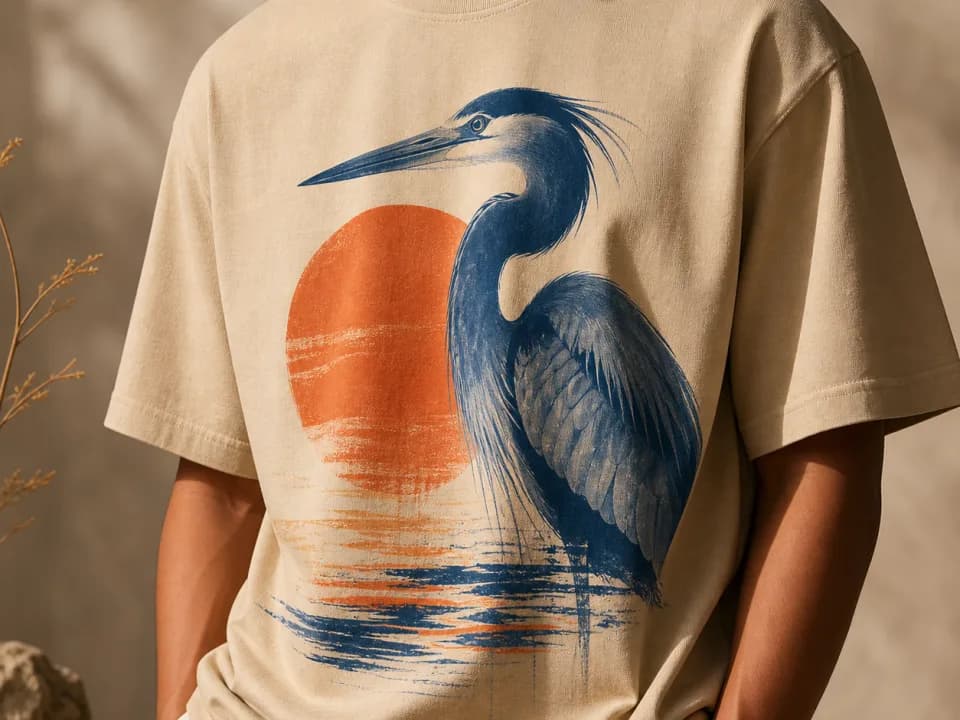
T-Shirt Mockup Generator
Make t-shirt mockups from your design: upload the artwork, pick a shirt color and a flat lay, hanging, or on-model shot, and get a listing-ready photo. Free to try.
Products & merch
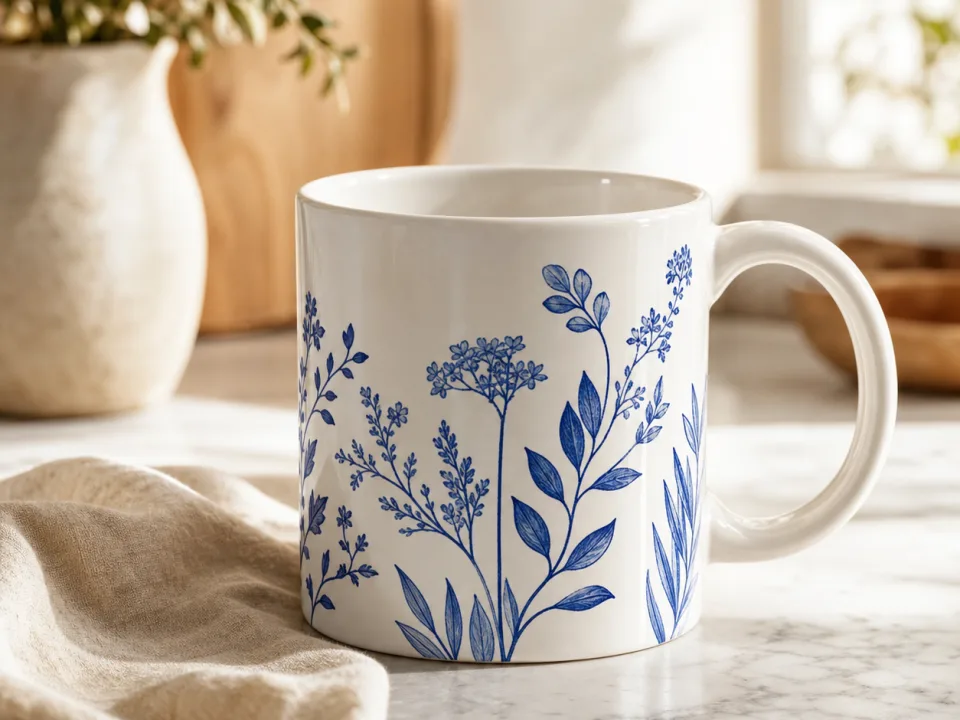
Mug Mockup Generator
Make mug mockups from your design: upload the art, pick a mug style and scene, and get a listing-ready photo with the print wrapped to the curve. Free to try.
Products & merch
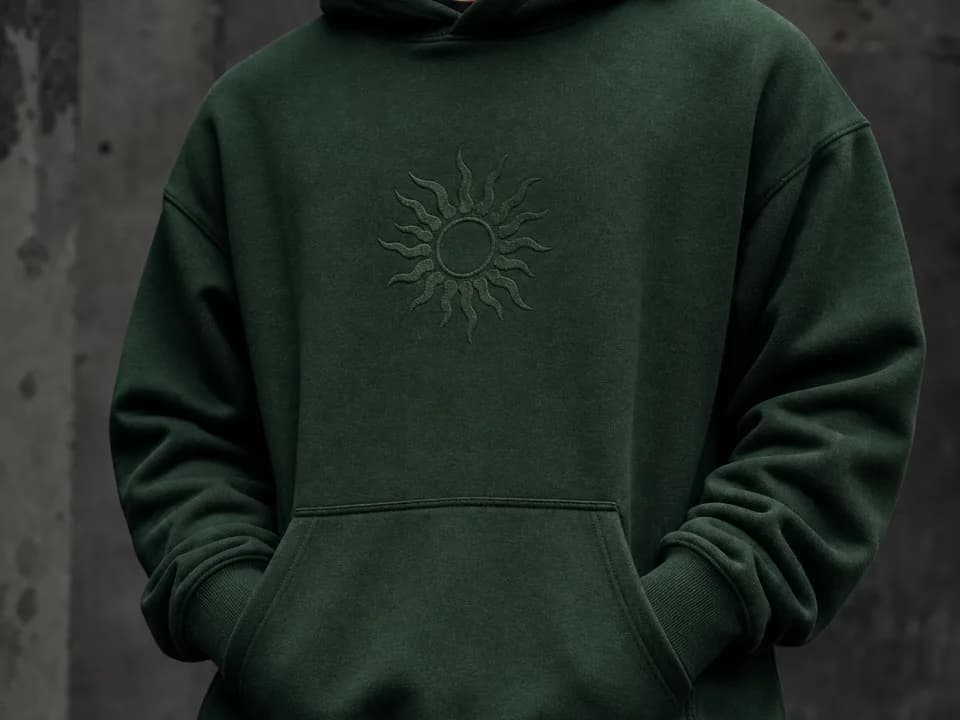
Hoodie Mockup Generator
Make hoodie mockups from your design: upload the artwork, pick a hoodie color and a flat lay, hanging, or on-model shot, and get a listing-ready photo. Free to try.
Products & merch
Tote Bag Mockup Generator
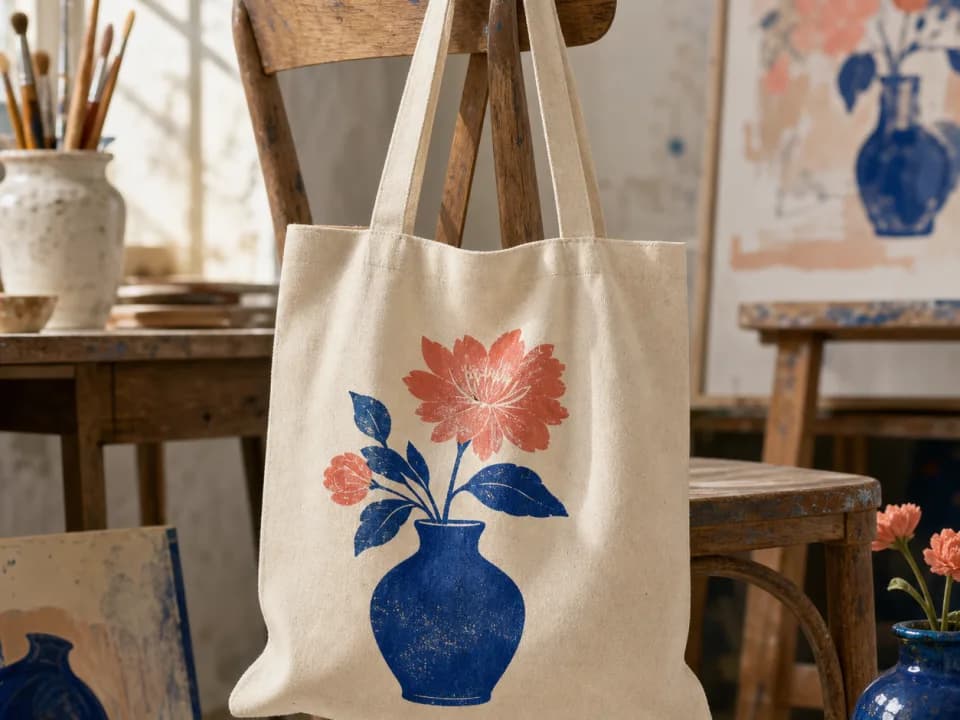
Make tote bag mockups from your design: upload the artwork, pick a tote color and a flat lay, hanging, or carried shot, and get a listing-ready photo. Free to try.