
Products & merch
Hoodie Mockup Generator
This hoodie mockup generator turns your design into a realistic listing photo: upload the artwork or describe it, pick a hoodie color and a presentation, flat lay, hanging, or on-model, and get back a photorealistic shot with the print sitting naturally in the fleece.
Try it now
Free to try, no account needed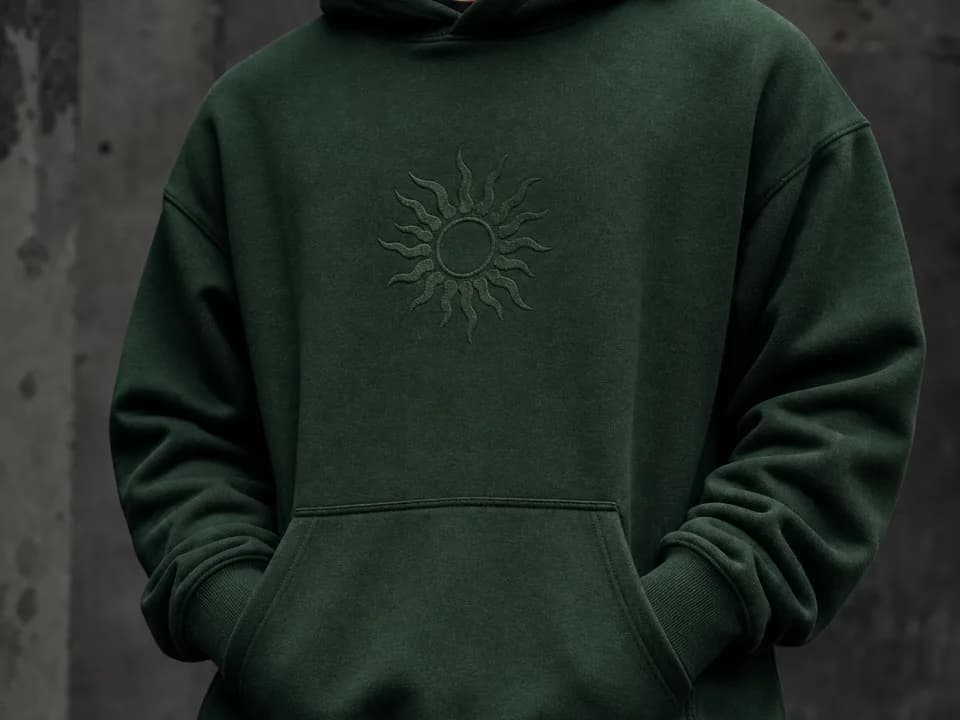 Example output
Your generated image will replace this example.
About this tool
Hoodies are harder to mock up convincingly than tees. The fabric is thick, the drawstrings and pouch pocket break up the print area, and a design pasted flat onto a hoodie photo reads instantly as fake because real ink bends through fleece folds. That's exactly what stock PSD templates struggle with, and why so many POD hoodie listings look like the same template with a different rectangle on the chest. Generated mockups render the garment and the print together, so the design follows the folds, drawstrings fall over it naturally, and the fleece texture shows through the ink the way it does on a real printed hoodie.
Six colorways cover the standard POD hoodie catalog, heather gray, black, white, navy, maroon, and olive, and the on-model shot frames shoulders to hips with no face, keeping the garment the subject. Winter drops, back-to-school, and holiday gift listings are hoodie season: generate the same design across all six colors in a few minutes and list the variants that look strongest instead of guessing.
The print-on-demand loop runs end to end: create the design with the t-shirt design template if you're starting from nothing (chest art is chest art), mock it up here per colorway, upscale the winner for Etsy's zoom, and send your original file to Printful unchanged. Pair the hoodie and tee mockups of the same design for a listing that sells the artwork across the whole apparel line.
Frequently asked questions
Practical answers about inputs, output formats, credits, and using this tool in a real creative workflow.
How do I make a hoodie mockup with my own design?
- Upload your design as the reference image, choose a hoodie color and presentation (flat lay, hanging, or on-model), and generate. The image-input model places the artwork on the chest above the pouch pocket, bending it through the fabric folds realistically. You download a finished photo, no PSD templates or masking.
Will the print look realistic on the thick fabric?
- Yes, that's the point of generating the garment and print together: the design follows the fleece folds, drawstrings overlap it naturally, and fabric texture shows through the ink. Bold graphics survive the redraw best; very fine line work and small text can shift slightly, so zoom in before publishing and keep strict logos to traditional compositing.
Is this hoodie mockup generator free?
- Yes, to start: new accounts get 15 free credits, refilling daily when you run low. Text-described mockups cost 1 credit; uploading your actual design file uses the image-input model at 2 credits per shot, available on free accounts too. Paid plans add credits and commercial usage rights.
Can I use these mockups in Etsy or Shopify listings?
- Yes, with a paid plan, which carries commercial usage rights for listings, ads, and social; free-tier images are for personal and evaluation use. Once you have a printed sample, add at least one real photo alongside the mockups, buyers trust listings that show the actual garment, and some marketplaces expect it.
Which hoodie colors sell designs best?
- Contrast rules: light and bright designs on black, navy, or maroon; dark designs on white or heather gray. Heather gray is the classic default because almost everything reads on it. Generating all six colorways of one design costs a few credits, so compare side by side and list the two or three strongest instead of guessing.
Does the on-model option show a face?
- No. On-model shots frame the hoodie from shoulders to hips with a relaxed stance and no face in frame, so the garment stays the subject and you avoid model-likeness concerns entirely. It's the same cropped-torso style most established POD apparel shops use.
Are the images big enough for Etsy?
- Square mockups generate at 1024×1024, above Etsy's 1000-pixel minimum; run the finished shot through the built-in upscaler to reach Etsy's recommended 2000 pixels for sharp zoom. These are listing photos, your production file goes to your print provider unchanged.
Can it render text in my design legibly?
- Text survives when it's part of your uploaded artwork file, especially at chest-print sizes. Text invented from a written description often garbles, so bake exact wording into the file you upload, or generate around shapes and colors and add lettering in an editor afterward.
Related tools
Products & merch
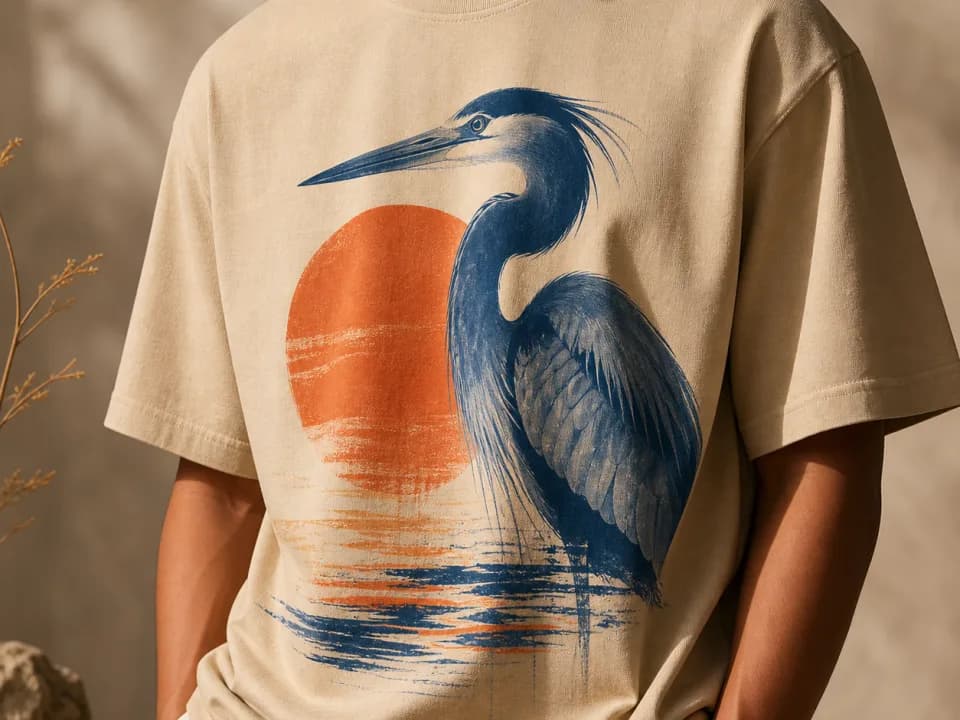
T-Shirt Mockup Generator
Make t-shirt mockups from your design: upload the artwork, pick a shirt color and a flat lay, hanging, or on-model shot, and get a listing-ready photo. Free to try.
Products & merch
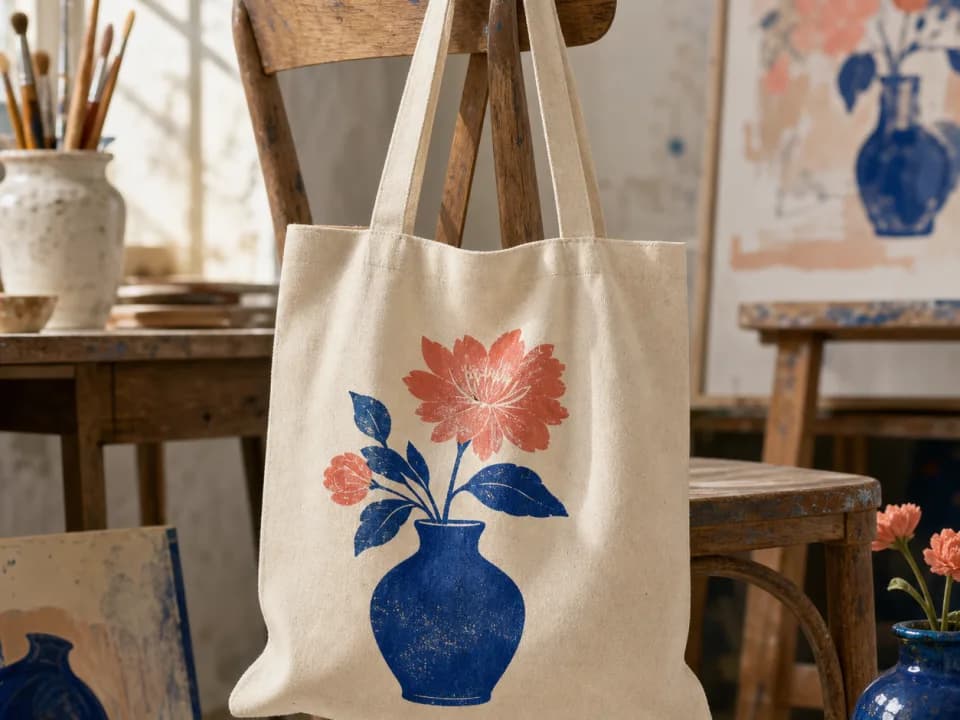
Tote Bag Mockup Generator
Make tote bag mockups from your design: upload the artwork, pick a tote color and a flat lay, hanging, or carried shot, and get a listing-ready photo. Free to try.
Products & merch
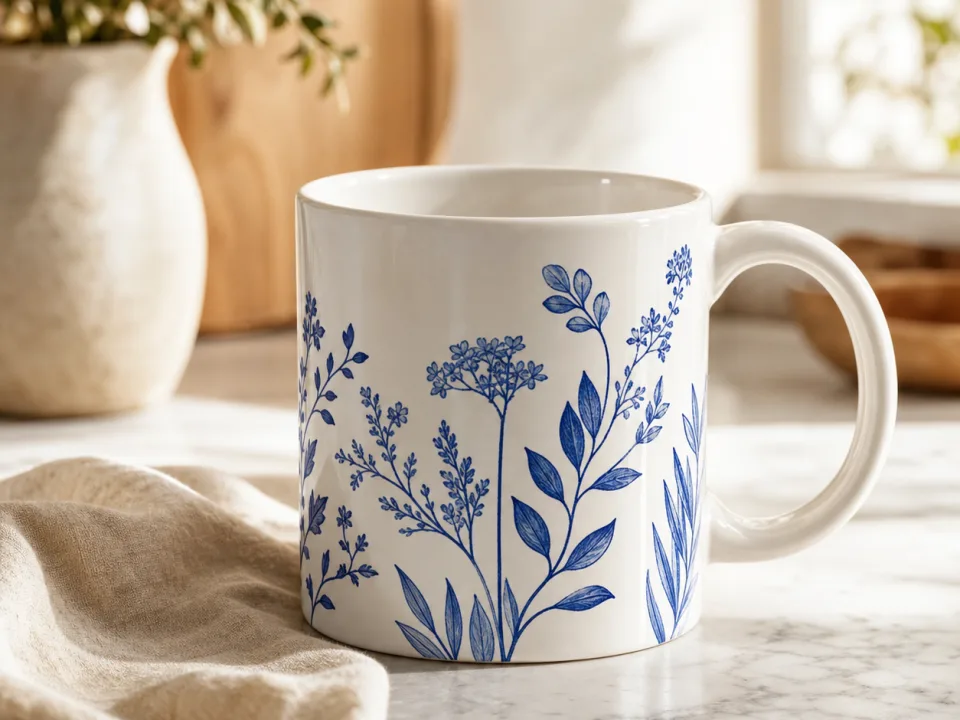
Mug Mockup Generator
Make mug mockups from your design: upload the art, pick a mug style and scene, and get a listing-ready photo with the print wrapped to the curve. Free to try.
Products & merch
Sticker Mockup Generator
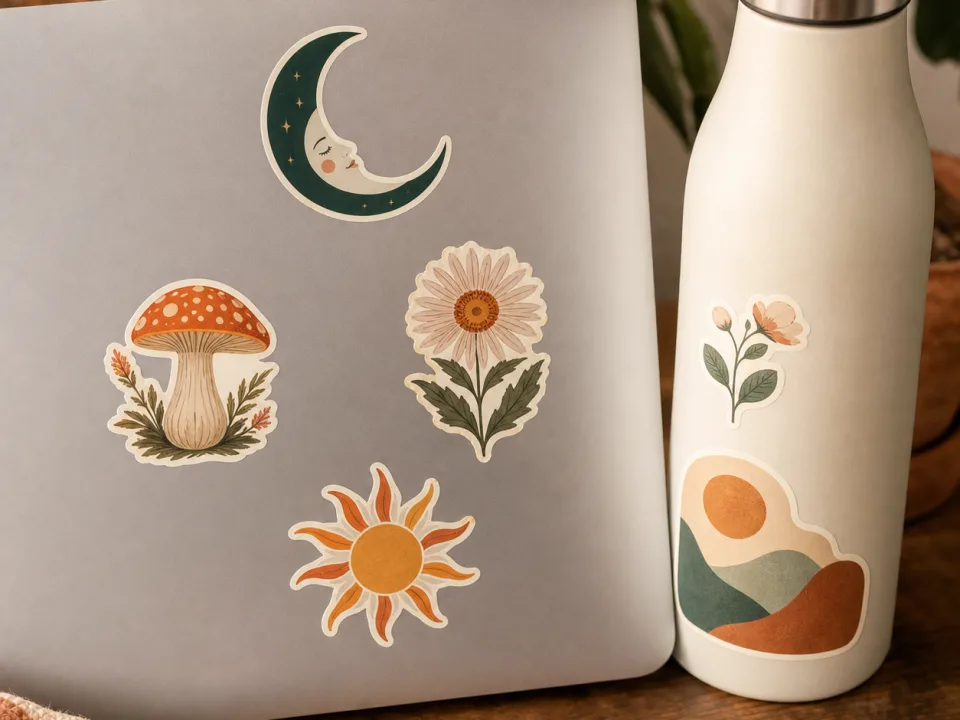
Make sticker mockups from your design: pick die-cut, kiss-cut, or holographic, place it on a laptop, bottle, or journal, and get a listing photo. Free to try.