
Products & merch
T-Shirt Mockup Generator
This t-shirt mockup generator turns your design into a realistic listing photo: upload the artwork or describe it, pick a shirt color and a presentation, flat lay, hanging, folded, or on-model, and get back a photorealistic tee shot with the print following the fabric's actual drape.
Try it now
Free to try, no account needed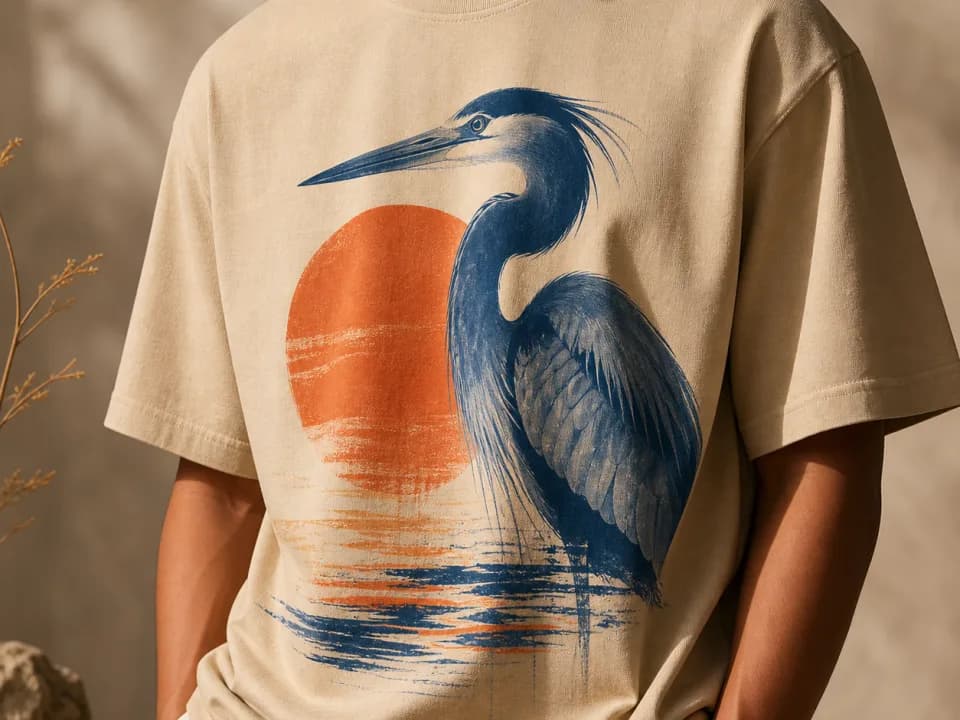 Example output
Your generated image will replace this example.
About this tool
The traditional route to a good tee mockup is a PSD bundle or a mockup-site subscription: find a template with the right shirt color and angle, mask your design into the smart object, fight the wrinkle overlay, repeat for every colorway. It works, but every new color, angle, or scene is another template to hunt down, and the same stock templates are on thousands of other Etsy listings. Generated mockups sidestep both problems: any color-presentation combination on demand, and no other shop has your exact shot.
Each generation is built like commercial apparel photography rather than a screen-printed rectangle floating on fabric: the print bends with the drape and wrinkles, ink sits in the weave instead of on top of it, and the scene palette stays muted so the design carries the photo. Six shirt colors cover the standard POD catalog range, white, black, heather gray, navy, sand, and forest green, and the on-model option frames shoulders to waist with no face, so the shirt stays the subject and the photo stays usable anywhere.
The workflow fits print-on-demand end to end: generate the design itself with the t-shirt design template if you don't have one yet, mock it up here in every colorway you plan to list, and use the square crop for Etsy listing slots with 4:5 for the Instagram announcement. When a design sells, come back and generate the same artwork on the other five colors instead of re-buying templates.
Frequently asked questions
Practical answers about inputs, output formats, credits, and using this tool in a real creative workflow.
How do I make a t-shirt mockup with my own design?
- Upload your design file as the reference image, pick a shirt color and a presentation (flat lay, hanging, folded stack, or on-model), and generate. The image-input model places your artwork on the chest print area with realistic fabric drape. No Photoshop, smart objects, or PSD templates involved: the output is a finished photo you download and use.
Will the mockup show my design exactly as I drew it?
- Closely, but not pixel-perfectly. The model redraws your design onto the fabric rather than compositing the file, so fine line work, small text, and exact proportions can shift slightly. Bold graphic designs survive best. For strict brand-guideline logos, use a traditional PSD template; for realistic listing photos of illustrated or typographic designs, generated mockups are usually indistinguishable from staged shots.
Is this t-shirt mockup generator free?
- Yes, to start: new accounts get 15 free credits and free credits refill daily when you run low. A text-described mockup costs 1 credit; attaching your actual design file routes to the image-input model at 2 credits per shot, also available on free accounts. Paid plans add credits and commercial usage rights.
Can I use the mockups in my Etsy or Shopify listings?
- Yes, on a paid plan, which includes commercial usage rights for listings, ads, and social posts; free-tier mockups are for personal and evaluation use. Marketplace note: buyers assume listing photos represent what ships, so pair AI mockups with at least one photo of a real printed sample once you have one, especially for the first slot.
Which shirt colors make a design stand out best?
- High contrast wins: light designs on black or navy, dark or saturated designs on white, sand, or heather gray. If you sell one design in several colorways, generate the same artwork across all six shirt colors here and compare them side by side before deciding which variants to list, it costs a few credits instead of a mockup-bundle purchase per color.
Does it do on-model mockups without showing a face?
- Yes. The on-model option frames the shirt from shoulders to waist with a natural stance and no face in frame. That keeps the listing photo about the product, avoids model-likeness questions entirely, and matches the cropped-torso style most successful POD shops use for their gallery images.
Are the images big enough for Etsy listing photos?
- Square mockups generate at 1024×1024 pixels, above Etsy's 1000-pixel minimum. Etsy recommends 2000 pixels on the shortest side for crisp zoom, so run finished mockups through the built-in upscaler before uploading. These are listing photos, not print files: your production artwork goes to Printful or Printify unchanged.
Can it print my shop name or a slogan legibly on the shirt?
- Only if the wording lives in your uploaded artwork. AI-generated lettering from a text description often comes out garbled, so either bake exact text into the design file you upload, or generate the mockup around shapes and colors and add lettering afterward in an editor. Uploaded artwork carries its own text far more reliably than described text.
Related tools
Products & merch
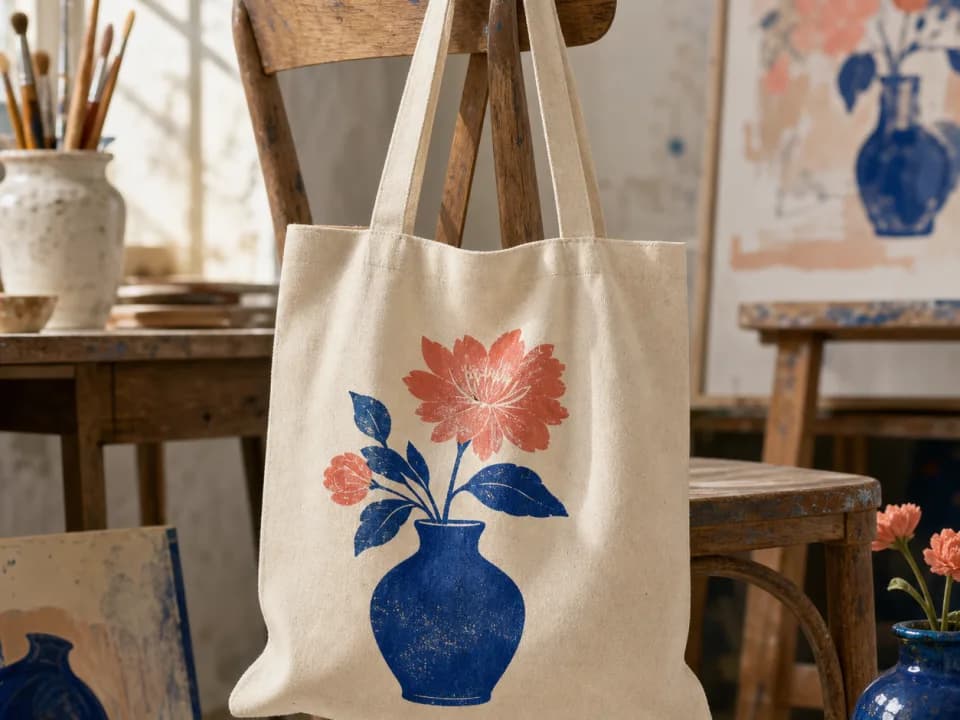
Tote Bag Mockup Generator
Make tote bag mockups from your design: upload the artwork, pick a tote color and a flat lay, hanging, or carried shot, and get a listing-ready photo. Free to try.
Products & merch
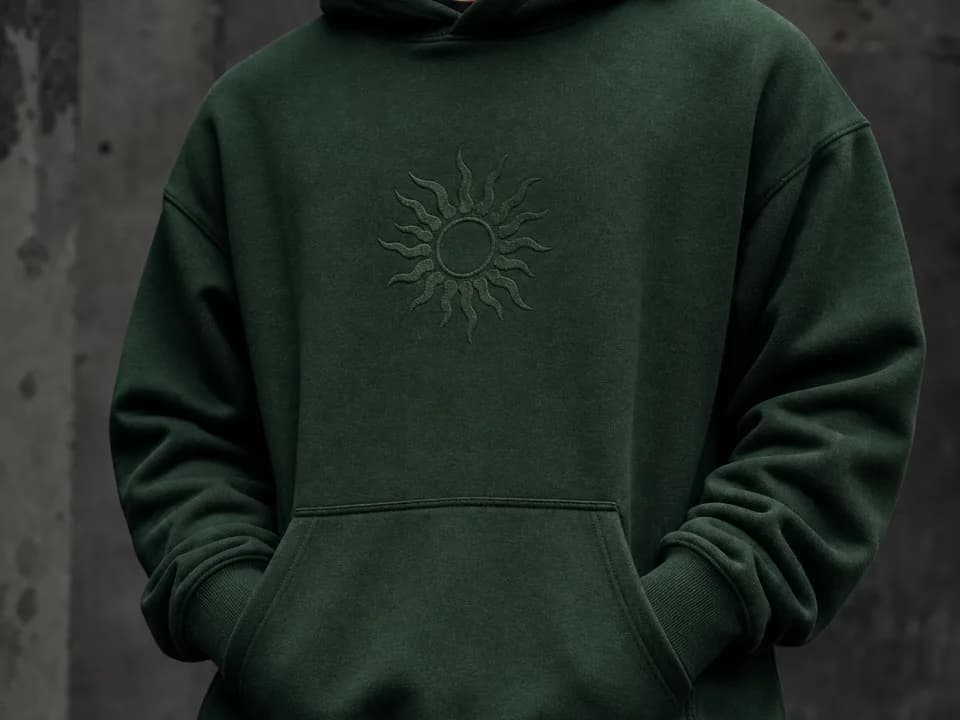
Hoodie Mockup Generator
Make hoodie mockups from your design: upload the artwork, pick a hoodie color and a flat lay, hanging, or on-model shot, and get a listing-ready photo. Free to try.
Products & merch
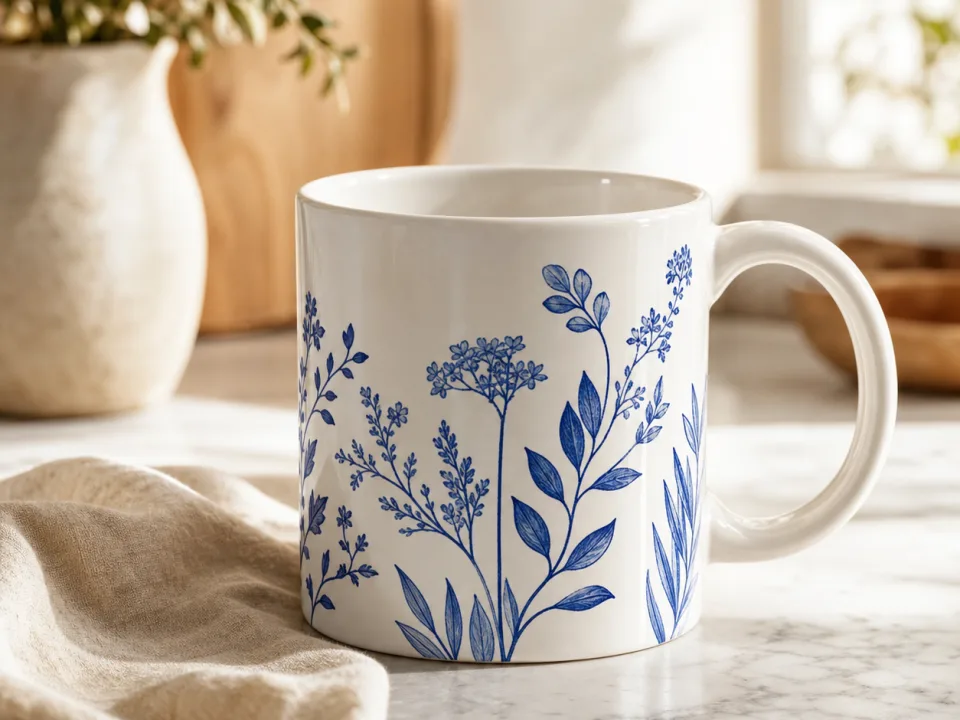
Mug Mockup Generator
Make mug mockups from your design: upload the art, pick a mug style and scene, and get a listing-ready photo with the print wrapped to the curve. Free to try.
Products & merch
Sticker Mockup Generator
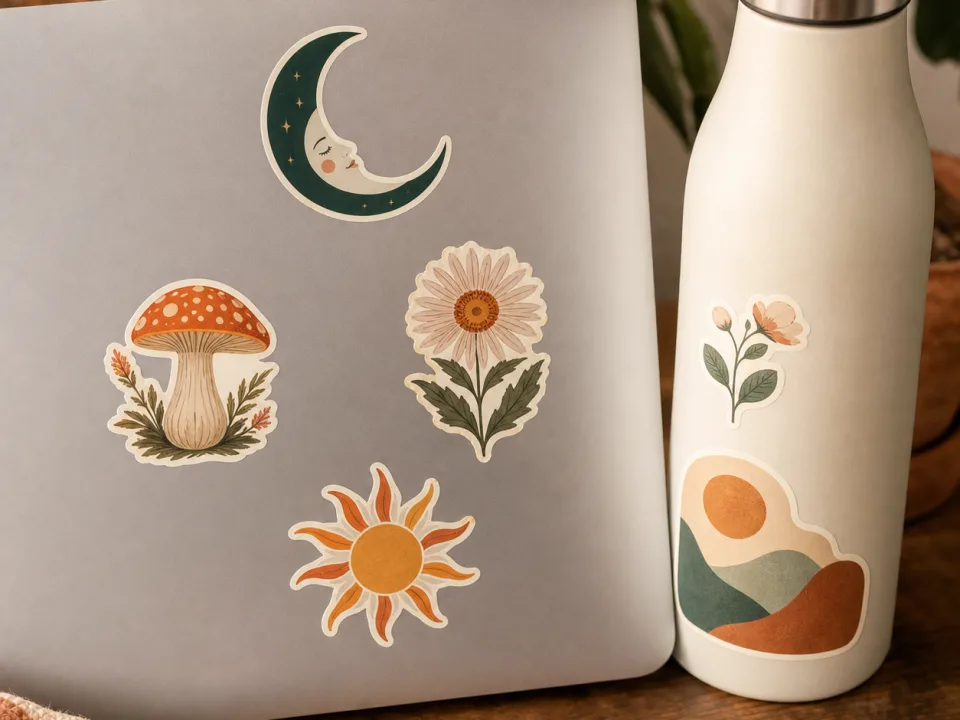
Make sticker mockups from your design: pick die-cut, kiss-cut, or holographic, place it on a laptop, bottle, or journal, and get a listing photo. Free to try.