
Products & merch
Canvas Mockup Generator
This canvas mockup generator puts your artwork on a wall: upload the art or describe it, pick a canvas format and a room, and get back a styled interior photo with the canvas hung at realistic scale, wrapped edges, visible texture, and natural window light.
Try it now
Free to try, no account needed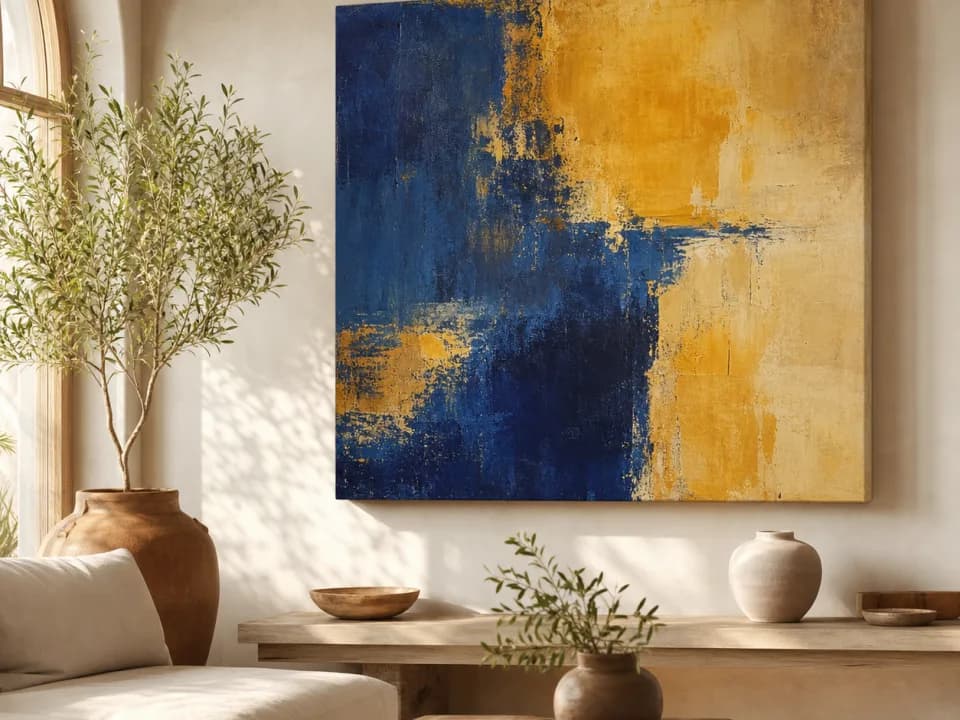 Example output
Your generated image will replace this example.
About this tool
Wall art sells on context. A flat JPEG of the artwork tells buyers what it looks like; a photo of it hanging over a sofa tells them whether it fits their home, and listings that show scale against real furniture answer the question that stalls most wall-art purchases: how big is it really? The stock-template route, PSD frames and the same beige living room every other shop uses, gets you context but not differentiation. Generated mockups give each listing its own room, styled the way interior photographers actually stage: level hanging, eye-height placement, shadows that seat the canvas on the wall instead of floating in front of it.
Five rooms cover the places wall art actually hangs, living room, bedroom, home office, entryway, and nursery, and four formats cover the standard canvas catalog: single landscape, portrait, square, and a matched set of three. Selling one artwork in multiple sizes or orientations means generating each variant in seconds rather than buying another template pack, and a full listing gallery, the same piece in three different rooms, costs a few credits.
For print-on-demand sellers the loop closes end to end: the artwork file you upload here is the same file you send to production, so the mockup and the product can't drift apart. Generate the art itself with the freeform or wall-art-friendly templates if you're starting from scratch, mock it up here per room and format, upscale the best shot for Etsy's zoom, and list.
Frequently asked questions
Practical answers about inputs, output formats, credits, and using this tool in a real creative workflow.
How do I make a canvas mockup of my own art?
- Upload your artwork as the reference image, choose a canvas format (single landscape, portrait, square, or a set of three) and a room, then generate. The image-input model reproduces your art on a gallery-wrapped canvas hung in a styled interior with realistic scale and lighting. The result is a finished photo, no PSD templates or Photoshop masking.
Will the mockup reproduce my artwork faithfully?
- Closely: the model carries your art's composition, palette, and style onto the canvas, and bold or painterly work reproduces especially well. Fine details and small text can shift slightly since the art is redrawn rather than composited, so zoom in on the result before publishing. For pixel-critical reproductions, composite manually; for room-context listing photos, generated mockups read as staged interior shots.
Is the canvas shown at realistic size in the room?
- Yes, the scaffold instructs the model to scale the canvas believably against the furniture, hung level at eye height, and it generally holds. Because AI can still misjudge scale occasionally, check each shot against the size you actually sell, and state exact dimensions in your listing copy; a mockup communicates proportion, your size chart communicates numbers.
Is this canvas mockup generator free?
- Yes, to start: new accounts get 15 free credits, refilling daily when you run low. A text-described mockup costs 1 credit; uploading your actual artwork uses the image-input model at 2 credits per shot, also available on free accounts. Commercial usage rights for listings come with paid plans.
Can I show the same artwork in different rooms?
- Yes, and it's the intended workflow for a listing gallery: keep the same artwork attached and switch the room preset, living room, bedroom, home office, entryway, nursery, to produce a set of consistent interior shots. Three rooms plus a format variant fills an Etsy listing's photo slots for a handful of credits.
Does it work for framed prints and posters too?
- This template renders gallery-wrapped canvas specifically, wrapped edges and canvas texture included. For framed prints and posters with mats and glass, use the poster mockup template instead; the room and staging options are similar, so a shop selling both formats can keep a consistent look across listings.
Are the images good enough quality for Etsy listings?
- Mockups generate at up to 1024 pixels on the long edge, which clears Etsy's 1000-pixel minimum; for Etsy's recommended 2000-pixel zoom quality, run the finished shot through the built-in upscaler first. Use 4:5 or 3:4 for listing slots and 16:9 if you want a wide room shot for your shop banner.
What kind of art file should I upload?
- A flat, straight-on image of the artwork itself, the same file you'd send to your print provider, at the largest size you have. Avoid photos of the art at an angle, with frames, or with glare: the model reproduces what it sees, so a clean source file gives the truest canvas. Square or near-square art fits the square and set-of-three formats best.
Related tools
Products & merch
Poster Mockup Generator
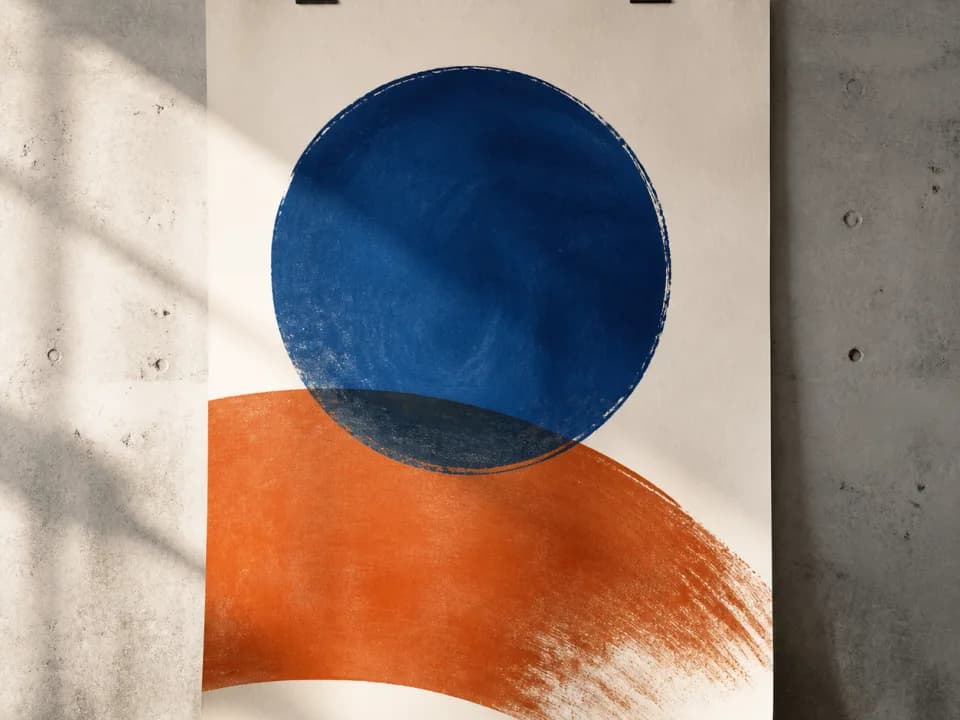
Make poster mockups from your art: upload the file, pick a frame style and room, and get a styled interior photo with realistic scale and glass. Free to try.
Products & merch
Mug Mockup Generator
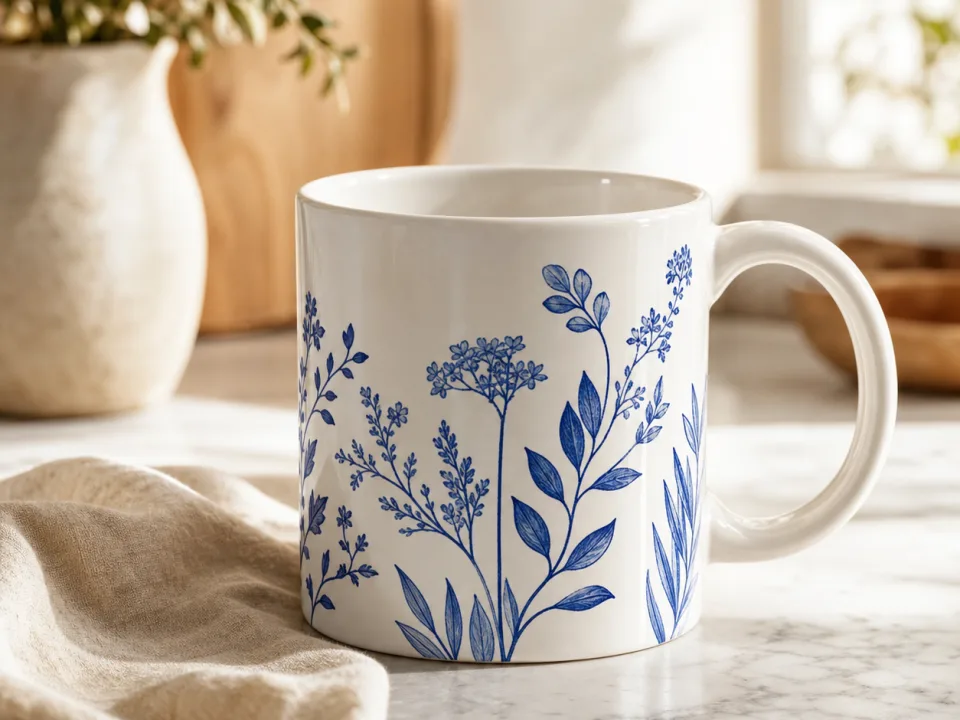
Make mug mockups from your design: upload the art, pick a mug style and scene, and get a listing-ready photo with the print wrapped to the curve. Free to try.
Products & merch
Sticker Mockup Generator
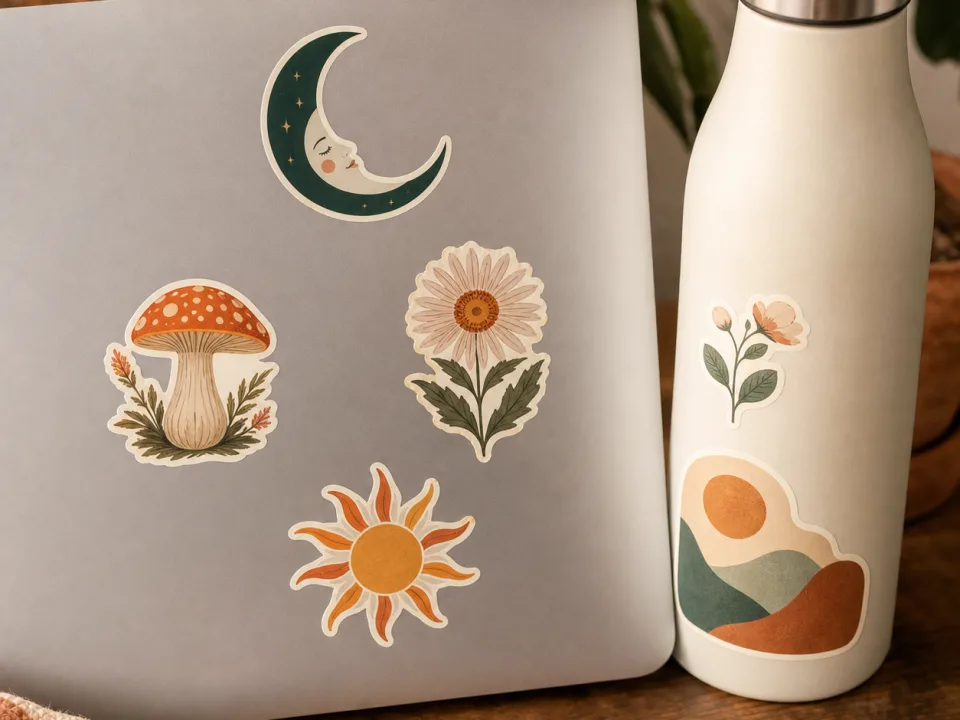
Make sticker mockups from your design: pick die-cut, kiss-cut, or holographic, place it on a laptop, bottle, or journal, and get a listing photo. Free to try.
Products & merch
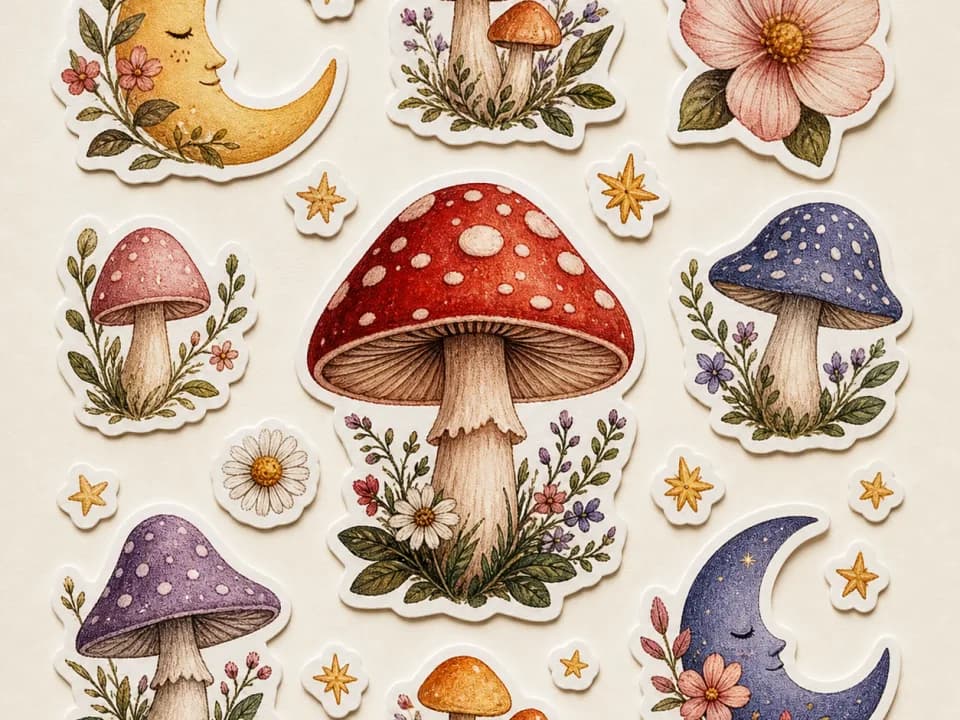
AI Sticker Sheet Generator for Etsy
Generate Etsy-ready sticker sheets: 6-12 matched designs with white die-cut borders, one shared palette, one pass. Pick a theme and style. Free to try.