
Products & merch
AI T-Shirt Design Generator
Print-on-demand shirt shops win by testing designs, not by betting everything on one. The Printful and Printify sellers who make consistent sales list design after design across a niche and let orders show them what works. Commissioning artwork at $50 or more per design makes that strategy unaffordable, which is exactly the bottleneck a generator removes.
Try it now
Free to try, no account needed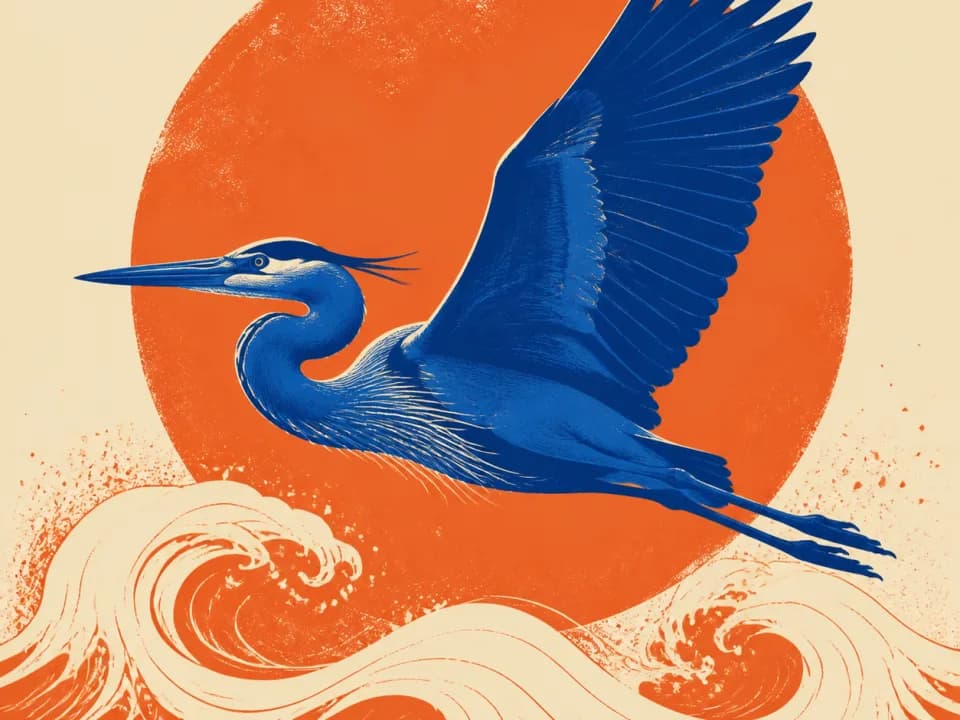 Example output
Your generated image will replace this example.
About this tool
Describe the design, pick a print style like vintage distressed or bold streetwear, and get back shirt-ready artwork: a single strong graphic on a plain solid background, drawn in a limited flat palette instead of a muddy full-color render. From there the workflow is short: remove the background, upscale, and upload the PNG to your POD dashboard or hand it to your screen printer.
The scaffold bakes in the constraints that separate shirt art from generic AI images. Fewer colors keeps screen-print quotes low and stops DTG prints from turning murky on fabric. A bold silhouette stays readable at chest-print size and in marketplace thumbnails. The plain background makes clean knockout easy, so the design sits on the garment instead of inside a rectangle. Use it for niche Etsy and Merch by Amazon listings, band and podcast merch, event and team shirts, or a small brand drop.
Frequently asked questions
Practical answers about inputs, output formats, credits, and using this tool in a real creative workflow.
Can I sell shirts made with these designs?
- Yes, designs you generate are yours to use commercially on Printful, Printify, Merch by Amazon, Etsy, and other platforms, subject to the model provider's usage policy. Avoid prompts referencing trademarked characters, logos, or celebrity likenesses; marketplaces remove those listings regardless of how the art was made.
How do I get a transparent background for printing?
- Designs generate on a plain solid background, not a transparent one: image models can't output transparency directly. Because the artwork is isolated with a clean silhouette, the built-in AI Background Remover tool cuts it out in one click and gives you a transparent PNG ready to upload to your print-on-demand service, no need to round-trip through Photoshop, though any external background removal tool works on these designs too.
What resolution do print-on-demand services need?
- POD templates typically recommend around 4500×5400 pixels (300 DPI for a 15×18 inch print area), but most services accept files at 150 DPI or above. Designs generate at roughly 1 megapixel, about 912×1136 at the default 4:5 ratio, so run a 4x upscale before uploading: the resulting ~3648×4544 PNG works out to roughly 240 DPI over a full 15×18 inch print area, comfortably above that acceptance threshold. The flat, bold style used here upscales cleanly because there's no fine photographic grain to smear.
Can it put my slogan or brand name on the shirt?
- Don't rely on it: AI models render words unreliably, often misspelling or warping letters. The better workflow is to generate the artwork without text, then set your slogan in a real font in Canva or Photoshop. You get exact spelling, a licensed font, and the option to update the wording without regenerating the art.
Will the designs work on dark shirts?
- Yes, with one adjustment: mention the garment color in your description, e.g. "light cream and orange artwork for a black shirt." The generator defaults to a limited flat palette, which is what you want on dark garments: fewer colors means a cleaner white underbase for DTG and fewer screens if you print traditionally.
Is the t-shirt design generator free?
- Yes, free accounts include credits to generate designs at draft quality, enough to test several concepts for a listing. Paid plans add more credits and higher-quality models for the designs you decide to publish.
Related tools
Products & merch
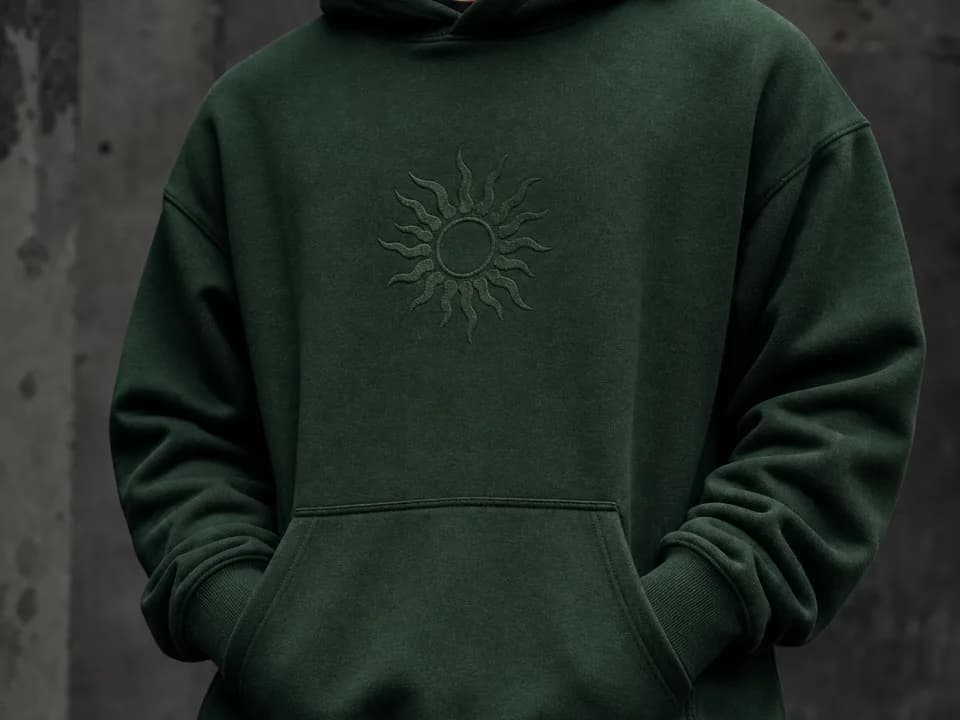
Hoodie Mockup Generator
Make hoodie mockups from your design: upload the artwork, pick a hoodie color and a flat lay, hanging, or on-model shot, and get a listing-ready photo. Free to try.
Products & merch
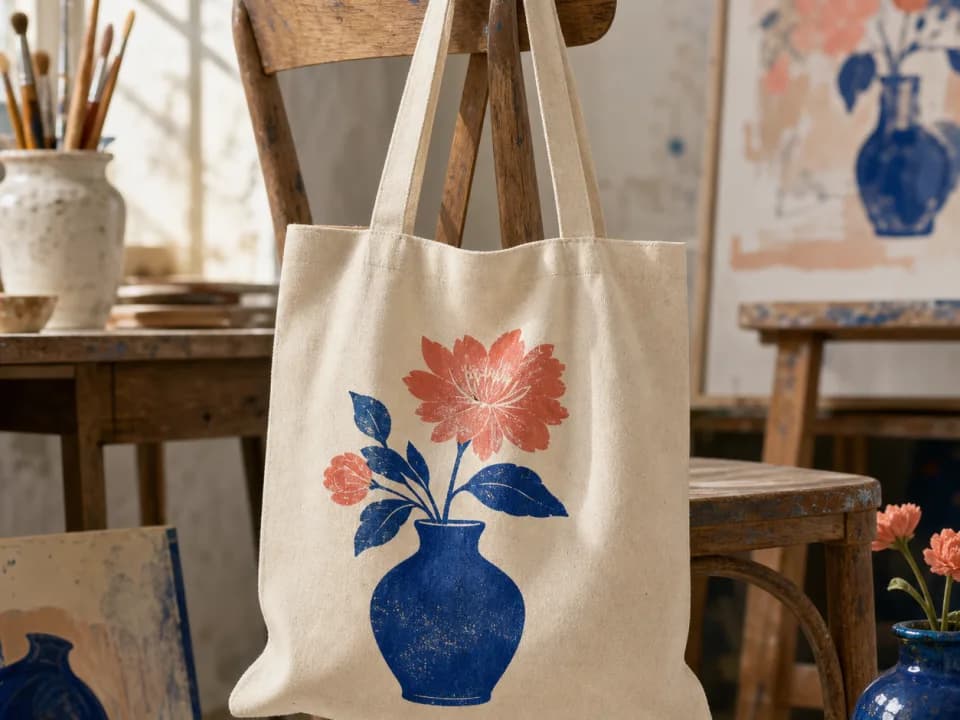
Tote Bag Mockup Generator
Make tote bag mockups from your design: upload the artwork, pick a tote color and a flat lay, hanging, or carried shot, and get a listing-ready photo. Free to try.
Products & merch
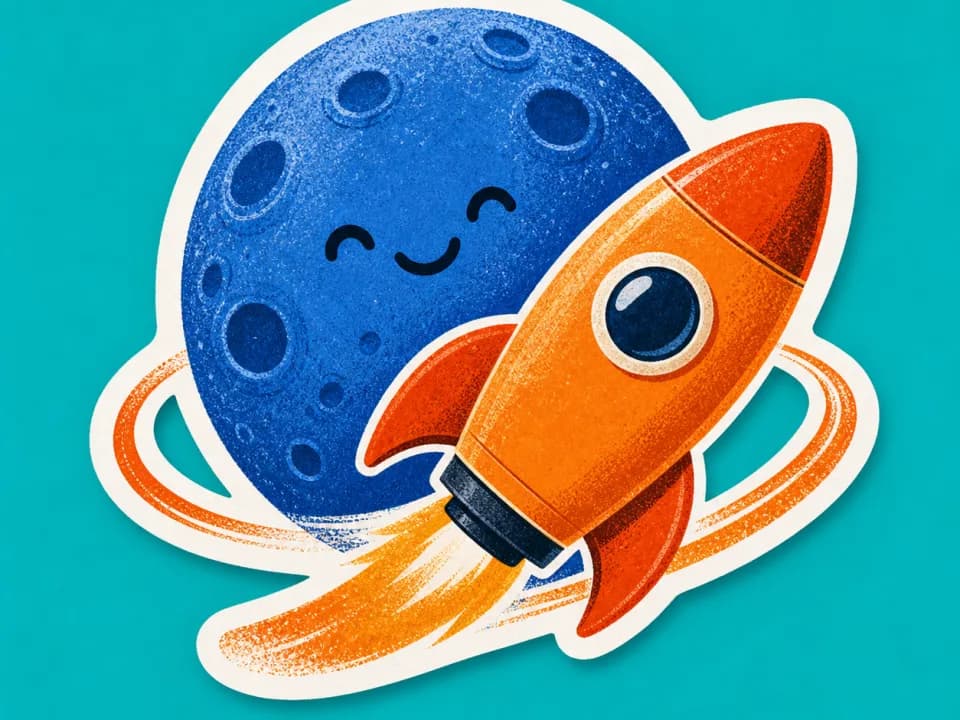
AI Sticker Design Generator
Generate die-cut sticker art with bold outlines and a white border, ready for print-on-demand. Describe the design, pick a style, download. Free to try.
Products & merch
Canvas Mockup Generator
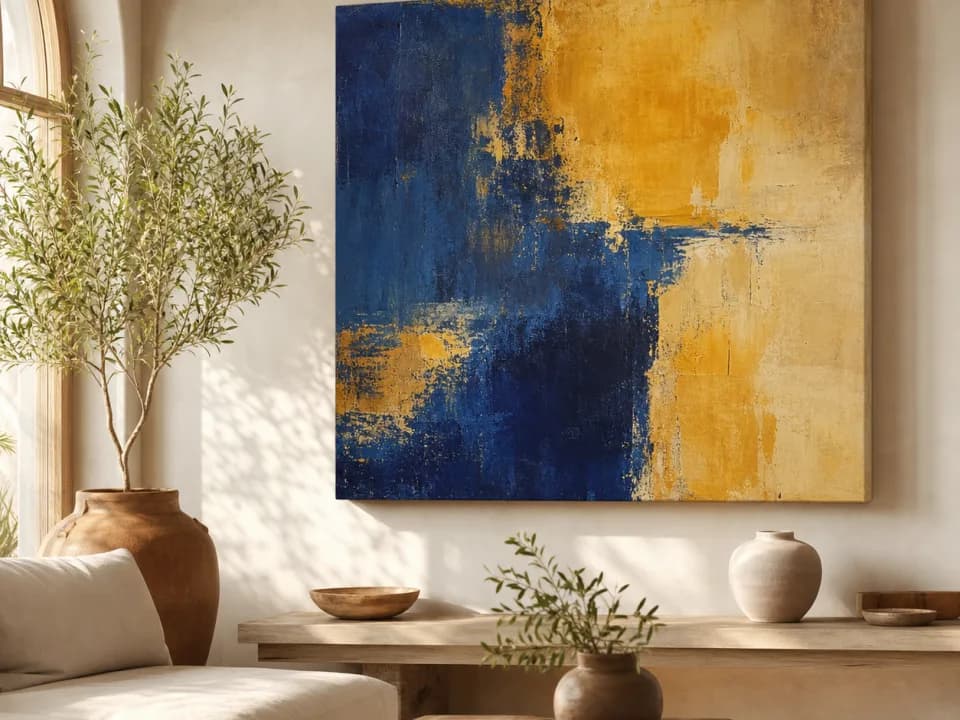
Make canvas mockups from your art: upload the file, pick a room and canvas format, and get a styled interior photo with realistic scale and light. Free to try.