
Products & merch
AI Amazon Product Image Generator
On Amazon, your image stack does most of the selling. The main image decides your click-through rate in search results, and the six secondary slots, lifestyle, close-ups, scale shots, decide whether a click converts. Sellers know the playbook; the expensive part has always been execution: a studio white-background shoot plus styled lifestyle photography runs hundreds of dollars per SKU, which is hard to justify when you're validating a product or refreshing a tired listing.
Try it now
Free to try, no account needed Example output
Your generated image will replace this example.
About this tool
This generator is built around Amazon's actual image requirements. Describe your product, pick which slot you're filling, and it produces the right treatment: a main image on a pure white background with the product filling roughly 85% of the frame and no props or text, or a lifestyle scene, feature close-up, scale shot, or flat lay for the secondary positions. Everything defaults to the 1:1 square ratio Amazon's gallery and zoom feature expect, with 16:9 available for A+ Content banners. With a free account you can attach a photo of your actual product as a reference so generations match what you ship.
The scaffold encodes the craft a product photographer would bring: even studio lighting with a natural contact shadow on white-background shots, shallow depth of field that keeps the product sharp in lifestyle scenes, raking light that shows texture in close-ups. Use it to mock up a full image stack before committing to a photo shoot, A/B test a new main image against your current one, or fill out secondary slots a listing has been missing.
Frequently asked questions
Practical answers about inputs, output formats, credits, and using this tool in a real creative workflow.
Do the main images meet Amazon's white-background requirement?
- The main-image option generates your product on a pure white background with no props, text, or watermarks, and the product filling roughly 85% of the frame: Amazon's stated requirements for the primary image. AI-generated whites can land a few values off true 255,255,255, so run the image through a background-removal or levels tool before uploading if Amazon's automated checks flag it.
Does Amazon allow AI-generated listing images?
- Amazon's rules govern what images show, not how they were made: the main image must accurately depict the actual product being sold, and all images must avoid misleading claims. AI-generated lifestyle and context shots are widely used; the risk is a main image that doesn't match what arrives in the box, which can trigger listing suppression and returns. Safest workflow: use a reference photo of your real product, and verify the generated image matches its true color, proportions, and features before uploading.
Can I upload a photo of my actual product?
- Yes. Attach a product photo and the generator uses it as a reference, so white-background and lifestyle shots stay faithful to your real product. Reference uploads route to the standard image-input model, available on free accounts; only the anonymous try-it widget is text-only. Generating from the text description alone also works well for mockups and pre-launch concept images.
Is the resolution high enough for Amazon zoom?
- Yes. Images generate at 1024×1024 pixels, which clears Amazon's 1000-pixel minimum on the longest side for enabling hover zoom. Zoom measurably lifts conversion, so stay at or above that threshold; if you want extra headroom for aggressive zooming, run the image through an upscaler before uploading.
What aspect ratios should I use for each image slot?
- Use 1:1 square, the default here, for the main image and all standard gallery slots; Amazon displays the gallery in a square frame, so square images use every pixel. The 16:9 option is for A+ Content banner modules, which are wide-format. Vertical images are not recommended anywhere in an Amazon listing.
Can it add text callouts, badges, or infographic elements?
- No, generate the photography here and add text in an editor. AI models render words unreliably, and Amazon prohibits text, logos, and badges on the main image anyway. For infographic secondary images, generate the clean product shot, then add dimension callouts and feature text in Canva or Photoshop where you control the copy exactly.
Is it free?
- Yes, free to try: new accounts start with 15 free credits, and free credits refill daily when you run low. A draft generation costs 1 credit, and attaching a reference photo of your product routes to the standard image-input model at 2 credits per generation, available on free accounts. Paid subscriptions and one-time credit packs cover full image-stack production across multiple SKUs.
Can I use the images commercially on my Amazon listing?
- Yes, on a paid plan: paid subscriptions include commercial usage rights covering Amazon listings, storefronts, and ads, subject to the model provider's usage policy. Free-tier outputs are for personal and evaluation use, so upgrade before publishing to a live listing. Avoid generating recognizable brand logos or trademarked designs you don't own; Amazon suppresses listings over trademark issues regardless of how the image was produced.
Related tools
Products & merch
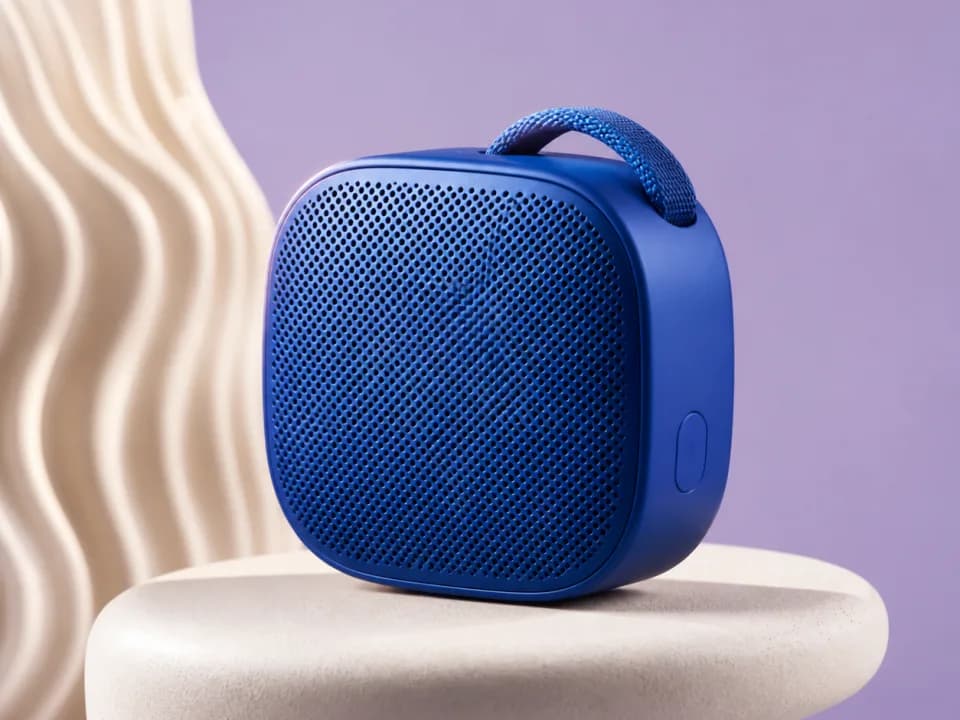
AI Product Mockup Generator
Turn your artwork into realistic product mockups, t-shirts, mugs, framed prints, totes, packaging, shot for Etsy and Shopify listings. Free to try.
Products & merch
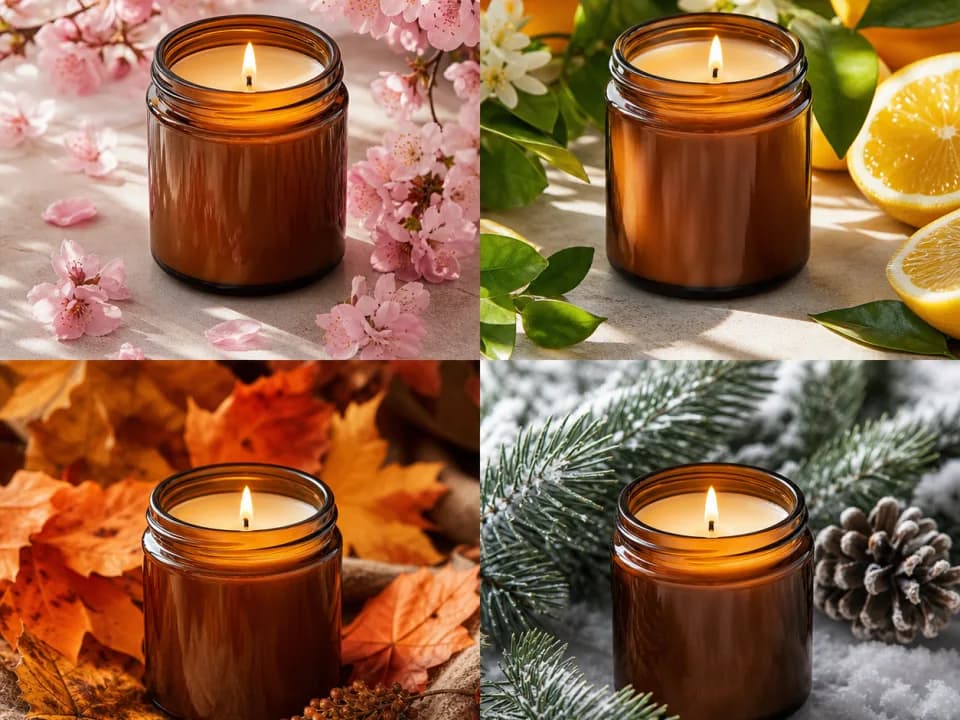
AI Seasonal Product Photo Generator
Turn product photos into Christmas, Halloween, and summer listing variants. Upload a photo or describe the product and pick a season. Free to try from text.
Products & merch
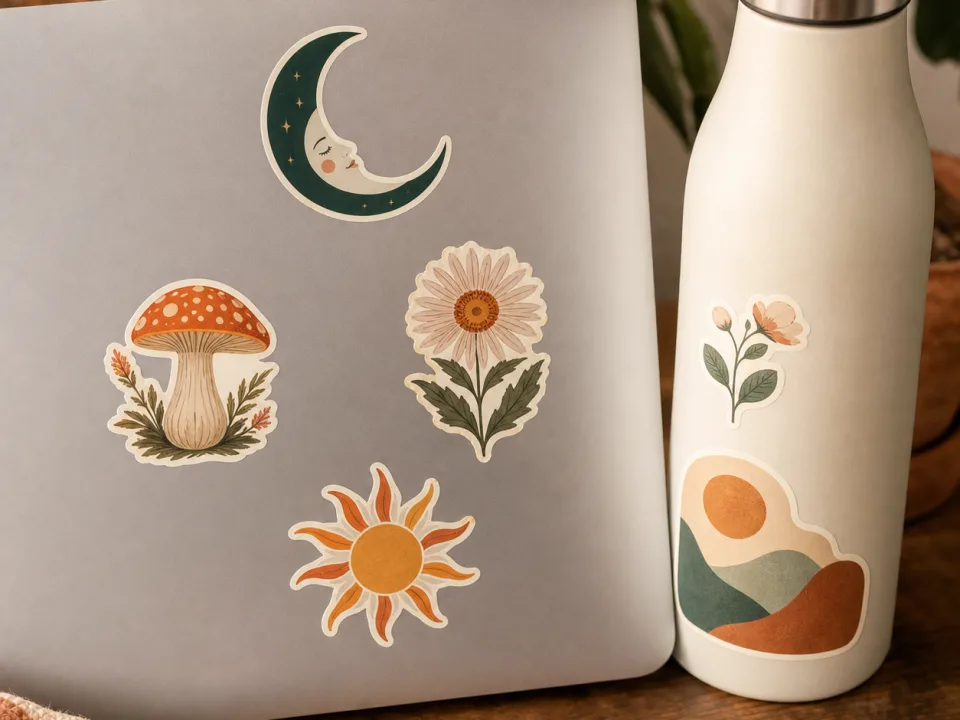
Sticker Mockup Generator
Make sticker mockups from your design: pick die-cut, kiss-cut, or holographic, place it on a laptop, bottle, or journal, and get a listing photo. Free to try.
Products & merch
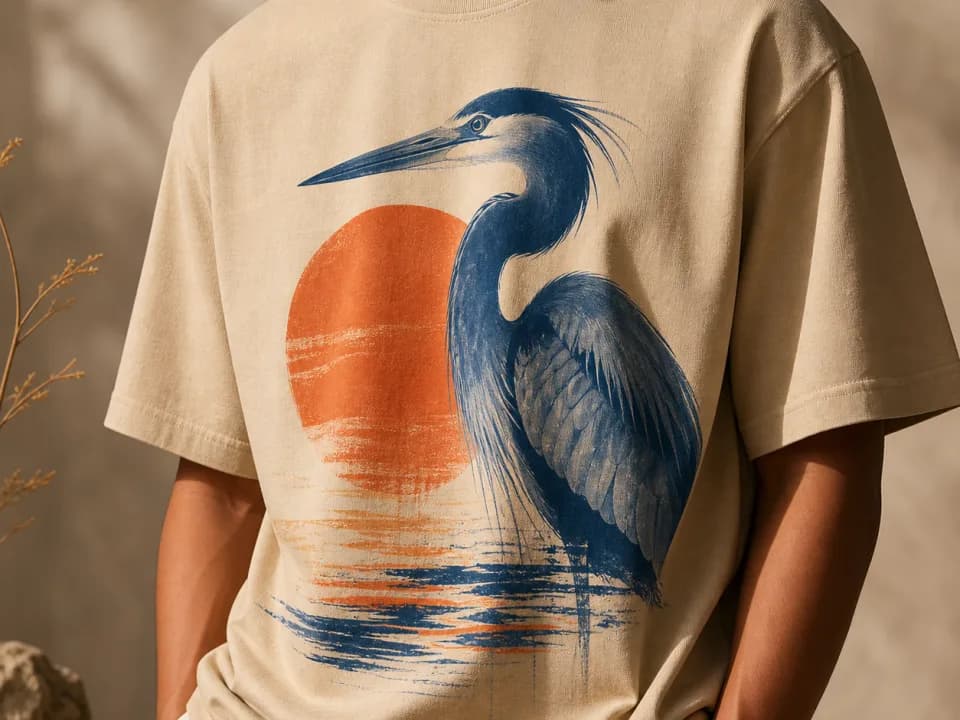
T-Shirt Mockup Generator
Make t-shirt mockups from your design: upload the artwork, pick a shirt color and a flat lay, hanging, or on-model shot, and get a listing-ready photo. Free to try.