
Products & merch
AI Seasonal Product Photo Generator
Shoppers click listings that match the moment: a candle styled with pine sprigs and string lights outsells the same candle on a plain white background all through Q4, then that photo goes stale on December 26. Sellers who reshoot for Christmas, Valentine's, and summer see the lift, but staging a full seasonal set per product, per season, is exactly the kind of shoot most Etsy and Shopify shops never get around to.
Try it now
Free to try, no account needed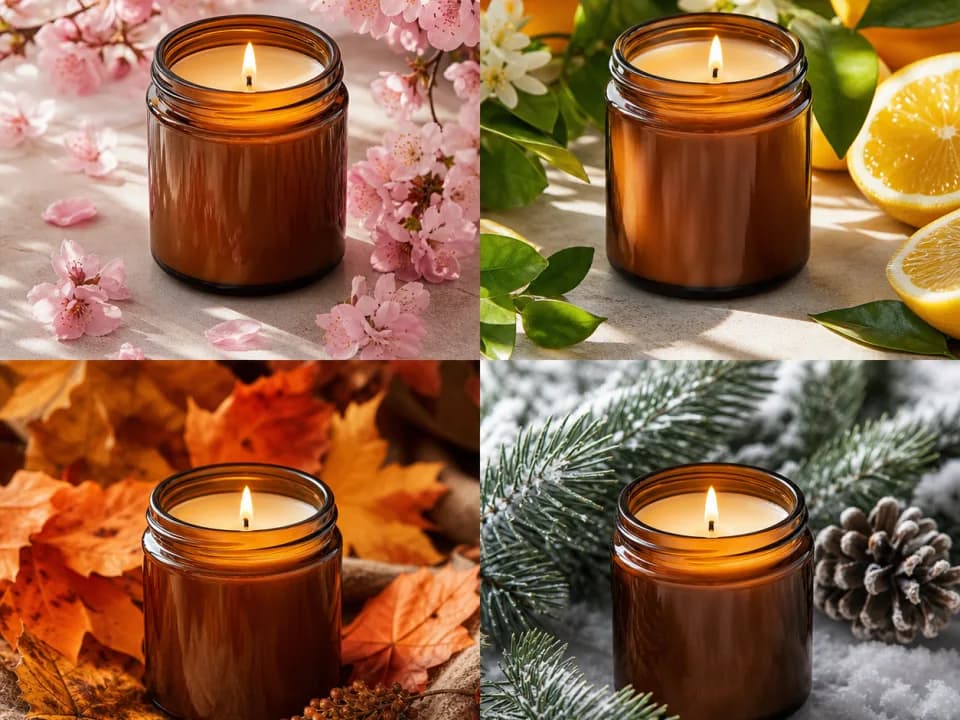 Example output
Your generated image will replace this example.
About this tool
This tool generates seasonal variants of your product photos instead. Attach an existing listing photo as a reference and it restyles the scene around your product, or describe the product in a sentence if you'd rather start from text. Pick the season, Christmas, Halloween, summer, autumn, Valentine's, or spring, and a scene style like festive flat lay or minimal studio, and you get a listing-ready image in seconds. Refreshing a 40-product catalog for a holiday becomes an afternoon, not a production schedule.
Every variant follows product-photography rules: the product stays centered and unobstructed as the hero, seasonal props stay at the edges of frame, and lighting stays soft and color-accurate so the item still reads true. Use the square 1:1 crop for Amazon and Instagram Shop, 4:3 for Etsy's listing display, and 4:5 for feed posts promoting the seasonal drop.
Frequently asked questions
Practical answers about inputs, output formats, credits, and using this tool in a real creative workflow.
Can I upload my existing product photo?
- Yes. Attach a listing photo as a reference image and the generator restyles the scene around your product using an image-to-image model. Reference uploads run on the standard-quality model (2 credits per image), which is available on free accounts; only the anonymous try-it widget is limited to describing the product in text.
Will my product look exactly like the original photo?
- Close, but verify before you publish. A reference image strongly guides the result, but fine details, label text, logos, stitching, exact proportions, can drift in AI image-to-image generation. Check each variant against the real product, and keep an accurate studio shot as your first listing image with seasonal variants in the secondary slots.
Which seasons and holidays does it cover?
- Six presets: Christmas, Halloween, Summer, Autumn/Thanksgiving, Valentine's Day, and Spring/Easter. Each applies season-appropriate props, palette, and lighting: pine and string lights for Christmas, pumpkins and twilight tones for Halloween. For anything else, like Diwali or a back-to-school push, choose "Other / describe in product field" as the season, then describe the styling you want in the product field and it passes straight into the prompt.
Is it free to use?
- New accounts get 15 free credits, and free credits refill daily when you run low. Text-described seasonal scenes cost 1 credit each on the fast model, so you can test a batch of variants free. Generating from an uploaded reference photo costs 2 credits on the standard image-to-image model, also available on free accounts. Paid plans add credits monthly, and the Pro plan unlocks the premium models.
What image sizes do Etsy and Amazon need?
- Etsy displays listings at a 4:3 crop and recommends at least 2000 pixels on the shortest side; Amazon requires a minimum of 1000 pixels for zoom and prefers square images. Generations come out around 1024 pixels, which uploads fine, but run an upscaler before publishing if you want Etsy's full-zoom sharpness.
Can I use these images in real product listings?
- Yes, on a paid plan: commercial usage rights come with paid plans, subject to the model provider's usage policy, while free-tier outputs are for personal and evaluation use. One marketplace rule matters more than the AI question: listing photos must honestly represent the item. Use variants where your product is rendered accurately, and treat heavily stylized outputs as marketing graphics rather than the primary listing photo.
Can it add holiday sale text or banners to the image?
- Don't rely on it for text. AI image models render words unreliably: expect misspelled or warped lettering. Generate the seasonal scene clean, then add "Holiday Sale" overlays in Canva or any image editor, which also lets you update the offer without regenerating the photo.
How do I keep a whole catalog looking consistent?
- Use the same season and scene style for every product in the refresh: those two selections drive the props, palette, and lighting, so a batch generated with Christmas plus minimal studio reads as one cohesive shoot. Keep your product descriptions similarly terse and the composition rules built into the template handle the rest.
Related tools
Products & merch
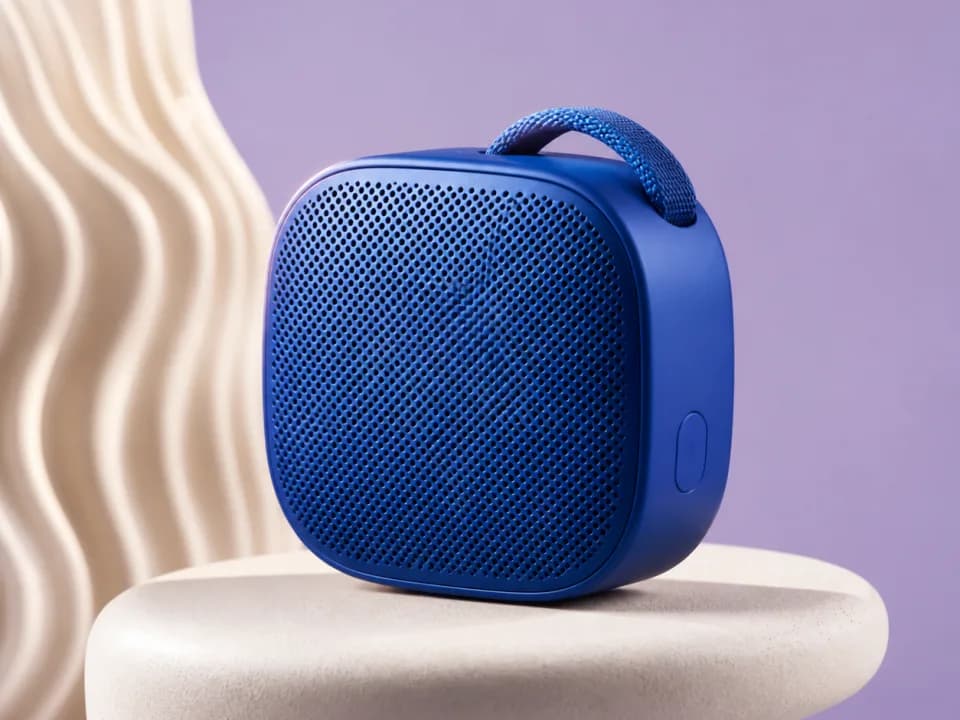
AI Product Mockup Generator
Turn your artwork into realistic product mockups, t-shirts, mugs, framed prints, totes, packaging, shot for Etsy and Shopify listings. Free to try.

Products & merch
AI Amazon Product Image Generator
Generate Amazon listing images: pure white background main images plus lifestyle, close-up, and scale shots at the square ratio Amazon expects. Free to try.
Products & merch
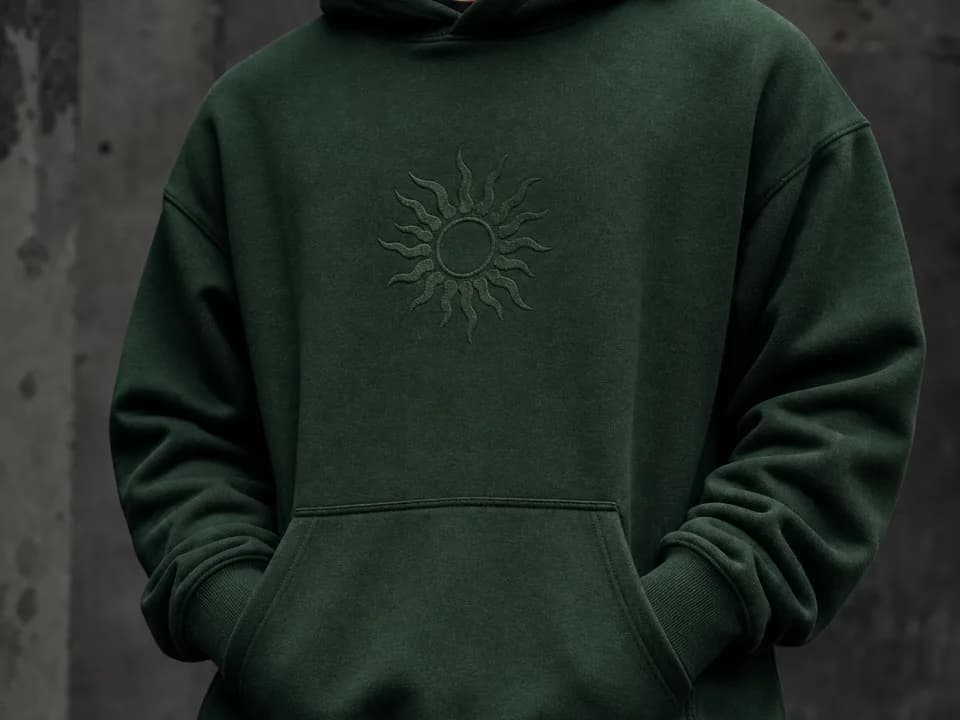
Hoodie Mockup Generator
Make hoodie mockups from your design: upload the artwork, pick a hoodie color and a flat lay, hanging, or on-model shot, and get a listing-ready photo. Free to try.
Products & merch
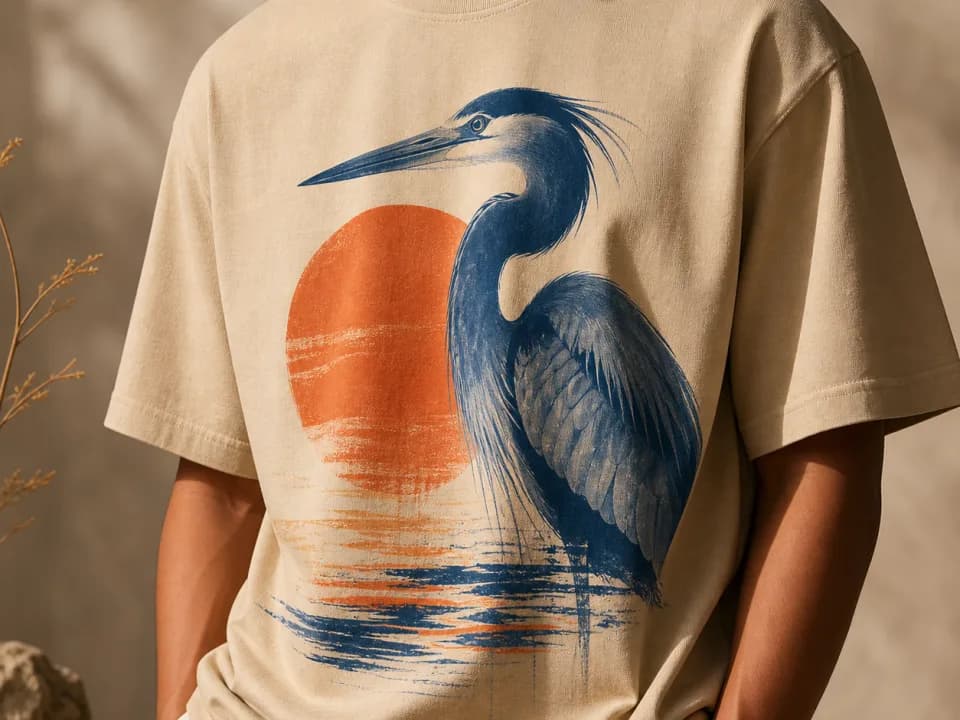
T-Shirt Mockup Generator
Make t-shirt mockups from your design: upload the artwork, pick a shirt color and a flat lay, hanging, or on-model shot, and get a listing-ready photo. Free to try.