
Products & merch
AI Product Mockup Generator
Print-on-demand shops live or die on listing photos. The design might be great, but a flat PNG on a white square doesn't sell it: buyers on Etsy and Shopify click on products they can picture owning: a tee with real fabric drape, a mug on an actual desk, a framed print on a wall that looks like their apartment. Mockup PSD bundles and subscription mockup sites get you there, but every product and scene is another template to buy, mask, and fight with in Photoshop.
Try it now
Free to try, no account needed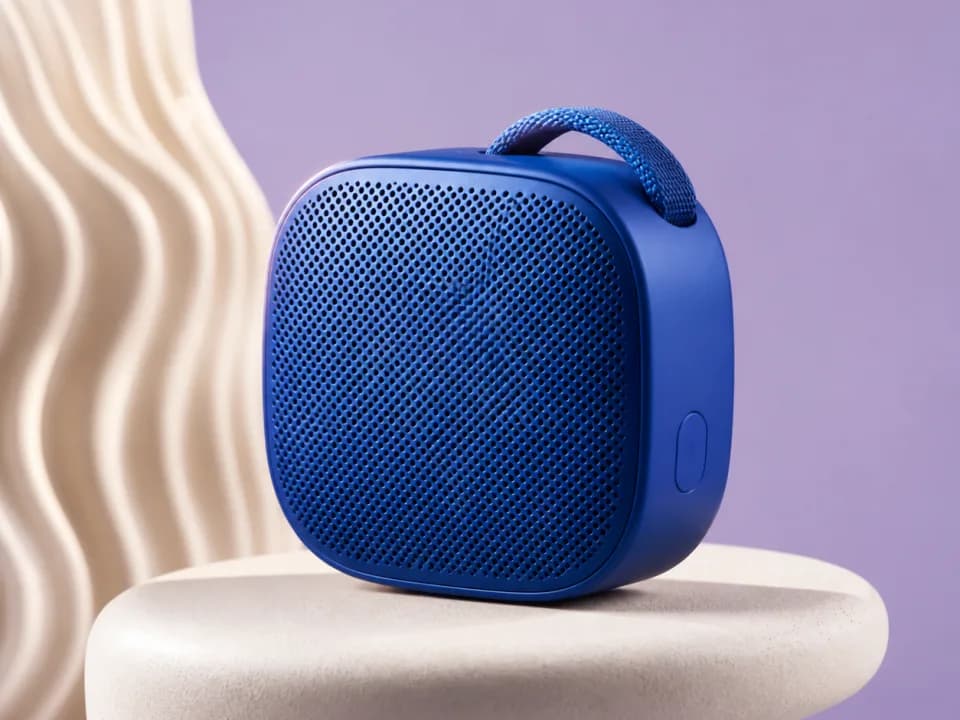 Example output
Your generated image will replace this example.
About this tool
This generator produces that photo directly. Upload your artwork as a reference image, or describe the design in text, then pick a product, t-shirt, mug, framed print, tote bag, phone case, or packaging box, and a scene: clean studio, lifestyle home, flat lay, or outdoor. You get a photorealistic product shot with the design placed on the product, wrapped to its curvature, lit like commercial photography. Run the same design across all six products and you've built a full Printful or Printify product line's worth of listing images in a few minutes.
The scaffold encodes the craft that separates a listing photo from a render: soft diffused lighting with believable shadows, a muted scene palette so the design stays the focal point, and realistic surface texture: fabric wrinkles on apparel, ceramic sheen on mugs, matting and glass on framed prints. Use the square format for marketplace listings, 4:5 for Instagram feed posts announcing a drop, and the lifestyle scenes for your shop banner and about page.
Frequently asked questions
Practical answers about inputs, output formats, credits, and using this tool in a real creative workflow.
Can I upload my own artwork?
- Yes. Attach your design as a reference image and the generator places it on the product you pick. Reference-image generations run on the standard image-capable model, available on free accounts; only the anonymous try-it widget is text-only. You can also describe the design in text and let the fast model generate the mockup from the description.
Will the mockup match my uploaded design exactly?
- Closely, but not pixel-exactly. AI models redraw the design onto the product rather than compositing your file, so fine details, small text, and exact proportions can shift slightly. For pixel-perfect placement, say, a licensed logo with strict brand guidelines, use a traditional mockup PSD; use this tool for realistic scene shots where a faithful rendering of the design is enough.
What products can I put my design on?
- Six products are built in: t-shirt, mug, framed print, tote bag, phone case, and packaging box. Your design description also steers the details: mention a black tee, an enamel-style mug, or a walnut frame and the mockup follows. Each product renders with realistic materials, fabric drape and weave, ceramic sheen, matting and glass, and the scene you pick controls the staging, from clean studio to flat lay.
Is it free to use?
- Yes, to start. New accounts get 15 free credits, and free credits refill daily when you run low. A text-described mockup costs 1 credit on the fast model; attaching an uploaded reference image routes to the standard image-input model at 2 credits per image, also available on free accounts. More credits are available as a subscription or one-time packs.
Can I use these mockups in my Etsy or Shopify listings?
- Yes, on a paid plan: commercial usage rights, covering listing photos, ads, and social posts, come with paid plans, subject to the model provider's usage policy. Free-tier mockups are for personal and evaluation use, so upgrade before publishing a listing. One caveat: if a mockup shows a model wearing your product, some marketplaces require listing photos to represent the physical item accurately, so pair AI mockups with at least one real product photo once you have samples.
What size are the images, and is that enough for listings?
- Square mockups generate at 1024×1024 pixels. That clears Etsy's 1000-pixel minimum, but Etsy's own guidance recommends 2000 pixels on the shortest side for the best zoom quality: run a finished mockup through the built-in upscaler before listing to get there. These are listing photos, not print files; keep your original artwork file for actual production.
Can it render my brand name or tagline on the packaging?
- Not reliably. AI models still garble words, especially at small sizes, so text on a box or shirt often comes out misspelled. Generate the mockup with the design's shapes and colors, then add exact wording in an editor like Photoshop or Canva, or keep lettering out of the design description entirely and let your uploaded artwork carry it.
Related tools
Products & merch
T-Shirt Mockup Generator
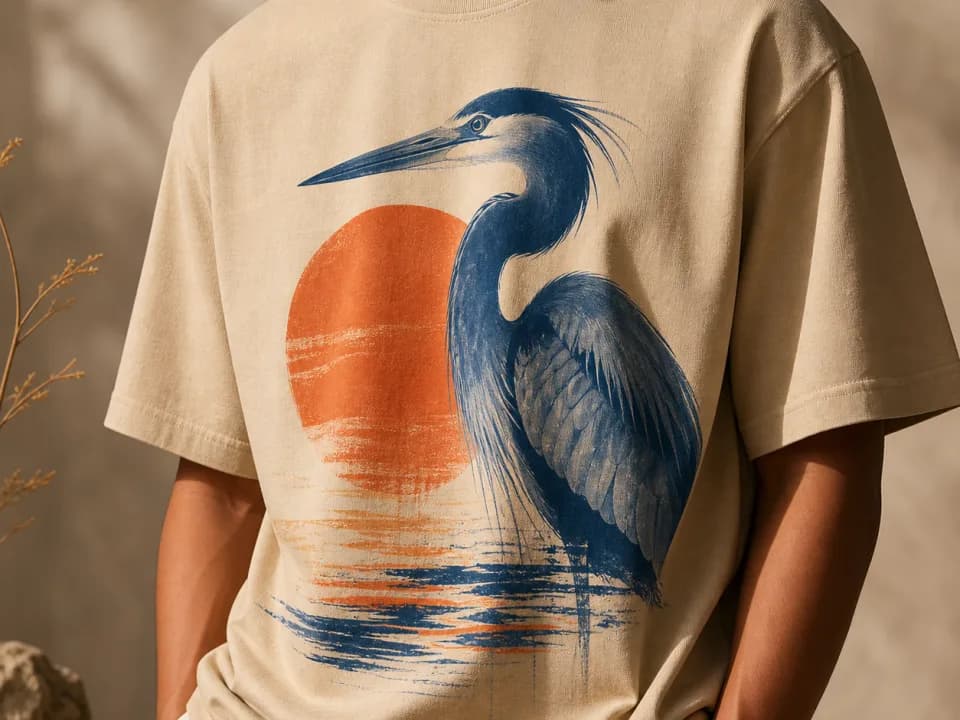
Make t-shirt mockups from your design: upload the artwork, pick a shirt color and a flat lay, hanging, or on-model shot, and get a listing-ready photo. Free to try.

Products & merch
AI T-Shirt Design Generator
Generate print-ready t-shirt graphics for print-on-demand: bold designs, limited color palettes, plain backgrounds built for DTG and screen print. Free to try.

Products & merch
AI Amazon Product Image Generator
Generate Amazon listing images: pure white background main images plus lifestyle, close-up, and scale shots at the square ratio Amazon expects. Free to try.
Products & merch
AI Sticker Design Generator
Generate die-cut sticker art with bold outlines and a white border, ready for print-on-demand. Describe the design, pick a style, download. Free to try.