
Social content
AI Ad Banner Generator
The average display banner gets clicked well under one percent of the time, and the platform already optimizes your bids, placements, and audiences for you. The creative is the variable you actually control: it is what breaks banner blindness, and refreshing it is the cheapest CTR lever a media buyer has. Waiting three days on a design queue for every new variation is how ad fatigue wins.
Try it now
Free to try, no account needed Example output
Your generated image will replace this example.
About this tool
Describe the offer, pick a visual style and tone, and generate banner artwork in the placement shapes you are actually running: 1:1 square for feed and medium-rectangle slots, 4:5 vertical feed, 9:16 for stories, 16:9 for link-ad style placements, and 21:9 for wide desktop inventory. Generate a handful of variations per concept, overlay your headline and CTA, launch them against each other, and swap creative the moment frequency climbs and click-through decays.
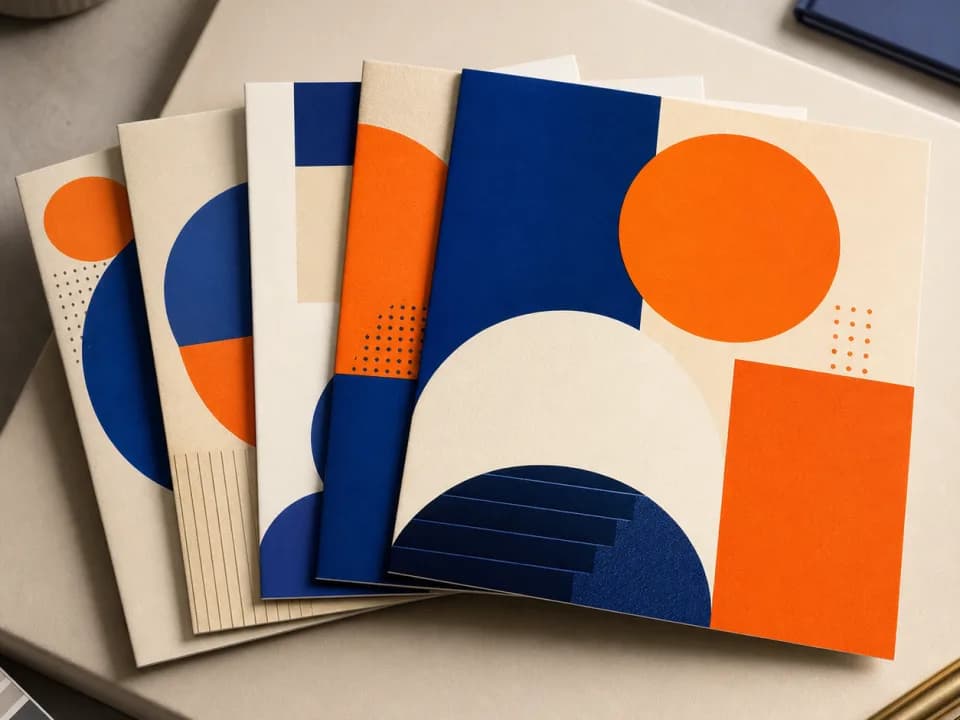
Every generation follows display craft that performance data keeps confirming: one focal subject instead of a collage, clear visual hierarchy, a palette with one high-contrast accent, and deliberate clear space reserved for your headline and CTA button so the text layer drops in cleanly. Name your brand colors in the description, 'navy and gold', and the generator follows your palette instead of its default. You bring the offer; the scaffold handles the visual grammar.
Frequently asked questions
Practical answers about inputs, output formats, credits, and using this tool in a real creative workflow.
What ad banner sizes can it generate?
- Banners generate in five aspect ratios: 1:1 square (Meta feed and 250×250 display slots; the 300×250 medium rectangle is 6:5, so trim a square banner slightly to fit), 4:5 vertical feed, 9:16 story, 16:9 wide (near the 1200×628 link-ad shape), and 21:9 for wide desktop placements. Extreme IAB shapes like the 728×90 leaderboard or 160×600 skyscraper are narrower than any image model outputs: generate the nearest ratio and crop to final spec in an editor or your ad platform's crop tool.
Can it add my headline, offer text, and CTA button?
- No, add text and buttons after generating. AI image models render words unreliably, so this tool produces the visual layer with clear space deliberately reserved for a headline and a call-to-action. Overlay live text in Canva or Figma, or in the built-in creative editors in Google Ads and Meta Ads Manager; live text stays crisp at every render size and lets you test copy variants without regenerating the artwork.
Is the AI ad banner generator free?
- Yes to start: you get free credits without creating an account, and a fast generation costs 1 credit. Create a free account to keep your banners in a library, and buy credits or a subscription when a campaign needs volume.
Can I use the banners in paid ad campaigns?
- Yes. Images you generate are yours to use commercially, including in Google Display Network, Meta, LinkedIn, and programmatic campaigns, subject to the underlying model provider's usage policy. Ad networks still run their own creative review on upload: standard policies on claims, prohibited categories, and landing-page match apply to the finished ad, not just the image.
How do I keep generated banners on brand?
- Name your brand colors directly in the offer description. When the text mentions two or more colors, 'navy and gold', 'black and white', the generator drops its default palette and builds around yours. Then pick the visual style closest to your brand's language (flat illustration, clean product showcase, premium minimal) and add your logo during the same editor pass where you place the headline and CTA.
How many banner variations should I run per placement?
- Three to five distinct creatives per ad set is a solid starting point: enough for the platform's delivery optimization to find a winner without splitting budget too thin. Vary one thing at a time across them (style, subject, or palette) so you learn what moved the number, and plan to refresh creative when frequency climbs past roughly 3–4 and click-through starts decaying.
Does it make animated or HTML5 banners?
- No, output is static images only. Static banners are accepted across Google Display Network, Meta, LinkedIn, and programmatic exchanges, and they routinely hold their own against animated units. If a placement calls for motion, use a generated banner as the base frame in an animation tool like Canva's animator or Google Web Designer.
Related tools

Social content
AI Promo Graphic Generator
Generate holiday and sale promo graphics in seconds. Pick the occasion and a style, get on-brand campaign art sized for feed, story, or email. Free to try.
Social content
AI Instagram Carousel Generator
Generate Instagram carousel slide backgrounds at 4:5 or 1:1. Lock in one style and palette so every slide in the set matches. Free to try.

Social content
AI YouTube Thumbnail Generator
Generate YouTube thumbnail art at 16:9 in seconds. Describe your video, pick a style, and get high-contrast thumbnails built for click-through. Free to try.

Design concepting
AI Ad Creative Generator
Generate on-brand ad creative variations in seconds. Lock your brand colors and tone, test more concepts per ad set, and outrun creative fatigue. Free to try.