
Social content
AI YouTube Thumbnail Generator
Your thumbnail decides whether a video gets clicked before your title, your content, or your channel name get a say. Browse and suggested traffic, where most channels get the bulk of their views, live and die on click-through rate, and click-through starts with the image.
Try it now
Free to try, no account needed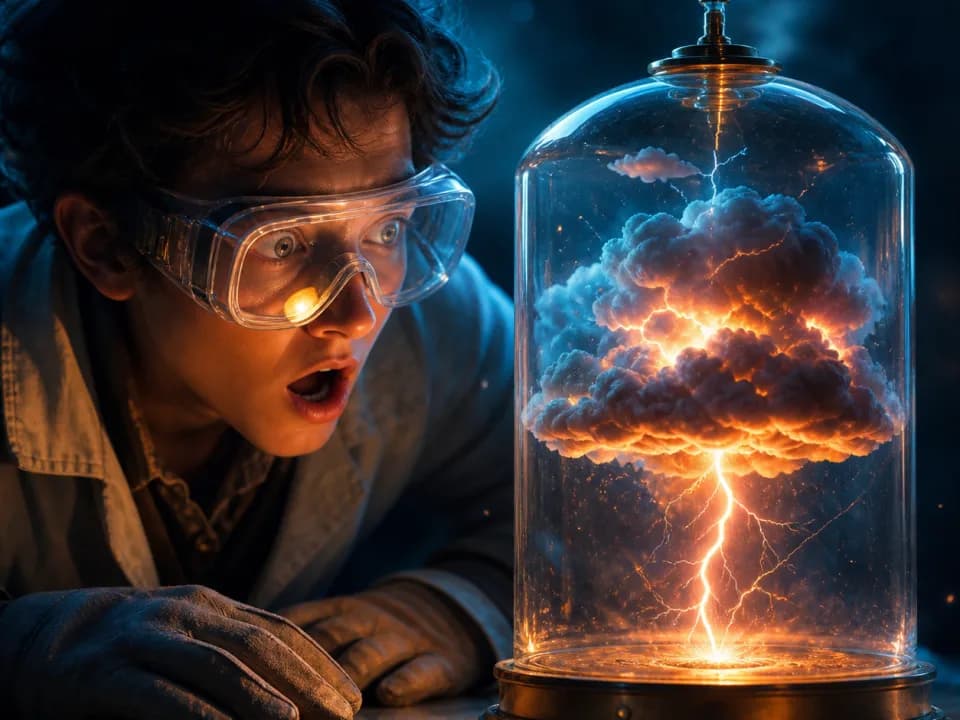 Example output
Your generated image will replace this example.
About this tool
Describe the video, pick a style, and generate 16:9 thumbnail art in seconds. Run a handful of variations, pick the strongest, drop your title text on top in your editor, and upload. When a video underperforms, come back and swap the thumbnail: it's the highest-leverage change you can make after publishing.
Every generation follows thumbnail craft that's boring but proven: one subject, one emotion, high contrast that survives being shrunk to under 200 pixels wide in the sidebar, and composition that leaves deliberate space for your title text. You describe the video; the generator handles the visual grammar.
Frequently asked questions
Practical answers about inputs, output formats, credits, and using this tool in a real creative workflow.
What size are the generated thumbnails?
- Thumbnails generate at 16:9, the exact shape YouTube displays, and are wider than YouTube's 640-pixel minimum, so they upload directly. YouTube's recommended size is 1280×720; if you want to match it exactly, scale the image up in any editor before uploading.
Can it put my video title on the thumbnail?
- Add title text in a graphics editor after generating. AI image models render words unreliably, so this generator produces the subject and background art with space intentionally left clear for text. Canva, Photoshop, or Figma all work for the text layer.
Is the AI thumbnail generator free?
- Yes to start: you get free credits without creating an account, and a fast generation costs 1 credit. Create a free account to keep your thumbnails in a library, and buy credits or a subscription when you need volume.
What makes a YouTube thumbnail get clicks?
- One subject, one readable emotion, and contrast that survives small sizes: thumbnails are mostly seen at under 200 pixels wide in the sidebar and on phones. Faces with exaggerated expressions, a single clear object, and three or fewer dominant colors consistently outperform busy collages.
Can I use these thumbnails on monetized videos?
- Yes. Images you generate are yours to use commercially, including on monetized YouTube videos, subject to the underlying model provider's usage policy.
Related tools

Social content
AI Promo Graphic Generator
Generate holiday and sale promo graphics in seconds. Pick the occasion and a style, get on-brand campaign art sized for feed, story, or email. Free to try.

Social content
AI Ad Banner Generator
Generate ad banner graphics for display and social placements: square, story, and wide formats. Describe the offer, pick a style, done in seconds. Free to try.
Social content
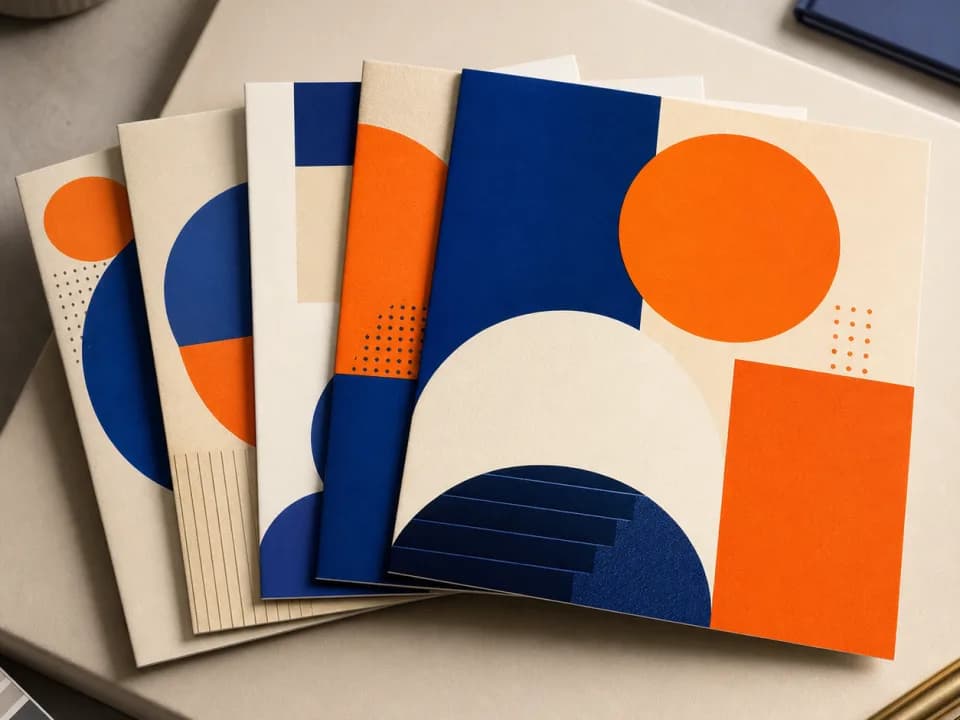
AI Instagram Carousel Generator
Generate Instagram carousel slide backgrounds at 4:5 or 1:1. Lock in one style and palette so every slide in the set matches. Free to try.

Social content
AI Podcast Cover Art Generator
Generate square podcast cover art in seconds. Describe your show, pick a genre and mood, and get covers built to stay legible in app browse grids. Free to try.