
Social content
AI Instagram Carousel Generator
Carousels earn more saves and shares than single-image posts, but only when the set reads as one designed piece. The moment slide 4 uses a different palette or margin than slide 1, the swipe stops. Consistency across the set is the whole job, and it's exactly what's tedious to maintain by hand across 6 to 10 slides.
Try it now
Free to try, no account needed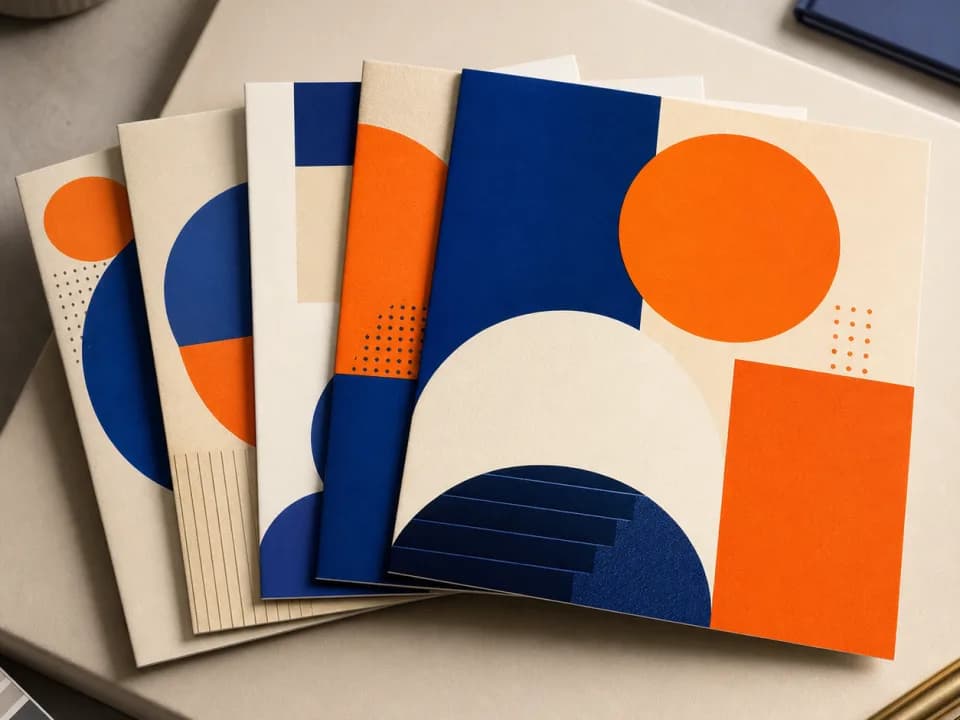 Example output
Your generated image will replace this example.
About this tool
Describe what the carousel is about, pick a visual style, and generate slide backgrounds one at a time: a hook layout for slide 1, content layouts for the middle, a CTA layout to close. Keep the same style and description across the run and the slides come back stylistically coherent: the same palette logic and decorative language throughout, so the set reads as one designed carousel rather than unrelated images. Drop your text on top in Canva or Figma and publish.
Each background is generated with a large clear area reserved for overlaid text, decorative elements pushed to the edges, and a repeatable motif system rather than one-off illustrations. Hook slides get a bold focal element for the feed stop; content slides stay calm so your copy carries; the final slide clears space for your call-to-action. Social media managers running client accounts and creators posting weekly both get the same thing: a set that looks art-directed without a designer on retainer.
Frequently asked questions
Practical answers about inputs, output formats, credits, and using this tool in a real creative workflow.
How do I keep all my carousel slides visually consistent?
- Use the same visual style, the same topic description, and the same color words for every slide in the set, changing only the slide-role setting (hook, content, or CTA). The generator applies one repeatable visual system, matching palette, margins, and decorative motifs, so slides generated in the same run read as one designed carousel rather than ten unrelated images.
What size are the slides, and which aspect ratio should I use?
- Slides generate at 4:5 (Instagram's 1080×1350 portrait format) or 1:1 square. Instagram forces every slide in a carousel to the aspect ratio of the first slide, so pick one ratio before you generate and use it for the entire set. 4:5 takes up more screen in the feed and is the better default for carousels.
Can it put my text and captions on the slides?
- No, add text in a design tool afterward. AI image models render words unreliably, so each slide generates as a background with a large clear area deliberately reserved for text. Layer your headlines and body copy in Canva, Figma, or Photoshop, using the same font and position on every slide to reinforce the set's consistency.
How many slides should an Instagram carousel have?
- Instagram allows up to 20 slides per carousel, but 6 to 10 is the practical sweet spot: enough depth to earn saves, short enough that people swipe to the end. Structure the set as one hook slide, four to eight content slides, and one CTA slide: the generator has a layout preset for each of those roles.
Is the carousel generator free?
- Yes to start: you get free credits without creating an account, and a fast generation costs 1 credit, so a full 8-slide carousel runs 8 credits. Create a free account to keep your slides in a library, and buy credits or a subscription when you're producing carousels every week.
Can I use the graphics for client accounts and paid promotion?
- Yes. Images you generate are yours to use commercially, on client social accounts, in boosted posts, and in paid campaigns, subject to the underlying model provider's usage policy. If you manage multiple brands, note the exact style and color wording you used per client so you can regenerate matching slides later.
Related tools

Social content
AI Ad Banner Generator
Generate ad banner graphics for display and social placements: square, story, and wide formats. Describe the offer, pick a style, done in seconds. Free to try.

Social content
AI YouTube Thumbnail Generator
Generate YouTube thumbnail art at 16:9 in seconds. Describe your video, pick a style, and get high-contrast thumbnails built for click-through. Free to try.

Social content
AI Promo Graphic Generator
Generate holiday and sale promo graphics in seconds. Pick the occasion and a style, get on-brand campaign art sized for feed, story, or email. Free to try.
Social content
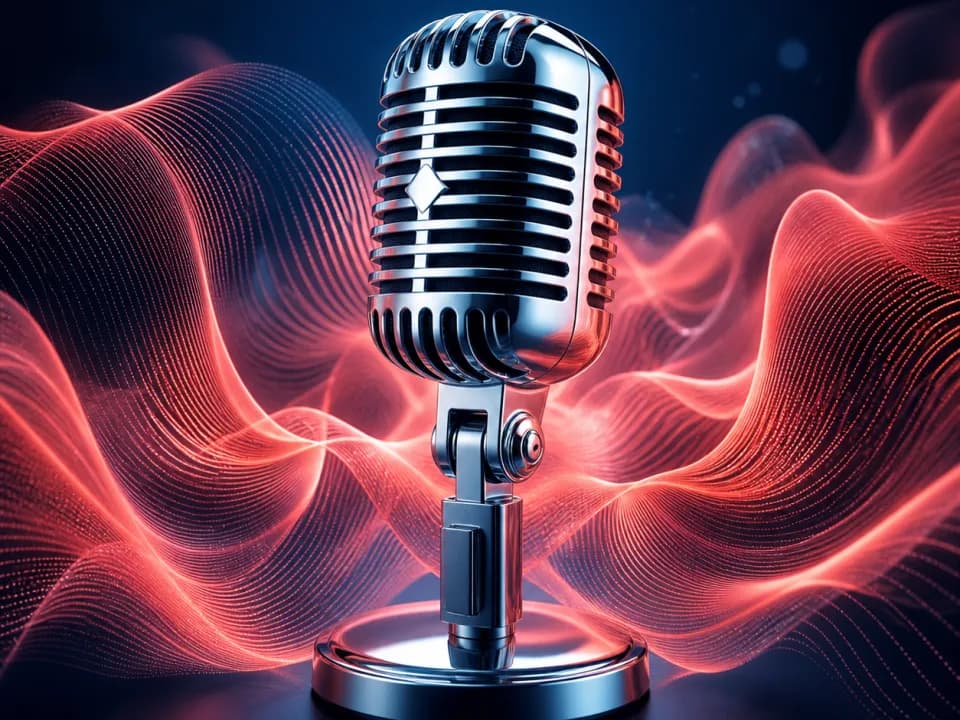
AI Podcast Cover Art Generator
Generate square podcast cover art in seconds. Describe your show, pick a genre and mood, and get covers built to stay legible in app browse grids. Free to try.