
Social content
AI Profile Picture Maker
Your profile picture does more work than any other image you own: it sits next to every Discord message, every pull request, every reply and comment, usually at 32 to 128 pixels in a circle crop. A photo that looked fine full-size turns to mush at that scale, and a default initials-avatar says you haven't moved in yet. A stylized avatar with a clear face and a strong silhouette is what actually reads in a sidebar.
Try it now
Free to try, no account needed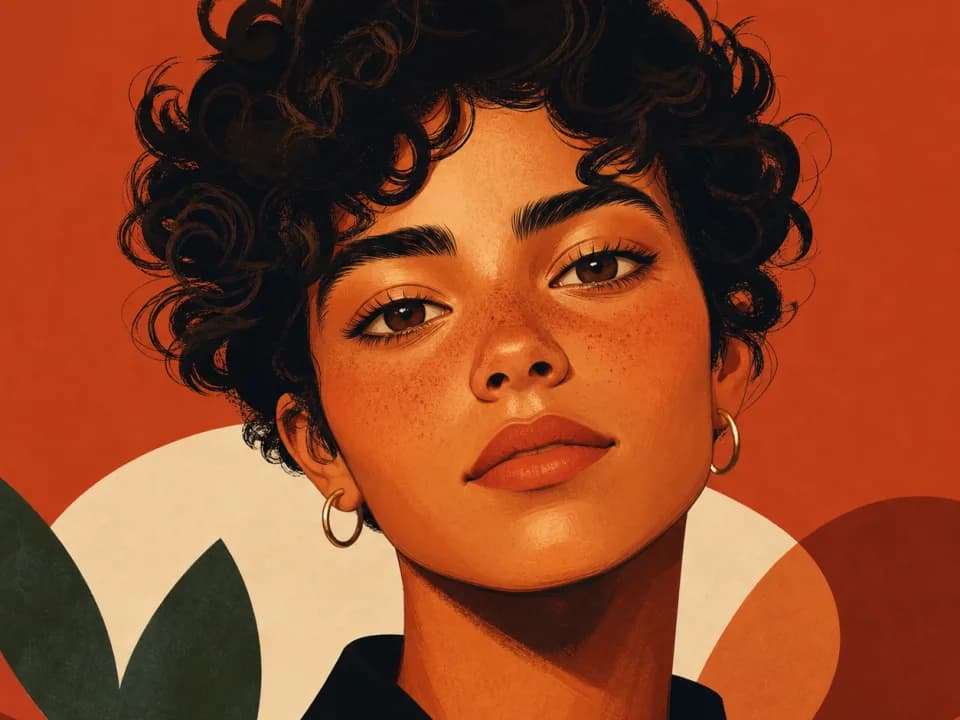 Example output
Your generated image will replace this example.
About this tool
Describe yourself or your character, pick a style, cartoon, anime, 3D render, painted portrait, pixel art, or minimalist flat, and get a square avatar back in seconds. With a free account you can also attach a photo of yourself as a reference, and the generator restyles it instead of working from the description alone. Generate a few variations, pick the one that still looks like you, and set it everywhere.
Every generation is framed for the job: head-and-shoulders composition with the face centered and large, so it survives the circle crop on Discord, X, and Slack; an uncluttered background that keeps the silhouette legible at thumbnail size. It works for a personal rebrand, a streamer refresh across Twitch and YouTube, matching pfps for a Discord server, or a consistent face for a pseudonymous account.
Frequently asked questions
Practical answers about inputs, output formats, credits, and using this tool in a real creative workflow.
Can I upload my own photo?
- Yes, with a free account. Attach a photo and the generator uses it as a reference, restyling your actual features into the art style you pick: this routes to the standard image-capable model, which free accounts can use. Only the anonymous try-it widget is text-only; you can also skip the photo and describe yourself in the text field instead.
Will the avatar actually look like me?
- With a reference photo, expect a stylized resemblance, hair, glasses, face shape, and expression carry over, not a pixel-accurate portrait. From a text description alone, you get a character matching what you wrote, not your specific face. Either way, generate three or four variations and pick the closest; likeness varies between runs.
What size are the avatars, and will they work on Discord?
- Avatars generate square at 1024×1024 pixels, well above what any platform needs: Discord displays profile pictures at 128×128 and X at 400×400. Most platforms crop avatars to a circle, so every generation keeps the face centered and large in frame to survive that crop.
Is it free?
- Yes. New accounts start with 15 free credits, no card required, and free credits refill daily when you run low. Text-described avatars cost 1 credit on the draft model, and uploading a reference photo of yourself costs 2 credits on the standard model, both on the free plan. The Pro plan unlocks the premium models.
Related tools
Social content
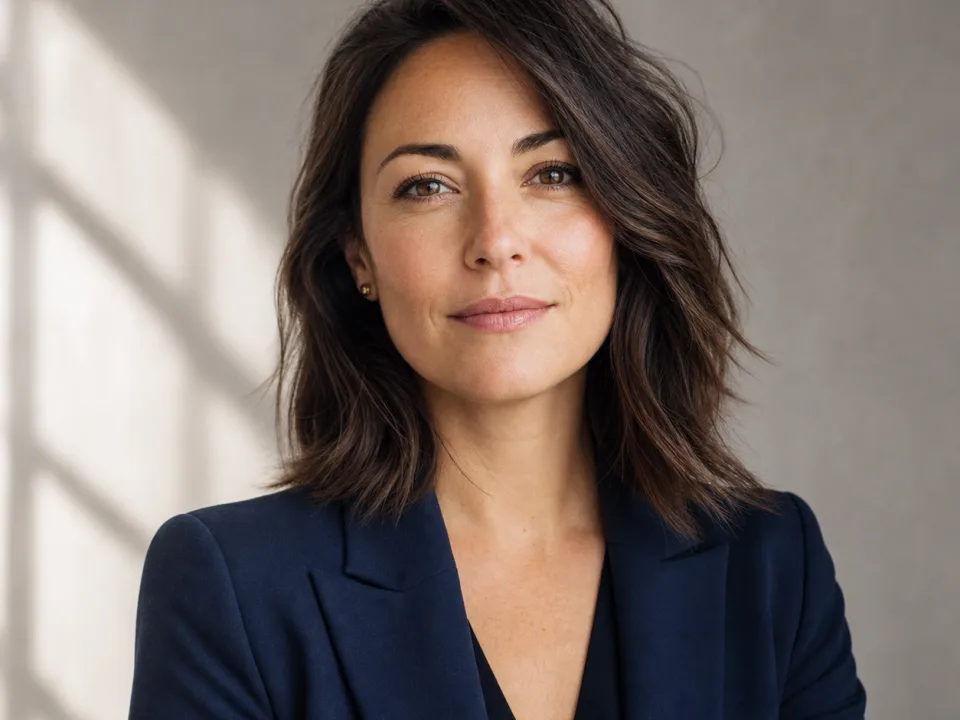
AI LinkedIn Headshot Generator
Turn a casual phone photo into a professional LinkedIn headshot. Upload a photo, pick attire and backdrop, download a square 1024px portrait.
Social content
AI Quote Card Generator for Instagram
Turn short quotes into designed Instagram quote cards: pick a style, generate square, portrait, or story sizes, keep your feed consistent. Free to try.
Social content
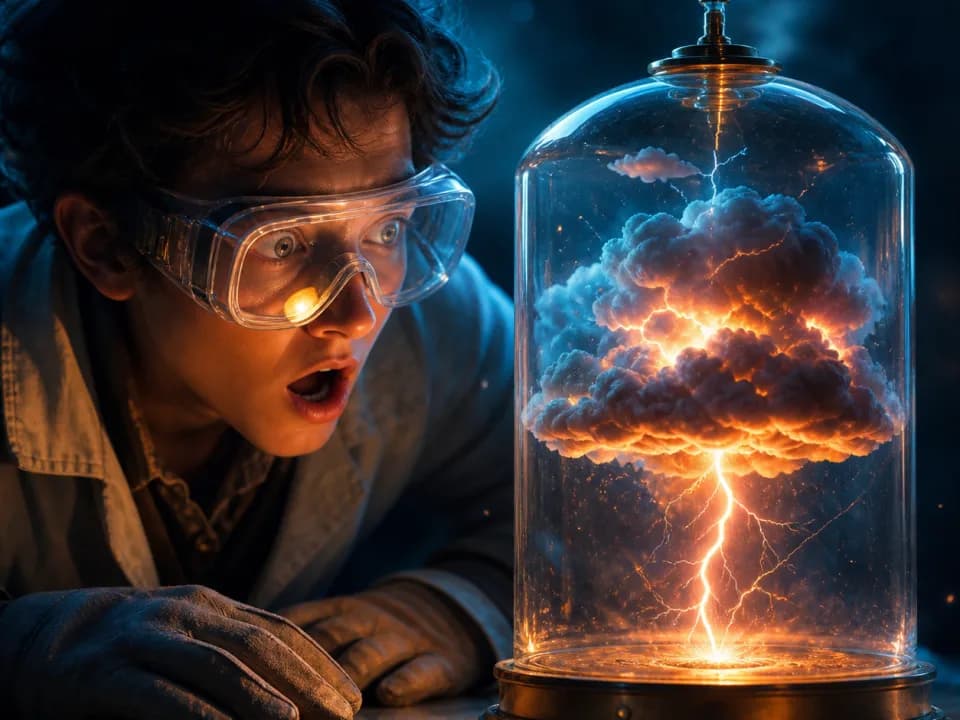
AI YouTube Thumbnail Generator
Generate YouTube thumbnail art at 16:9 in seconds. Describe your video, pick a style, and get high-contrast thumbnails built for click-through. Free to try.

Social content
AI Ad Banner Generator
Generate ad banner graphics for display and social placements: square, story, and wide formats. Describe the offer, pick a style, done in seconds. Free to try.