
Social content
AI LinkedIn Headshot Generator
Recruiters and prospects decide in seconds whether to open your profile, and the headshot is the first thing they see. Profiles with a professional photo get dramatically more views and connection requests than ones with a cropped vacation shot or the default gray avatar, but a studio session runs $150–400 and takes a week to schedule. Most people put it off for years.
Try it now
Free to try, no account needed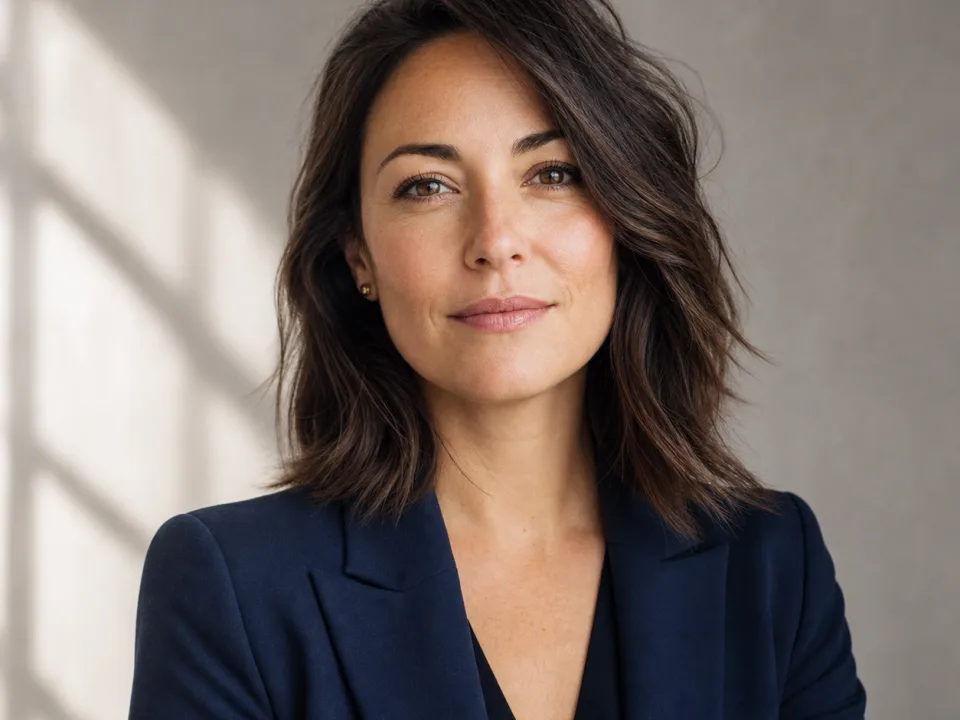 Example output
Your generated image will replace this example.
About this tool
This generator closes that gap. Upload a clear, well-lit casual photo of yourself, pick the attire and backdrop that match your industry, and get back a studio-style head-and-shoulders portrait: soft key lighting, an 85mm-lens look, and a clean backdrop that reads as professional in LinkedIn's circular crop. No photo handy, or on the free plan? Describe the person instead and the same scaffold generates a polished professional portrait from text alone.
The scaffold encodes what portrait photographers actually do: eyes in sharp focus, shallow depth of field so the background falls away, natural skin tones instead of over-smoothed AI sheen, and framing tight enough to survive the small circle it renders at in search results and comment threads. Generate a few variations, pick the one that looks most like you on a good day, and update the profile you've been meaning to fix.
Frequently asked questions
Practical answers about inputs, output formats, credits, and using this tool in a real creative workflow.
Will the headshot actually look like me?
- Close, but treat it as a re-render, not a retouch. When you upload a reference photo, the image model preserves your overall facial structure, hair, and skin tone well, but fine details, moles, exact eye shape, teeth, can drift. Generate three or four variations and pick the one that reads most like you; if none do, a sharper, more front-facing source photo usually fixes it. Never use a result that misrepresents your appearance.
Do I need to upload a photo?
- No. With a photo upload, the generator produces a professional headshot of you specifically: that is the main use. Without one, it generates a realistic professional portrait matching your written description (age, hair, glasses, and so on), which works for placeholder avatars or team-page mockups but is not a picture of you.
Is it free?
- Text-only generation is free to try on the fast draft model. Uploading a reference photo routes to the standard image-input model at 2 credits per generation and works on a free account: new accounts start with 15 free credits that refill daily when you run low. Facial likeness needs the image-input model, which is why photo-based headshots cost more than text-only ones.
What makes a good source photo?
- A sharp, front-facing photo of just you, taken in even daylight, with your full face visible: no sunglasses, no heavy shadows, no other people in frame. Phone selfies work fine if the face is large and in focus. Blurry, dim, or angled shots are the most common cause of results that don't resemble you.
What size and format does LinkedIn need?
- LinkedIn accepts profile photos from 400×400 up to 7680×4320 pixels and displays them as a circle. Headshots here generate at 1024×1024, comfortably above the minimum, with head-and-shoulders framing centered so nothing important is lost in the circular crop. Download the square 1:1 version and upload it directly.
Can I use the headshot outside LinkedIn?
- Yes, the images you generate are yours to use commercially, so the same headshot works for your resume, email signature, company team page, conference speaker bio, or X profile, subject to the model provider's usage policy. The 4:5 portrait ratio option suits team pages and printed bios where a taller frame fits better.
Related tools
Social content
AI Profile Picture Maker
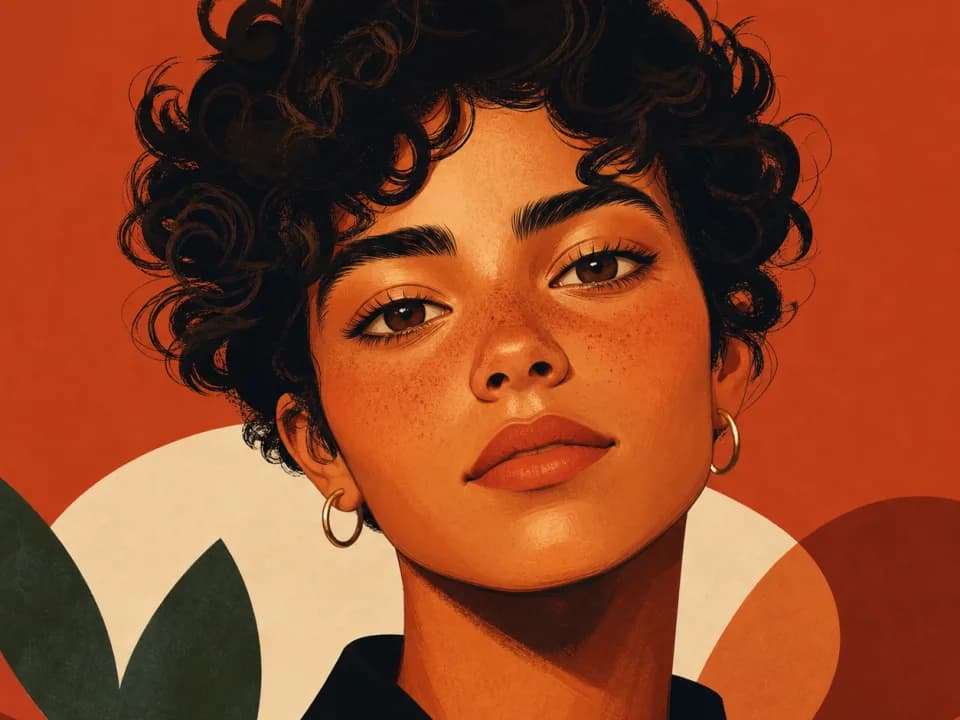
Make a stylized profile picture from a photo or a short description: cartoon, anime, pixel art, and more, sized square for any platform. Free to try.
Social content
AI Quote Card Generator for Instagram
Turn short quotes into designed Instagram quote cards: pick a style, generate square, portrait, or story sizes, keep your feed consistent. Free to try.

Social content
AI YouTube Thumbnail Generator
Generate YouTube thumbnail art at 16:9 in seconds. Describe your video, pick a style, and get high-contrast thumbnails built for click-through. Free to try.
Social content
AI Podcast Cover Art Generator
Generate square podcast cover art in seconds. Describe your show, pick a genre and mood, and get covers built to stay legible in app browse grids. Free to try.