Guides
Consistent Character AI: Keep the Same Character in Every Image
Keep one character consistent across images with reference sheets, image-to-image generation, and careful seed reuse, including the limits of each method.
Consistent character AI means getting the same character to show up across many images: same face, same build, same defining features, whether the character is standing in a cafe or fighting a dragon. Making one good image is easy. Making the fiftieth image look like the same person as the first is the actual problem, and most tools do not solve it. This guide covers the techniques that genuinely work (reference sheets, image-to-image, seed reuse, and fixed identity prompting), where each one breaks down, and the one approach that removes the guesswork.
What does character consistency mean?
Character consistency means a character's identity stays fixed while everything else around them changes. You should be able to move the character through different poses, outfits, lighting, and scenes and still have viewers recognize them as one specific person or creature. It is the difference between a gallery of related-looking images and a believable character with a life.
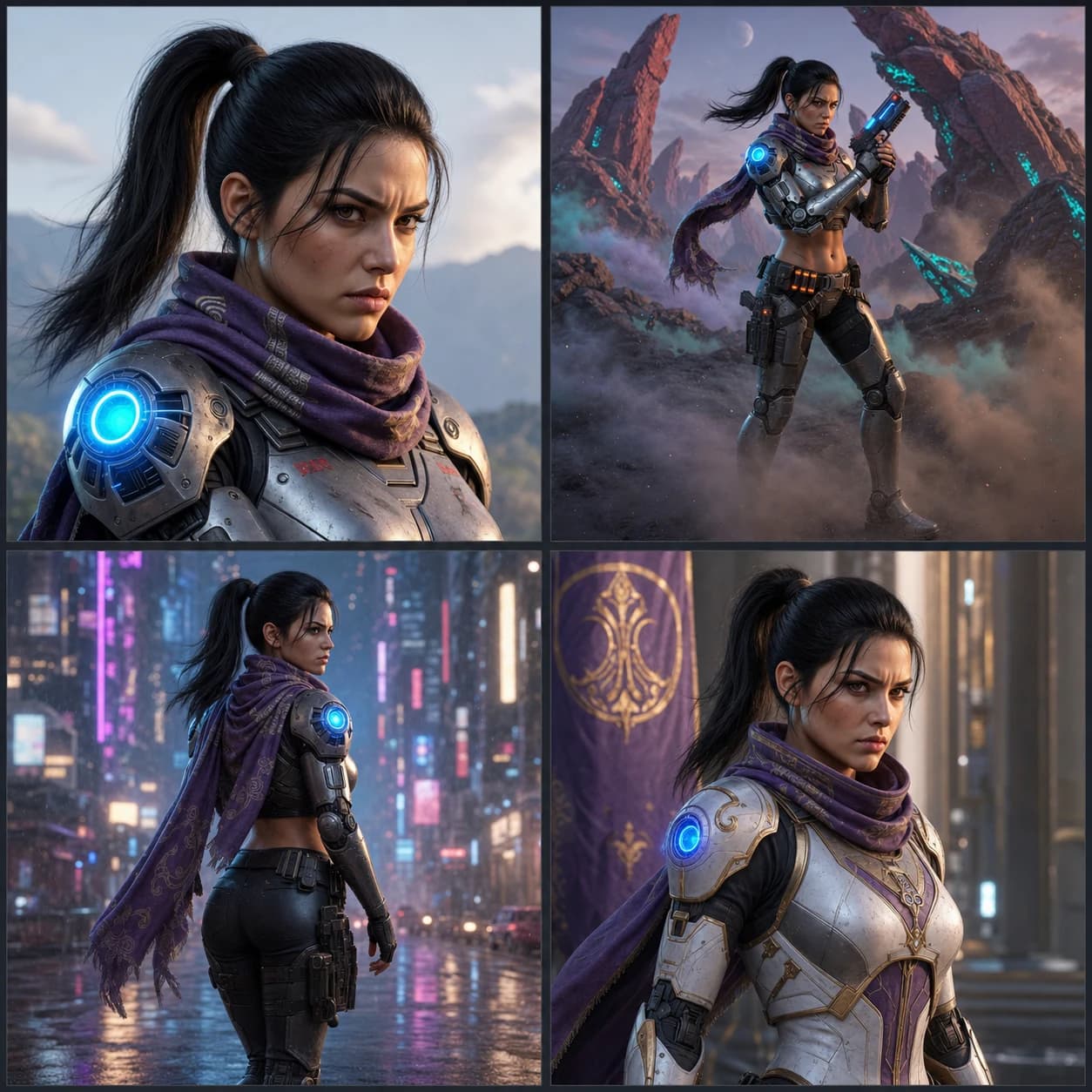
The reason this is hard comes down to how image generators work. A general text-to-image model is effectively stateless: each generation reads your text prompt (and any reference image you attach for that single run) and then invents the subject from scratch. It has no memory of the character you made yesterday, or five minutes ago. Change the prompt and you change the person.
Why single-prompt consistency fails
The most common first attempt is to write one very detailed prompt ("28-year-old woman, green eyes, freckles, auburn hair in a bob") and paste it into every generation, expecting the same face each time. It never quite works. The description narrows the range of faces the model will produce, so the results look like siblings, but the model still fills in thousands of unstated details (exact eye spacing, nose shape, jaw width) differently on every run. Those unstated details are what your eye uses to recognize a specific person, so the character drifts.
No prompt is detailed enough to pin a face, because a face has more visual information than words can carry. Better prompts reduce drift; they do not stop it. Real consistency needs something outside the prompt that stores the identity and feeds it into every render. That is what the techniques below are all trying to supply, with varying success.
The techniques that actually work
Here is the honest landscape, strongest to weakest for holding a single identity.
Character reference sheets
A character reference sheet (also called a character turnaround sheet) is a single image that shows your character from multiple angles and expressions: front, side, three-quarter, maybe a few emotions. Character artists have used turnarounds for decades to keep a character on-model across a production. In AI workflows the sheet does double duty: it forces you to commit to a canonical look, and it becomes the reference image you feed into later generations. A good sheet is the foundation every other technique builds on, which is why "character reference sheet" is one of the most searched pieces of this whole workflow. Generate the sheet first, get it exactly right, and only then start producing scenes.
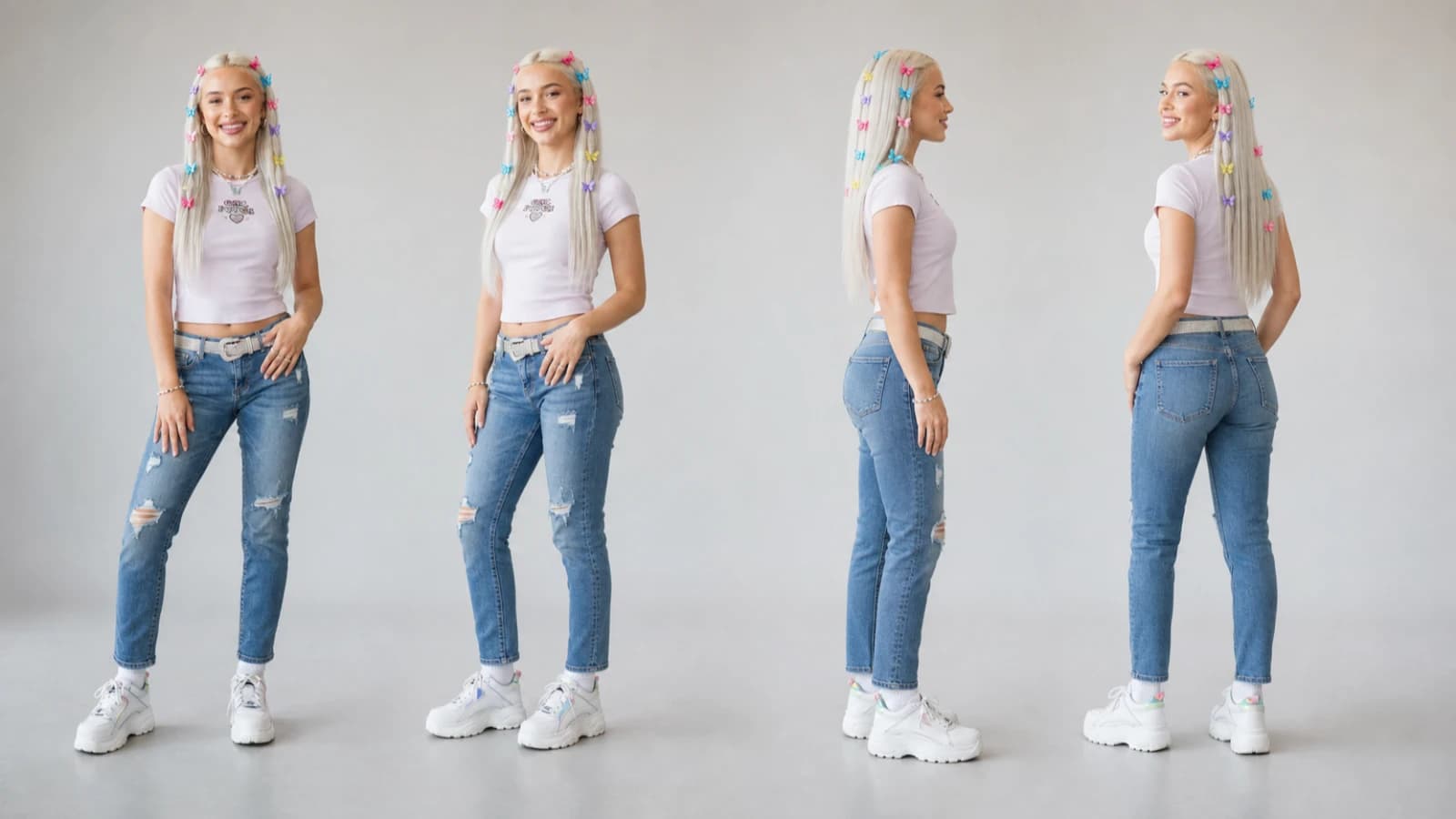
Image-to-image with a reference image
Instead of describing the character in words, you hand the model an actual picture of them and ask for a new image "of this same person." This is the strongest single-prompt technique because a photo carries the face detail that words cannot. The major tools now support it directly:
- In Midjourney, the current feature is Omni Reference, invoked with the
--orefparameter and tuned with an Omni Weight (--ow) from 1 to 1000, default 100, which controls how strongly the reference is applied. Omni Reference is a version 7 feature; the older--crefcharacter reference does not work in V7. Using Omni Reference costs roughly twice the GPU time of a normal V7 image. - In ChatGPT (now running ChatGPT Images 2.0), you upload a picture of the character and instruct it to reuse that exact design, for example "using this exact character, show them sitting at a cafe."
This gets you much closer, but it is still per-generation: you have to supply and manage the reference every time, weights need tuning, and the identity can still slip on hard poses or big scene changes. It is a manual anchor, not a locked one.
Seed reuse, and its limits
A seed is the starting random value a generator uses; it determines the noise pattern the model refines into an image, a process our guide to how AI image generation works covers in plain English. Reuse the same seed with the same prompt and you get the same image; reuse the same seed while making a small prompt change and you keep the broad composition and lighting while the detail shifts. That makes seeds useful for exploring variations of one image, so people reach for them hoping to lock a character.
They do not do that. A seed anchors the composition, not the identity. Change the prompt enough to move the character into a genuinely new pose or scene and the seed's influence is overridden, because the model treats a substantially different prompt as a different request. Seeds are a variation tool, not a consistency tool. Treat any workflow that leans on seeds for character identity with suspicion.
Describing fixed identity attributes
Even with a reference image, it helps to keep a short, unchanging block of identity words that you paste into every prompt: the handful of traits that define the character ("silver undercut, scar over left eyebrow, amber eyes"). This will not carry a face on its own, as covered above, but stacked on top of a reference image it reduces drift and keeps the model from wandering on the attributes you care about most. Think of it as insurance, not the plan. The same plain-language directness applies to exclusions; see our negative prompt guide for why modern models take "no glasses, no beard" inside the prompt itself.
How to keep AI characters consistent
Putting the techniques together, the reliable workflow is:
- Lock the look before you generate scenes. Decide the character's canonical features and produce a clean reference or character sheet you are happy with. Every later image inherits from it, so iterate here, not after fifty images.
- Anchor every render to that reference. Use image-to-image or a character-reference feature so each generation is conditioned on the locked look rather than reinvented from text.
- Keep a fixed identity block in the prompt. Reuse the same short list of defining traits every time.
- Change one thing at a time. Vary pose or scene per generation, not pose plus outfit plus art style plus lighting at once, so you can see what breaks consistency.
- Review the whole set together. Drift is easiest to catch when you look at the character's images side by side, before an audience does.

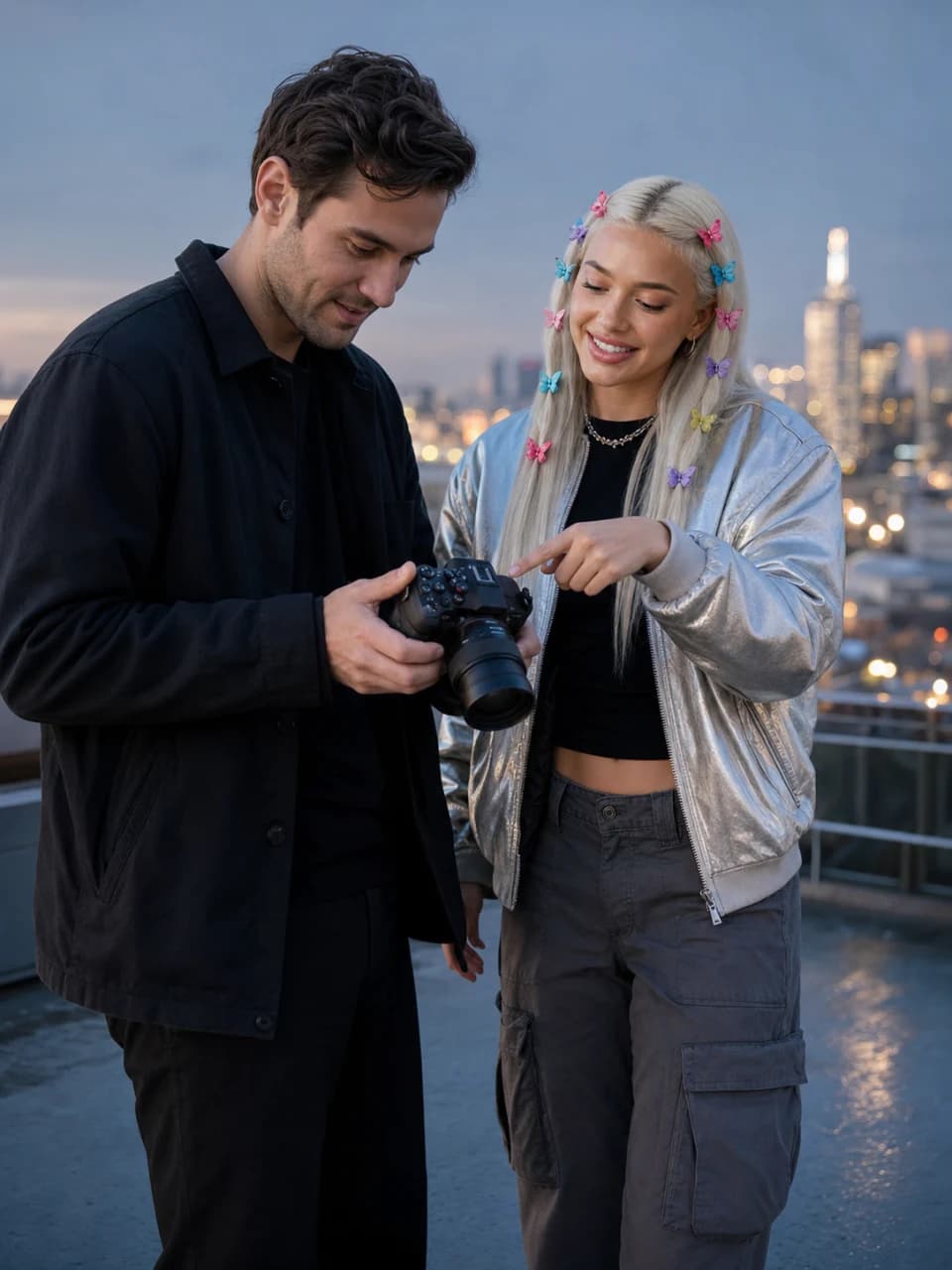
How to create a consistent character in ChatGPT
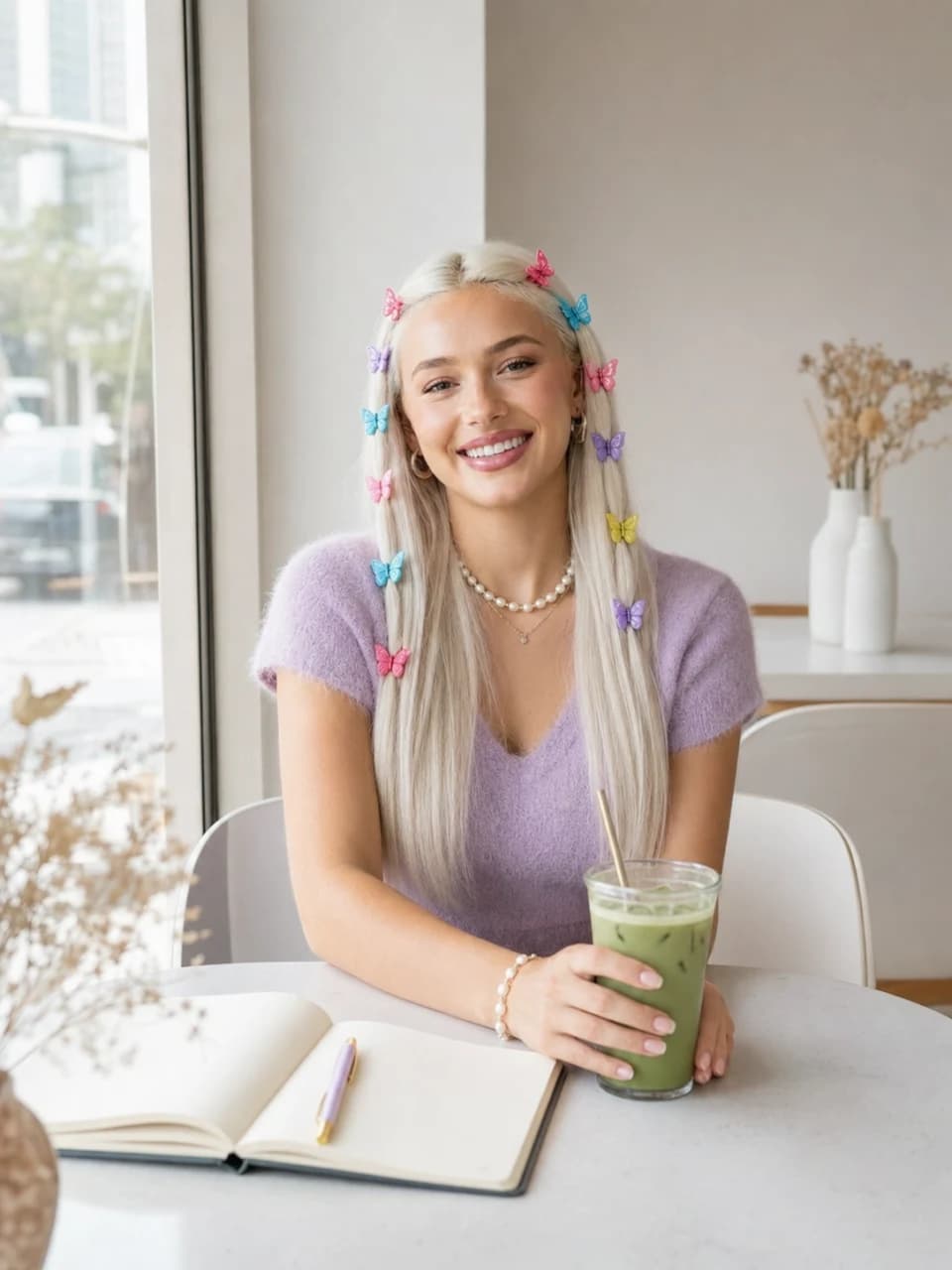
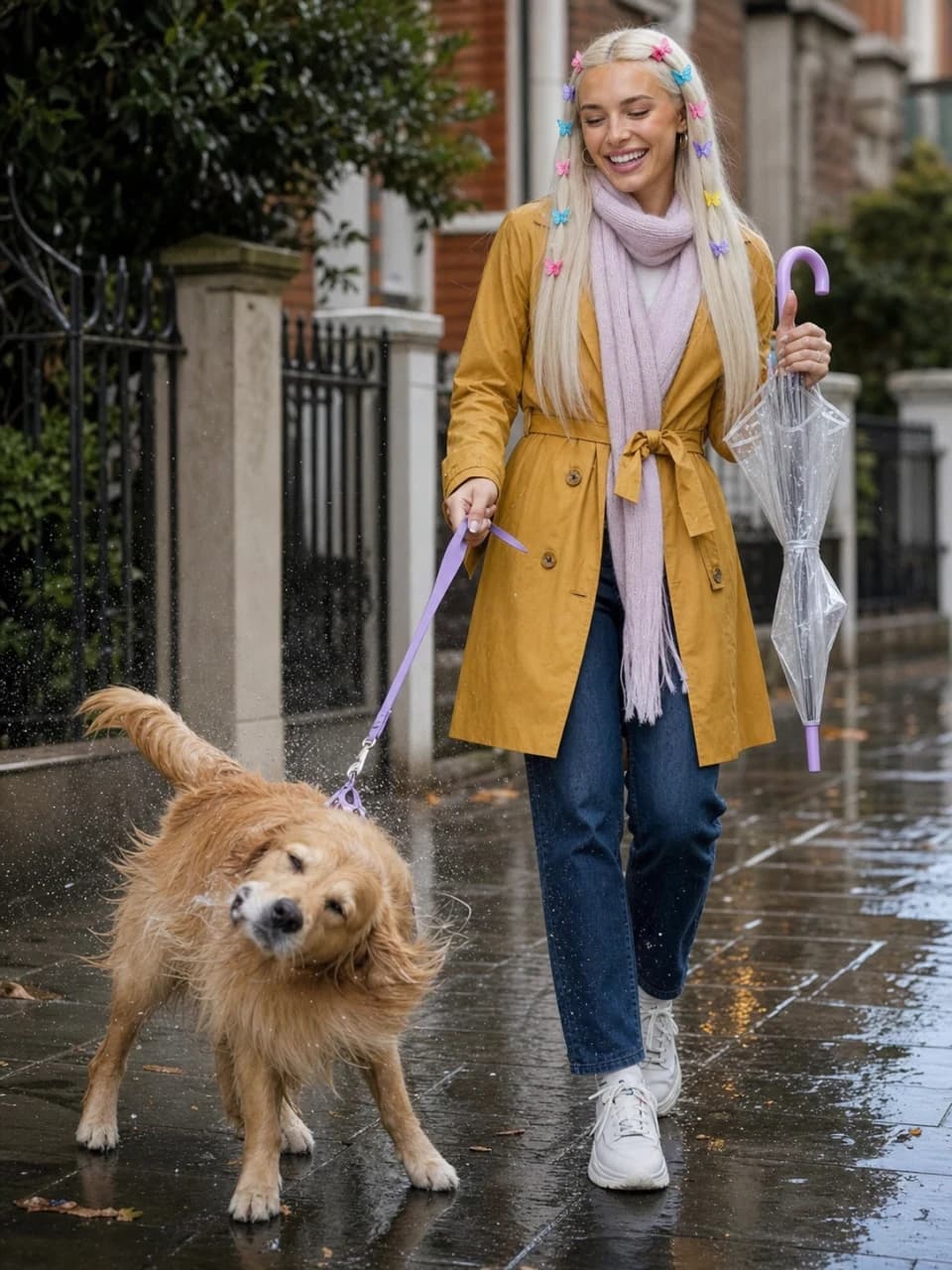
You can get partway there in ChatGPT. Generate the character once, then keep every follow-up image in the same chat thread and reference the earlier image ("same character, now at the beach"). Because ChatGPT Images 2.0 is native to the conversation, staying in one thread and reusing an uploaded reference gives noticeably better consistency than starting fresh each time.
The honest limit: the image model is still stateless underneath. Each render re-derives the person from your text and whatever reference is in that session, so the face drifts over a long series, and a new chat resets everything. ChatGPT has no place to store an identity and enforce it on every render. Keeping one face consistent across dozens of images needs a layer that lives outside the model, holds the identity, and supplies it automatically, which is exactly the gap purpose-built character tools fill.
Lock identity once with Dream Pixel Forge
Dream Pixel Forge is built around that missing layer. Instead of re-supplying a reference on every generation, you lock the character's identity one time and then generate freely against it.
- Define the character once. Give a name and an appearance description (or start from a preset and edit it, or import up to five reference photos to seed a specific look).
- Approve a character sheet. The app generates a character sheet, the identity anchor for everything that follows. You review it and regenerate with feedback until it is right, then approve. Approval locks the identity.
- Generate in the persona studio. Once locked, every image you make renders that same character. You describe the scene ("golden-hour rooftop, casual outfit"), and the tool keeps the person consistent by conditioning on the approved sheet automatically. No re-uploading references, no seed juggling, no prompt-writing to hold the face.
Creating a persona also asks you to declare a likeness basis (your own likeness, an authorized person's, or fully synthetic), which keeps the one genuinely risky choice explicit. This character-consistency engine is the same one behind our guides on how to create an AI influencer and AI Instagram models, where a believable persona lives or dies on the same face showing up in every post. If you mainly want to feel out the generation quality first, the profile avatar tool is a fast way to produce portrait-style characters from a description.
Try it now
Free to try, no account needed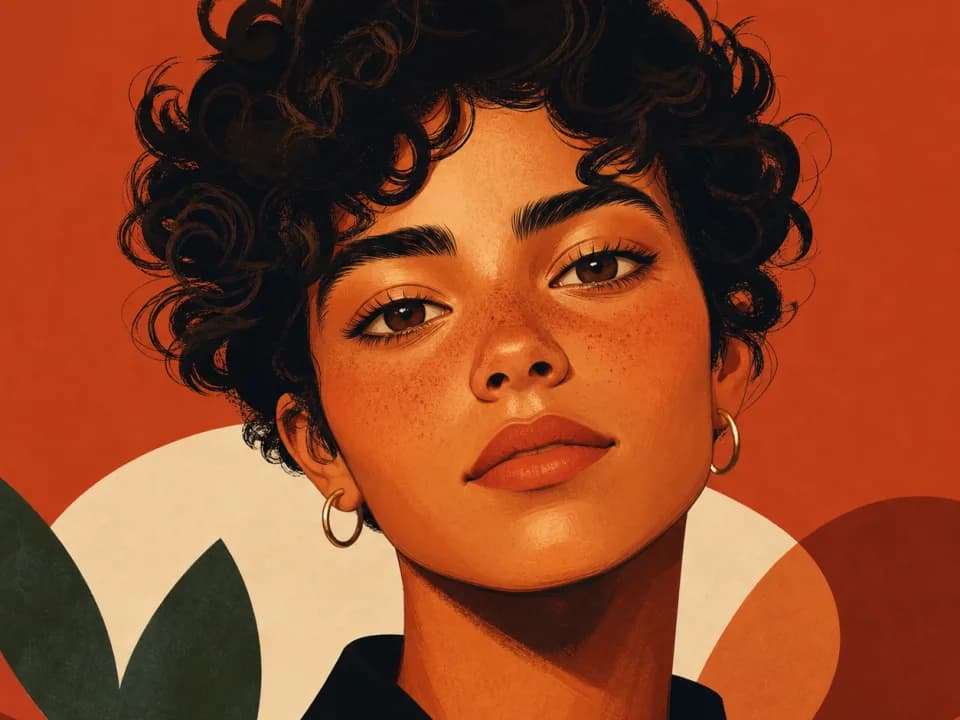 Example output
Your generated image will replace this example.
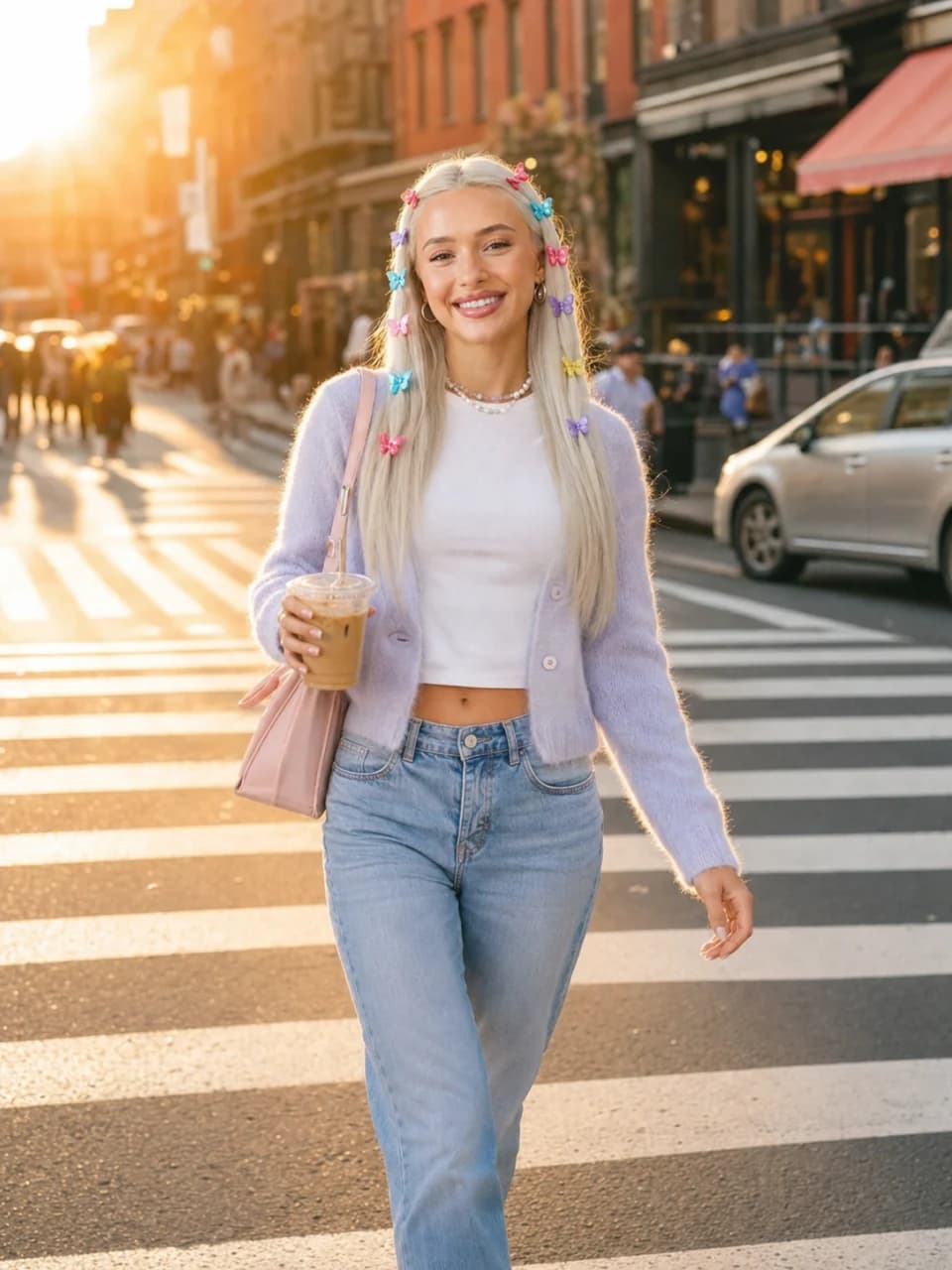
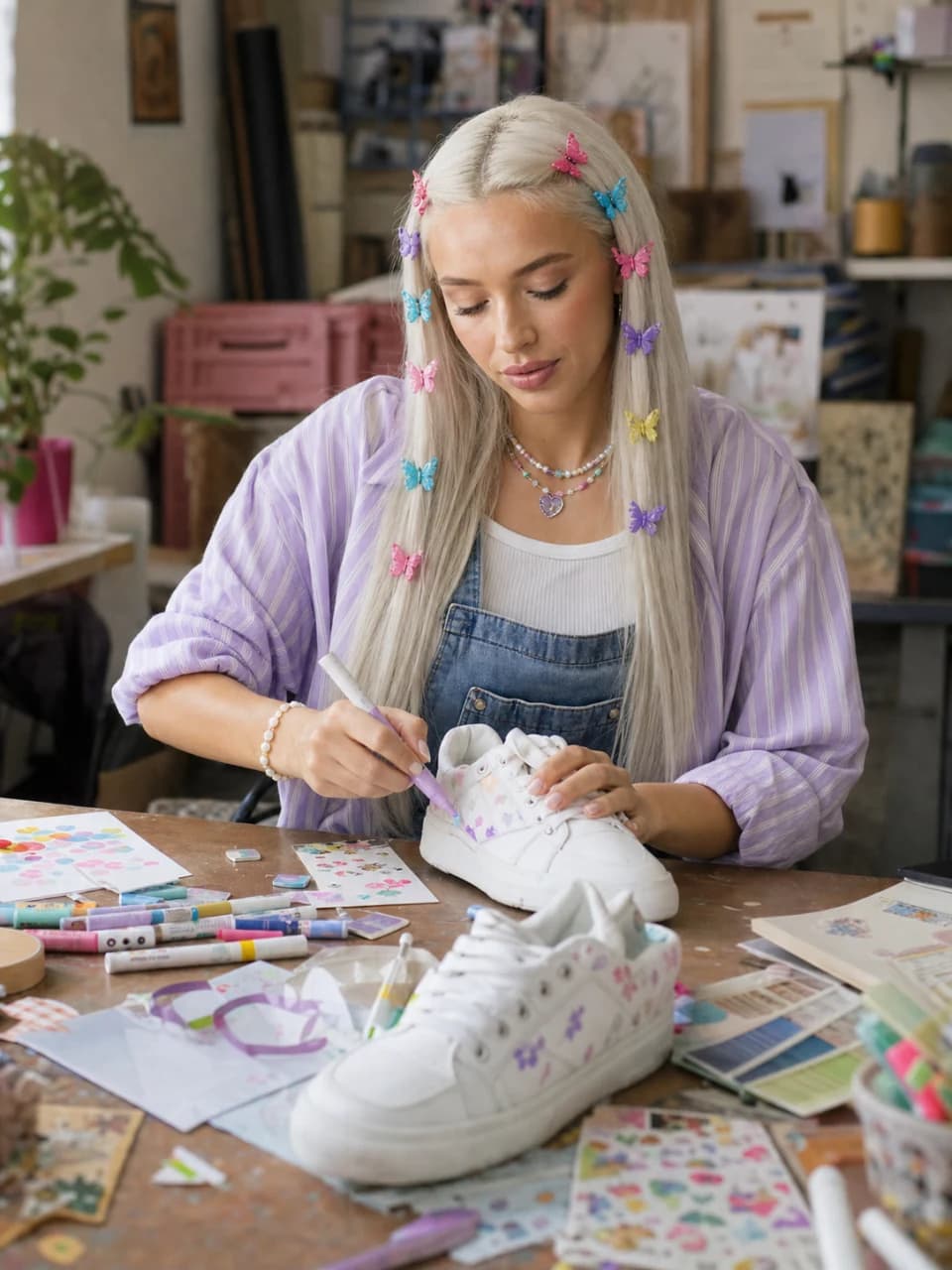
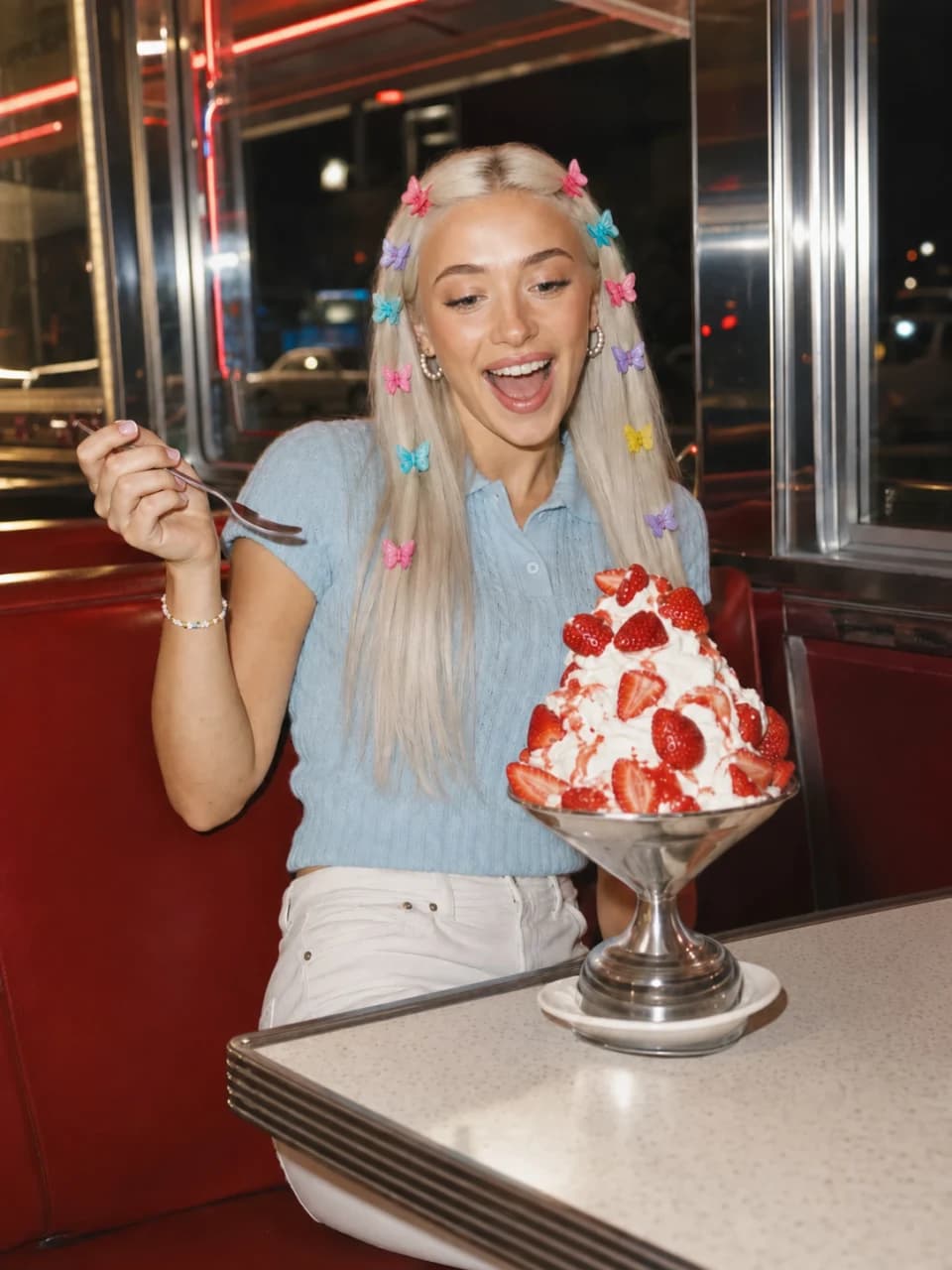
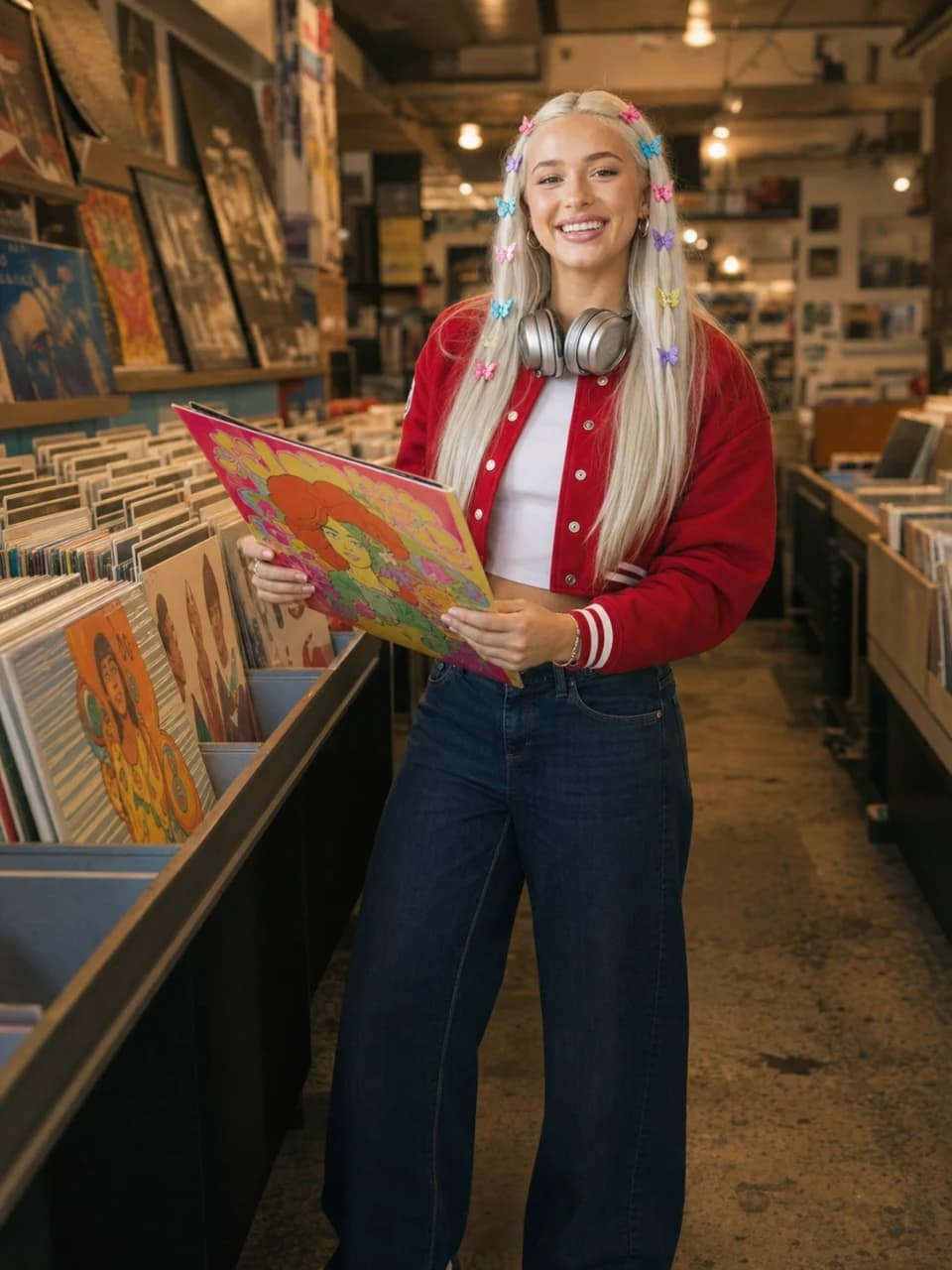
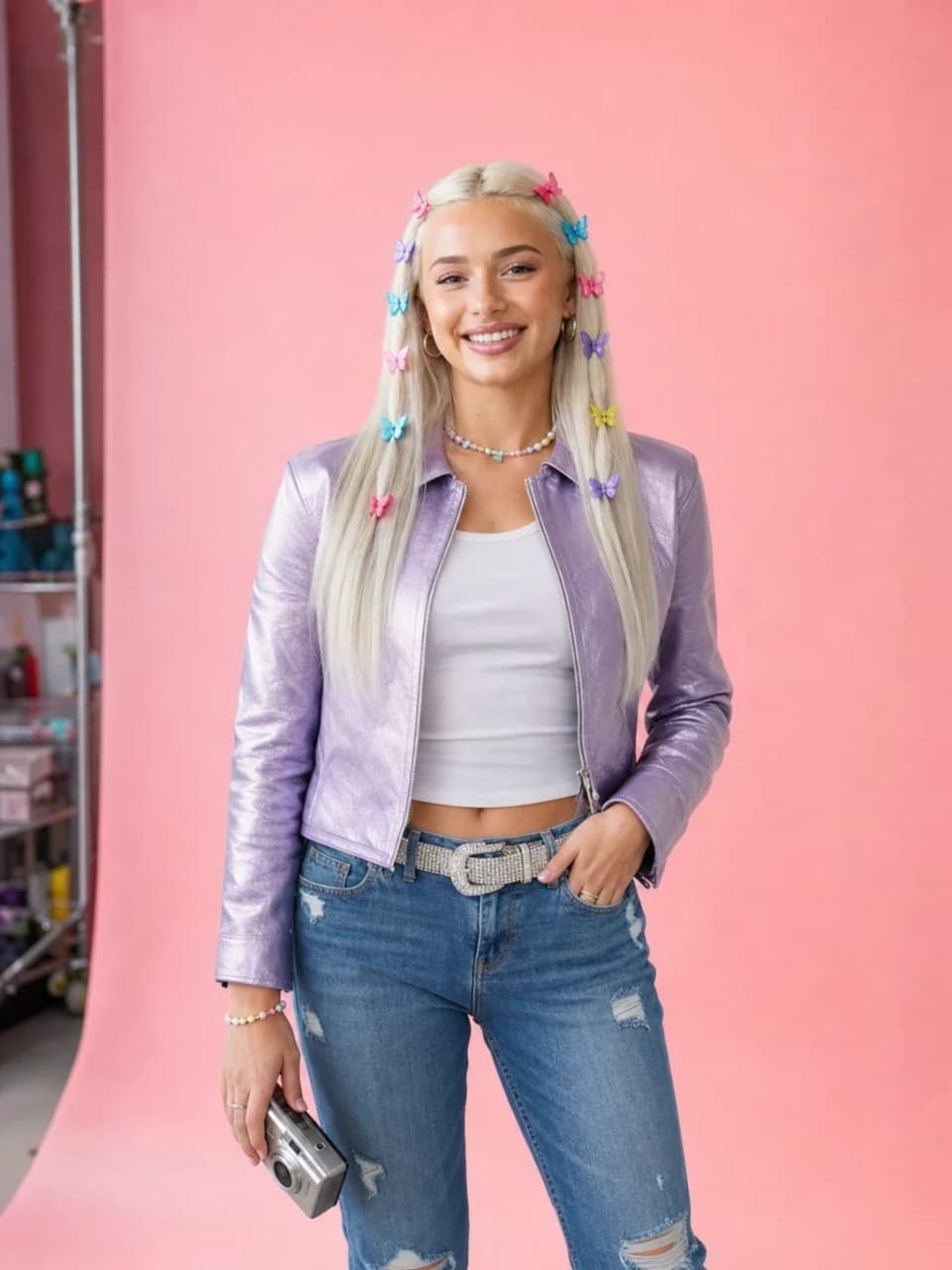
Same character, different poses and scenes
Once the identity is locked, the fun part is range: the same character in new poses, outfits, and worlds without them turning into someone else. This is where consistency pays off, and it is what "same character different poses" workflows are really after. Pick one variable to change per image (a pose, a setting, an outfit), keep the identity anchor fixed, and build up a set. For stylized and fantasy characters specifically, the game character generator is tuned for full-body concept art, and pairing it with a fixed identity keeps a hero recognizable across a whole set of concepts. If you want to push the same character through different rendering looks, our roundup of AI art styles pairs well with a locked identity: change the style, keep the character.

Consistency beyond the face: voice and personality
Everything above is about visual consistency: the same face across every image. But a believable character is consistent in more than looks. If the pictures show one person while the captions read like generic stock text, the illusion still cracks. Real consistency includes a voice.
This is where a purpose-built persona tool goes past what a reference image alone can do. In Dream Pixel Forge the same locked character also carries a defined personality, so its identity holds in words as well as pixels:
- An authored personality. Set the character's tone, niche, backstory, and catchphrases once, or answer a short guided interview that drafts them for you to edit. Unlike the face, which locks with the character sheet, the personality stays editable as the character develops.
- Captions in that voice. The character can caption its own images the way it actually talks, tuned per platform, so the writing stays as on-model as the face, automatically on every new render if you want.
- A character you can talk to. A persistent chat lets you talk to the character you created, and it answers from that same personality, which is a fast way to pressure-test whether the voice is consistent before anything gets posted.
Locking a face keeps the character recognizable; locking a voice keeps it the same person once it starts speaking. For a persona you will actually post as, both matter, and they come from one authored character rather than two disconnected tools.
What AI tool is best for character consistency?
The best tool is the one that stores the identity for you and enforces it on every render, rather than making you re-supply a reference each time. General generators like Midjourney and ChatGPT can approximate consistency with reference images and careful prompting, and they are excellent for one-off art, but they put the burden of maintaining identity on you and still drift over a long series. A purpose-built character tool that locks an approved reference and conditions every generation on it, the way Dream Pixel Forge does, is what turns "usually similar" into "reliably the same person." For a persona you will generate dozens of images for, that difference is the whole game.
Start by nailing one character sheet, then generate against it. Create your first consistent character with the AI character generator, or the influencer generator if your character is a photoreal person, and see the pricing page for how credits work. The sheet takes a few minutes. Getting it right is what makes every image after it hold together.