
Image editing
AI Product Background Changer
Listings with lifestyle context outsell listings with a bare cutout on white. Amazon requires white for the main image, but every other slot, secondary images, your Shopify PDP, Etsy listings, Instagram ads, converts better when the product sits in a scene a buyer can picture in their own home. Getting those shots traditionally means a product photographer, props, and a studio day per SKU. This tool replaces that with a form.
Try it now
Free to try, no account needed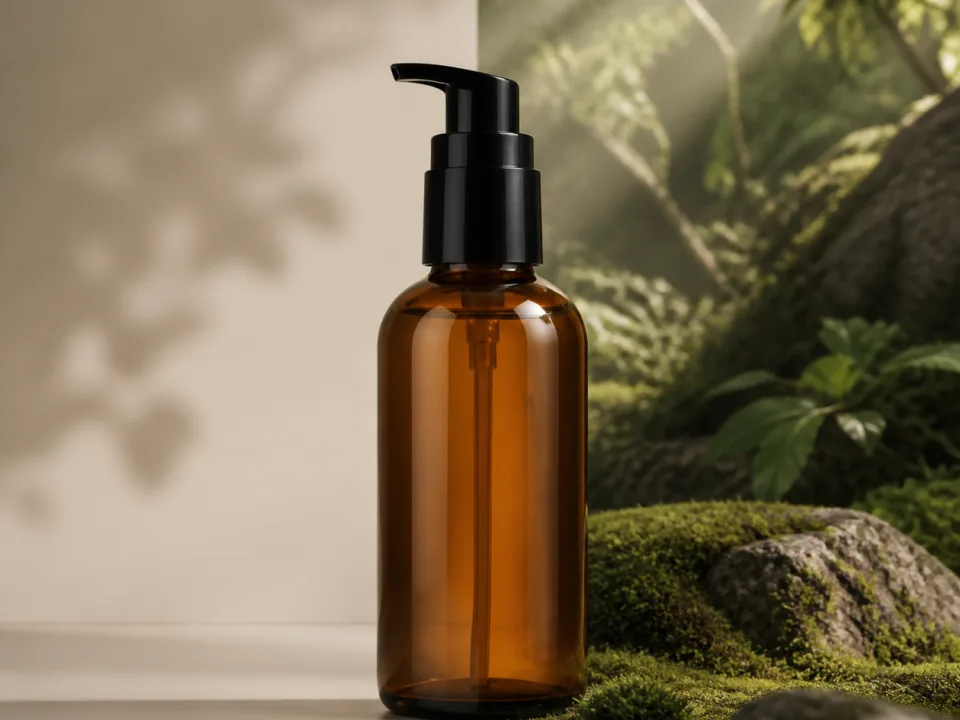 Example output
Your generated image will replace this example.
About this tool
Background removal tools cut your product out; this one builds a new backdrop around it. Attach your product photo (or just describe the product), pick a surface, white marble, warm walnut, brushed concrete, dark slate, choose the lighting, and generate. The scaffold behind the form forces what compositors spend hours faking by hand: a contact shadow that grounds the product on the surface, soft reflections in polished materials, and a light direction that matches between product and scene. That's the difference between an image that reads as a real photograph and one that reads as a Photoshop paste.
This tool stays tight on the product: it swaps the surface and backdrop the product sits against, catalog-style. If you want the product staged inside a full in-use environment, a kitchen counter with props, a café table, a home office desk, that's a different job, and it's what our Product Lifestyle Scene generator is built for.
Run the same product through several scenes to A/B test listing images, build a seasonal refresh without reshooting, or keep a whole catalog visually consistent by using one background and lighting combination across every SKU. Square output drops straight into marketplace listings; 4:5 and 3:4 fit Instagram and Pinterest, and 16:9 covers banners and ads.
Frequently asked questions
Practical answers about inputs, output formats, credits, and using this tool in a real creative workflow.
How is this different from a background remover?
- A background remover cuts your product out and leaves transparency or flat white: the result still needs a scene composited behind it. This tool generates a complete new environment around the product: a styled surface and backdrop, matched lighting, a natural contact shadow, and surface reflections. You get a finished lifestyle image, not a cutout waiting for more work.
How is this different from the Product Lifestyle Scene generator?
- This tool replaces the surface and backdrop directly behind your product, marble, walnut, concrete, slate, or a seamless studio gradient, for clean catalog-style shots where the product fills the frame. The Product Lifestyle Scene generator instead stages the product inside a full in-use environment, like a kitchen counter or café table, with props dressed around it. Pick this one for backdrop swaps; pick the lifestyle tool for in-context storytelling images.
Do I have to upload a photo of my product?
- No. You can describe the product in text and generate a styled product shot from scratch. Uploading a reference photo of your actual product gives the closest match to the real item, and attaching one routes your generation to the standard image-capable model, available on free accounts; only the anonymous try-it widget is text-only.
Will the shadows and reflections look real?
- That's what the prompt scaffold is built around: every generation enforces a contact shadow where the product meets the surface, reflections consistent with the material (stronger on marble and slate, softer on wood), and a single light direction shared by product and scene. Mismatched lighting is what makes composites look fake, so it's the first thing the scaffold locks down.
Will my product look exactly the same as in my photo?
- Close, but verify before publishing. Image models reconstruct rather than copy, so fine label text, logos, and small geometric details can drift from the original. Check labels and proportions against your real product, and keep the generated image honest to what you ship: marketplaces treat materially inaccurate product images as a policy violation.
Can I use these images on Amazon, Etsy, or Shopify?
- Yes for lifestyle and secondary images, on a paid plan: commercial usage rights come with paid plans, subject to the model provider's usage policy, while free-tier outputs are for personal and evaluation use. One caveat: Amazon requires the main listing image to be the product on a pure white background, so use these styled scenes in the secondary image slots and A+ content, and keep a white-background shot for the main image.
What image sizes and aspect ratios do I get?
- Four ratios: 1:1 (1024×1024) for marketplace listing slots, 4:5 and 3:4 for Instagram and Pinterest feeds, and 16:9 for banners and ad creative. The 1024-pixel square covers standard listing image requirements; upscale before using an image in large-format print.
Is it free?
- Yes. New accounts start with 15 free credits, no card required, and free credits refill daily when you run low. Text-described scenes cost 1 credit on the draft model; attaching a reference photo of your product routes to the standard image-input model at 2 credits per image, also available on free accounts.
How do I keep images consistent across my whole catalog?
- Use the same background scene and lighting selection for every product, and vary only the product description. Because those two selects control the scene, a catalog generated with, say, warm wood tabletop plus soft daylight comes out as a matched set, same surface, same mood, same light direction, which makes a shop page read as one brand.
Related tools
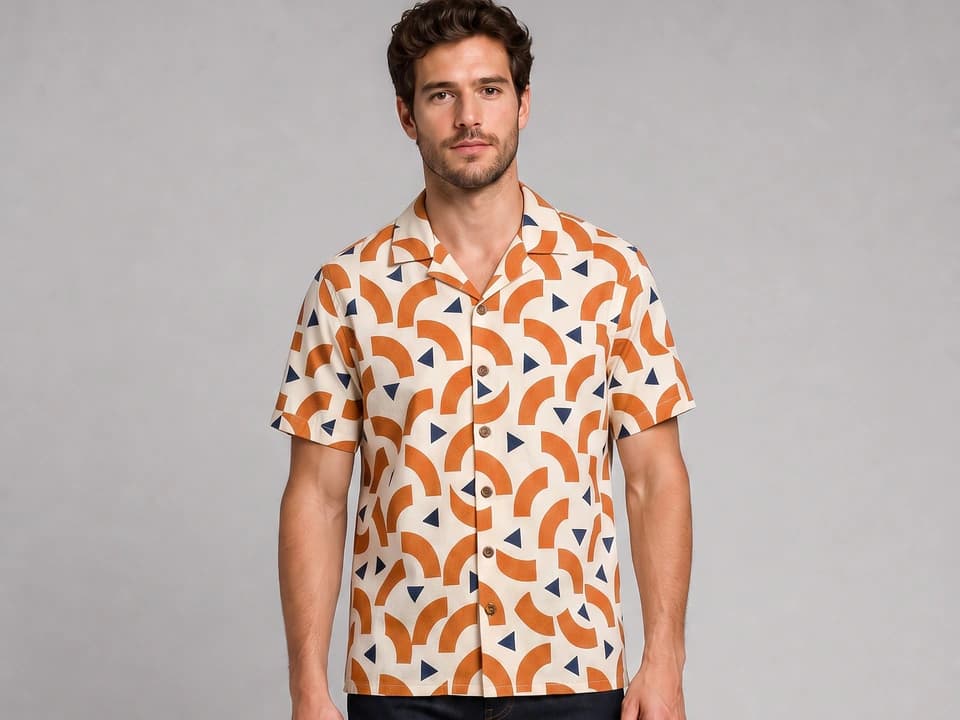
Image editing
AI Virtual Try-On
Attach a photo of a garment and see it worn on a model, or on a specific person, with the print, colors, and fit reproduced faithfully. Free to try.
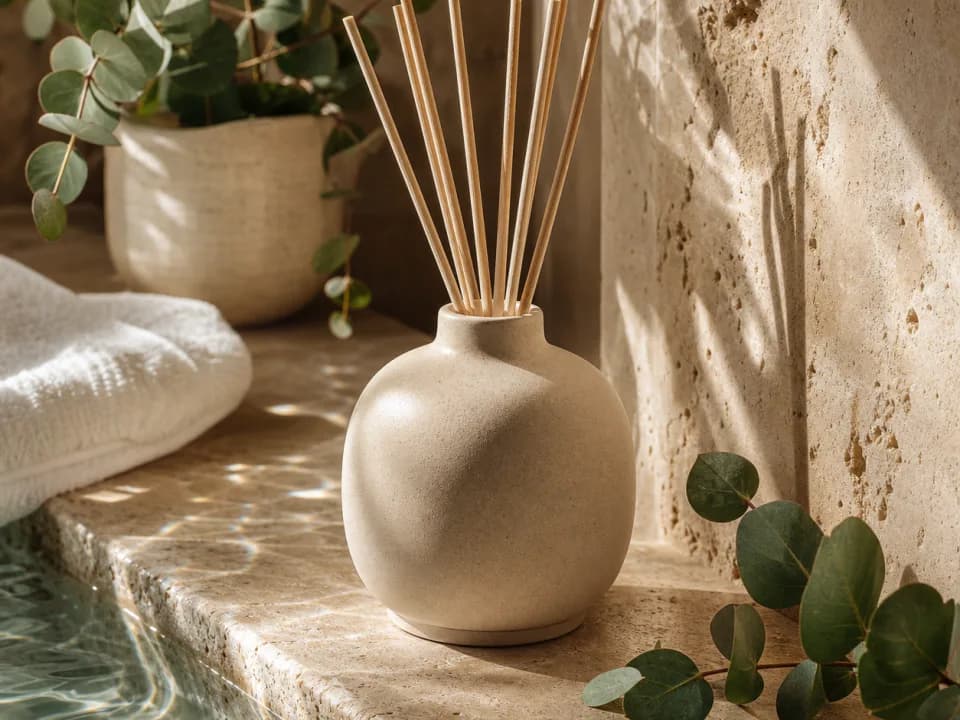
Image editing
AI Product Photography Generator
AI product photography from one photo: upload your product, pick a scene, and get lifestyle images for Amazon galleries, Shopify pages, and ads. Free to try.
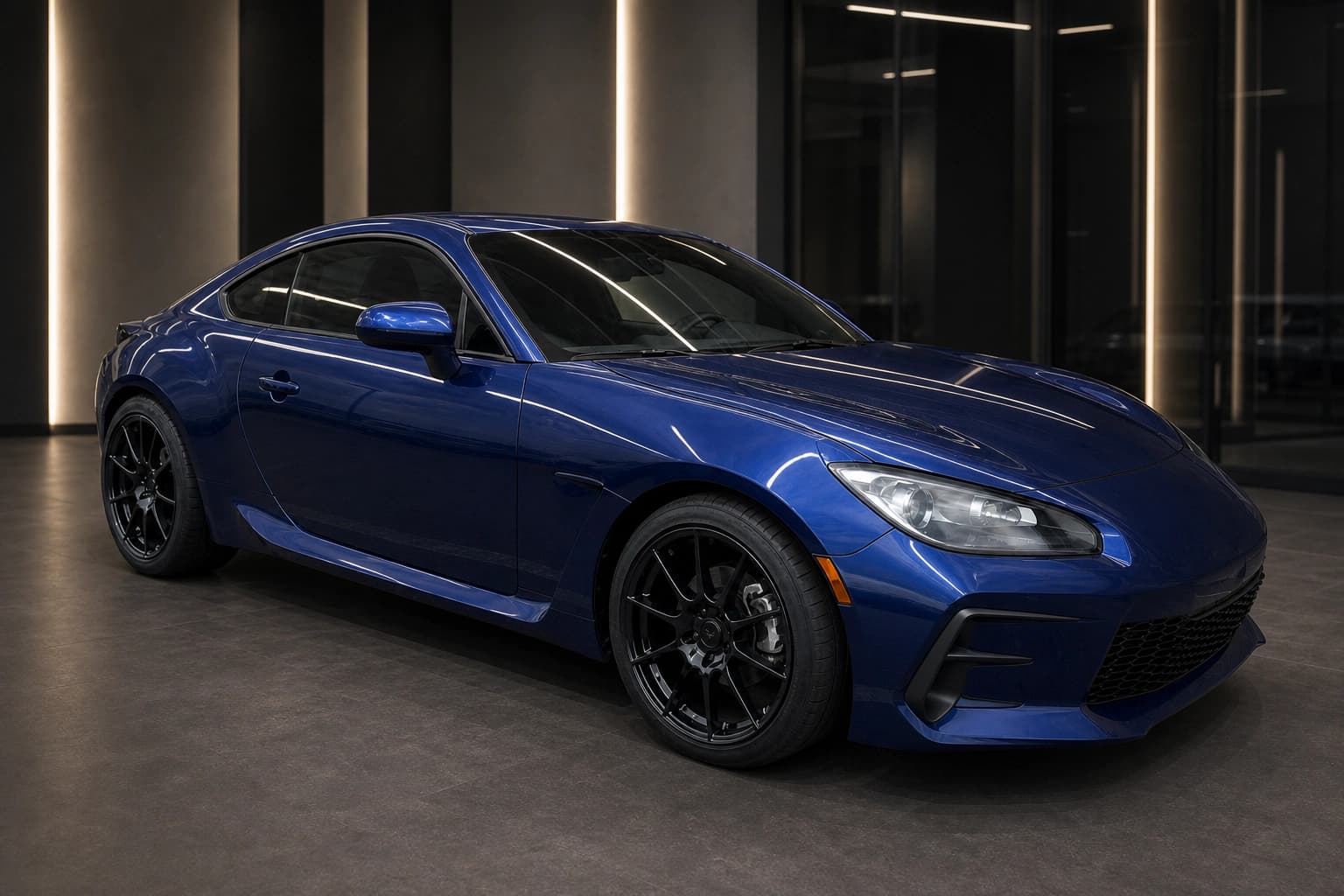
Image editing
AI Automotive Photography for Car Dealerships
AI automotive photography for dealerships: upload one car photo and create clean inventory, virtual showroom, and outdoor campaign images. Free to try.

Products & merch
AI Amazon Product Image Generator
Generate Amazon listing images: pure white background main images plus lifestyle, close-up, and scale shots at the square ratio Amazon expects. Free to try.