
Image editing
Virtual Staging AI for Real Estate
Virtual staging AI furnishes a photo of an empty room in seconds: upload the shot, pick a furniture style, and get back an MLS-ready staged image for 2 credits, with the room's walls, windows, and flooring exactly as photographed.
Try it now
Free to try, no account needed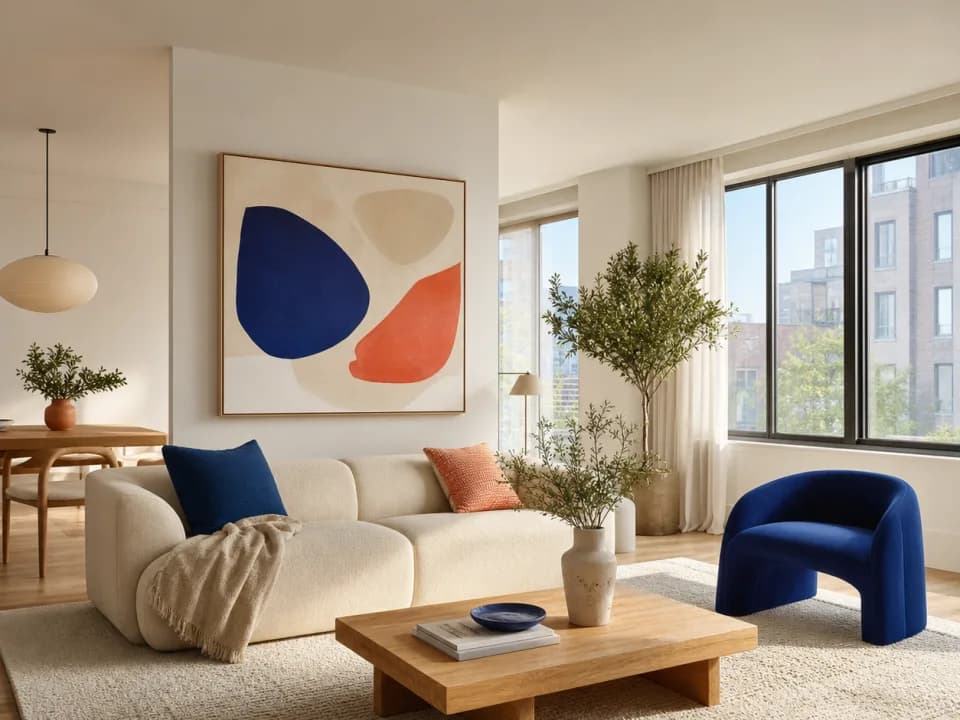 Example output
Your generated image will replace this example.
About this tool
Vacant listings photograph cold, and buyers scrolling the MLS decide in seconds whether to book a showing. Physical staging fixes that at a price: typically $1,500 to $4,000 up front plus monthly furniture rental for as long as the listing sits. Virtual staging gets the same first-impression lift from the photos alone: upload your empty room shot and get back a furnished, listing-ready image for a few credits instead of a furniture truck.
The workflow fits between the photographer's delivery and your MLS upload. Attach the empty room photo, pick the room type and a furniture style, modern farmhouse, Scandinavian, mid-century, contemporary luxury, coastal, or transitional, and describe the buyer you're positioning for. The generator furnishes the space while keeping the room's actual architecture: walls, windows, flooring, and the camera's perspective stay as shot, so the staged photo still represents the property honestly. Because each image costs credits rather than a per-photo service fee, restaging the same living room for a young-family buyer and again for an empty-nester downsizer is cheap enough to actually do.
Every generation encodes staging fundamentals so you don't have to art-direct: furniture scaled correctly to the room, seating arranged to anchor the space rather than hug the walls, rugs sized under the furniture, broker-neutral palettes that let the property stay the subject, and natural shadows that make pieces sit in the room instead of floating on it. One practice note: most MLSs and NAR guidance require labeling virtually staged photos as such: keep the original empty shot in the listing alongside the staged one.
Frequently asked questions
- What does virtual staging mean?
- Virtual staging means digitally furnishing a photo of an empty room instead of renting and installing physical furniture. The listing photos show the space furnished, sofa, rugs, art, lighting, while the actual property stays vacant. It exists because furnished photos get more showings than empty ones, and physical staging costs $1,500 to $4,000 plus monthly rental.
- How does AI virtual staging work?
- You upload a photo of the empty room, pick a room type and furniture style, and the software generates the same room furnished: sofa, rugs, lighting, and decor added while the walls, windows, flooring, and camera angle stay as photographed. Each staged image takes seconds to generate, and you can rerun the same photo in different styles to compare.
- Does it change the room's walls, windows, or layout?
- The prompt explicitly instructs the model to preserve the room's architecture and only add furnishings, and results generally respect that. AI models can still occasionally alter a detail, a window mullion, a floor register, so review every staged image against the original before publishing. Never publish a staged photo that misrepresents the property's actual condition.
- How much does virtual staging cost here compared to alternatives?
- Each staged photo costs 2 credits. For comparison, dedicated virtual staging services typically charge $20 to $100 per photo with a 1 to 2 day turnaround, and physical staging runs roughly $1,500 to $4,000 up front plus monthly furniture rental. A full 10-photo vacant listing staged here costs 20 credits and is done in minutes.
- How can I virtually stage my home for free?
- Staging runs on the standard image-input model, which is available on free accounts: new accounts start with 15 free credits, each staged photo costs 2 credits, and free credits refill daily when you run low. Free-tier staged images are for personal and evaluation use, so publishing them in a live listing takes a paid plan, which still starts well below what a single traditionally staged photo costs at a $20-per-photo service.
- Do I have to disclose that a listing photo is virtually staged?
- Yes, in most markets. The majority of MLSs require virtually staged photos to be labeled (for example "virtually staged" in the photo caption), and NAR ethics guidance treats unlabeled staging as potentially misleading. Standard practice is to publish the staged photo and the original empty-room photo side by side in the listing.
- What kind of photo should I upload for best results?
- A wide-angle, well-lit shot of an empty or nearly empty room, taken level from about chest height: the standard real estate photography angle. Daylight shots with windows exposed correctly work best. Cluttered rooms, extreme wide-angle distortion, or dark photos give the model less reliable geometry to preserve.
- Can ChatGPT do virtual staging?
- General chat models can generate a furnished room image, but they redraw the scene rather than furnishing your actual photo: walls shift, windows move, and flooring changes, so the result no longer honestly represents the property. Purpose-built virtual staging keeps the room's photographed architecture fixed and only adds furnishings, which is what MLS disclosure rules assume. It also gives you consistent room-type and furniture-style controls instead of prompt trial and error.
- Can it remove the seller's existing furniture and restage the room?
- Not reliably. The tool is built for vacant rooms: it adds furnishings to empty space rather than deleting existing pieces, and asking it to replace furniture often leaves artifacts or ghost geometry. For occupied listings, photograph rooms after they're emptied, or stage only the rooms that are already vacant.
- Can I use the staged images commercially in my listings and marketing?
- Yes, on a paid plan: commercial usage rights, covering MLS listings, flyers, social posts, and your website, come with paid plans, subject to the underlying model provider's usage policy and your MLS's disclosure rules for virtually staged photos. Free-tier staged images are for personal and evaluation use.
Related tools
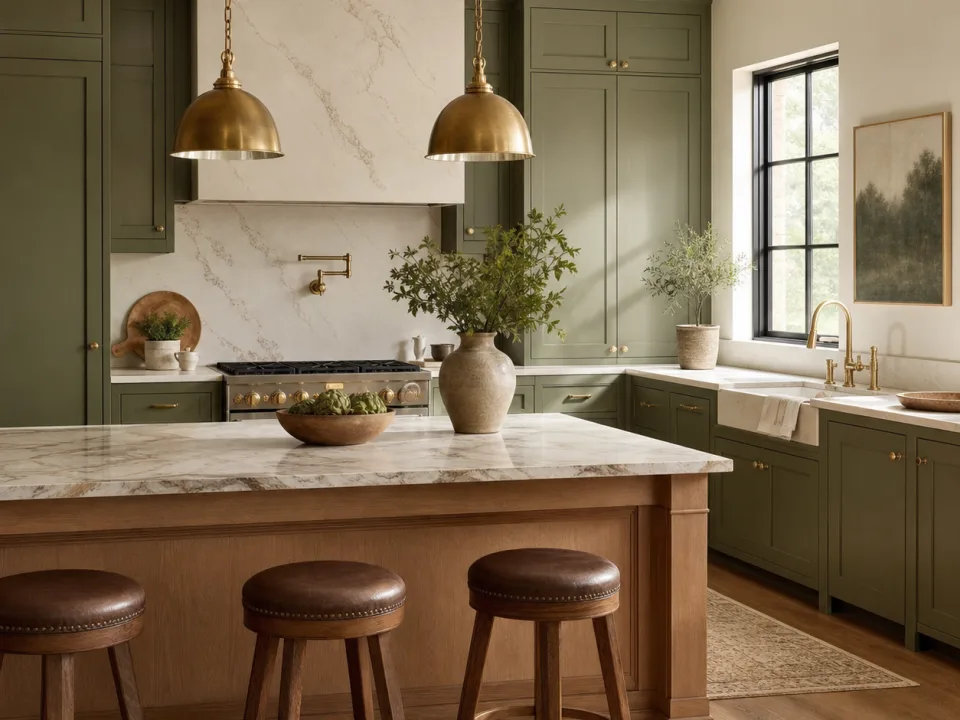
Image editing
AI Renovation Preview Generator
Preview a remodel before demo day. Upload a photo of the room or describe it, pick a style, and get a photorealistic after shot in seconds. Free to try.

Image editing
AI Product Photography Generator
AI product photography from one photo: upload your product, pick a scene, and get lifestyle images for Amazon galleries, Shopify pages, and ads. Free to try.

Image editing
AI Product Background Replacement
Swap the backdrop behind your product, marble, walnut, slate, with real contact shadows and reflections. Free to try from a text description of your product.

Image editing
Remove an Image Background
Remove an image background with AI, or clear border-connected white backgrounds for free while preserving white details inside the artwork.