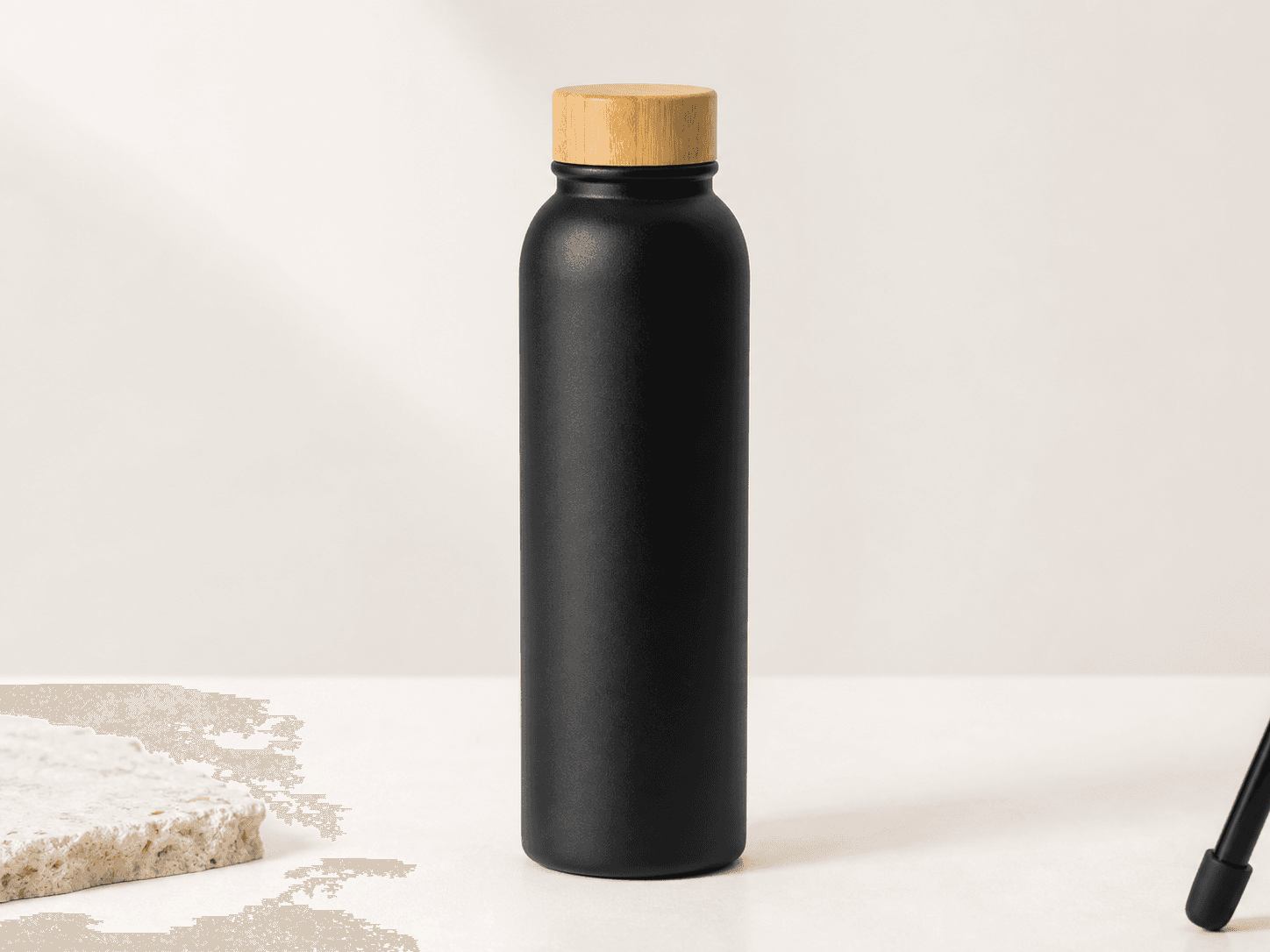
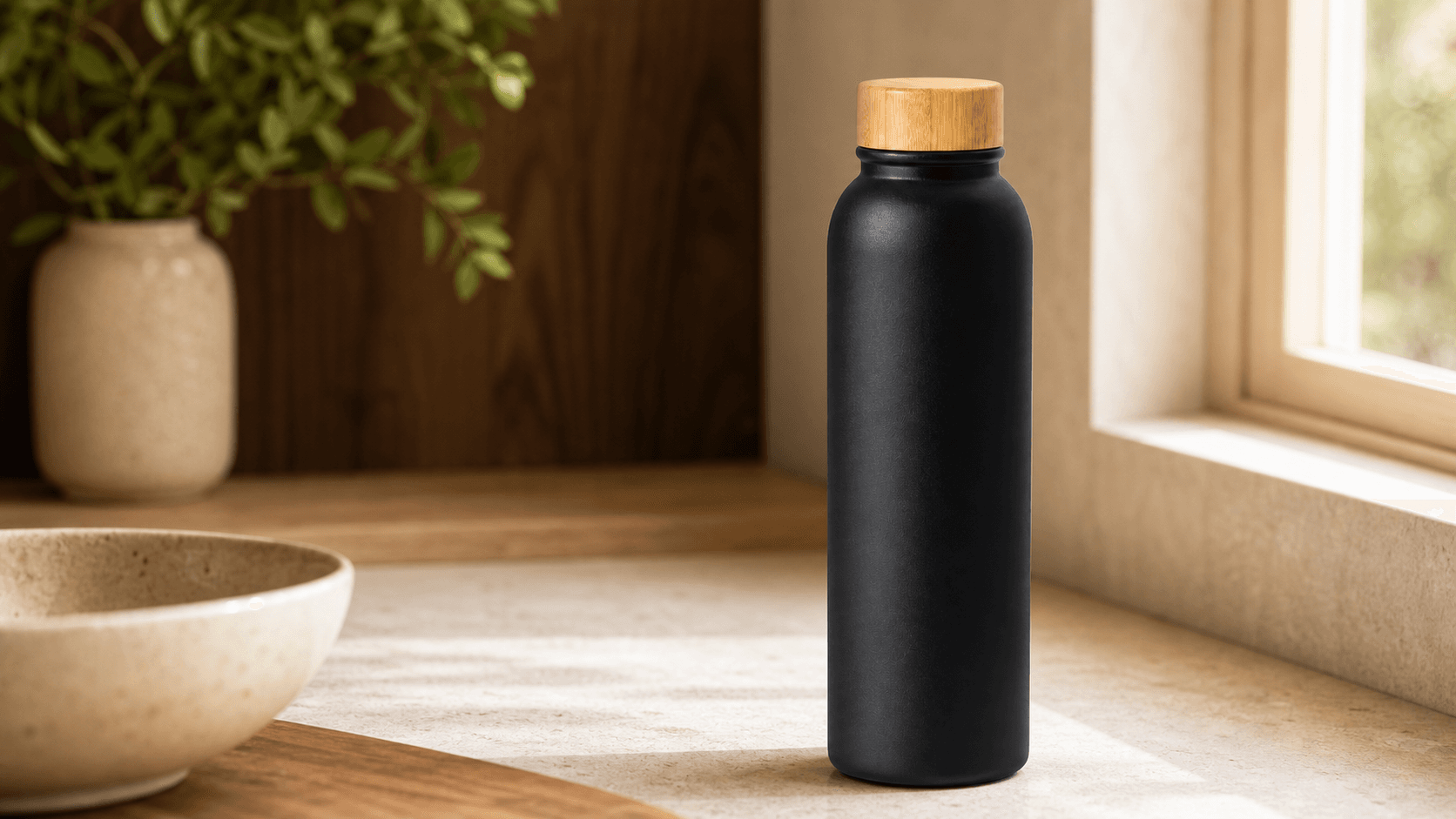
Image editing

AI Product Photography Generator

AI product photography places one photo of your product into styled lifestyle scenes, kitchen counters, café tables, desks, with its shape, colors, and label preserved. Upload, pick a scene and lighting, and generate a listing-ready image in seconds instead of booking a photoshoot.

Try it now

Free to try, no account needed

Reference images

Select up to 8 images to guide the result.

0/8
Example output for Product Lifestyle Scene
Example output

Your generated image will replace this example.

About this tool

Shoppers buy from lifestyle images. A white-background pack shot tells them what the product is; a photo of it on a kitchen counter or a café table tells them what owning it feels like, which is why listings with in-context photos in the gallery consistently outperform bare product shots on conversion. The usual way to get those images is a staged photoshoot: hire a photographer, buy props, book a location, wait two weeks. That math kills lifestyle imagery for most small catalogs.

This tool replaces the shoot. Upload a clear photo of your product, describe it in a sentence, pick a scene and lighting, and generate. With a reference image attached, generation runs on an image-input model that carries your actual product into the scene, its shape, colors, and label, instead of redrawing a lookalike from scratch. That preservation is the difference between this and pasting a prompt into a free chat model, which will invent a product that resembles yours but isn't yours. No upload handy? It also works text-only from your description, which is useful for concepting scenes before you shoot.

Every generation is built on a commercial product-photography scaffold: the product rendered as the sharp-focus hero on the rule-of-thirds, shallow depth of field with a believable blurred environment, soft directional light with realistic shadows, and negative space left open for ad copy or badge overlays. The scene presets, kitchen counter, living room, café table, bathroom vanity, home office, outdoor picnic, are styled the way set stylists actually dress them, down to the props in the soft-focus background.

Use it to fill Amazon gallery slots two through seven, add context shots to a Shopify or Etsy product page, refresh Meta and TikTok ad creative with new settings for fatigue testing, or build seasonal email heroes without re-shooting the same SKU four times a year.

Frequently asked questions

How does AI product photography work?
You upload a clear photo of your product, describe it in a sentence, and pick a scene and lighting preset. The generator runs on an image-input model that carries your product's shape, colors, and label into a styled environment, a kitchen counter, café table, or desk, with commercial lighting and composition applied automatically. Each image takes seconds and costs 2 credits with a reference photo attached.
Does AI product photography actually look real?
For lifestyle context shots, yes, when your reference photo is sharp and well-lit: the product stays in focus as the hero and the scene renders with believable depth of field and shadows. The honest limits: fine print and small logos can drift, so zoom to 100 percent before publishing, and keep your main pack shot as a real photo. Lifestyle gallery images are where AI shots are hardest to distinguish from a staged shoot.
Will the generated scene show my actual product?
Yes, when you attach a reference photo. Generations with an uploaded image run on an image-input model that carries your product's shape, colors, and label into the new scene rather than generating a generic lookalike. Fine details survive best when your reference is sharp and well-lit; always zoom in on the result to check small label text before publishing, since AI models can still subtly distort tiny type.
Is it free?
Yes: new accounts start with 15 free credits, and free credits refill daily when you run low. Text-only scenes cost 1 credit each on the fast model; attaching a reference photo routes to the standard image-input model at 2 credits per generation, also available on free accounts. Paid plans are sold as subscriptions or one-time credit packs.
What kind of product photo should I upload?
A sharp, well-lit photo where the product fills most of the frame, shot straight-on or at a slight angle against a plain background. The white-background pack shot you already use as your listing's main image is usually ideal. Avoid blurry phone photos, heavy shadows, and shots where the product is partially cut off: the model can only preserve details it can see.
Can I use these images on my Amazon or Shopify listing?
Yes for gallery and product-page images, on a paid plan: commercial usage rights come with paid plans, subject to the model provider's usage policy, while free-tier outputs are for personal and evaluation use. One Amazon-specific caveat: the main image (slot one) must show the product on a pure white background per Amazon's style guide, so use lifestyle scenes in gallery slots two through seven and keep your pack shot as the main.
What image sizes do I get?
At the default 1:1 ratio, images generate at 1024×1024 pixels, which clears Amazon's 1000-pixel zoom threshold for gallery images. Non-square ratios, 4:5 and 3:4 for Instagram and Pinterest, 16:9 for banners and email heroes, fit inside the same 1024-pixel cap, so their short edge lands below 1000 pixels; that still meets standard ad-platform specs. For large print use, run the result through an upscaler first.
Will text on my packaging stay readable?
Large, bold label text usually survives intact from a good reference photo; fine print and small logos can shift or blur. Zoom to 100 percent and compare against your original before publishing. If your packaging copy is the selling point, keep a real close-up photo in the listing alongside the generated lifestyle scenes.
Which scenes work best for my product?
Match the scene to where the product is actually used: kitchen counter for food, drinkware, and small appliances; bathroom vanity for skincare and grooming; home office desk for tech and stationery; café table or outdoor picnic for anything portable. Mismatched context reads as staged and hurts trust: a moody editorial shot of dish soap convinces no one.
Can I generate the same product in multiple scenes?
Yes, that's the intended workflow. Keep the same reference photo attached and switch the scene and lighting presets to produce a consistent set: one SKU across kitchen, living room, and café settings gives you a full listing gallery plus ad variants for creative testing, in minutes instead of a shoot day.