
Design concepting
AI Invitation Maker
Template sites all pull from the same catalog, so the fifth garden-wedding invite your guests receive this year looks like the other four. Designing from scratch means hiring a designer or learning one more editing app for a single event. Describing your occasion and getting custom invitation art back in seconds is the middle path: one-of-a-kind, without the commission.
Try it now
Free to try, no account needed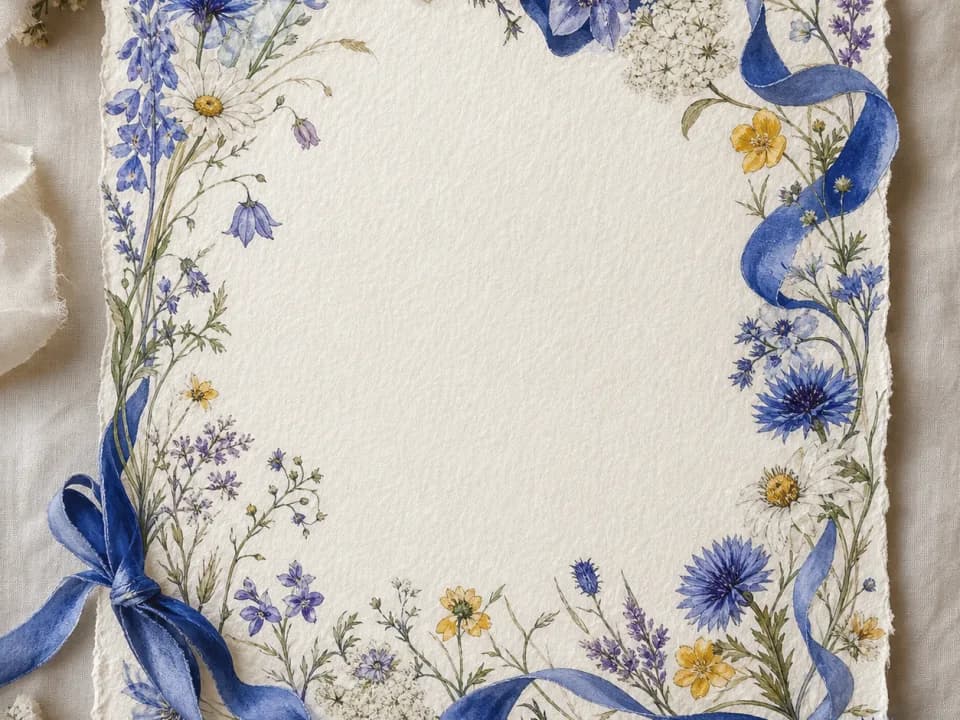 Example output
Your generated image will replace this example.
About this tool
Type what you're celebrating: a backyard garden wedding, a dinosaur-themed fifth birthday, a retirement dinner, and pick a style like elegant floral, art deco, or watercolor. Every design generates as a proper invitation layout: a decorative border with a large clear area in the center reserved for your event details. Portrait 3:4 matches a standard 5×7 card; square works for Instagram and Partiful.
Because AI models render lettering unreliably, the generator deliberately leaves the artwork text-free. Drop the design into Canva, Word, or your print shop's editor, add names, date, and venue in a typeface you like, and send it to print or straight to the group chat.
Frequently asked questions
Practical answers about inputs, output formats, credits, and using this tool in a real creative workflow.
Is the AI invitation maker free?
- Yes to start: you get free credits without creating an account, and a fast generation costs 1 credit. When you're iterating on designs for an event, a one-time credit pack covers it: no subscription needed for a single occasion.
Does it add the event text: names, date, venue?
- No, and that's intentional: AI image models render words unreliably, so baked-in text often comes out garbled. Designs generate with a clear open center made for text. Add your details in Canva, PowerPoint, or any editor: you get clean, correctly spelled type and can reuse the same artwork for the RSVP card.
What size should I generate for a printed invitation?
- Use the 3:4 portrait ratio for a standard 5×7 inch card: it's the closest match and trims cleanly with a small margin. For square announcements or digital invites shared on Instagram or Partiful, generate at 1:1 or 4:5 instead.
Can I use the designs for paid events or client work?
- Yes, designs you generate are yours to use commercially, including ticketed events and invitations you make for clients, subject to the model provider's usage policy. Avoid prompts referencing trademarked characters (a common request for kids' parties); venues and printers can reject those regardless of how the art was made.
Related tools
Design concepting
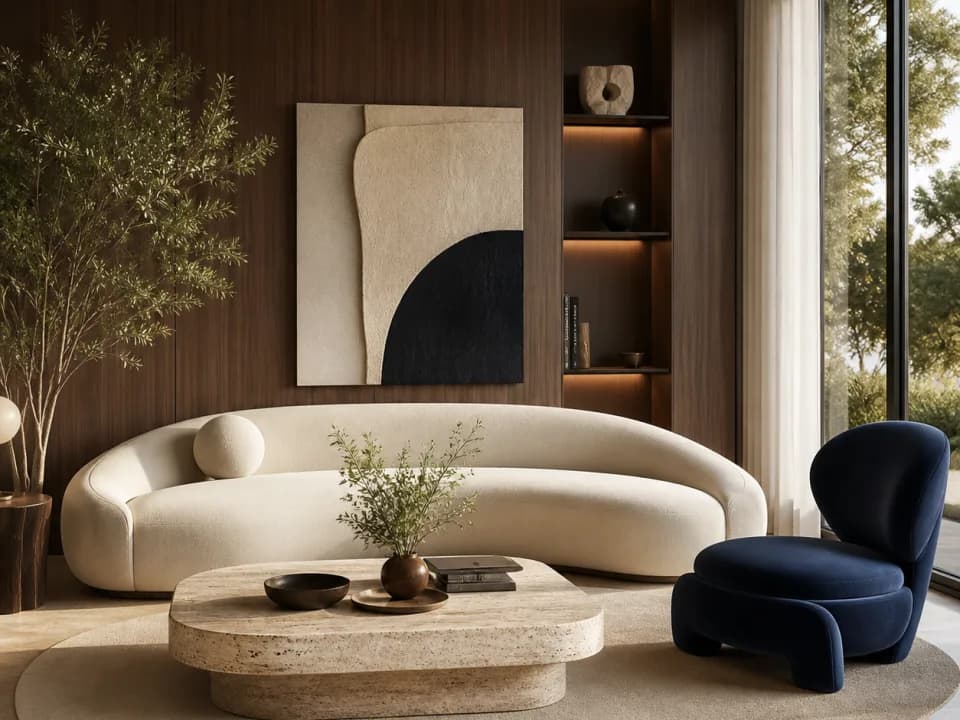
AI Interior Design Generator
Upload a room photo or describe your space and get interior design concepts in Scandinavian, Japandi, industrial and more. Free to try.
Design concepting
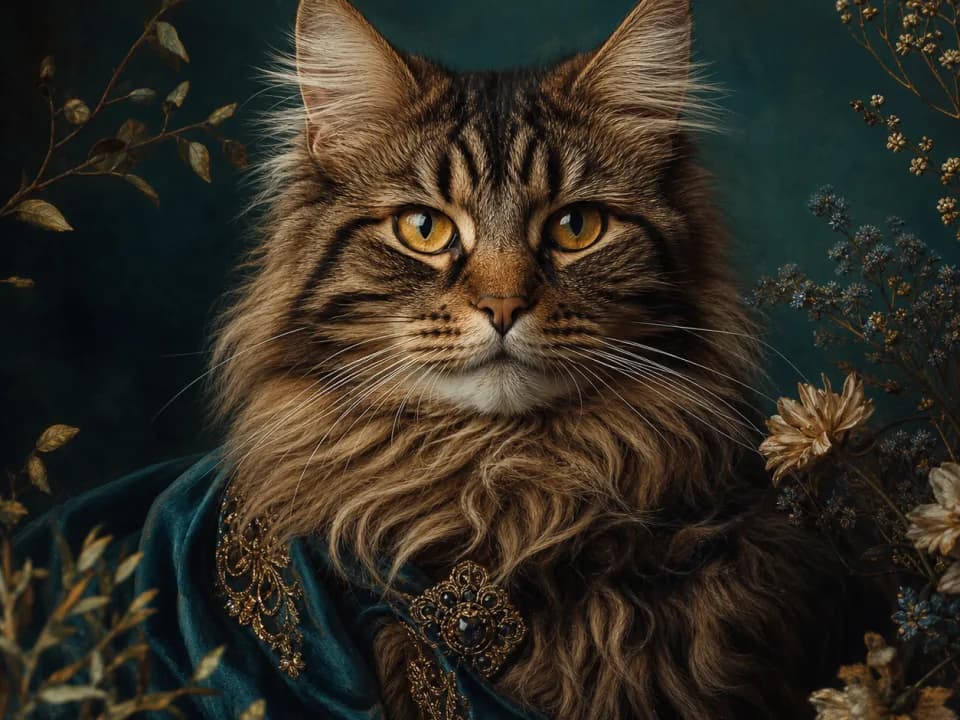
AI Pet Portrait Generator
Turn a photo or description of your dog or cat into a stylized portrait: royal oil painting, watercolor, pop art, and more. Free to try.
Design concepting
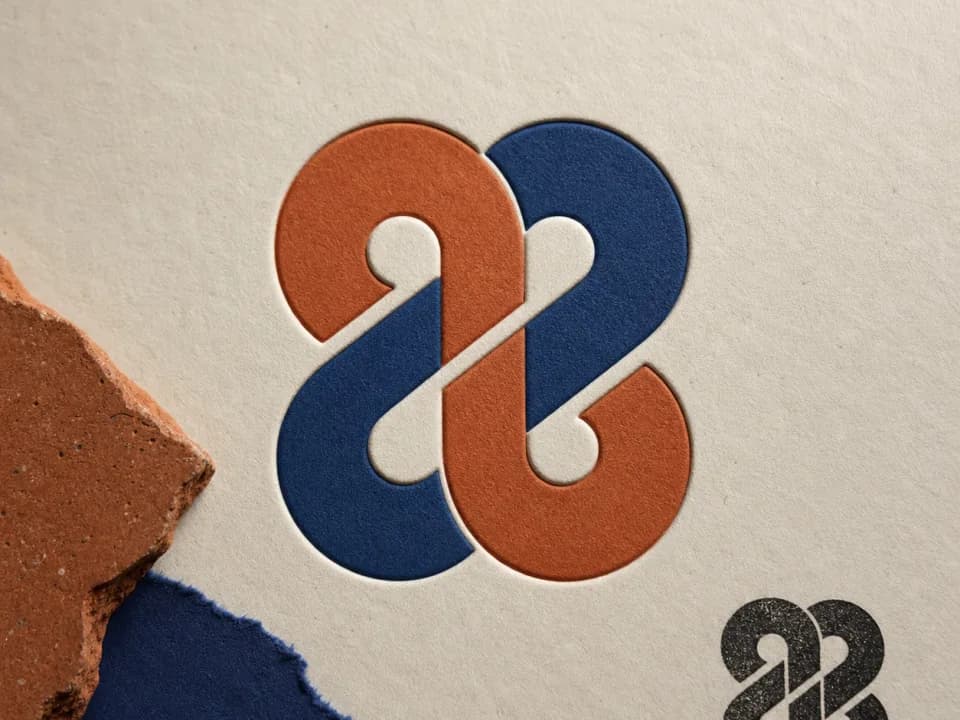
AI Logo Generator
Generate logo concepts in six styles: geometric, badge, mascot and more, to find your brand's direction fast. Explore cheaply, then refine. Free to try.
Design concepting
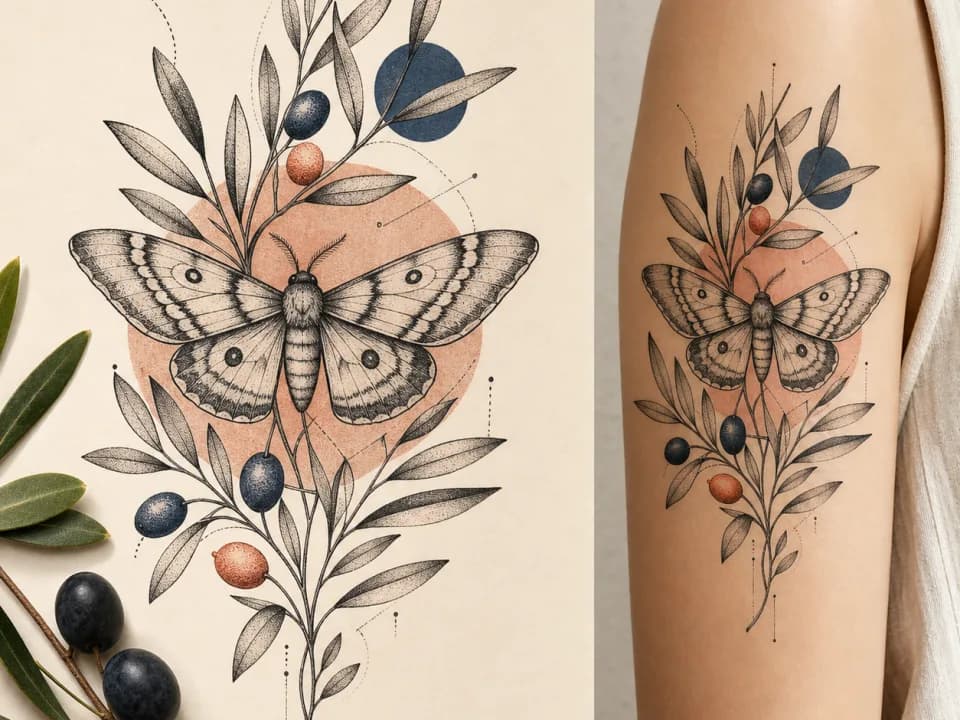
AI Tattoo Design Generator
See your tattoo idea as flash-style art before committing. Generate designs in American traditional, fine line, blackwork and more. Free credits, no signup.