
Image editing
Upscale an Image With AI
Turn a small image into a larger, more useful file without the blocky edges and blur of ordinary resizing. Upload a PNG, JPEG, or WebP and choose 2× for a practical resolution boost or 4× when you need the largest output.
Try it now
Free to try, no account needed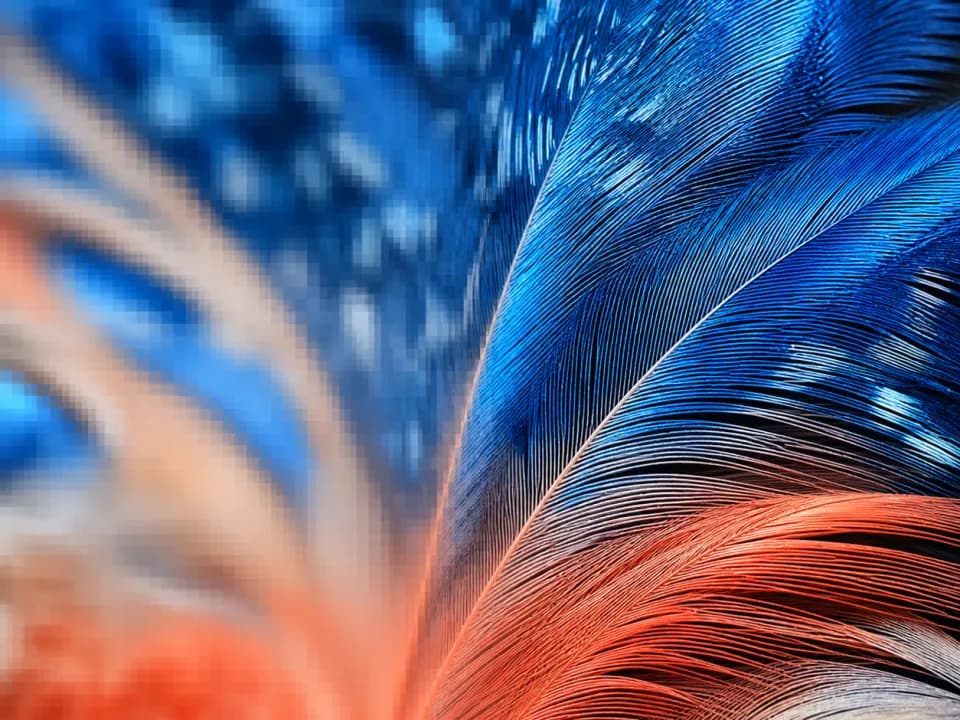 Example output
Choose an image to replace this example, then select your settings.
About this tool
The upscaler reconstructs detail as it enlarges, making it useful for generated artwork, product images, social graphics, and print files that came out below the dimensions you need. A 2× upscale costs 2 credits; a 4× upscale costs 3 credits.
Your source file keeps its original encoding before the upscale begins, so a paid enhancement is never preceded by a lossy WebP conversion. Download the completed result directly when processing finishes.
Frequently asked questions
Practical answers about inputs, output formats, credits, and using this tool in a real creative workflow.
Should I choose 2× or 4× upscaling?
- Choose 2× when you need a moderate size increase for web use or a small print. Choose 4× for larger prints, crops, or source images that begin at a particularly low resolution.
How much does image upscaling cost?
- A 2× upscale costs 2 credits and a 4× upscale costs 3 credits. The cost is shown before you start processing.
Does upscaling change the image's aspect ratio?
- No. Both dimensions increase by the same factor, so the original aspect ratio and composition remain unchanged.
What file types can I upscale?
- You can upload PNG, JPEG, or WebP images up to 10 MB. The upload keeps its original encoding before processing to avoid unnecessary quality loss.
Related tools

Image editing
Virtual Staging AI for Real Estate
Virtual staging AI for real estate: upload an empty room photo, pick a furniture style, and get an MLS-ready staged image in seconds. Free to try.
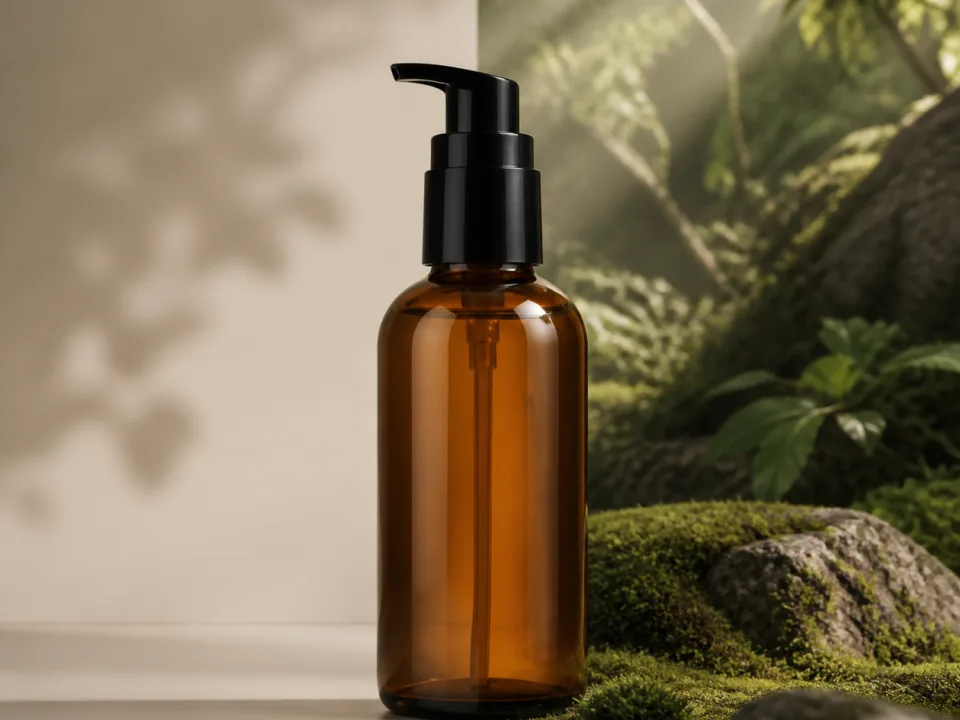
Image editing
AI Product Background Changer
Swap the backdrop behind your product, marble, walnut, slate, with real contact shadows and reflections. Free to try from a text description of your product.
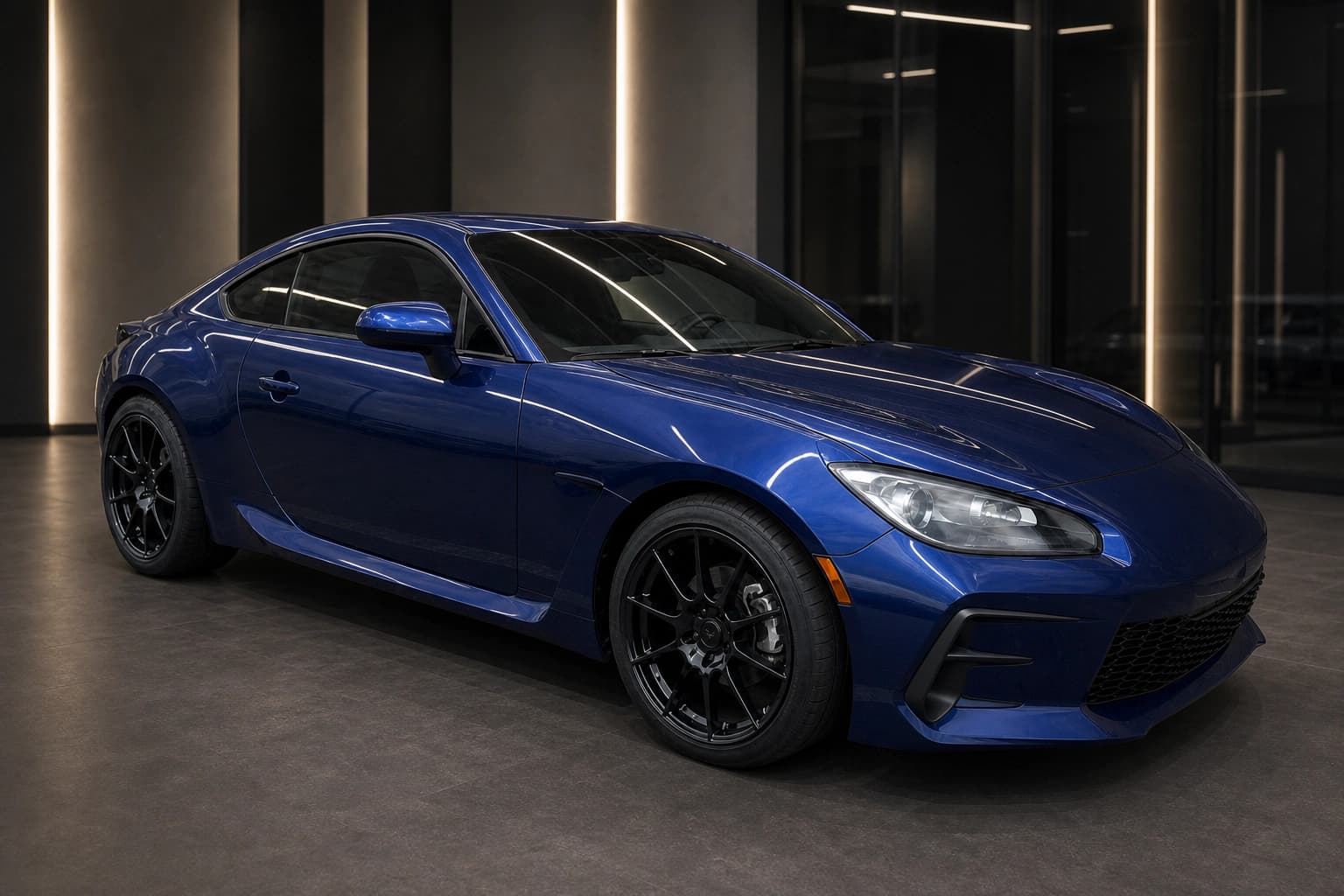
Image editing
AI Automotive Photography for Car Dealerships
AI automotive photography for dealerships: upload one car photo and create clean inventory, virtual showroom, and outdoor campaign images. Free to try.
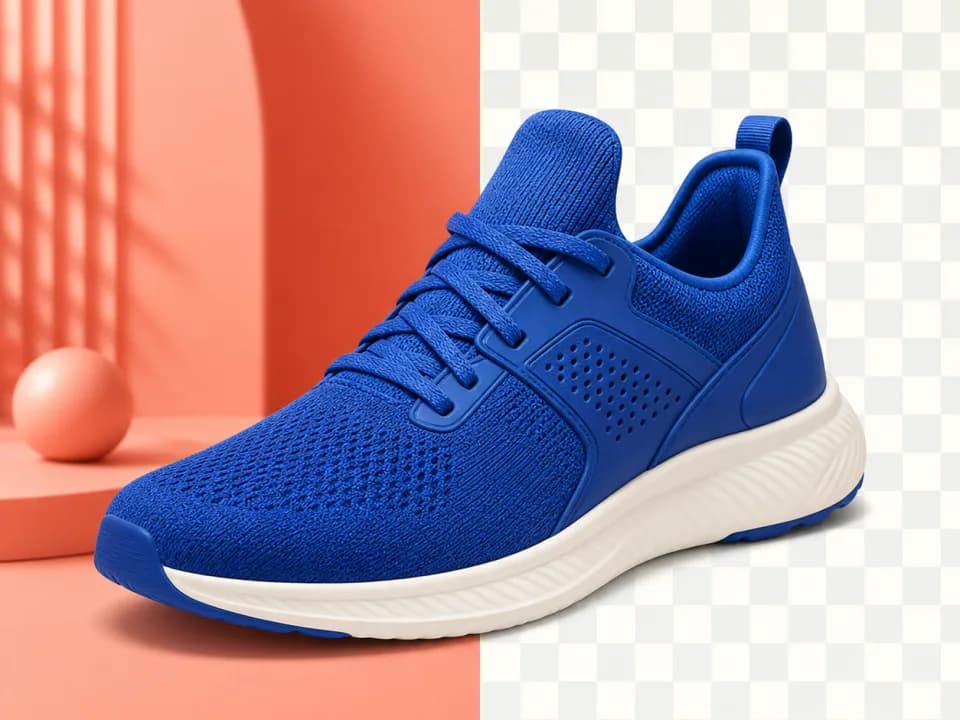
Image editing
Remove an Image Background
Remove an image background with AI, or clear border-connected white backgrounds for free while preserving white details inside the artwork.