Guides
GPT Image 2: Prompts, API, Pricing, and the GPT Image 1 Shutdown
GPT Image 2 is OpenAI's current image model. Real pricing, the prompt structure that works, and the two parameters that break your gpt-image-1 migration.
GPT Image 2 is OpenAI's current image model, and the API model id is exactly gpt-image-2. It shipped on April 21, 2026, in the API and Codex, and it is the model behind ChatGPT Images 2.0 in the chat. If you are still calling gpt-image-1, gpt-image-1.5, gpt-image-1-mini, or chatgpt-image-latest, all four are on OpenAI's shutdown list and all four point at the same replacement. If you have anything in production on those model ids, the deadlines are the part that matters, so they are section one below.
This is the developer version of the guide: what the model actually does, what it costs, the GPT Image 2 prompts that hold up in production, the two parameters that will break your migration, and where GPT Image 2 is the wrong model and you should route the job elsewhere.
Is GPT Image 2 available?
Yes, on every surface OpenAI ships, and it has been since April 2026.
- In the API as
gpt-image-2, on the Images endpointsv1/images/generationsandv1/images/edits, with Batch support. Inpainting (masking a region and regenerating only that part) is supported on the edits endpoint. - In the Responses API as the image generation tool, which is the right door for conversational, multi-turn editing where a language model decides when to draw.
- In ChatGPT and Codex. OpenAI's own announcement states that "ChatGPT Images 2.0 is available starting today to all ChatGPT and Codex users", with "Images with thinking available to ChatGPT Plus, Pro, and Business users (Enterprise soon)."
- On Microsoft Foundry, where Microsoft announced gpt-image-2 in the Foundry catalog for teams that buy their OpenAI capacity through Azure.
The one availability caveat worth internalizing: the chat and the API are different products on different billing. A ChatGPT Plus subscription buys you no API usage, and API keys buy you no chat quota. If you are testing prompts in the chat and shipping them through the API, you are paying for both, by design.
What can GPT Image 2 do?
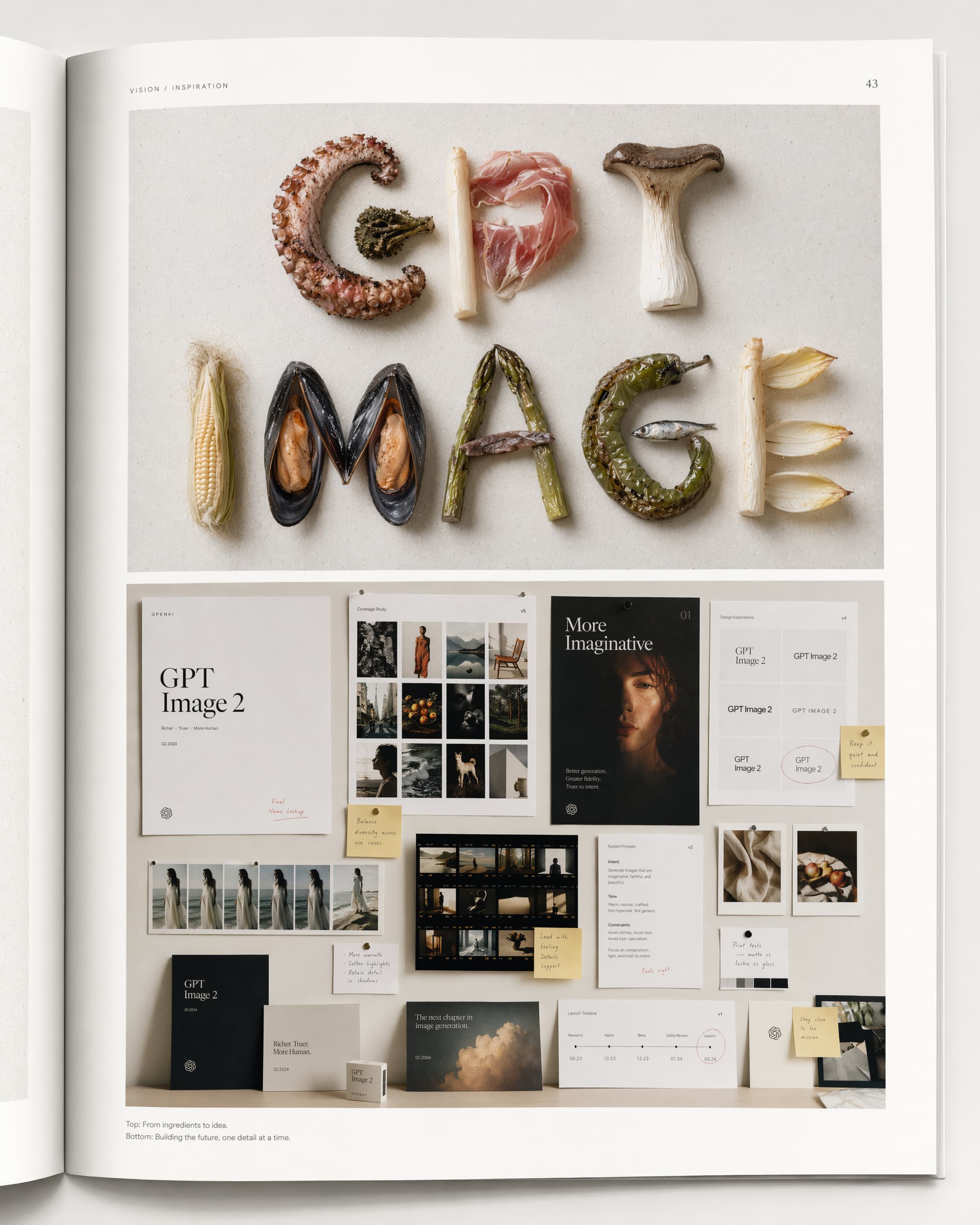
Four things it is meaningfully better at than the model it replaces, per OpenAI's announcement: "stronger editing, better layouts, improved text rendering, and more reliable instruction-following." In practice that shakes out as:
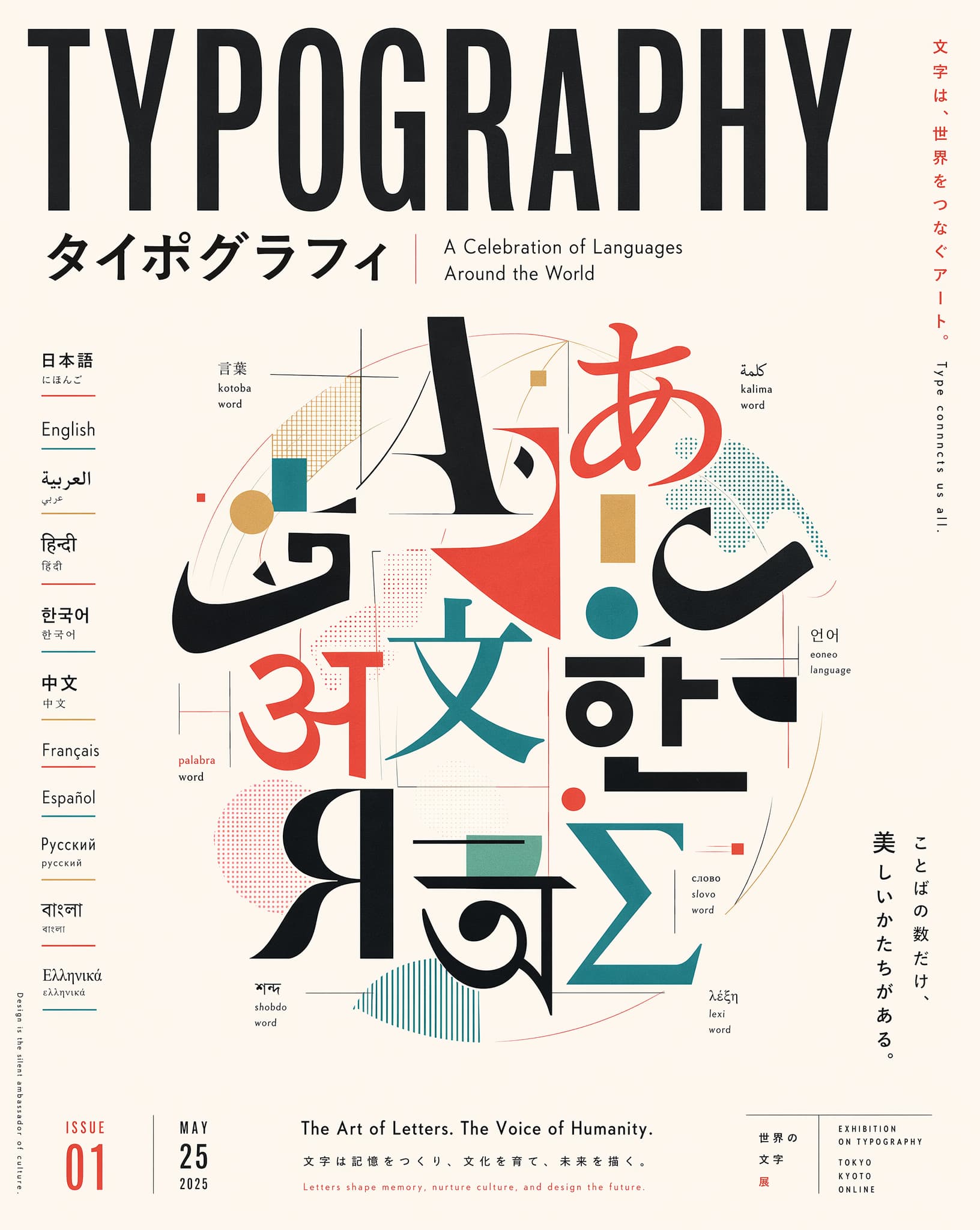
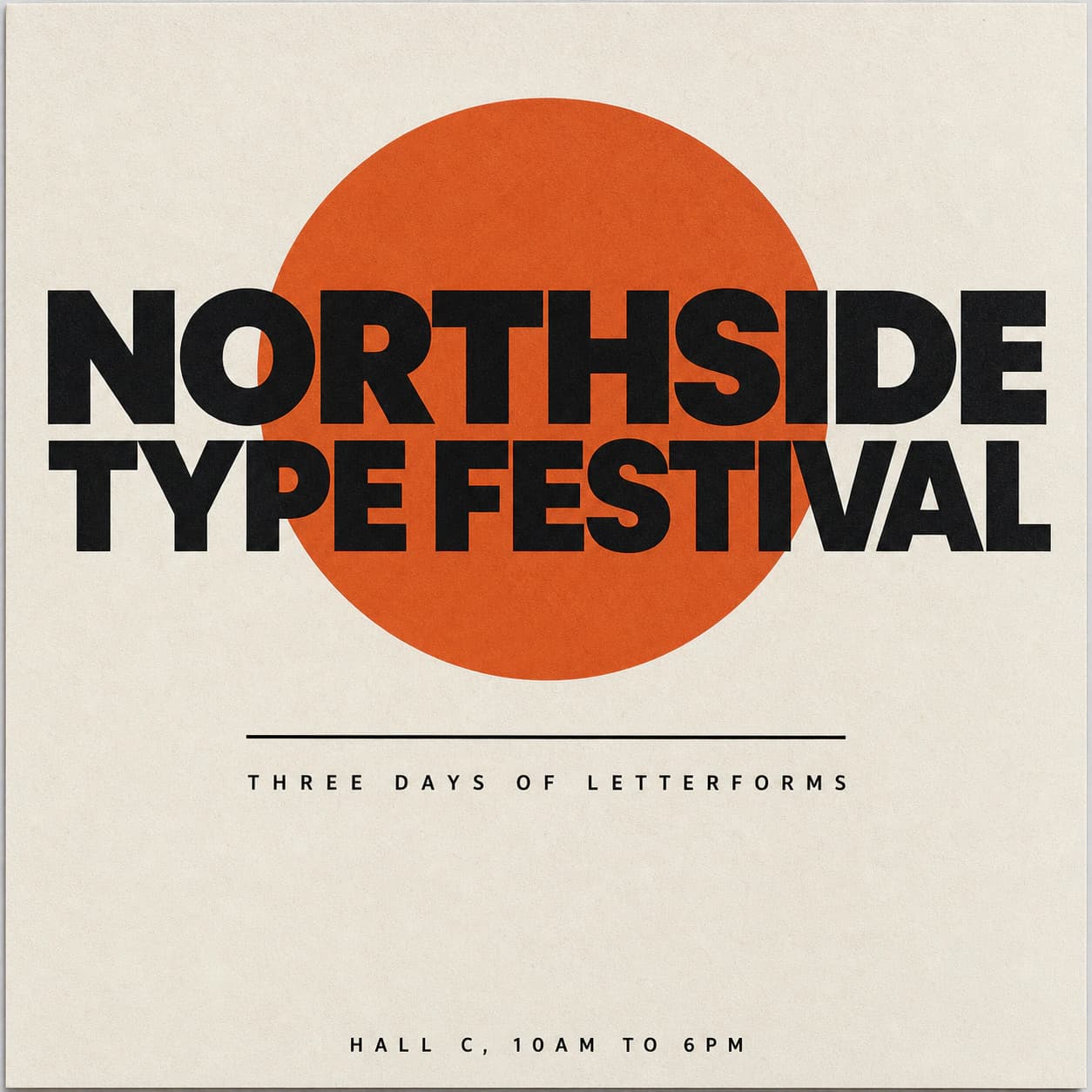
- Text inside images that survives. This is the headline. Multilingual rendering improved too, which is where every earlier generation of image model fell apart. If your job is a poster, a UI mockup, a chart, or anything with words in it, this is the model.
- Structured generation. Diagrams, infographics, and charts hold their layout instead of dissolving into decorative noise.
- Thinking mode. GPT Image 2 is OpenAI's first image model wired to a reasoning model, so it plans a layout before it draws. In the chat that is a paid-tier feature; the model itself is what you get through the API.
- High-fidelity image inputs. Reference images are processed at full fidelity, which makes edits and compositing genuinely usable rather than an approximation.
The size rules are stricter than the old three-preset menu and worth reading once before you hardcode anything. Per OpenAI's image generation guide, a gpt-image-2 size must satisfy all four of these:
| Constraint | Rule |
|---|---|
| Maximum edge | Less than or equal to 3840px |
| Edge alignment | Both edges must be multiples of 16px |
| Aspect ratio | Long edge to short edge must not exceed 3:1 |
| Total pixels | At least 655,360 and no more than 8,294,400 |
So an ultra-wide 4:1 banner is not a size you can request, and neither is a 512x512 thumbnail: it falls under the pixel floor. Generate at a legal size and resize on your side, or run an upscale pass if you need more than 3840px on the long edge.
How much does GPT Image 2 cost?
It is billed in tokens, then surfaced as a per-image estimate. The token rates from OpenAI's announcement are $8.00 per million image input tokens, $2.00 per million cached image input tokens, and $30.00 per million image output tokens, plus $5.00 per million text input tokens.
What that means per image, from the pricing tables in the image generation guide:
| Size | Low | Medium | High |
|---|---|---|---|
| 1024x1024 | $0.006 | $0.053 | $0.211 |
| 1024x1536 / 1536x1024 | $0.005 | $0.041 | $0.165 |
The tall and wide sizes really are cheaper than the square one; that row is not transposed. OpenAI's guide says so directly: a larger non-square resolution can sometimes produce fewer output tokens than a smaller or square resolution at the same quality setting, and tokens are what you pay for.
Two cost notes that only bite in production. Streaming is not free: you can set partial_images between 0 and 3, and "each partial image will incur an additional 100 image output tokens." And the gap between low and high is roughly 35x, which is why the official advice is to start at quality="low" and only move up when the output genuinely needs it. Dense text, detailed infographics, close-up portraits, and identity-sensitive edits are the cases that need medium or high. A layout draft is not.
Can I use GPT Image 2 for free?
In the chat, yes. Through the API, no.
ChatGPT Images 2.0 runs on every ChatGPT tier including free, so you can generate with GPT Image 2 today without paying anything, subject to an image cap that OpenAI does not publish and tunes with demand. Thinking mode is the paid part, gated to Plus, Pro, and Business. The caps and the refusal behavior are covered in can ChatGPT generate images.
The API has no free tier and no permanent free allowance. It is pay as you go from the first call, priced as above. If you are evaluating, the cheapest path is: prototype prompts in the chat where it costs nothing, then move the winning prompt to the API at quality="low" and only raise quality once the composition is right.
GPT Image 2 prompts: the structure that actually works
GPT Image 2 is an instruction follower, not a keyword sponge. The prompts that fail on it are almost always the same shape: a comma-separated pile of style adjectives with the subject buried in the middle, the style that worked on Midjourney. OpenAI's own prompting guide for GPT Image models is direct about the ordering: write prompts in a consistent order of background and scene, then subject, then key details, then constraints, and for complex requests use "short labeled segments or line breaks instead of one long paragraph."
Our own house rule, from running this model against Grok Imagine and the Nano Banana family on real briefs, adds one thing to the front of that: name the artifact type first. Layout and text fidelity both improve when the job precedes any style language.
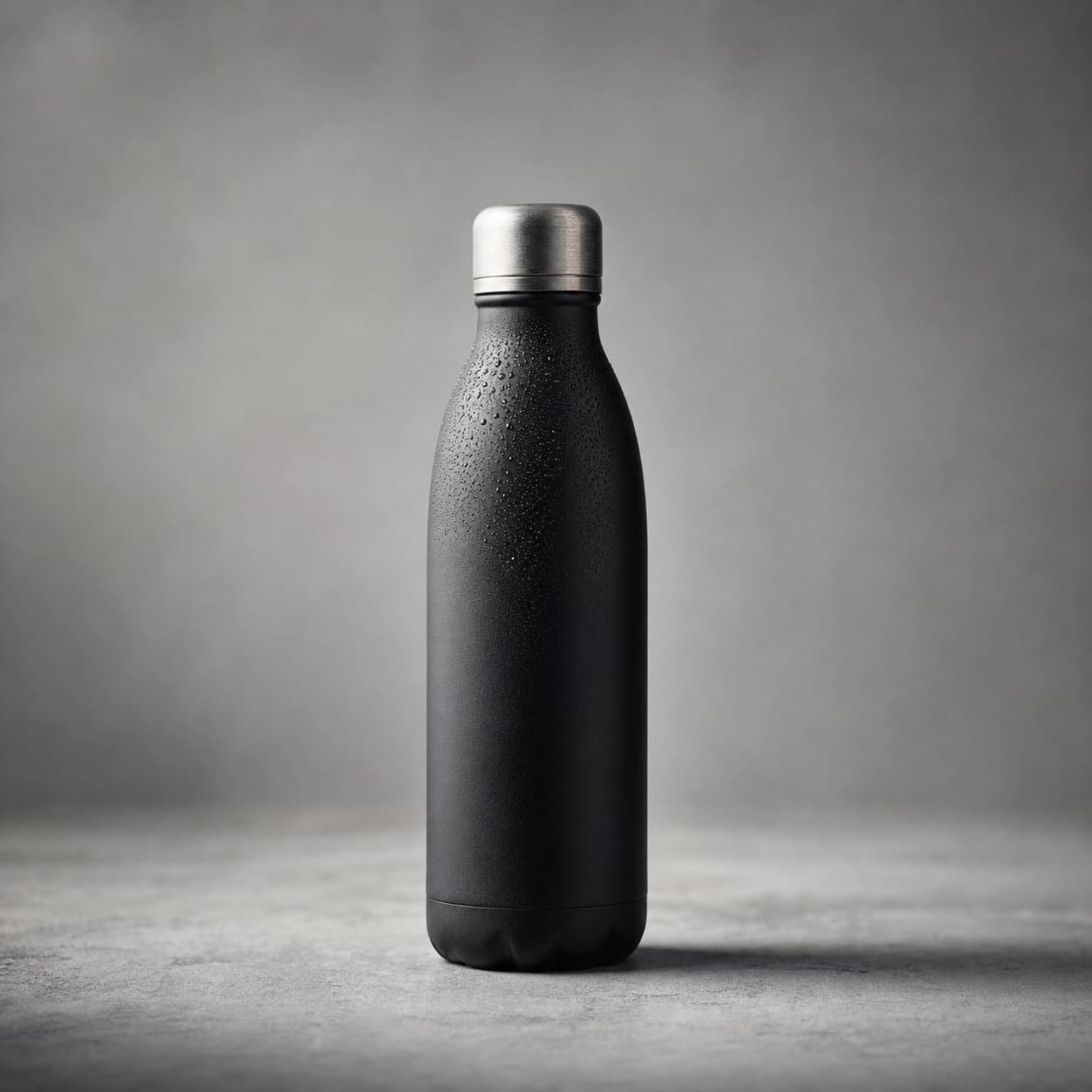
Artifact type and goal:  a product hero image for a landing page
Scene:                   matte concrete surface, soft studio backdrop
Subject:                 a matte black stainless water bottle, upright, centered
Key details:             brushed metal cap, condensation beading on the shoulder
Composition:             three-quarter angle, subject occupying 60% of frame height
Style and light:         photorealistic, single soft key from upper left, gentle falloff
Constraints:             plain seamless background edge to edge, no text, no logos
Four rules that carry most of the quality difference:
- Describe the state you want, not the state you do not. GPT Image 2 respects negative intent poorly. "Plain seamless background" works; "no clutter" does not reliably. The exception is the short list of exclusions the official guide endorses as constraints ("no watermark," "no extra text," "no logos/trademarks"), which are policy-shaped and do get honored.
- Say the word photorealistic if you want a photograph. The guide is explicit that including it "strongly engages the model's photorealistic mode." Otherwise you get the glossy generic render this model defaults to.
- Put literal text in quotes or ALL CAPS, and specify typography as a constraint: font style, size, color, placement. For an unusual word or a proper noun, spell it letter by letter. Settle the exact wording before you prompt the visual; a confirmed string renders far better than asking the model to invent a slogan.
- Iterate with one change at a time. Long prompts work, but per the guide, "debugging is easier when you start with a clean base prompt and refine with small, single-change follow-ups." Most prompt failures are a buried subject, not missing detail.
Editing without regenerating
The edits endpoint is where GPT Image 2 earns its keep, and where the most common mistake is re-describing the entire frame. That is a regeneration wearing an edit's clothes, and it degrades everything that was already correct. The official phrasing is the one to use: "change only X" plus "keep everything else the same," and repeat the preservation list on every iteration rather than assuming the model remembers it.
With multiple reference images, address them by index and describe the interaction, not just the ingredients: "put the bird from Image 1 on the elephant in Image 2." Vague compositing prompts produce vague composites.
Where GPT Image 2 is the wrong model
Being honest about this saves more credits than any prompt trick. GPT Image 2 has the strictest content filter of the mainstream models, and it will refuse or quietly sanitize prompts that other models render without complaint. Suggestive or body-forward work, glam and pin-up styling, and character art that leans on anatomy all go to Grok Imagine instead. It also has a recognizable house look: clean, glossy, slightly stock. Countering it takes a specific style anchor, not more adjectives.
For lifestyle photorealism with real skin texture rather than a beauty filter, and for reference-driven editing across a set, the Nano Banana models are usually the better call, and Nano Banana Pro is the only one of the group with native 2K and 4K resolution tiers. Their model ids and per-image API prices are in the Nano Banana API guide. If the deliverable is a video rather than a still, the dialects diverge completely: see Veo 3 prompts for cinematic work with native audio and Seedance prompts for multi-reference non-person scenes.
Where GPT Image 2 wins outright: clean commercial and branded work, product layout, diagrams and infographics, and anything where the words on the image have to be readable and correct.
What happened to GPT Image 1, GPT Image 1.5, and GPT Image 1 Mini
They are all being shut down, and the dates are close. From OpenAI's deprecations page:
| Shutdown date | Model | Recommended replacement |
|---|---|---|
| October 23, 2026 | gpt-image-1 | gpt-image-2 |
| December 1, 2026 | gpt-image-1.5 | gpt-image-2 |
| December 1, 2026 | gpt-image-1-mini | gpt-image-2 |
| December 1, 2026 | chatgpt-image-latest | gpt-image-2 |
DALL-E went first: dall-e-2 and dall-e-3 both shut down on May 12, 2026. So the entire pre-GPT-Image-2 catalog is retiring inside a single year.
For context on what you are leaving behind: gpt-image-1 reached the API on April 23, 2025 with three fixed sizes, gpt-image-1-mini arrived in October 2025 as the cheap option, and gpt-image-1.5 landed in December 2025 with faster generation and cheaper image tokens. Legacy pricing at 1024x1024 medium quality was $0.042 for gpt-image-1, $0.034 for gpt-image-1.5, and $0.011 for gpt-image-1-mini. Note that gpt-image-2 at $0.053 is more expensive than any of them at medium quality, and dramatically cheaper at low. Re-run your cost model rather than assuming the newer model is cheaper.
The two migration gotchas
Prompts mostly port unchanged. Two parameters do not, and both fail in ways that look like your code is broken.
- Transparent backgrounds are gone. The guide states plainly: "gpt-image-2 doesn't currently support transparent backgrounds. Requests with background: 'transparent' aren't supported for this model." If your sticker, logo, or mockup pipeline depended on that flag, you now need a background removal step after generation instead. Ours runs as a separate op, covered in how to remove a background from an image.
- input_fidelity is no longer yours to set. Per the guide, "For gpt-image-2, omit this parameter; the API doesn't allow changing it because the model processes every image input at high fidelity automatically." Sending it is an error, not a no-op. The behavior you wanted is now the default.
Everything else is familiar: output_format still takes PNG, JPEG, or WebP with a compression setting for the lossy two, and moderation still takes auto for "standard filtering that seeks to limit creating certain categories of potentially age-inappropriate content" or low for "less restrictive filtering." The usage policies apply either way. The official migration advice is the sane one: keep prompts largely the same at first, then retune only after you have compared output quality side by side.
Calling GPT Image 2 from an agent or a script
If a human is looking at every image, a direct API call is the simplest correct answer and you should just make it. If an agent is the caller, Dream Pixel Forge runs GPT Image 2 at 5 credits per image, generated at 1024x1024, 1536x1024, or 1024x1536, through two surfaces: the studio in the browser, and a machine surface that covers MCP, the dpf CLI, and a plain HTTP agent API. The tradeoffs of that second path are in image generation API for AI agents.
If you would rather see the output before wiring anything, the freeform image generator runs the same pipeline in the browser with no setup.
The bottom line
GPT Image 2 is the model to use for anything with words, layout, or a brand attached to it, and as of now it is the only GPT Image model with a future: gpt-image-1 goes dark on October 23, 2026, and the rest of the family follows on December 1, 2026. Migrating is mostly a model-string change, plus removing input_fidelity and replacing any dependency on transparent backgrounds. Prompt it like an instruction follower: artifact type first, then scene, subject, details, constraints, with literal text in quotes and one change per iteration. And when the brief is a glam portrait or a photoreal lifestyle scene, send that work to a different model. The filter and the house style are not going to change.