Guides
Best AI Image Generator: The Right Tool for Each Job (2026)
Compare the best AI image generators for each job in 2026, with verified free tiers, pricing, output licenses, strengths, and practical limitations.
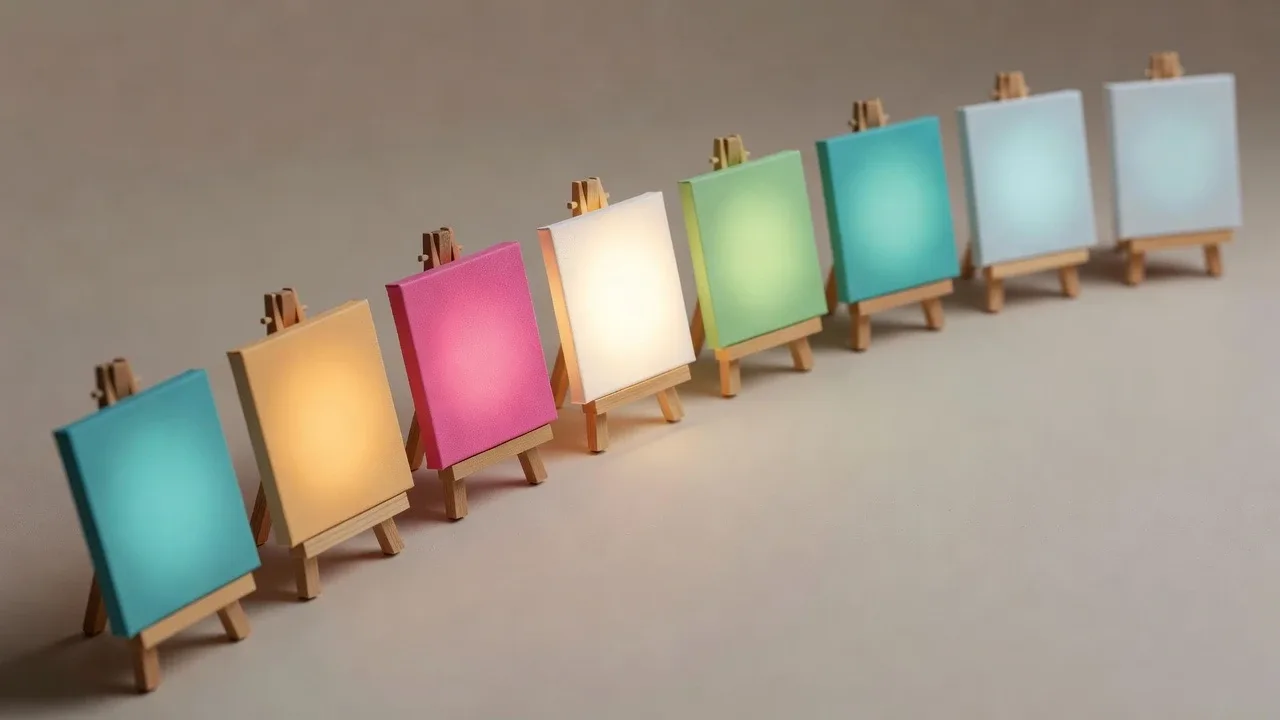
There is no single best AI image generator, and any list that crowns one is selling you something. The honest answer is that the right tool depends on what you are making: a quick concept sketch, a photorealistic product shot, a poster with legible text, a repeatable character that looks the same across fifty images, or a batch of on-brand assets you do not want to prompt-engineer by hand. The models converge fast, so the real differences now are the free tier, the license on your output, how the tool is accessed, and whether it does the work you actually have.
This guide is organized by use case rather than as a flat ranking. Find the row that matches your job, and use the pick there. Every price, free tier, and license below was checked against the vendor's own pages while writing this, because these change constantly and stale numbers are worse than none. If you are specifically weighing a move away from Midjourney, we cover that in Midjourney alternatives; this post is the wider category map.
Pick your tool in ten seconds
The short version, before the details:
- Just want a good image, minimum fuss: Google's Gemini image model (nicknamed "Nano Banana") or ChatGPT's built-in image generator. Both are conversational and strong all-rounders.
- You do not want to write prompts at all: an agentic tool that turns a one-line request into finished, on-brand images. This is where Dream Pixel Forge sits.
- Free is the hard requirement: Google AI Studio, Leonardo, or Ideogram all have real free tiers; self-hosted Stable Diffusion is free forever if you have a GPU.
- Photorealism, skin, and camera feel: Krea or FLUX.
- Words rendered correctly inside the image, or design assets: Ideogram for text, Adobe Firefly or Canva for design work you will publish commercially.
- The same character across many images: a tool that locks identity to a reference, not a general generator that reinvents the face every run.
- Full control, offline, or open weights: Stable Diffusion 3.5 or FLUX, self-hosted.
Best overall for most people
For someone who just wants a capable generator without a workflow, the two conversational tools are the easiest wins.
Google Gemini image generation (marketed as "Nano Banana," officially the Gemini Flash Image model, with a higher-end Nano Banana Pro) is currently the strongest general-purpose model for most tasks: solid photorealism, unusually good in-image text, and genuinely useful conversational editing where you keep refining one image by chatting. Every image it produces carries an invisible SynthID watermark marking it as AI-generated. You can use it free inside the Gemini app and, with a generous daily quota, in Google AI Studio.
ChatGPT's image generation is the other default, mostly because so many people already have it open. OpenAI replaced DALL-E 3 in the ChatGPT interface with its newer GPT Image model, and the classic DALL-E 3 API is scheduled to retire in May 2026. Free ChatGPT accounts can generate a small number of images per day; paid tiers raise the ceiling. It is convenient and good at following instructions, though for pure image quality and editing control the Gemini model has pulled ahead.
Both are excellent starting points and cost nothing to try. Where they fall short is repeatable, brand-consistent, production work: neither remembers your brand, and neither keeps a character identical across a batch. That is where the more specialized tools earn their place.
Best for beginners who do not want to write prompts
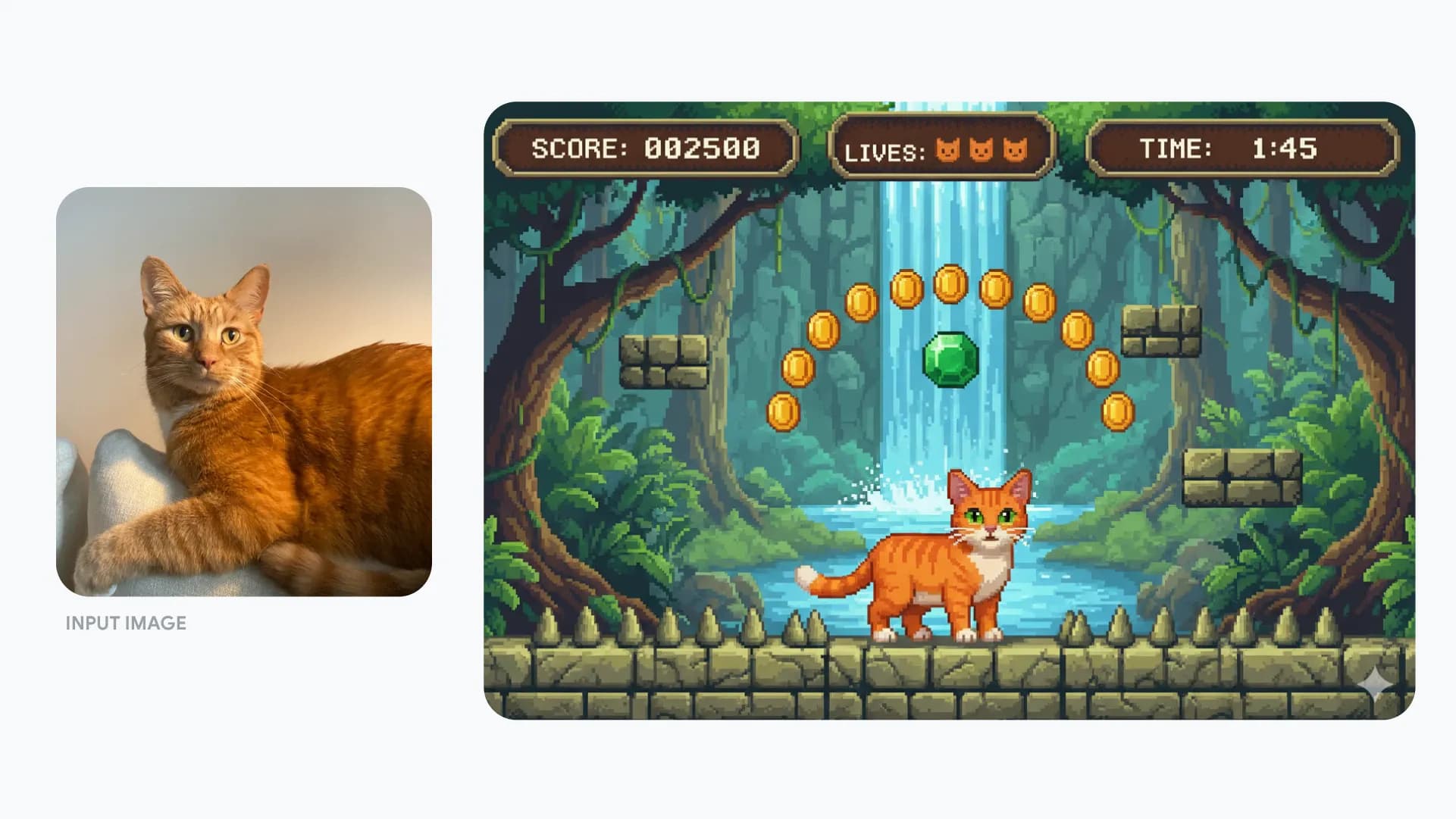
Prompt engineering is a skill, and most people do not want to acquire it. If your goal is a finished asset and not a hobby, the useful category is agentic generators that take intent rather than instructions.
Dream Pixel Forge is built around this idea. Instead of a prompt box, it holds a brand profile (your product, tone, style, colors, reference images) and a creation agent: you say what you want in a sentence, the agent plans the images, generates them, checks its own output against the brief, and regenerates the misses before you see anything. It is deliberately the opposite of the blank-canvas tools above. The tradeoff is honest: you give up the fine, word-level control that power users of Midjourney or Stable Diffusion enjoy, in exchange for not having to do that work. You can try a generator with no account on free trial credits, and new accounts get a small credit balance that refills daily, so you can judge it on your own brief before paying. See the freeform generator for the plain text-to-image entry point.
Canva deserves a mention here too: its Magic Media generator lives inside an editor most beginners already know, so you can generate an image and drop it straight into a layout. The catch is licensing, covered in the design section below.
Try it now
Free to try, no account needed Example output
Your generated image will replace this example.
Best free AI image generators
"Free" is the single most-searched qualifier for this category, and there are genuinely good free options. What you are really shopping for is where each free tier stops: daily caps, watermarks, resolution limits, or a license that forbids commercial use.
- Google AI Studio is the most generous free path to a top-tier model right now, letting you generate a large number of images per day at no cost through the Gemini API console. The SynthID watermark is always present.
- Leonardo.ai gives every free account a daily token allowance (around 150 tokens that reset each day and do not roll over), which covers a steady trickle of images and access to its Phoenix models. Paid plans start around $12 per month. It leans toward game art, concept art, and asset production.
- Ideogram has a limited free tier (roughly ten slow credits that refill weekly) and is the pick when your image needs correct text, more on that below. Paid plans start around $8 per month.
- Krea offers a free daily credit pool, but free outputs are watermarked and, per Krea's terms, not licensed for commercial use.
- Self-hosted Stable Diffusion is the only truly unlimited free option: once the weights are on your own machine, generation costs nothing but electricity and your GPU. It requires setup, covered in the open-source section.
- Dream Pixel Forge includes free trial credits with no account required so you can test the agentic flow on a real brief, then a daily-refilling free balance after signup. Note the license line: free-tier output is personal and evaluation only, and commercial rights start on the paid plans.
The recurring gotcha across every free tier is the license, not the price. A watermark you can see; a commercial-use restriction you cannot, and it is the one that bites when you put a free image on a product you sell. Always read the output license before you publish, not after.
Best for photorealism
If you are chasing believable photographs, faces, skin, and lens behavior rather than illustration, two tools stand out.
Krea centers its proprietary Krea 1 model on exactly this: realistic skin texture, accurate color, unusual camera angles, and the small imperfections (grain, bloom, shallow depth of field) that separate a photo from a too-clean AI render. It aggregates dozens of other models too, so it doubles as a place to compare outputs. Paid plans start around $9 per month; the free tier is watermarked and non-commercial.
FLUX, from Black Forest Labs, is the other realism heavyweight. The FLUX family (FLUX.2 and the FLUX.1 Kontext editing models) is known for anatomically coherent people and strong prompt adherence, and it is available both as a pay-as-you-go API with a browser playground and as downloadable weights. It powers the realism in a lot of other apps you have already used, often without the branding.
Google's Gemini model and Adobe Firefly also produce convincing photographs, so if you are already using one of them, test it on your shot before adding another subscription.
Best for text in images and design assets
Rendering readable words inside an image used to be the thing AI generators failed at hardest. That has changed, but unevenly.
Ideogram is the specialist. Its current model renders embedded text far more reliably than general generators, which makes it the practical choice for posters, logos-as-concepts, quote graphics, and mockups where a typo in the generated lettering ruins the image. If your picture has to say something, start here.
Adobe Firefly is the pick when commercial safety is the priority. Adobe trained Firefly on licensed Adobe Stock, openly licensed, and public-domain content, and offers an IP indemnification commitment for qualifying customers, which is why cautious brands and agencies default to it. It has a free tier with a small monthly allotment of generative credits, and paid plans start at $9.99 per month; it also lives inside Photoshop and the wider Creative Cloud, so generation sits next to your editing.
Canva Magic Media is the fastest route from idea to finished layout because it is built into the design tool. The important caveat: on Canva's free plan, AI images carry a limited lifetime credit allowance and no commercial rights, so commercial use requires a Pro or Teams plan. For a marketer producing social graphics all day, that integration is worth the subscription; for a one-off image you plan to sell, check the license first.
For choosing the visual language itself, whichever tool you land on, our guide to AI art styles covers the style vocabulary that actually changes an output.
Best for character consistency
Keeping one character looking like the same person across many images is a distinct problem, and it is where general generators fail most visibly: ask ChatGPT or Midjourney for "the same woman" in ten scenes and you get ten slightly different faces. The technical fix is locking identity to an approved reference rather than re-rolling from a prompt each time.
Dream Pixel Forge handles this by generating and locking a character sheet up front, then rendering every subsequent image against that anchor, so a persona holds its face and features across a whole series without training a custom model. This is the core of its AI-influencer and persona workflows. Among the general tools, FLUX.1 Kontext and Gemini's conversational editing are the strongest at holding a subject steady while you change the scene, because both let you edit from a reference image rather than regenerate from scratch. If consistency is your whole project (a comic, a virtual model, a recurring mascot) prioritize a reference-locking tool over raw single-image quality.
Best open-source and self-hosted
If you want no per-image cost, full control, offline use, or the ability to fine-tune, open-weight models are the answer, and there are two serious ones.
Stable Diffusion 3.5 from Stability AI is the most widely deployed open model. The weights (Large at 8.1B parameters, a faster Large Turbo, and a lighter Medium that runs on consumer hardware) are downloadable from Hugging Face, and the Stability Community License permits free commercial use for organizations under $1M in annual revenue, with an enterprise license above that. Run it through ComfyUI or the diffusers library.
FLUX.1 also ships open weights, but read the license carefully: the FLUX.1 dev weights are released under a non-commercial license for research and personal use, and commercial self-hosting requires a separate license from Black Forest Labs. So FLUX gives you higher out-of-the-box quality than most open models, with more licensing homework than Stable Diffusion.
Both require a capable GPU and a willingness to tinker. In exchange you get unlimited generation, total privacy, LoRA fine-tuning, and no vendor able to change the rules on you. If you want to understand what these models are doing under the hood, we walk through it in how AI image generation works.
Best for a distinctive artistic look
Midjourney still has the most recognizable house aesthetic: give it a loose idea and it returns something with strong composition and mood without much prompting. The two things to know are that it is subscription-only with no free tier or trial (plans start at $10 per month), and it is now usable on the web as well as through its original Discord bot. If its look is what you are after, it is worth the price; if you like the results but want a free tier, offline use, or commercial certainty, our Midjourney alternatives guide maps the closest options.
Leonardo.ai is the other pick for stylized work, especially game and concept art, with fine-grained control over style and a real free tier to experiment in.
How to actually choose
Run this test instead of trusting any ranking, including this one. Take the single hardest image you actually need, the one with the flyaway hair, the specific product, the exact words, or the recurring character, and generate it in two or three candidates on their free tiers. The demo galleries always look perfect; your real brief is what separates the tools. Then check three things before you commit: the output license for how you will use it, the cost per image at your real volume, and whether the tool fits your workflow or forces a new one. The best AI image generator is the one that clears your hardest image at a price and license you can live with, and for most people that is more than one tool.