Guides
Can ChatGPT Do Virtual Staging? Yes, With One Big Catch
Can ChatGPT do virtual staging? Yes, but it regenerates your listing photo instead of editing it. What OpenAI's docs say about the limits and the fix.
Yes, ChatGPT can do virtual staging. Upload a photo of an empty room, describe the furniture you want, and ChatGPT Images will hand back a furnished version of that room, usually in under a minute and often good enough to show a seller. The catch is structural, and it is the reason most agents who try ChatGPT virtual staging on a real listing end up going back to a purpose-built tool: ChatGPT does not edit your photograph, it regenerates it. Everything you did not ask it to change, the window mullions, the fireplace brick, the direction of the floor planks, gets redrawn from scratch alongside the sofa you asked for. For a concept image that is fine. For a photo you are about to put on the MLS as a representation of a real property, it is a problem.
This post is the honest version: what ChatGPT actually does well here, exactly where it breaks, and what OpenAI's own documentation says about the limitation.
How to use ChatGPT to stage a home
The workflow is four steps and takes about two minutes.
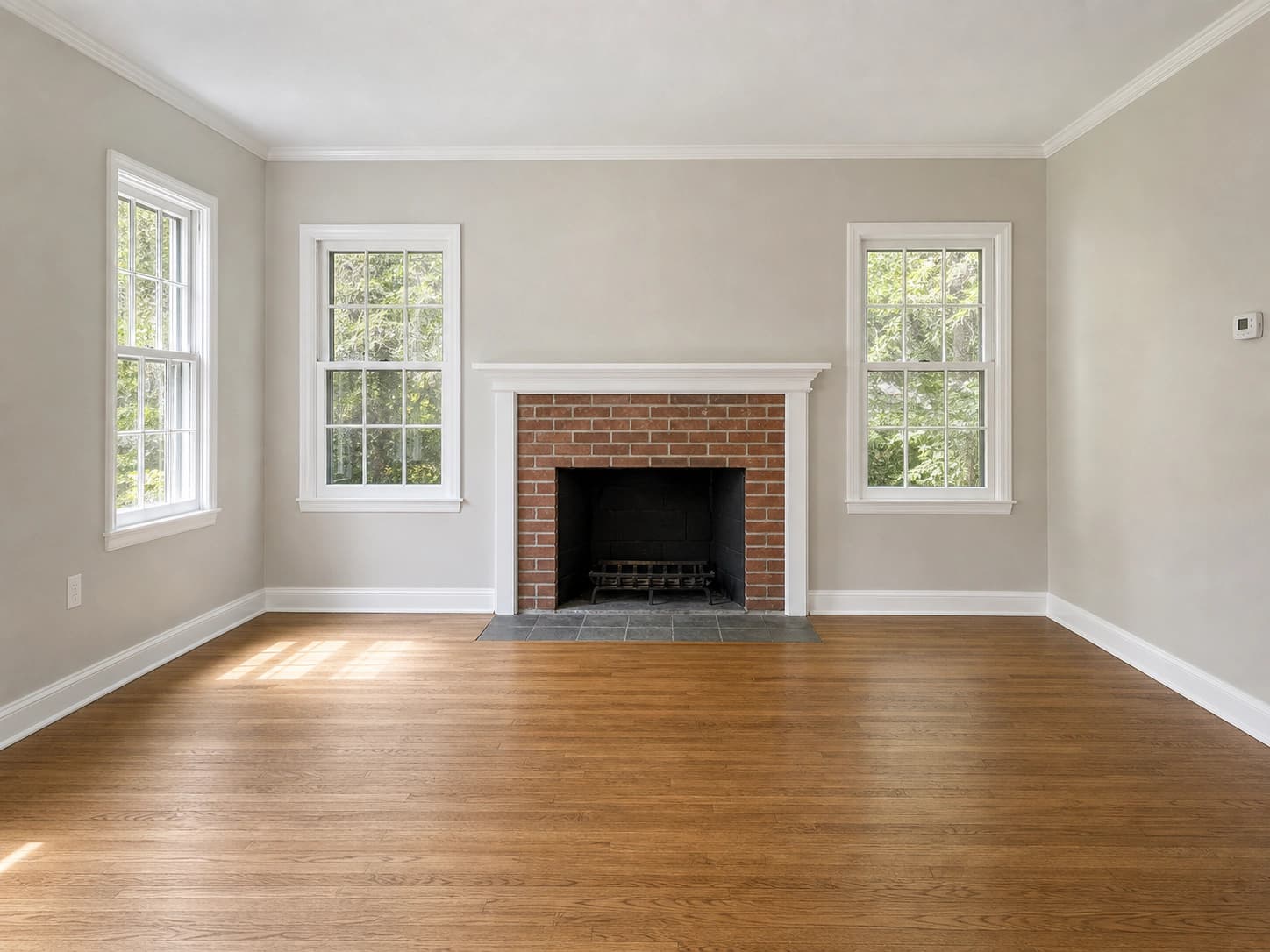
- Open ChatGPT and upload your empty room photo. Use the best original the photographer delivered, not a screenshot from the MLS.
- Describe the staging: room type, furniture style, the buyer you are positioning for.
- Add an explicit preservation instruction. This matters more than the furniture description and most people skip it.
- Open the editor if you want to point at a specific area, then iterate.
A prompt that works better than "add furniture to this room":
Stage this empty living room as a photorealistic real estate
listing photo. Add a fabric sofa with throw pillows, two accent
chairs, a coffee table, a large area rug under the seating, and a
floor lamp, in a warm transitional style with a neutral palette.

Keep the room exactly as photographed: do not change the walls,
windows, window frames, doors, flooring, ceiling, trim, fireplace,
outlets, or the camera angle. Match the existing daylight direction
and add correct contact shadows under every piece of furniture.
Change nothing except the furniture and decor.
The second paragraph is doing the real work. OpenAI's own prompting guide for these models recommends exactly this pattern, telling you to state your invariants and to "repeat the preserve list on each iteration to reduce drift". That instruction is also an admission: drift is the default behavior, and repeating yourself reduces it rather than eliminating it.
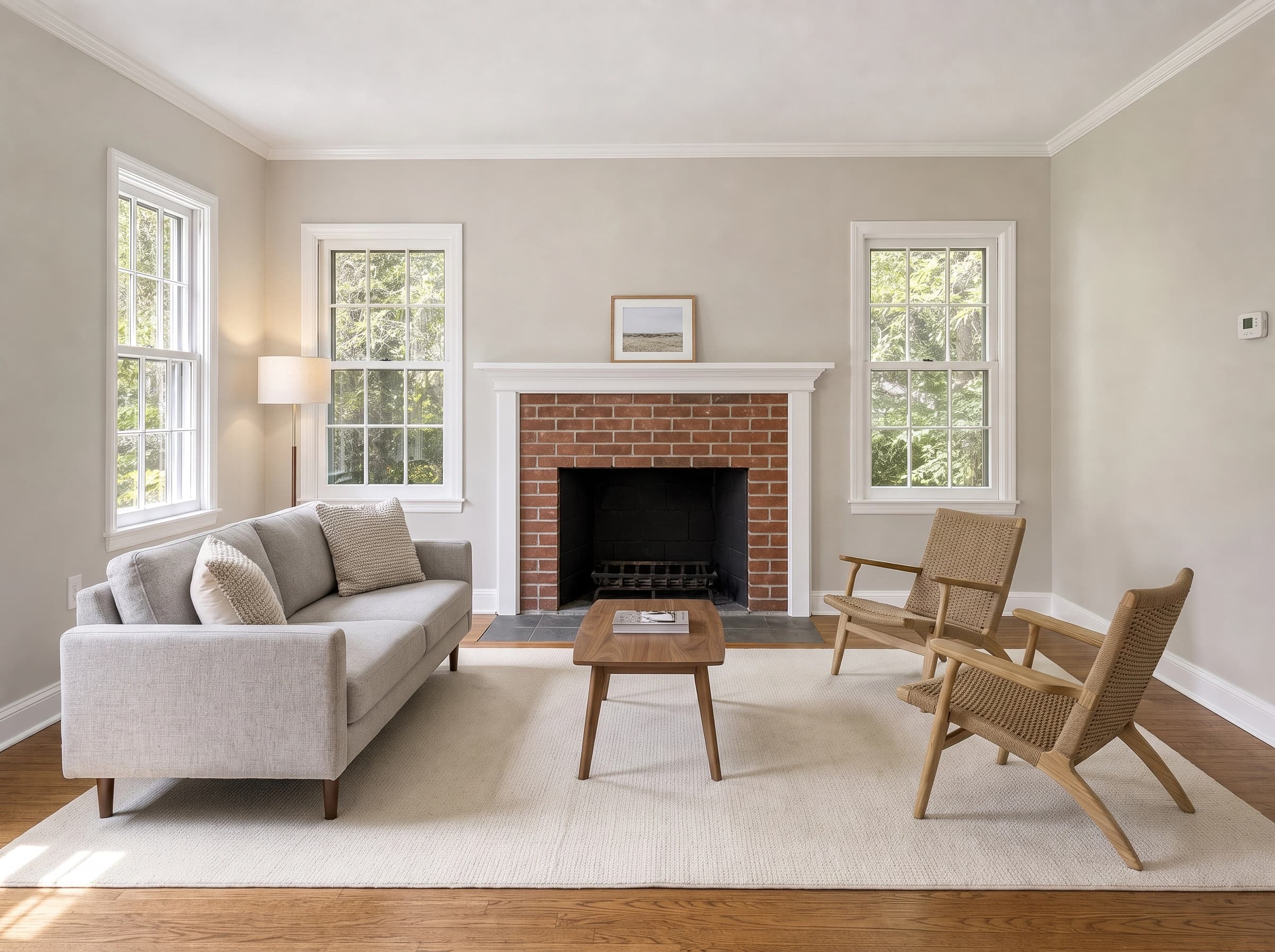
On availability, OpenAI states that ChatGPT Images 2.0 is available on all tiers, so you do not need a paid plan to try this. The "Images with thinking" mode, which reasons about the image before rendering, is limited to Plus, Pro, and Business. There is also an editor with a selection tool: you highlight a region and describe the change, or skip the selection entirely and describe the edit in the conversation.
Where ChatGPT virtual staging breaks on a listing photo
It breaks on pixel integrity. A listing photo has a job that a concept image does not: it has to be the property. ChatGPT's image model has no mechanism that guarantees the untouched parts of your photo survive untouched, and OpenAI documents this plainly rather than hiding it.
From the ChatGPT help center, on the editor's selection tool: "Highlights are not always precise, and edits may extend beyond the area you selected." From the API documentation, on masked editing, which is the stricter developer-facing version of the same feature: "Masking with GPT Image is entirely prompt-based. The model uses the mask as guidance, but may not follow its exact shape with complete precision."
Read that second quote carefully, because it is the whole answer. In a traditional photo editor a mask is a hard boundary: pixels outside it are mathematically untouched. In GPT Image the mask is a suggestion passed to a generative model, which then produces a new image. There is no region of your original photograph that is protected by construction.
So the useful move is to check the output against the original before you publish it. On empty-room shots, these are the places to compare first, because they are where a regenerated interior most often diverges from the photograph it came from:
- Windows. Mullion counts change, grid patterns shift, and the view outside becomes a different view.
- Floors. Plank width and run direction change, and wood grain is invented rather than preserved.
- Fireplaces and masonry. Brick coursing gets redrawn, mantels change profile, hearth dimensions move.
- Trim and millwork. Baseboard height and crown molding profiles soften or simplify.
- Fixtures and hardware. Outlets, vents, thermostats, and switch plates move or disappear.
- Geometry. Wall lines bow very slightly and the room reads a little larger or squarer than it is.
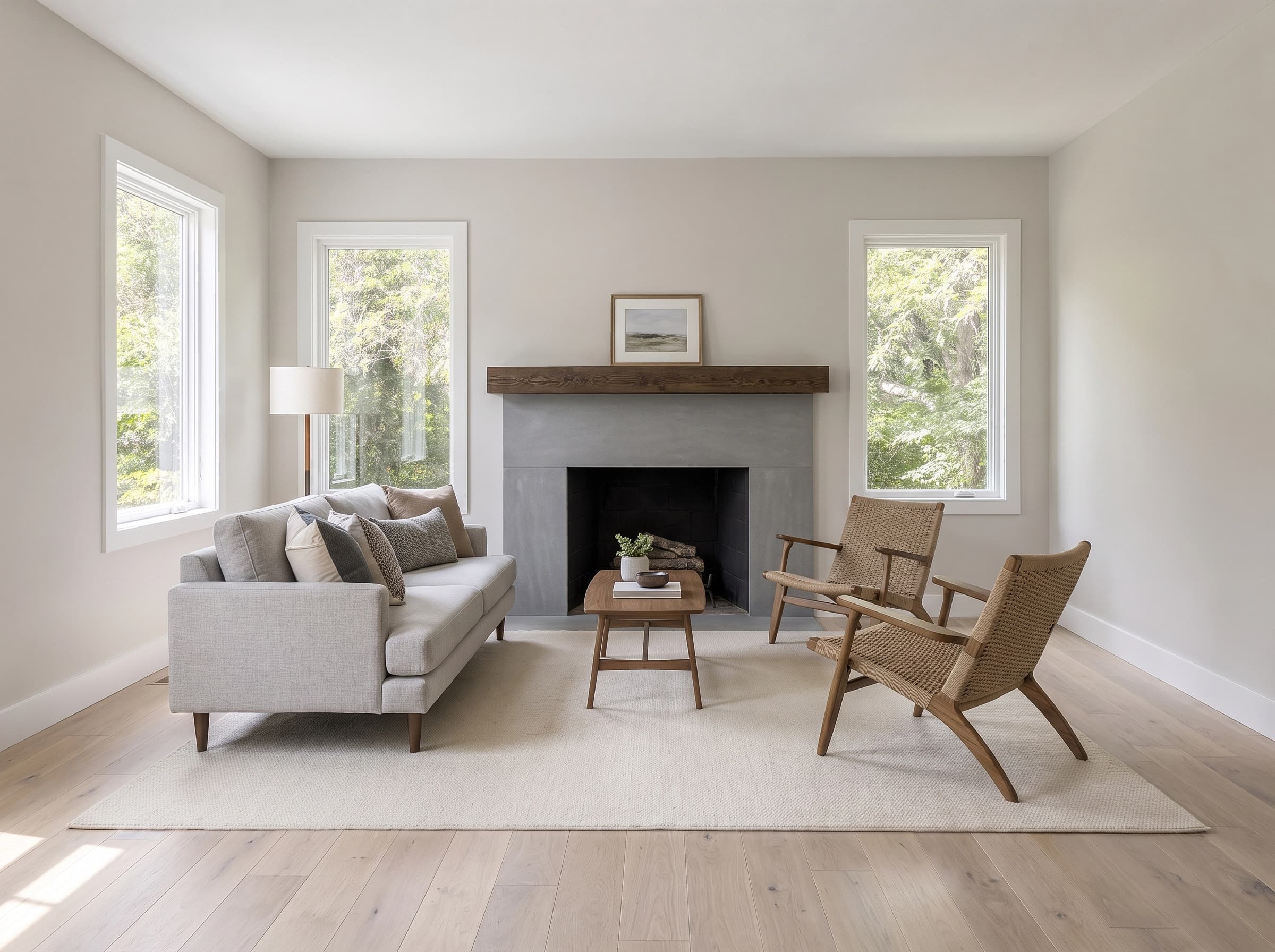
Any one of these is invisible in isolation. Put the original and the staged version side by side and they are obvious, which is exactly the comparison a buyer's agent makes at the showing.
There is a resolution problem too. GPT Image 2 will not simply return your photographer's file at its native dimensions. OpenAI's size constraints require both edges to be multiples of 16 pixels, cap the long edge at 3840px, and hold the long-to-short edge ratio at 3:1 or under. The docs also note that outputs above 2560x1440 are "considered experimental". So your 6000px wide-angle interior comes back smaller, at slightly different proportions, and any crop you were relying on is gone.
ChatGPT interior design vs staging a listing photo
This is where the two use cases split, and it explains why ChatGPT interior design results look so much better than ChatGPT virtual staging results even though it is the same model doing the work.
If you are redesigning your own living room, drift is not a bug. You want the model to reimagine the space, try a different wall color, suggest a layout you had not considered, and show you a room that is better than the one you have. Inventing a nicer window is a feature. Nobody is going to hold the render up against reality and complain.
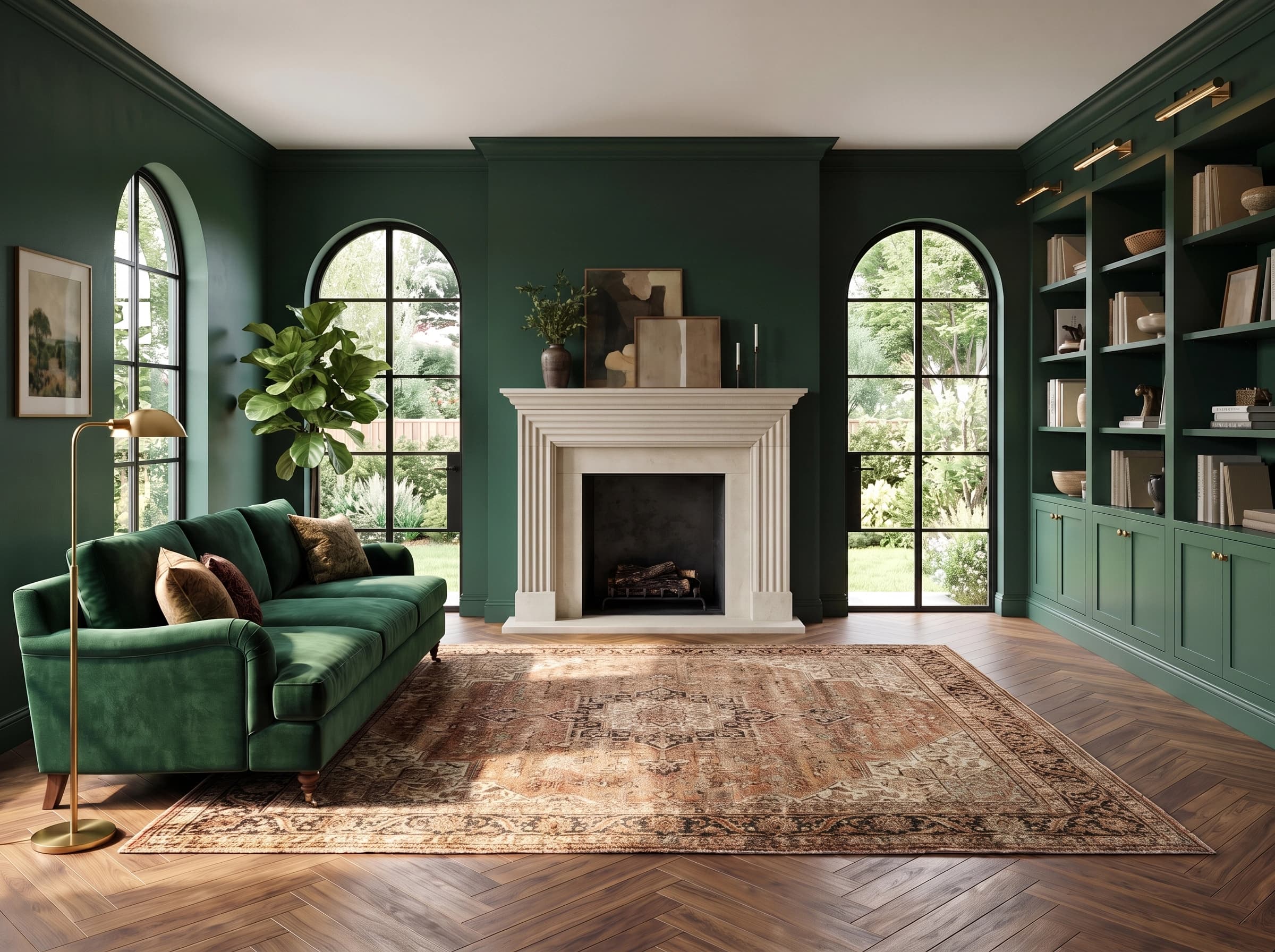
Staging a listing photo is the opposite job. The photograph is evidence about a property, and the only thing you are permitted to add is furniture that is visibly not part of the house. Every architectural improvement the model makes for free is a small misrepresentation. Same model, same prompt style, completely different tolerance for error.
Is virtual staging illegal?
No, virtual staging itself is not illegal. Failing to disclose it is what gets agents into trouble, and the disclosure rules got materially stricter in 2026.
The NAR Code of Ethics has always covered this in principle. Article 12 requires REALTORS to "present a true picture in their advertising, marketing, and other representations", and Standard of Practice 12-10 extends that obligation to internet content and images, prohibiting, among other things, "otherwise misleading consumers, including use of misleading images". That is a general no-deception rule rather than a specific labelling mandate.
California made it specific. AB 723 (Chapter 497, Statutes of 2025) added Section 10140.8 to the Business and Professions Code and took effect on January 1, 2026. A licensee who advertises a property with a digitally altered image must include a statement that the image has been altered, "reasonably conspicuous and located on or adjacent to the image", plus a link, URL, or QR code to a publicly accessible copy of the original. On a website the licensee controls, the unaltered version has to be in the posting itself. The statute defines a digitally altered image as one changed "through the use of photo editing software or artificial intelligence" to add, remove, or change fixtures, furniture, flooring, walls, paint color, landscaping, or the views through windows. Lighting, white balance, color correction, straightening, and cropping are explicitly excluded. Adding a sofa is not.
That last requirement is why architectural drift stops being a purely aesthetic concern. If the rule obliges you to publish the original next to the staged version, a staged photo with different windows and a rebuilt fireplace is not a staging job, it is a discrepancy with your name on it. Your own state and your local MLS may have additional rules on watermarking and listing remarks, so check both before you upload.
What is the best AI for virtual staging?
For a one-off concept image you want in the next five minutes and do not intend to publish, ChatGPT is genuinely the best answer: it is free to try, it is already open in a tab, and it needs no setup. For listing photos, use a tool built for staging, because the difference is not the model, it is the harness around it.
Being straight about this: purpose-built staging tools, ours included, run on the same class of generative image model that ChatGPT does. Dream Pixel Forge routes staging jobs across Nano Banana, FLUX Kontext Pro, and GPT Image 2. There is no secret architecture-preserving model that only staging companies have. What a staging tool gives you is everything around the prompt:
- The preservation instruction ships on every generation. That long "do not change the walls, windows, flooring, or camera angle" paragraph is built into the template, so it is never the thing you forgot to retype on the fourth iteration.
- Staging fundamentals are encoded, not art-directed. Furniture scaled to the room, seating arranged to anchor the space rather than line the walls, rugs sized under the furniture, broker-neutral palettes.
- Listing aspect ratios by default. 3:2, 4:3, and 16:9, rather than whatever the chat window decides to give you.
- Repeatability across a listing. Pick a room type and a style once and every room in the set comes back consistent, instead of six separate conversations that drift apart.
- Predictable cost per image. Two credits per staged photo, so restaging the same living room for a young-family buyer and again for a downsizer is cheap enough that you actually do it.
You can run an empty room through the virtual staging tool below and compare the result against what ChatGPT gives you on the same photo. That side-by-side is a more useful answer than any comparison table.
Try it now
Free to try, no account needed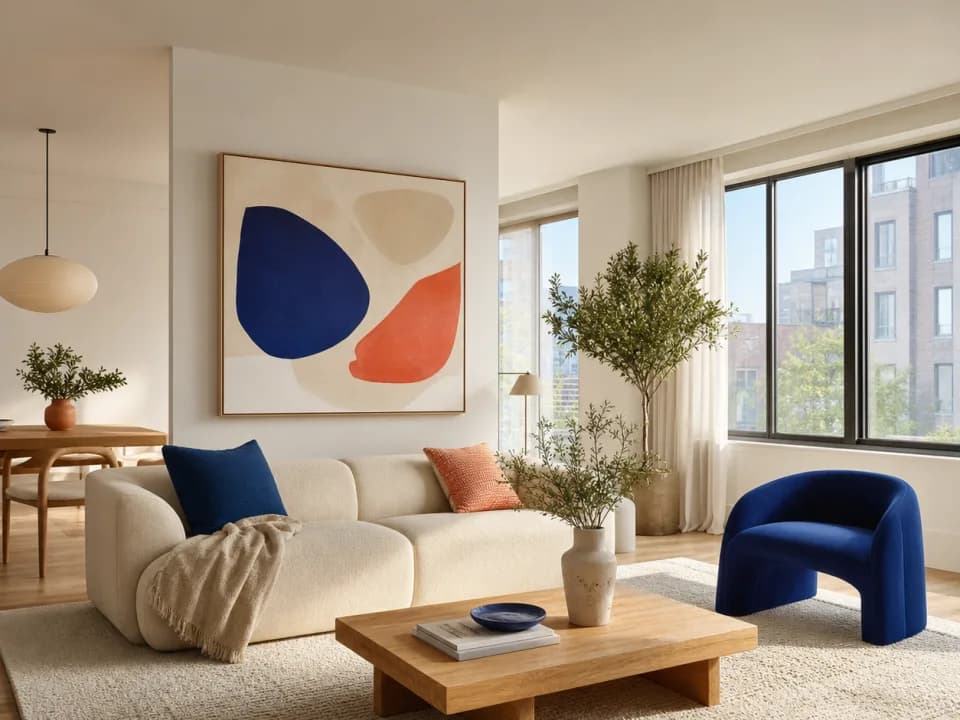 Example output
Your generated image will replace this example.
If you are shopping more broadly, our roundup of virtual staging software covers the dedicated platforms, and virtual staging for real estate walks through where it fits in a listing workflow. New to the term entirely? Start with what virtual staging is.
Is virtual staging free?
With ChatGPT, effectively yes. ChatGPT Images 2.0 is available on all tiers, so a free account can stage a room today, subject to the usual free-plan rate limits. That is the strongest argument for trying it: your first mock-up costs nothing.
Dedicated tools mostly charge per image, but free tiers exist. Dream Pixel Forge gives new accounts 15 credits, and a staged photo costs 2 credits, so you get several listing-quality images before paying anything. We covered the free options across the category, including the ones with watermarks and commercial-use restrictions worth reading before you publish, in our guide to free virtual staging.
Is virtual staging worth it?
For a vacant listing, yes, and the math is not close. The Real Estate Staging Association's quarterly industry data put the average physical staging investment at $3,588 in Q1 2025, $4,387 in Q2, and $3,813 in Q3. Virtual staging costs a few dollars per photo and targets the same thing physical staging targets: the two seconds a buyer spends on your lead image before deciding whether to book a showing.
The honest caveat is that virtual staging only sells the photos. Buyers still walk into an empty room, so it raises showings rather than replacing furniture. And it only works if the images are credible. A staged photo that a buyer can tell was generated does more damage than an honest empty room, which loops straight back to why architectural drift matters.
The bottom line
Can ChatGPT do virtual staging? Yes, and for a free tool with no setup it does a surprisingly good job of putting believable furniture into an empty room. Just be clear about what you are getting. ChatGPT regenerates your photograph rather than editing it, OpenAI documents that edits "may extend beyond the area you selected", and the room that comes back is a very good painting of your room rather than your room with furniture in it. Use it for concepts and seller conversations. For anything that goes on the MLS, especially now that California requires the unaltered original alongside the staged version, use something that treats the architecture as fixed. Try it on your own empty-room photo with the virtual staging tool and judge the difference yourself.
Curious how the other major assistant handles this? We answered the sibling question in can Claude generate images, where the answer is shorter and less encouraging.