Guides
The Best Virtual Staging Software in 2026, Compared on Price
Virtual staging software compared on real published pricing: Stager AI, Virtual Staging AI, AI HomeDesign, Collov, ApplyDesign, and BoxBrownie, plus which to buy.
The best virtual staging software depends on how many listings you shoot, not on which tool has the nicest sofas. Virtual staging software in 2026 comes in three shapes: monthly subscriptions that meter you by photo (Virtual Staging AI, Stager AI, AI HomeDesign, Collov), pay-as-you-go credits with no subscription (ApplyDesign), and per-image editing services where you send photos out and get staged ones back (BoxBrownie, at US$30 a photo). Every price below was read off the company's own pricing page in July 2026.
What actually separates these tools is rarely the furniture catalog. It is the per-photo cost after you factor in re-renders, whether unused photos roll over, and whether the model leaves your walls, windows, and flooring exactly as photographed. Here is the comparison, then honest guidance on which one to buy.
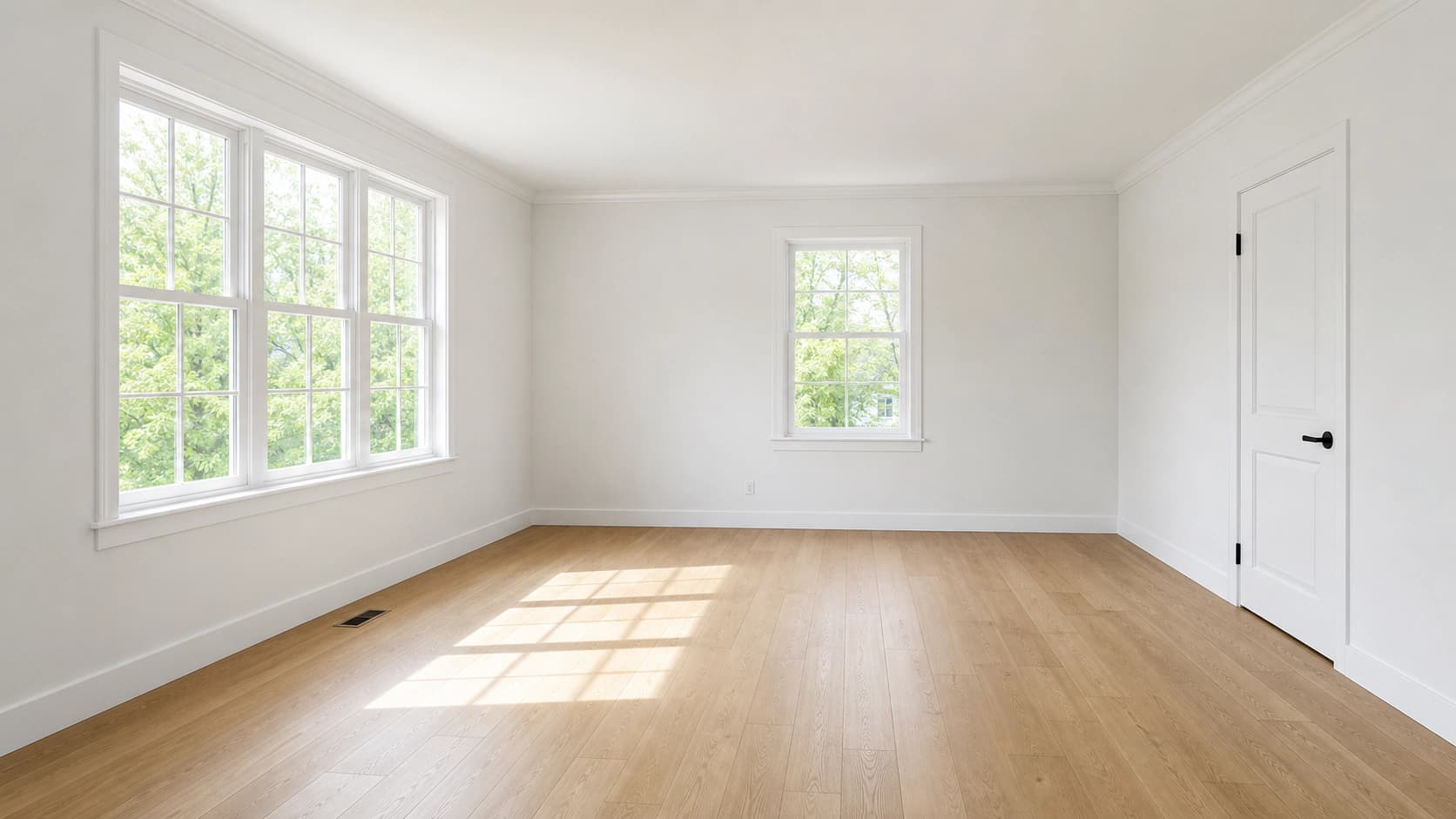
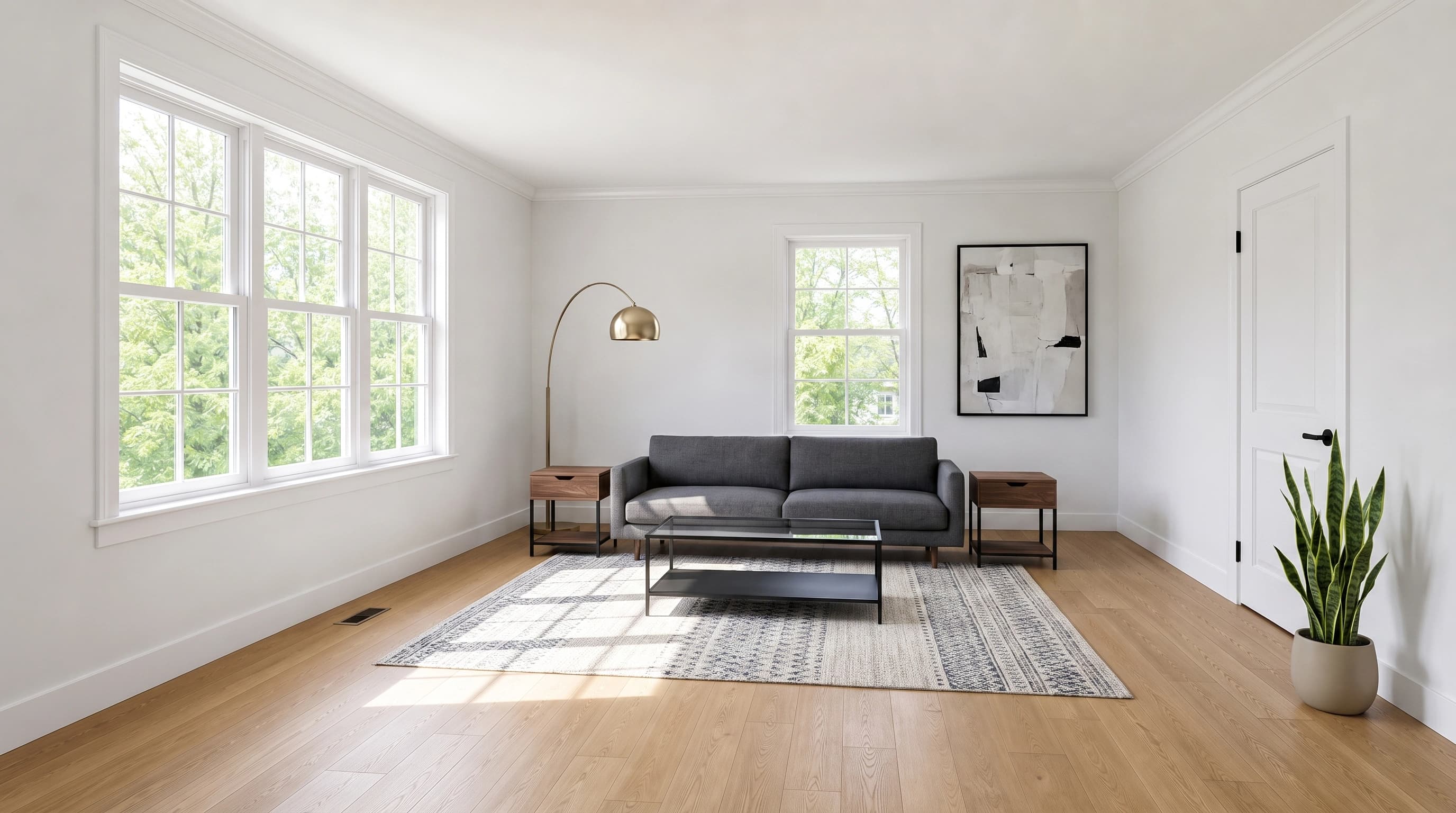
What is the best virtual staging software?
There is no single winner, so pick by situation:
- An agent staging your own listings, a few a month: Stager AI or Virtual Staging AI. Both start under $17 a month and both cover furniture removal as well as staging.
- A photographer delivering staged sets to clients: Stager AI's Studio tier or AI HomeDesign's Enterprise tier, both of which publish API access and volume pricing that falls under $0.25 a photo.
- One listing, once, with no subscription: ApplyDesign's credits or BoxBrownie's per-image service.
- You need the staged photo to match the room exactly: test the preservation quality yourself before committing to anyone, using the method in the evaluation section below.
- You already generate other listing and marketing images: a general image tool with a staging template, like Dream Pixel Forge, is cheaper per photo than a dedicated suite but gives you fewer real estate specific features. More on that tradeoff below, including when it is the wrong choice.
Virtual staging software compared on price
Entry prices as published by each vendor. Photo counts are per month unless noted.
| Tool | Entry price | What that buys | Free to try |
|---|---|---|---|
| Stager AI | $14.99/mo | 10 photos, unused photos roll over | Not listed on the pricing page |
| Virtual Staging AI | $16/mo | 6 photos, unlimited renders and downloads | No free tier; trial bundled with plans |
| Collov AI | $19/mo billed annually | 60 photo credits | 5 free trials, watermarked |
| AI HomeDesign | $35/mo, or $19/mo billed annually | 30 photos, watermark-free downloads | Free entry point, paid plans remove watermarks |
| ApplyDesign | $7 to $10 per coin, no subscription | 1.5 coins per auto-staged 2D image | First image free |
| BoxBrownie | US$30 per image | One virtually staged photo, no plan required | No |
| Dream Pixel Forge | 2 credits per staged photo | About $0.08 a photo on a $12/mo plan | Yes, no account needed |
The tools, one by one
Virtual Staging AI
The category's best-known name and the one that ranks for its own term. Plans run from $16 a month for 6 photos up to $79 a month for 150, with the middle tiers at $19 for 20 photos and $39 for 60. Every plan advertises unlimited renders and downloads plus a 10 second turnaround, and furniture removal is included at all tiers. The Enterprise plan adds API access.
The unlimited-renders policy is the detail worth understanding: a "photo" is a source image, and re-rolling the same room in a different style does not burn another one. That matters more than the headline price, because in practice you rarely accept the first render.
The catch at the entry tier is arithmetic. Six photos a month at $16 works out to $2.67 a photo, which is the most expensive per-image price of any subscription here. The plan only makes sense as a way to test the product; the $19 tier at 20 photos is where it becomes competitive.
Stager AI
The broadest feature set per dollar in this comparison. Starter is $14.99 a month for 10 photos, Growth is $24.99 for 30, Pro is $44.99 for 80, and Studio is $69.99 for 150 with quota tiers going up to 2,000 and volume discounts down to $0.23 a photo. Every tier, including Starter, includes furniture removal, image enhancement, lawn and sky replacement, virtual renovation, AI listing videos, automatic HDR editing, and watermark-free exports, with a stated 10 to 20 second turnaround. Unused photos roll over to the next month, on every tier: AI HomeDesign publishes rollover only on its Enterprise plan, and Virtual Staging AI does not list it at all.
If you are a real estate photographer who is already doing sky replacement and HDR in a separate editor, this is the tool that collapses the most steps into one subscription.
AI HomeDesign
Priced for volume rather than for dabbling. Monthly billing is $35 for 30 photos (Pro), $59 for 80 (Pro Plus), and $99 for 200 (Enterprise). Annual billing cuts that hard: $19, $29, and $49 a month respectively, billed as $228, $348, and $588 a year. Enterprise scales to 10,000 photos a month, rolls over unused credits, and includes API access. Paid plans are what remove watermarks from downloads.
The annual pricing is genuinely aggressive, at $0.24 a photo on the Enterprise tier. The commitment is the tradeoff: you are paying a year up front to get there.
Collov AI
Four tiers, all quoted at annual billing rates: Standard $19 a month for 60 photo credits ($228 a year), Advanced $49 for 150, Premium $79 for 263, and Enterprise $127 for 526, with extra photos available at $0.24 each. Collov also publishes a concrete free evaluation path, 5 free trials with a watermark, which is enough to judge output quality on your own room before paying for anything.
ApplyDesign
No subscription at all. You buy "coins" at $10 each up to 9 coins, $8 each for 10 to 19, and $7 each at 20 or more. Auto staging costs 1.5 coins per 2D image, so a one-click staged photo is roughly $10.50 to $15 depending on how many coins you bought. Their DIY editor, where you place furniture yourself by drag and drop, costs 1 coin per 2D image with unlimited revisions. The 360 equivalents cost 2.5 and 2 coins. The first image is free, and the company advertises a money-back guarantee and a 15 minute turnaround on auto staging.
The useful lesson here is that pay-per-image is not automatically the cheap option. ApplyDesign lands around $10.50 to $15 per auto-staged photo against $0.24 to $2.67 a photo on the subscription tools above. It is the right structure if you stage two listings a year and hate subscriptions, and the wrong structure the moment you stage weekly.
BoxBrownie
Not self-serve software but a per-image editing service, and it belongs in this comparison because it is what agents buy when the result has to be right the first time. Their published pricing is US$30 for virtual staging, US$60 for 360 virtual staging, US$2 for image enhancement, US$5 for day to dusk, and US$10 for standard item removal (US$5 for one or two small items). Their virtual staging page promises delivery by "our professional editors" in under 48 hours, and changes at no extra cost if requested within two months of the original job.
Thirty dollars a photo is roughly 375 times the per-photo cost of the cheapest option here, and that free revision policy is what the premium buys. For a luxury listing where a warped window frame would be embarrassing, it is a defensible spend. For a ten-photo vacant listing, it is $300.
Dream Pixel Forge
Full disclosure: this is our product, and it is not a dedicated real estate suite. It is a general image generator with a virtual staging template among its templates, which means it does one part of this job well and several parts of it not at all.
What it does: you upload the empty room photo, pick a room type and one of six furniture styles, and get a staged image for 2 credits. On the $12 a month plan that is about $0.08 a photo; on a one-time $9 credit pack it is about $0.12. New accounts get 15 free credits and the try-it widget runs without an account at all, so you can stage a real room before deciding anything. The template is built around preserving the room: the instruction to leave walls, windows, doors, flooring, trim, and the camera angle untouched is baked into every generation, because a staged photo that quietly moves a window is not usable in a listing.
What it does not do, and where a dedicated tool is the better buy: there is no MLS integration, no batch upload for a whole listing set, no automatic HDR or sky replacement, no day-to-dusk conversion, no 360 staging, and no listing video generation. Stager AI and AI HomeDesign both beat it on real estate workflow. If virtual staging is most of what you do, buy one of them. If staging is one of several image jobs you have (listing graphics, agent headshots, social posts), paying for one tool instead of three is the case for this one.
What do realtors use for virtual staging?
In practice, a split. Agents doing volume tend to land on a subscription tool because the per-photo economics only work that way, and photographers who deliver edited sets tend to fold staging into whatever they already use for HDR and sky replacement. Agents with a single high-value listing frequently skip software entirely and pay a per-image service, because the value of the listing swamps the $30.
Worth separating from tool choice: how staging fits the listing workflow at all, which we cover in virtual staging for real estate. And if you are wondering whether a general chatbot can replace any of this, we tested that separately in can ChatGPT do virtual staging.
The industry data supports spending something. In the National Association of Realtors 2025 Profile of Home Staging, 83% of buyers' agents said staging made it easier for a buyer to visualize the property as a future home, 29% of agents reported staging produced a 1% to 10% increase in the dollar value offered, and 49% of sellers' agents observed that staging reduced time on market. The same report puts the median cost of a staging service at $1,500, against $500 when the agent stages the home themselves. Against those numbers, every tool on this page is a rounding error.
Virtual staging software vs virtual staging services
Search for virtual staging companies and you get two different businesses wearing similar language. Virtual staging services are done-for-you: you send photos, their editors stage them, and you get files back on a stated turnaround (BoxBrownie promises under 48 hours). Software is do-it-yourself: you upload, choose, and render in seconds. The price gap is roughly an order of magnitude, and so is the level of hand-holding.
Choose a service when the photo is going on a luxury listing, when the room has geometry that AI reliably mangles (angled ceilings, mirrors, glass walls), or when you simply have no time. Choose software when you want to iterate, when you want to stage the same room twice for two different buyer profiles, or when you are staging enough listings that per-image pricing becomes absurd.

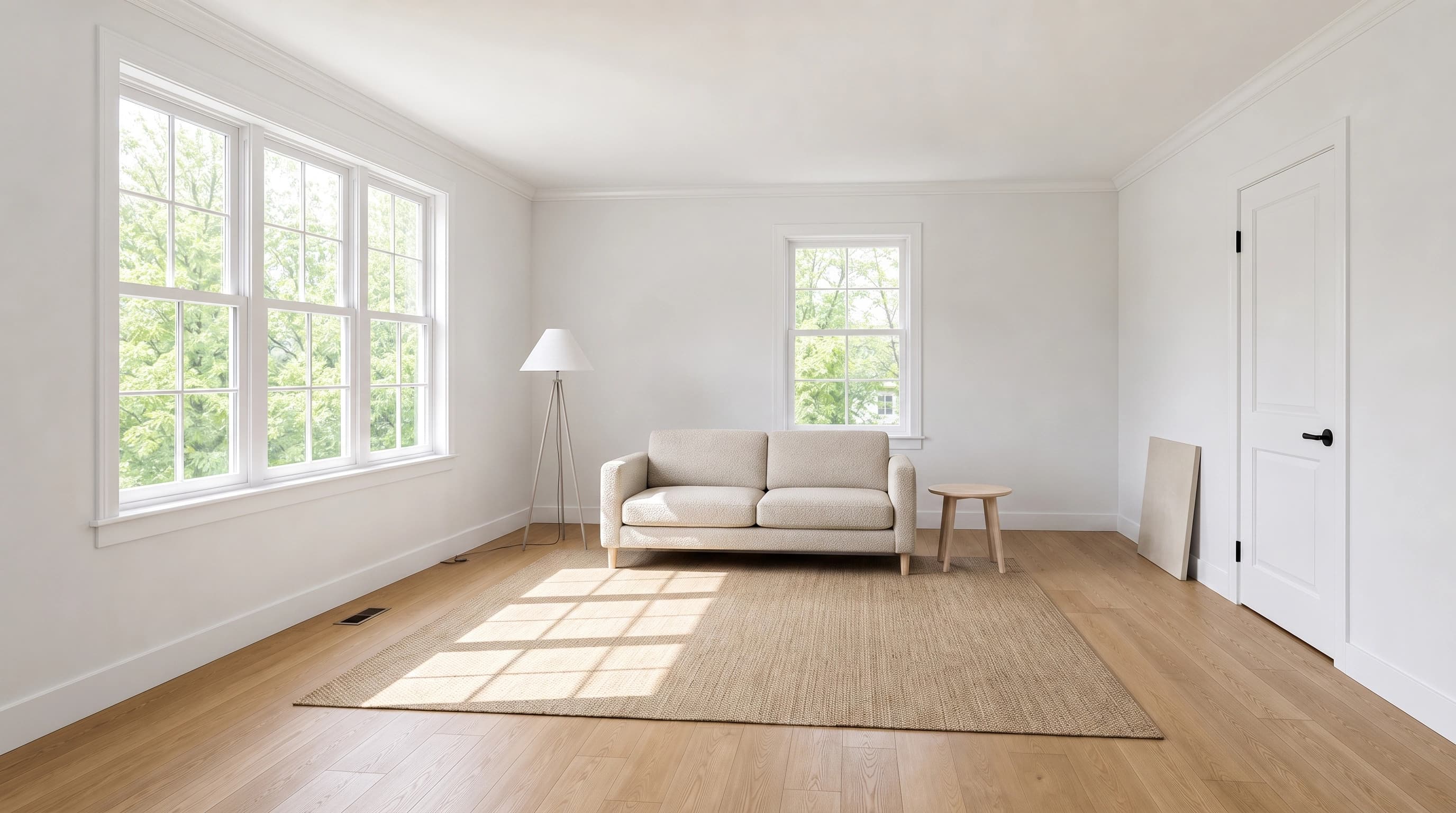
One thing services still do better: they will fix it. BoxBrownie will redo a staged image at no extra cost within two months of the original job. With software, a wrong render is your problem, which is why re-render policy is worth reading before you subscribe.
Is there a virtual staging app for your phone?
Some of these ship a phone app: Virtual Staging AI publishes one on Google Play, and the rest run in a mobile browser. Whether you should stage from your phone is a different question. Staging quality depends heavily on the source photo, and the shots that stage well are wide-angle, level, well-lit, and taken from about chest height, which is the standard real estate photography setup and not what a handheld phone snap usually produces. Use a phone app to review and approve renders; shoot the source properly.
Can you do virtual staging yourself?
Yes, and increasingly the software assumes you will. Every software tool on this page (everything except BoxBrownie) is self-serve: you upload a photo and stage it without hiring anyone. The skills question is smaller than people expect: with auto staging you choose a room type and a style, and the tool handles furniture scale, placement, and shadows.
Where doing it yourself gets hard is judgment, not operation. You have to notice when a render has invented a doorway, put a rug through a wall, or lit a room from a direction the windows do not support. Those errors are obvious once you are looking for them and easy to miss when you are pushing ten photos out the door. For the fully free routes, including the manual Photoshop approach, see our guide to free virtual staging. If you are new to the concept altogether, start with what virtual staging is.
How to evaluate virtual staging software on your own photo
Every vendor gallery looks perfect, because the vendor picked those rooms. The only test that means anything is your own listing photo, and four checks catch nearly every failure:
- Compare against the original at full size. Open the staged image and the source side by side. Window mullions, floor vents, baseboards, outlets, and door frames are the details models silently rewrite. If the architecture moved, the photo is not usable in a listing regardless of how good the furniture looks.
- Check the shadows. Furniture that floats reads as fake instantly. Contact shadows under the sofa legs and rug edges should match the direction of the light coming through the windows.
- Check the scale. A sofa that is subtly too big makes a room look smaller, which defeats the entire purpose.
- Re-render the same room. Then find out what that cost you. Unlimited re-renders and metered re-renders are very different products at the same headline price.
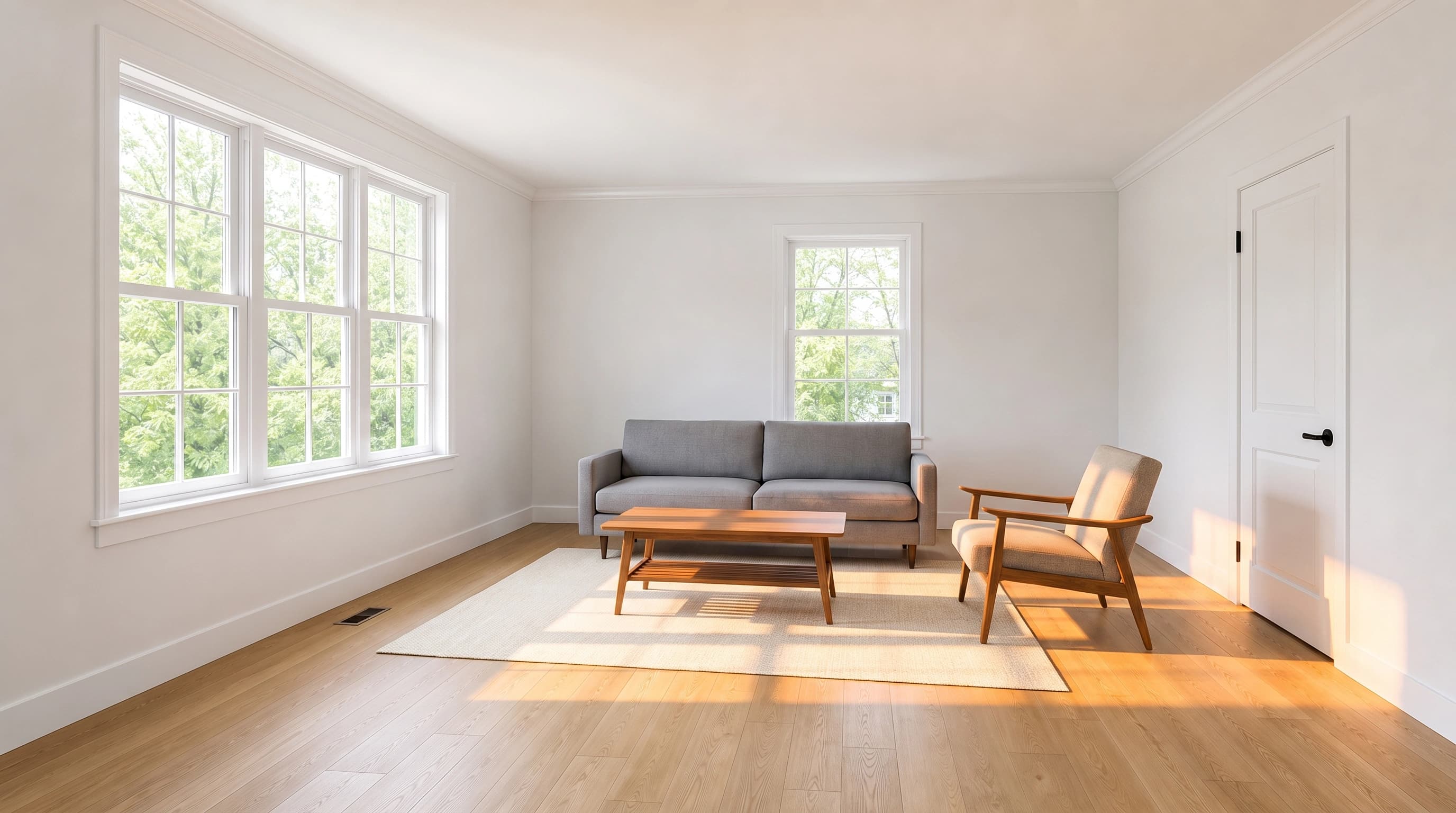

Run that checklist on the same room across two or three tools before you commit to any subscription. You can start with ours right here, no account required.
Try it now
Free to try, no account needed Example output
Your generated image will replace this example.
Disclosure, the part the pricing pages skip
Virtual staging is legal and normal, and it is also regulated by whoever runs your MLS. The National Association of Realtors Code of Ethics Article 12 requires that Realtors "be honest and truthful in their real estate communications and shall present a true picture in their advertising, marketing, and other representations." It does not spell out a virtual staging rule specifically, which means the operative requirements come from your local MLS, and they vary.
The safe practice regardless of jurisdiction: label the photo as virtually staged, and publish the original empty-room shot alongside it. Note also that a caption entered in the MLS may not survive syndication to third-party portals, so labeling burned into the image is the more durable option. Check your own MLS rules rather than trusting a vendor blog on this, including this one.
The bottom line
Buy Stager AI or Virtual Staging AI if you are staging listings regularly and want a real estate specific workflow. Buy ApplyDesign or BoxBrownie if you stage rarely and refuse to hold a subscription, understanding that per-image pricing costs many times more per photo. Buy AI HomeDesign on annual billing, or Stager AI at a high quota tier, if you are doing real volume: both land under $0.25 a photo.
And before any of that, stage one real room in two or three of them and compare against the original at full size. The furniture in every demo gallery is fine. Whether your windows survive is the thing that decides it.