Guides
AI Product Photography: What It Does Well, and Where It Breaks
AI product photography can build the scene but not the product. What works, what breaks, what Amazon and Etsy actually allow, and what it costs versus a shoot.
AI product photography works, with a specific and important asterisk: it is good at building a scene around your product and bad at inventing the product itself. Put a real photo of your SKU in front of it and ask for a kitchen counter, a café table, a linen picnic blanket, and you will get a usable gallery image in about fifteen seconds. Ask it to imagine your product from a text description and you get something that resembles what you sell, which on a marketplace listing is not a style choice, it is a misrepresentation.
That distinction runs through everything below: which technique to use, what breaks, what Amazon and Etsy actually permit, and what it costs compared to booking a photographer. Every number and policy below was checked in July 2026 against the platform's or vendor's own documentation wherever that documentation is public, because this topic is full of confidently-repeated figures that dissolve the moment you look for the source.
Can AI do product photography?
Yes for context, mostly no for the hero shot.
Break a listing gallery into its jobs and the answer stops being one answer:
- The main pack shot (product on white, no props, no text) needs to be a true photograph of the thing you ship. AI can clean it up. It should not create it.
- Lifestyle and in-context shots (the product on a counter, a desk, a bathroom vanity) are where AI genuinely replaces a shoot. Nobody is being deceived about the product by a plausible kitchen behind it, and this is the category small catalogs have always skipped because a styled set costs real money.
- Scale, detail, and texture shots sit in between. A macro of your stitching or your fabric weave has to be real, because that is exactly the information the buyer is inspecting.
- Ad creative and email heroes are the easiest win. No marketplace policy applies, and variation is the whole point.
So the honest version of "can AI do product photography" is: it can do most of the images in a typical gallery, and the ones it cannot do are the ones carrying the trust.
The two techniques, and why only one keeps your product intact
Almost every tool in this category is doing one of two very different things, and they get marketed with the same words.
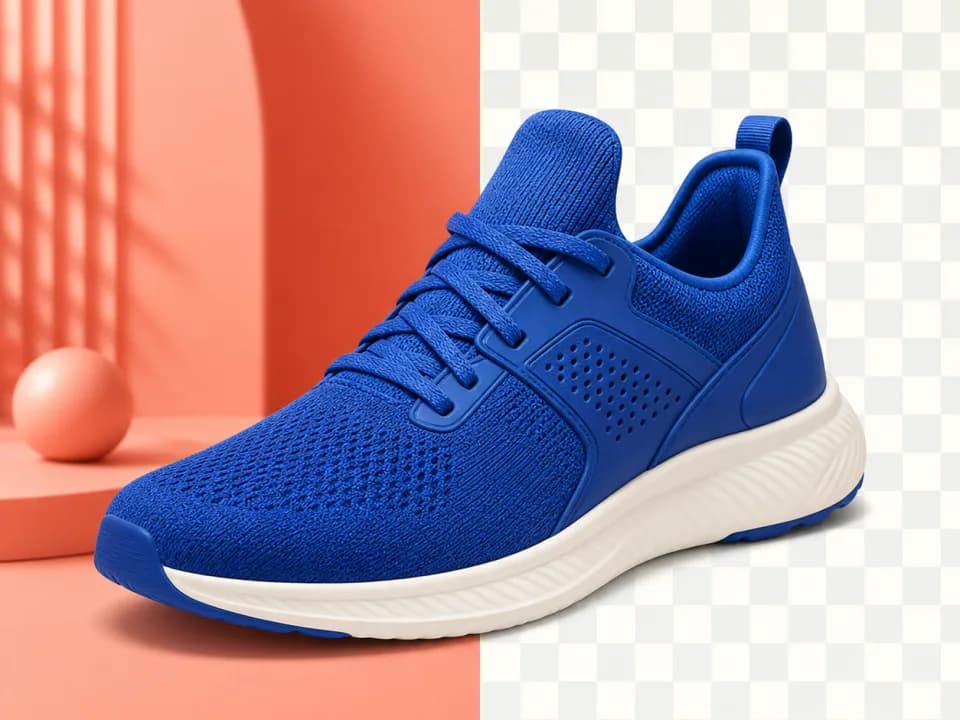
Cut out and composite. A segmentation model masks your product, returns it as a transparent PNG, and you place that PNG on a new background. Your product's pixels are literally the ones from your camera. Nothing about the label, the color, or the texture can drift, because nothing regenerated it. The failure mode is the edge: a gray fringe from the original scene, a missing contact shadow that leaves the product floating, or a light direction that disagrees with the new backdrop. Those are compositing problems, and they are fixable.
Re-render with your photo as a reference. An image-input model takes your product photo and generates a whole new frame: product and scene together, lit as one photograph. This is what produces the convincingly real lifestyle shots, because the shadow, the reflection in the marble, and the depth of field are all rendered consistently rather than faked in layers. The catch is that your product is redrawn, not pasted. Shape and color and large label type survive a good reference photo. Fine print, small logos, and eight-point ingredient lists can shift.
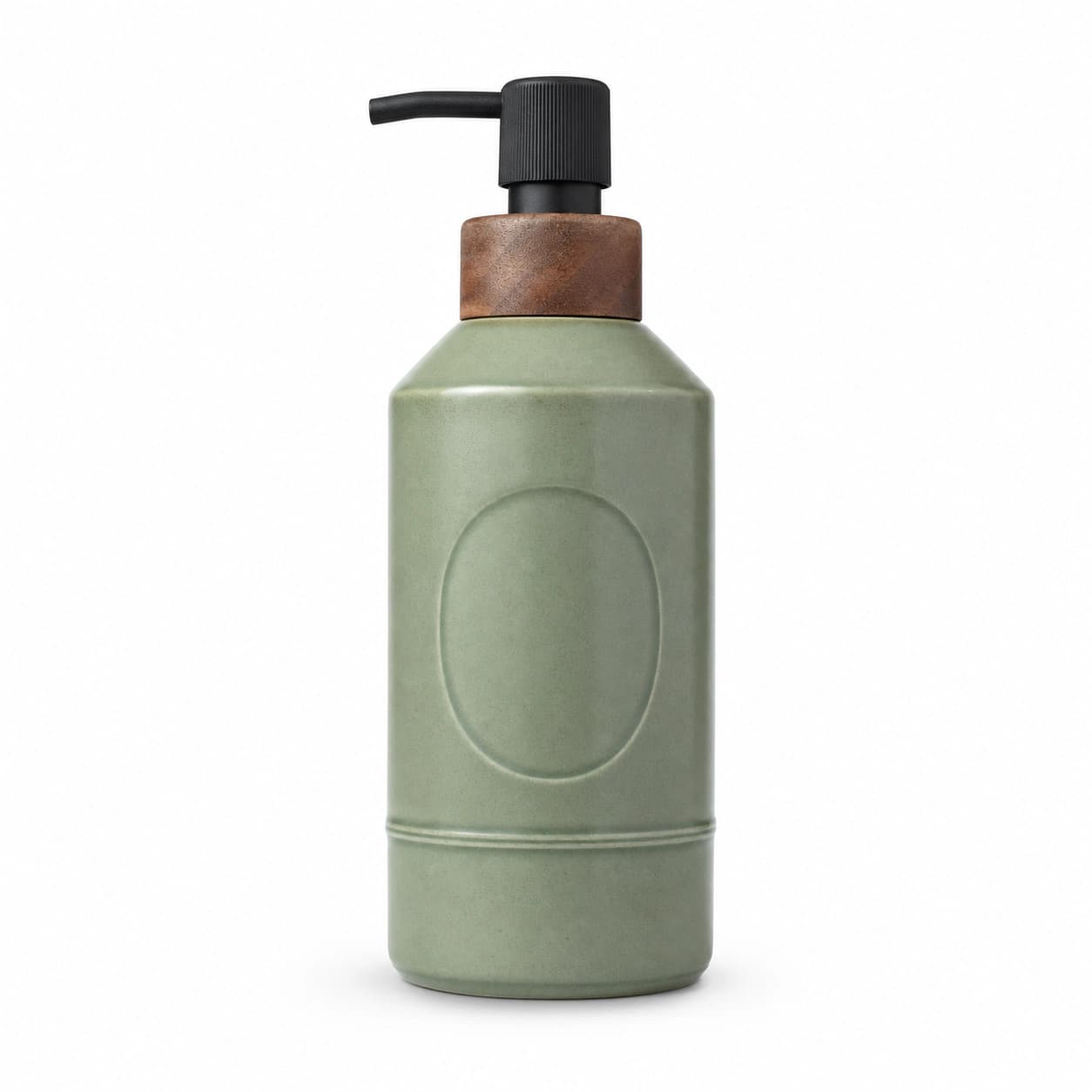
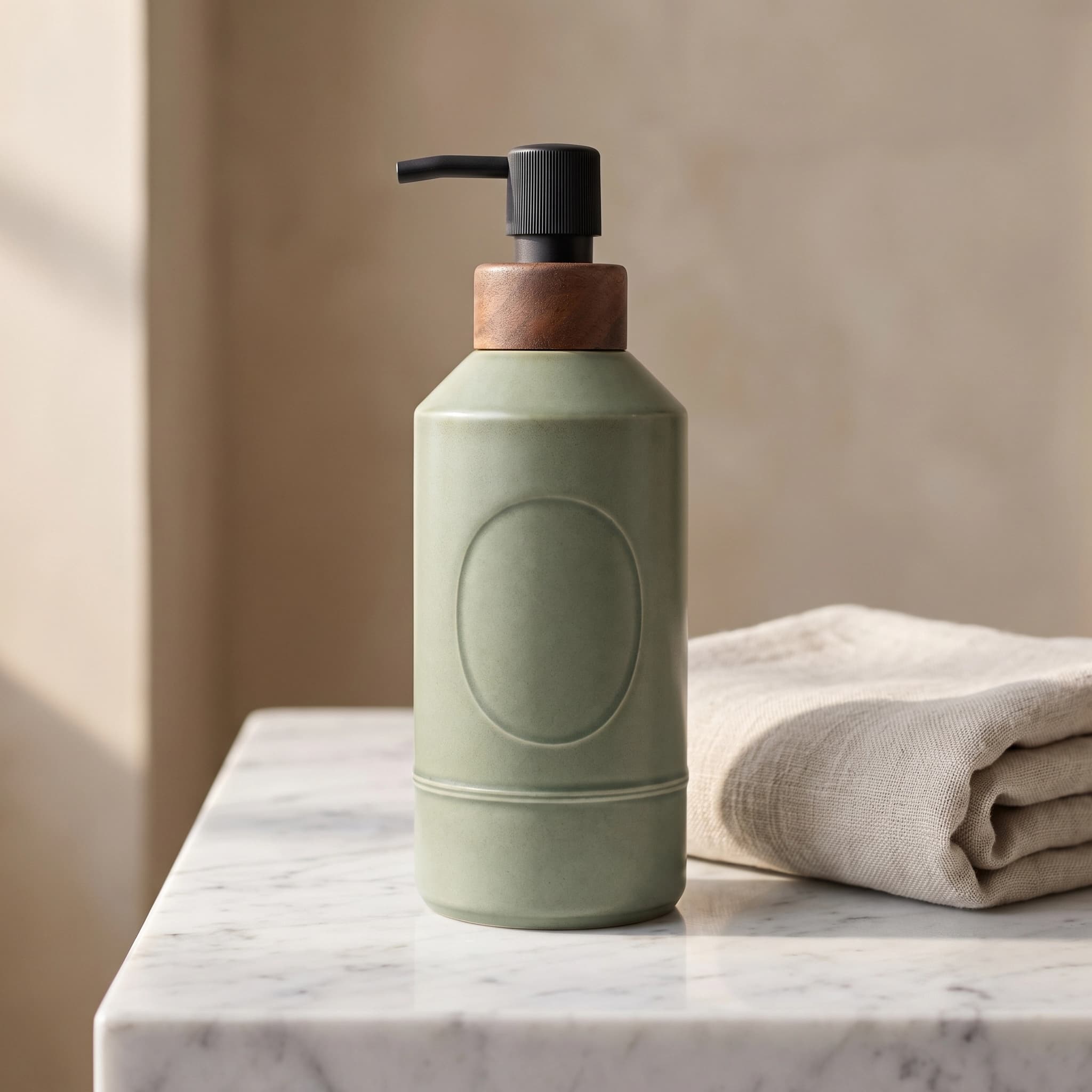
People conflate these, then get surprised when a generated bottle has slightly-wrong lettering. It is worth knowing which one you are using. Our product background changer is deliberately built to demonstrate the difference on your own photo: same product, new surface and backdrop, with a real contact shadow instead of a paste. If you want the strictly pixel-preserving route instead, run the photo through the background remover, which returns a transparent PNG you can composite yourself, and see our guide on how to remove a background from an image for the edge-quality checks that matter.
The honest limits of using AI for product photography
Five things break, reliably. If your product is in one of these categories, budget for a real camera.
Reflective and transparent products. Chrome, polished steel, clear glass, and anything with a mirror finish are the hardest case, because the correct pixels depend on what is around the object. A generated scene has to invent a reflection of a room that does not exist, and the result is usually plausible at thumbnail size and wrong at 100 percent. Glassware also has a genuine ambiguity problem for cutout tools: the background legitimately shows through the subject, so no mask is fully correct.
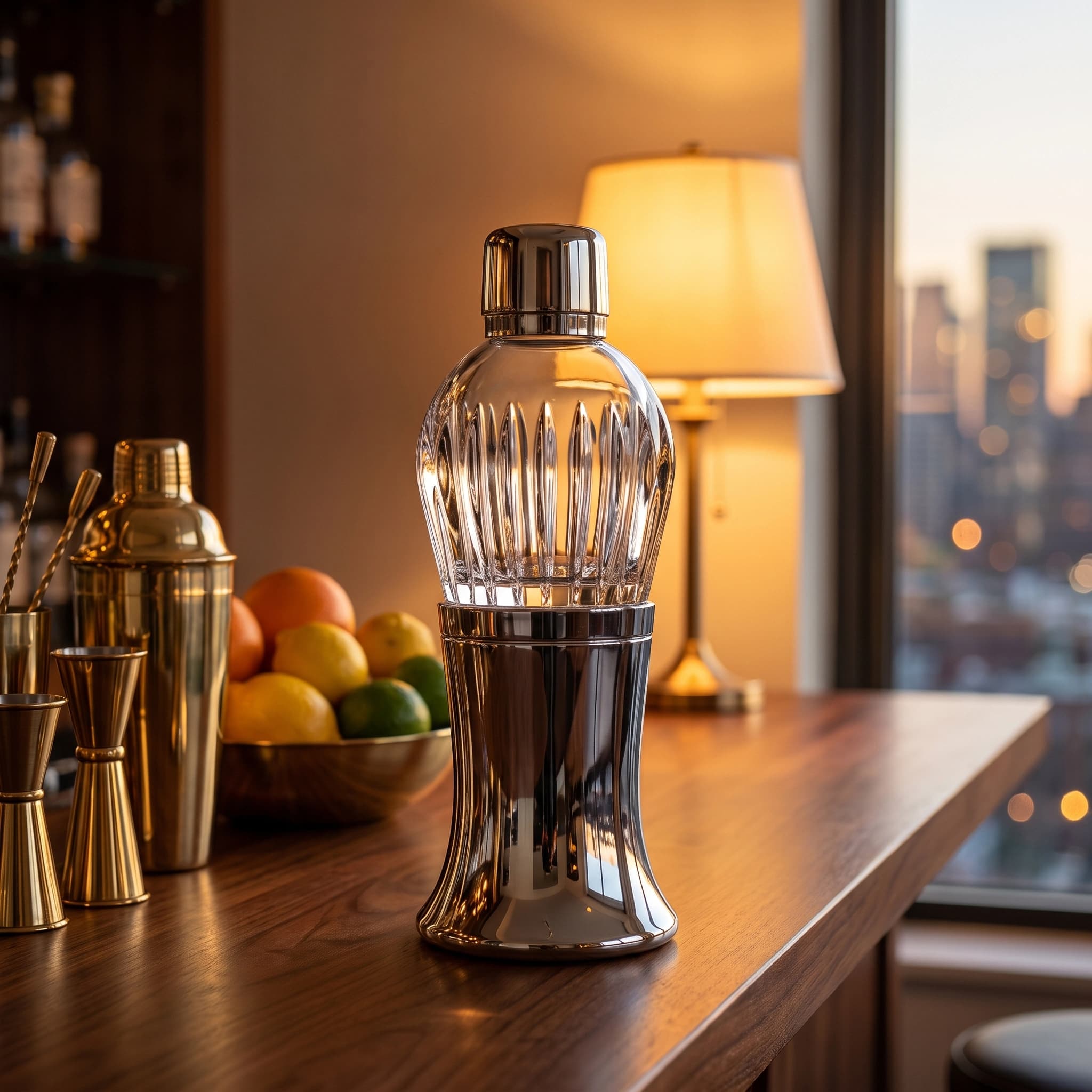
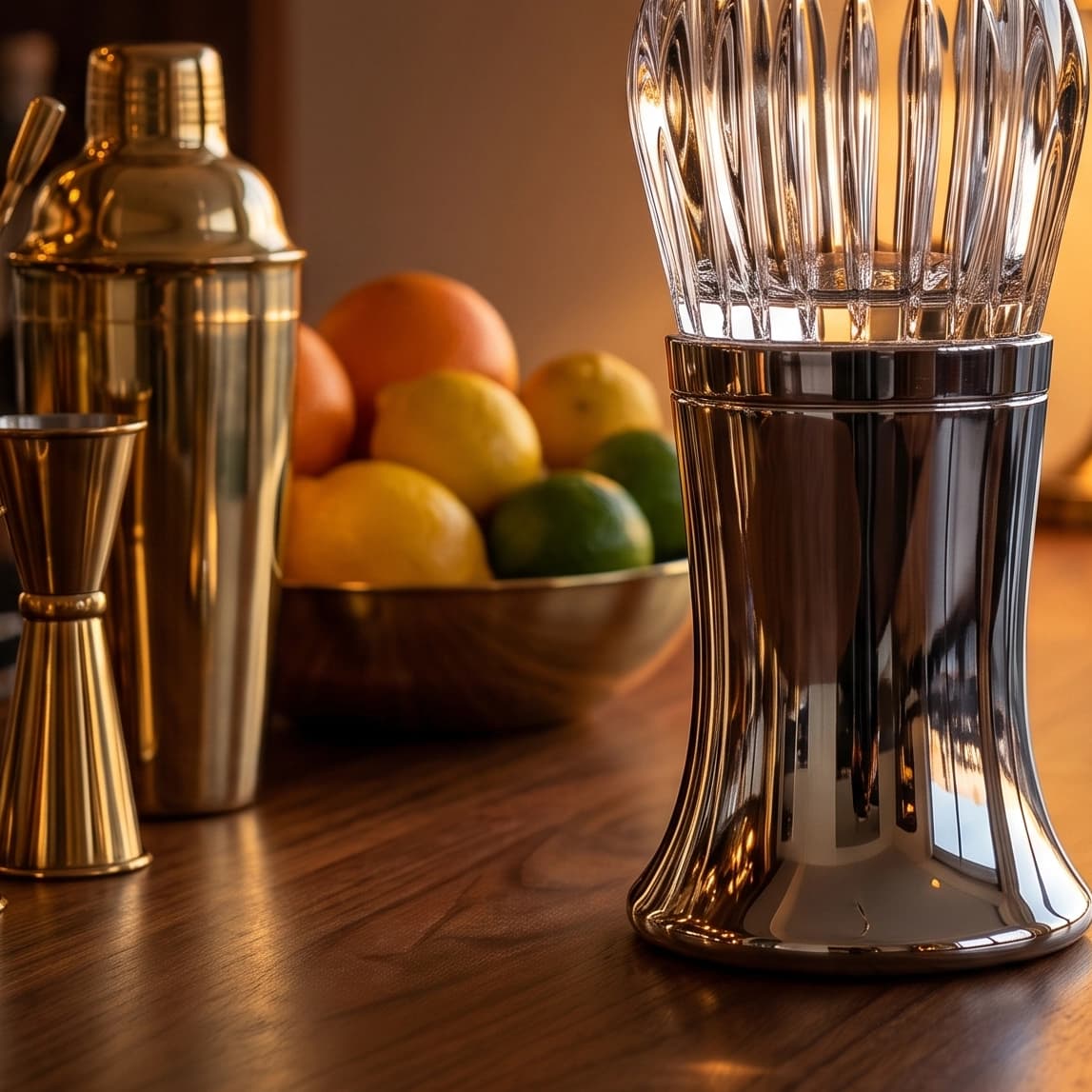
Fine texture. Knit stitches, brushed metal grain, leather pores, paper tooth. Generative models smooth these into a generic version of the material. For a lifestyle shot at gallery size this is invisible. For the close-up that is supposed to sell the quality of the fabric, it is the whole product being misrepresented.
Exact color for a real SKU. This is the one that costs money. A re-render can shift your color, and "close" is not close enough when the buyer opens the box and the sage green is a different sage green. Returns and complaints follow. Check generated colors against your actual product, on a calibrated screen if you have one, and treat any noticeable shift as a fail rather than a stylistic variation.
Small type on packaging. Large bold label text usually survives from a sharp reference photo. Ingredient lists, dosage text, certification marks, and regulatory copy often do not. Zoom to 100 percent and read every word against the original before you publish. If your packaging copy is the selling point, keep a real close-up in the gallery.
Anything the image is claiming. If the generated scene implies a size, an included accessory, a material, or a quantity that is not what ships, it is a policy problem and a consumer-protection problem, not an aesthetic one. A picnic scene that quietly adds a second bottle to your single-bottle listing is a misleading product image regardless of how it was made.
Does Amazon allow AI-generated product images?
Yes, with rules that are stricter about accuracy than about method. Amazon's position is that the image must accurately represent the physical product you are selling. How you produced it is largely your business until it stops being accurate.
The hard specs from Amazon's Seller Central product image requirements are unchanged and they constrain what AI can be used for:
- The main image needs a pure white background, RGB 255, 255, 255, with the product filling 85 percent or more of the frame, no text, logos, watermarks, or inset images, and nothing in the shot but the product being sold.
- Images must be between 500 and 10,000 pixels on the longest side, and Amazon prefers larger than 1,000 pixels on the longest side so the zoom function activates on the detail page.
- Accepted formats are JPEG, TIFF, PNG, and non-animated GIF, with JPEG preferred.
Read those together and the practical rule falls out: keep a real pack shot in slot one, and use generated lifestyle scenes in the secondary slots, where props, context, and styling are allowed and expected. That is exactly what the Amazon listing image generator is built around, slot by slot.
One genuinely new obligation landed this year, and it catches sellers who use AI models rather than AI scenes. Amazon now asks sellers to tag product images and videos containing photorealistic AI-generated people with the IPTC metadata keyword contains-synthetic-performer before uploading, per reporting by eWeek on July 24, 2026. It is driven by New York's synthetic performer disclosure law, an amendment to General Business Law section 396-b that was signed on December 11, 2025 and took effect June 9, 2026, carrying civil penalties of $1,000 for a first violation and $5,000 for each one after. Two things worth being precise about: the requirement covers photorealistic people created entirely by AI and not based on a real person, and it does not extend to AI-generated products, real people who were merely AI-edited, fictional characters, or non-photorealistic imagery. If your lifestyle scenes contain no people, this does not apply to you.
Etsy is stricter than Amazon, and sellers get this backwards
Etsy's Listing Image Requirements are the tighter of the two. Sellers must use their own photos of the actual finished product, not renderings or stock photos, with limited exceptions. Using a photo of a blank product, or a mockup with placeholder text, as the main image is prohibited outright. Computer-generated mockups are explicitly allowed in additional listing images to show customization options, as long as the first image is the real thing. For personalized or customized items, the first image has to show a finished, customized example similar to what the buyer receives.
The workable Etsy pattern is therefore the same shape as Amazon's, with less room: photograph the real item once for slot one, then generate the context shots. For print-on-demand sellers with no physical sample yet, the relevant reading is our guide to making product mockups for free, plus Etsy SEO for how listing images feed the quality score.
Shopify, your own site, and paid social have no equivalent policy. You own the storefront, so the only constraint is advertising law and not misleading a buyer, which is a lower bar than a marketplace's image review but not a zero bar.
How much does AI product photography cost?
Cents, not dollars. On Pebblely's published tiers the arithmetic runs from 30 cents an image on the entry plan to about 8 cents at the top one. Traditional photography is quoted in dollars per image, so the gap is roughly two orders of magnitude.
Verified current pricing on the tools that rank for this term:
| Tool | Entry price | What you get |
|---|---|---|
| Pebblely | US$9/mo (Lite) | 30 images/mo; $19 for 200, $39 for 500 |
| Pixelcut | $10/mo (Pro) | $120/yr; Business $30/mo; a limited free tier |
| Dream Pixel Forge | Free to start | 15 credits on signup, refilling daily when you run low; 2 credits per image on the standard model, reference photo included |
For the traditional comparison, current studio rate cards put a white-background packshot at $15 to $50 per image, styled lifestyle work at $89 to about $300, and full shoot days at $1,125 to $4,450, with setup fees and project minimums on top. Those figures come from published vendor pricing pages checked in July 2026, and the full breakdown, studio by studio, is in our product photography pricing guide. Your real number depends on styling, props, retouching, and whether you are shipping product to a studio.
The reason to know the real spread is that the AI-versus-photographer decision is rarely all-or-nothing. One real shoot for the pack shot and the texture macro, then generated scenes for everything else, is cheaper than a full shoot and more defensible than a fully synthetic gallery.
Which AI tool is best for product photography?
There is no best one, but there is a fast way to sort them: ask what happens to your uploaded photo.
The product photography AI tools that rank, compared
- Background-first editors (Photoroom, Pixelcut, Claid) come from the cutout tradition. Strong at masks and batch throughput, increasingly good at generated backdrops, and the natural pick if you have hundreds of SKUs and mostly need clean, consistent, catalog-style images.
- Scene generators (Pebblely, Flair) are built around styled sets. Better at making one product look aspirational, weaker at bulk catalog hygiene.
- General image models (whatever chat assistant you already pay for) will happily produce a beautiful product photo of a product that is not yours. Fine for concepting a scene before a shoot. Not fine for a listing.
- Purpose-built listing tools encode the destination's rules, which is the part that saves you a suppression email. Our AI product photography generator takes your product photo plus a scene and lighting preset and returns a composed lifestyle image at 1024 by 1024 for the 1:1 gallery slot, above Amazon's 1,000-pixel zoom threshold, with 4:5, 3:4, and 16:9 available for social and banners.
AI product image generator or photo editor?
If you have a product photo, you want reference-image generation or compositing, not a text-to-image AI product image generator. The distinction is the single highest-value thing to understand in this category. A text-only generator has no way to know what your product looks like, so it produces a convincing member of the same product category. That is useful for storyboarding a shoot and useless for a listing. Every tool worth paying for in this space accepts your photo as an input; if one does not, it is a scene generator wearing a product photography label.
How to make an AI product photo that survives a real listing
The workflow that holds up, in order:
- Start from your best real photo. Sharp, evenly lit, product filling most of the frame, plain background, straight-on or slight angle. The model can only preserve detail it can see, so a soft phone snap in bad light produces a soft, wrong result no matter which tool you use.
- Fix the pack shot first, without generation. Remove the background, composite on true white, and check for a gray fringe. That is slot one done, and it is the image that has to be real.
- Match the scene to actual use. Kitchen counter for food and drinkware, bathroom vanity for skincare, desk for tech and stationery, café table or picnic for anything portable. A moody editorial set for dish soap reads as staged and costs you trust.
- Generate a set, not a hero. Keep the same reference photo and vary scene and lighting. Three to five images across different settings gives you gallery slots and ad variants at once, which is the actual economic argument for this whole approach.
- Audit at 100 percent before publishing. Read every word of label text against the original. Check the color against the physical product. Look at the contact shadow: if the product floats, the image will read as fake to a buyer even if they cannot say why.
- Upscale only what needs it. Gallery images are fine at 1024. Print and large-format ads are not, so run those through an upscaler rather than generating larger and hoping.
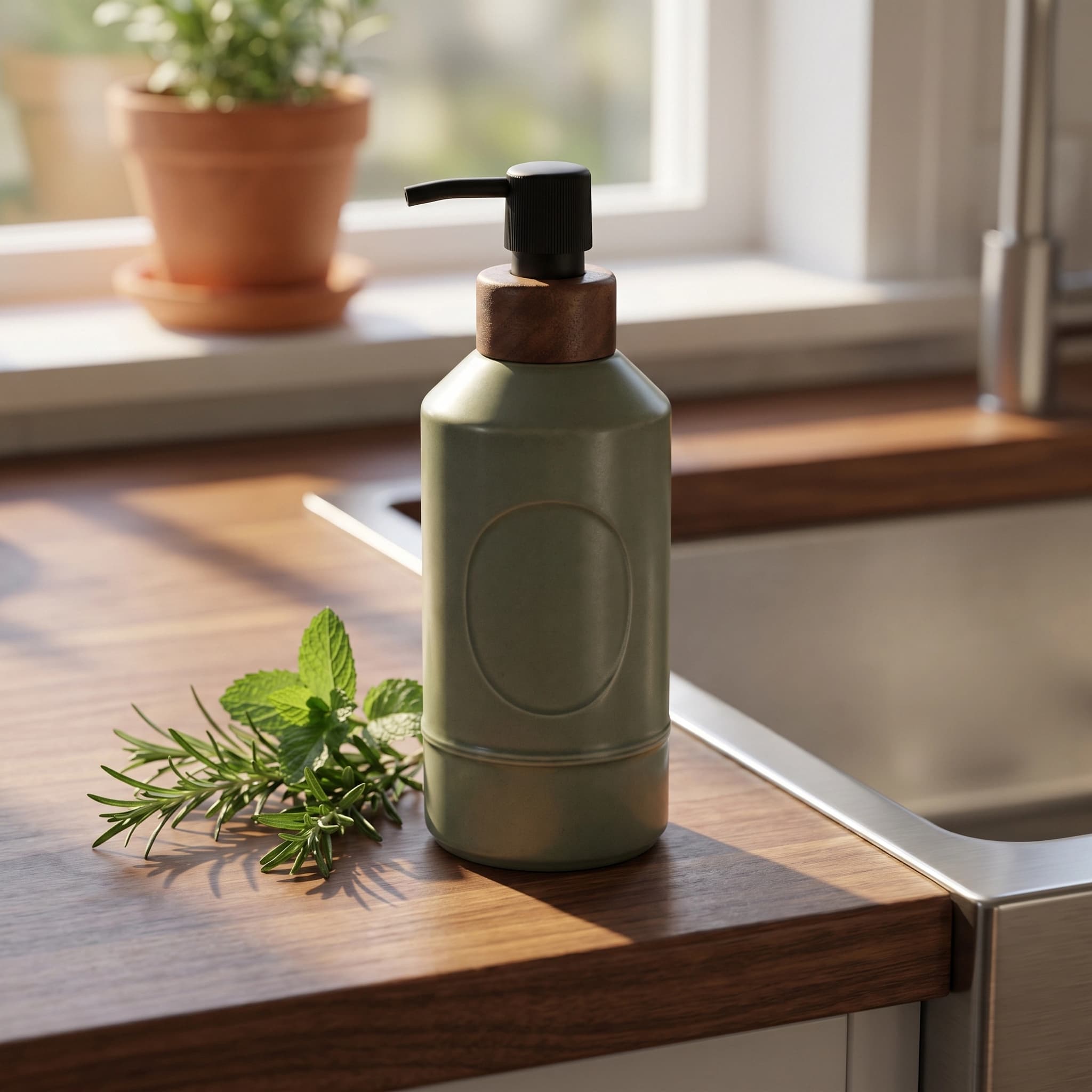
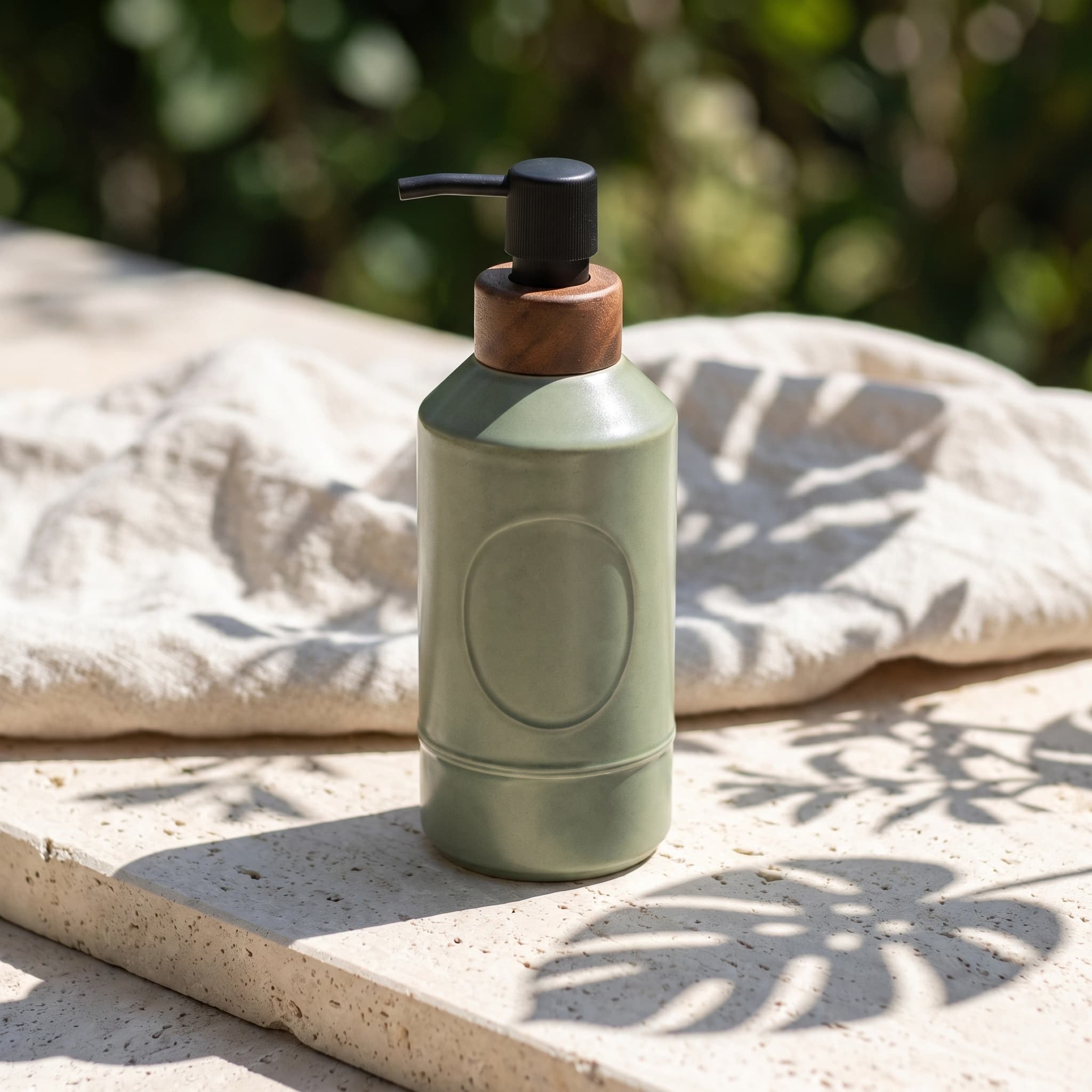
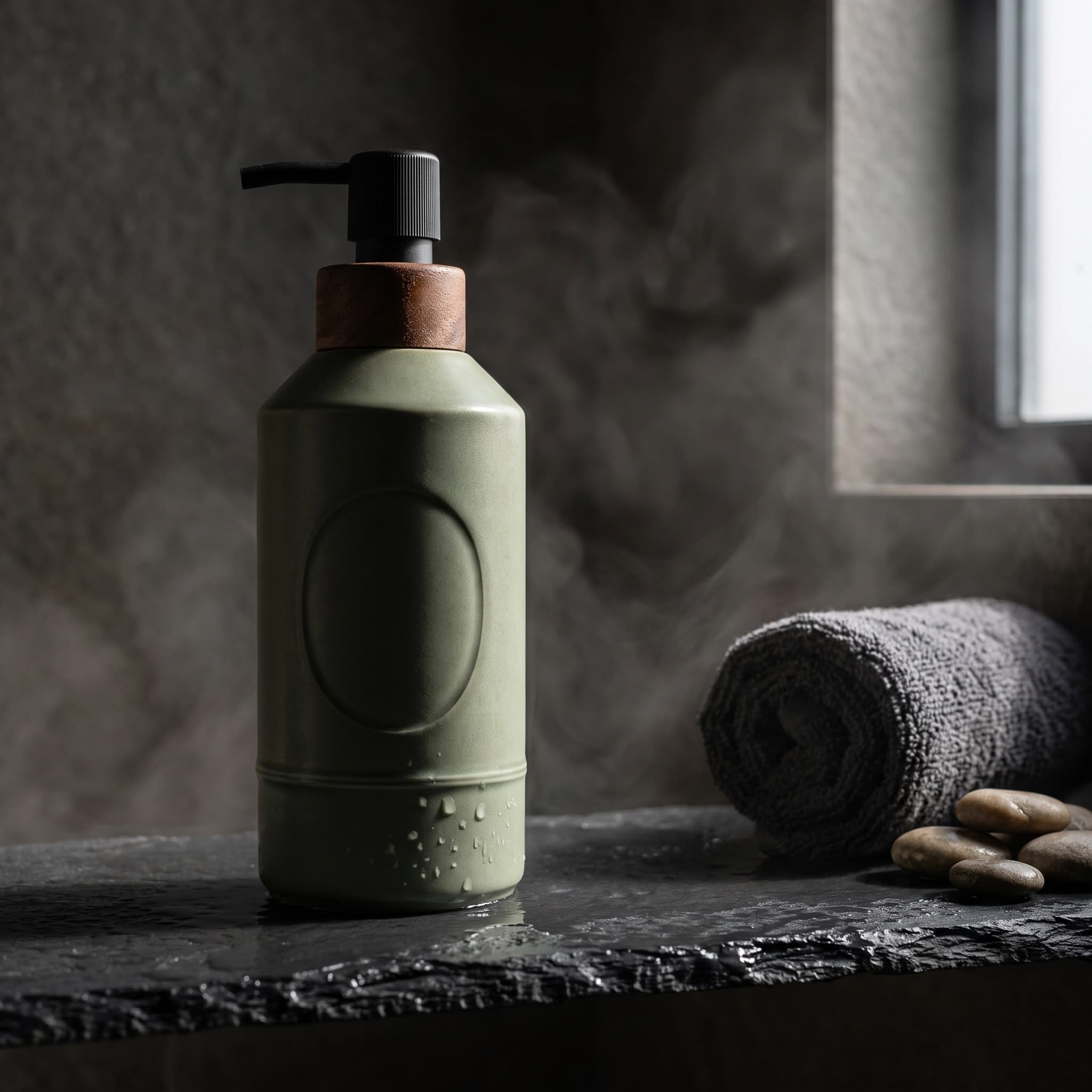
Step four is where the time actually goes, and it is the step worth automating. Attach your product photo, pick a scene, and generate the set here:
Try it now
Free to try, no account needed Example output
Your generated image will replace this example.
For print-on-demand and Etsy sellers whose "product" is a design rather than an object, the parallel workflow runs through the product mockup generator instead, since there is no physical item to photograph until the first sample arrives.
About those conversion statistics
Search this topic and you will meet the same handful of numbers everywhere: professional photos lift conversion 33 percent, lifestyle plus studio imagery lifts it 30 percent, high-quality photos convert 94 percent better. I went looking for the primary sources this session and could not find them. Each figure traces back to blogs citing other blogs, with no locatable study, sample size, or methodology behind it. The 33 percent figure is attributed to a Shopify survey that nobody links to.
The defensible version of the claim does not need a percentage. Marketplaces give you six or seven gallery slots because buyers use them, and Amazon's own guidance for the additional slots is to show the product from other angles, in use, and in detail. Filling them well is obviously better than leaving them empty or duplicating the pack shot. If you want a real number for your own catalog, the honest route is to change the gallery on ten listings, leave ten alone, and read your own conversion data in thirty days. That is a better answer than anything you will find repeated on this SERP, including here.
Where this leaves you
AI product photography is not a replacement for knowing what your product looks like. It is a replacement for the styled set, the prop budget, and the two-week turnaround, which for a small catalog were always the reasons lifestyle images did not get made. Keep the pack shot real, keep the texture macro real, generate everything in between from a photo of the actual thing you sell, and audit at full zoom before publishing.
If you want to see what your own product looks like on a marble counter before committing to anything, the lifestyle scene generator is free to try with no account, and pricing explains how credits work once you are generating a full gallery.