Print on demand
How to Make Product Mockups for Free, No Photoshop Required
The three ways to mock up a product design in 2026 — PSD templates, mockup template sites, and AI generation — what each costs, and when each one wins.
There are three ways to turn a design into a product mockup in 2026: PSD templates in an editor, template-based mockup websites, and AI generation. All three have free tiers, and each wins in a different situation, so here's how they actually compare when you're producing listing images for a shop.
Option 1: PSD templates
The classic route: download a mockup PSD, open it in Photoshop (or the free alternative Photopea, which runs in a browser and handles smart objects), paste your design into the smart object layer, and export.
Where it wins: pixel-exact placement. The design lands precisely where the smart object puts it, at exactly the size and perspective the template author masked. For strict brand work, licensed logos, brand guidelines, print-position specs, this is still the standard.
Where it costs you: each product, color, and angle is a separate template to find, and the good ones are paid. The free-template ecosystem is large but heavily picked over: the popular freebies appear in thousands of other shops' listings, which is exactly the sameness a small shop needs to avoid. Realistic fabric behavior is also only as good as the template's displacement map, cheap ones produce the pasted-on-rectangle look.
Option 2: Mockup template sites
Placeit, Smartmockups, Mediamodifier and similar sites host thousands of photo templates: upload a design, position it in the browser, download. No software to learn.
Where it wins: speed and product breadth. Hundreds of garment, device, and packaging scenes with human models, ready in a minute each.
Where it costs you: subscriptions gate the good templates and clean downloads, and the same template library serves every subscriber, the model wearing your tee is wearing a thousand other designs in a thousand other listings. Customization stops at the design layer: you can't change the room, the model's pose, or the lighting.
Option 3: AI mockup generation
The newest route: upload the design file, describe or select the product and scene, and the mockup is generated as a single photograph, the garment, the print, the lighting, and the scene rendered together.
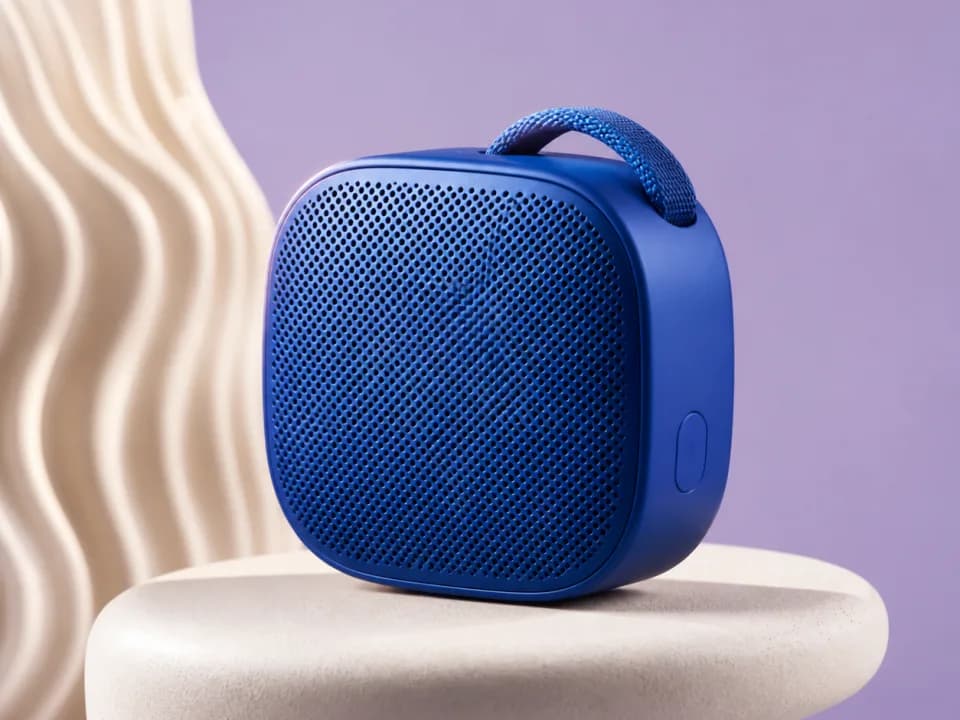
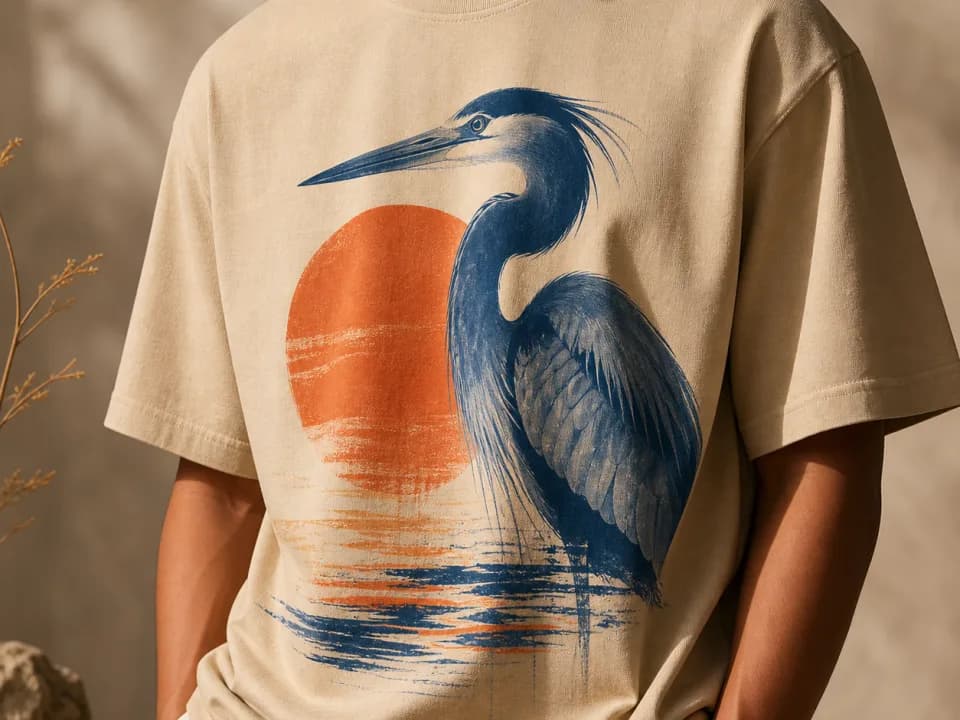
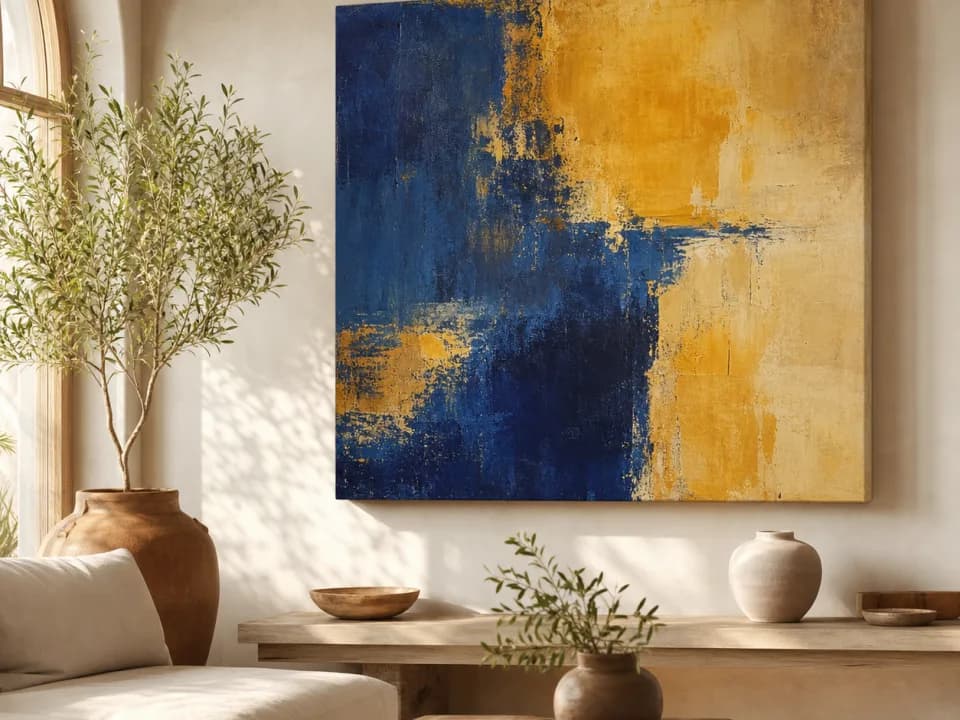
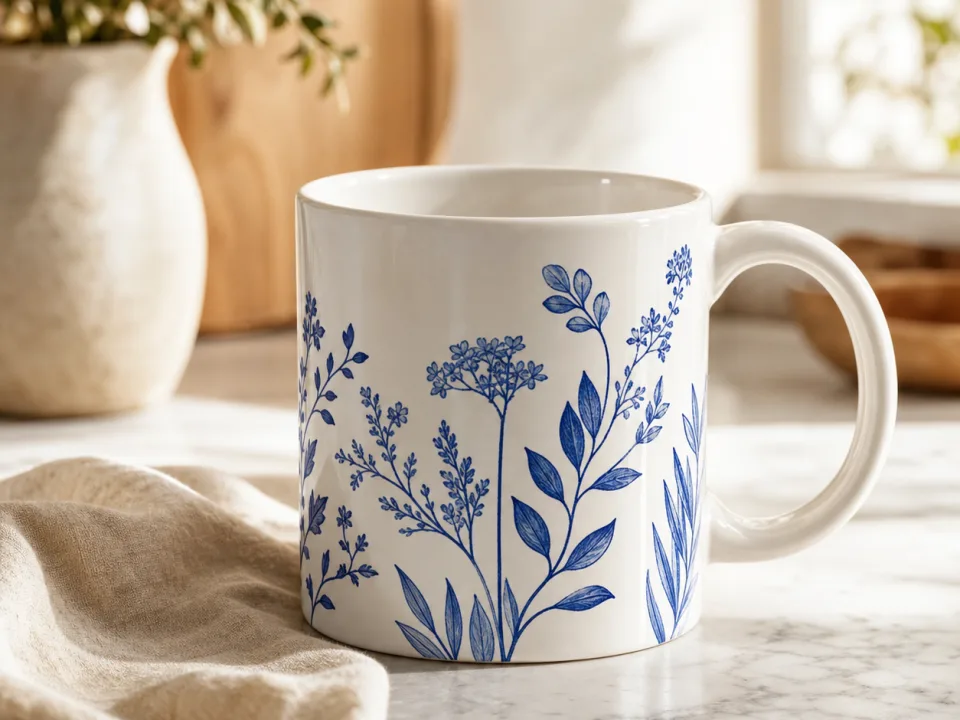
Where it wins: infinite scene variety and physical realism. Because the product and design render together, the print bends through fabric folds, wraps around a mug's curve, and sits under real lighting, the things flat compositing fakes with displacement maps. No two generations are the same photo, so your listings don't share templates with anyone. A t-shirt mockup in six colorways, a mug in a holiday scene, or wall art in five different rooms are each a couple of clicks, not template purchases.
Where it costs you: the design is redrawn, not composited, so reproduction is close but not pixel-exact. Fine print and small logos can shift, which is why generated mockups suit realistic listing photos better than brand-compliance documents. Free tiers are typically credit-based, this one starts with 15 free credits refilling daily.
Which one should a POD or Etsy seller actually use?
- Validating designs fast, or filling a listing gallery with varied scenes: AI generation. The per-image cost is near zero and scene variety is the point.
- A licensed logo with placement specs, or a client who'll measure the print position: PSD template. Pixel accuracy is the requirement, so composite it.
- You need a specific human-model demographic wearing the product today: a template site subscription still has the deepest model-photo library.
In practice, established shops mix routes: AI mockups for listing galleries and seasonal refreshes where variety sells, one PSD composite for the precise flat product shot, and a real photo of a printed sample as the trust anchor once samples exist. The expensive habit to break is buying another template every time you need another angle, that's the workflow the other two options exist to replace.
Mockups are one stage of a larger loop. If you're standing up a shop rather than a one-off listing, see how the design, mockup, and listing steps fit together in an AI print-on-demand store that never holds inventory.